
From my experience with Dub AI, I found it excels at simplifying the complex process of video localization by automating voice dubbing with AI. The platform’s intuitive interface and fast processing make it accessible even for users without technical expertise. It’s particularly well-suited for content creators and marketing teams aiming to reach international audiences quickly. However, the AI-generated voices, while natural, may lack the emotional depth of human voice actors, which could be a limitation for highly nuanced projects. Overall, Dub AI offers a practical solution for multilingual video dubbing that balances quality and efficiency.
Dub AI Video Dubbing Platform for Multilingual Content Localization
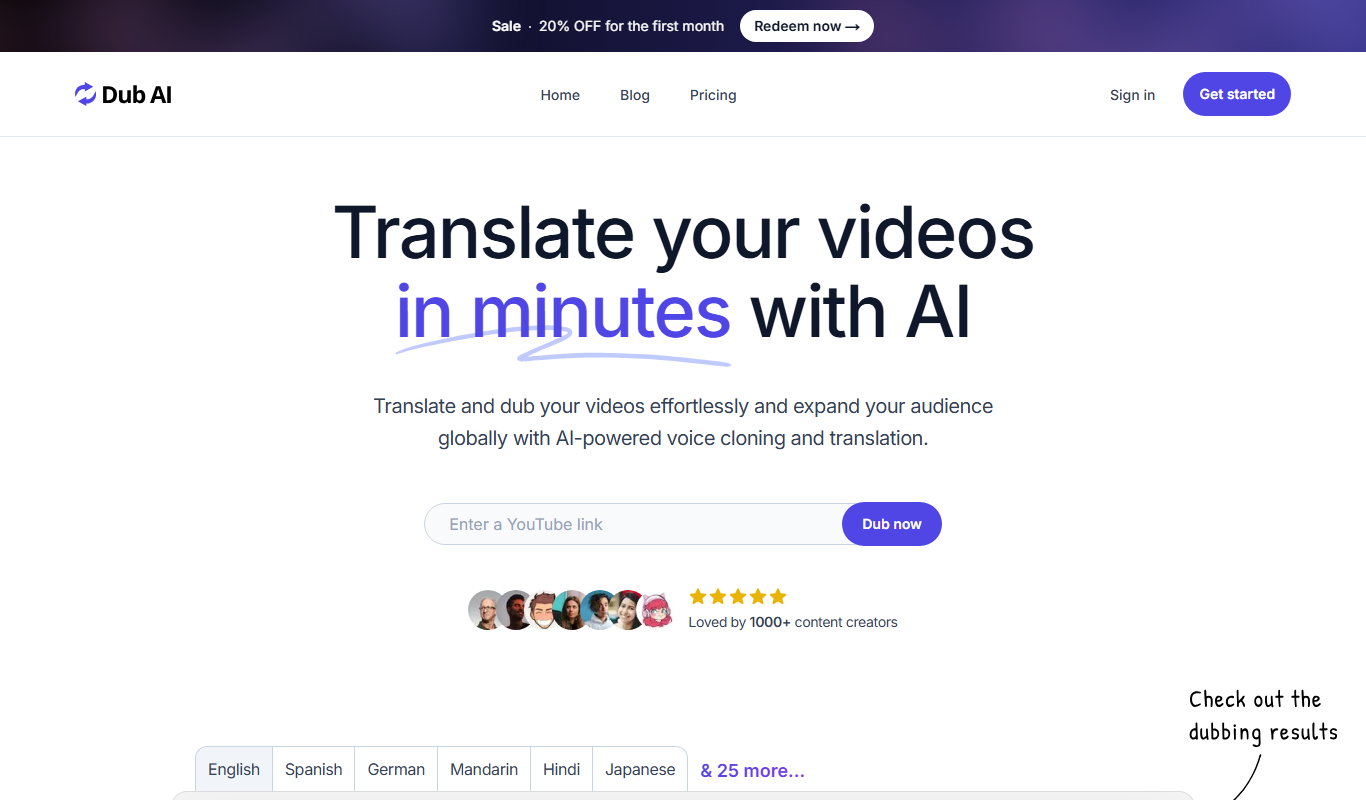
Dub AI is a web-based AI platform that automatically dubs videos into multiple languages using natural-sounding AI-generated voiceovers, enabling easy video localization.
What is Dub AI?
Dub AI is a web-based platform that uses artificial intelligence to automatically dub videos into multiple languages. It enables users to localize video content by generating natural-sounding voiceovers in various languages, making video content accessible to global audiences without the need for manual dubbing or hiring voice actors.
Key Features of Dub AI
AI-Powered Voice Dubbing
Automatically generate natural-sounding voiceovers in multiple languages.
Multi-language Support
Supports a wide range of languages for global video localization.
User-Friendly Interface
Simple drag-and-drop video upload and easy-to-use editing tools.
Fast Processing
Quick turnaround times for dubbing videos without manual intervention.
Cloud-Based Platform
No software installation required; accessible via web browser.
Pros and Cons of Dub AI
Pros
- Automates time-consuming dubbing process
- Supports multiple languages for global reach
- Easy to use with no technical skills required
- Fast video processing and delivery
- Cloud-based with no software installation
Cons
- AI voices may lack emotional nuance compared to human voice actors
- Limited customization of voice tone and style
- Pricing may be high for casual users
Key Use Cases for Dub AI
Multilingual Video Localization
Automatically dub videos into multiple languages to reach global audiences.
Content Creators
Enable creators to easily produce videos with voiceovers in different languages.
Marketing Agencies
Localize promotional videos quickly to target diverse markets.
E-learning
Translate and dub educational videos for international learners.
Corporate Training
Create multilingual training videos for global teams.
How Dub AI Works
-
1
Upload Video
Users upload their original video file to the Dub AI platform.
-
2
Select Target Languages
Choose one or more languages for dubbing the video.
-
3
AI Voiceover Generation
Dub AI automatically generates voiceovers in the selected languages using AI.
-
4
Review and Edit
Users can preview the dubbed video and make adjustments if needed.
-
5
Download or Share
Final dubbed videos can be downloaded or shared directly from the platform.
Who's Using Dub AI
Content creators
Marketing agencies
E-learning providers
Corporate training teams
Video production companies
Dub AI Pricing
Free Trial
$0
Limited access to features with watermarked videos.
Pro
$29/month
Full access to all features with higher limits and no watermarks.
Enterprise
Custom pricing
Tailored solutions for large teams and businesses.
Frequently Asked Questions About Dub AI
Dub AI supports common video formats such as MP4, MOV, and AVI.
Yes, you can preview and make minor adjustments to the voiceover timing and text.
Video length limits depend on the subscription plan, with higher tiers allowing longer videos.
Currently, Dub AI focuses on AI-generated voiceovers and does not offer human voiceover services.
It depends on your specific needs and how you plan to use the tool. The official website and documentation are the best sources for the latest details.
Yes, it can help with that use case depending on how you configure it and what features are available. You’ll get the best results with clear inputs and a defined goal.
Some tools offer a free plan or trial with limited features. Availability can vary, so confirm on the official website.
Yes, it can help with that use case depending on how you configure it and what features are available. You’ll get the best results with clear inputs and a defined goal.
Share your review
Reviews are limited to one per logged-in user and are published after moderation.
You need an account to review this tool.
0.0
★
★
★
★
★
0 reviews
5 star
0
4 star
0
3 star
0
2 star
0
1 star
0
No reviews yet
Be the first to share how this tool worked for you.
Questions from the community
Read questions and answers about this tool, or ask your own.
No questions yet
Start the conversation by asking the first question about this tool.
Is this tool helpful?

Free
Substital Subtitle Tool
Substital is a browser extension tool that lets users add and customize subtitles on online videos from platforms like YouTube and Netflix, supporting multiple languages and subtitle formats.

Custom Pricing
Interprefy
Interprefy is a cloud-based platform that enables real-time remote simultaneous interpretation for multilingual events, allowing participants to listen to live translations in their preferred language via web or mobile devices.

Unknown
Unknown
Custom Pricing
Papercup
Papercup is an AI dubbing platform that automates video voiceover and localization by generating natural-sounding AI voices in multiple languages, helping creators and businesses quickly produce multilingual video content.

Freemium
Dubverse
Dubverse is an AI-driven video dubbing and translation tool that automatically generates multilingual voiceovers and subtitles to help localize videos efficiently.

Custom Pricing
Deepdub
Deepdub is an AI dubbing platform that uses voice cloning and lip-sync technology to create multilingual dubbed videos preserving original actors' voices and emotions.
Unknown