

TalkTastic voice dictation for any app on macOS
TalkTastic is a macOS app for writing with your voice in any app, using a snapshot of your screen and multimodal AI to write what you mean in your style.
- Best for
- Writing emails by voice
- Key capability
- Tap to talk in any app
Save TalkTastic, follow its updates and vote on it — everything stays in your account.
Sign in or create a free account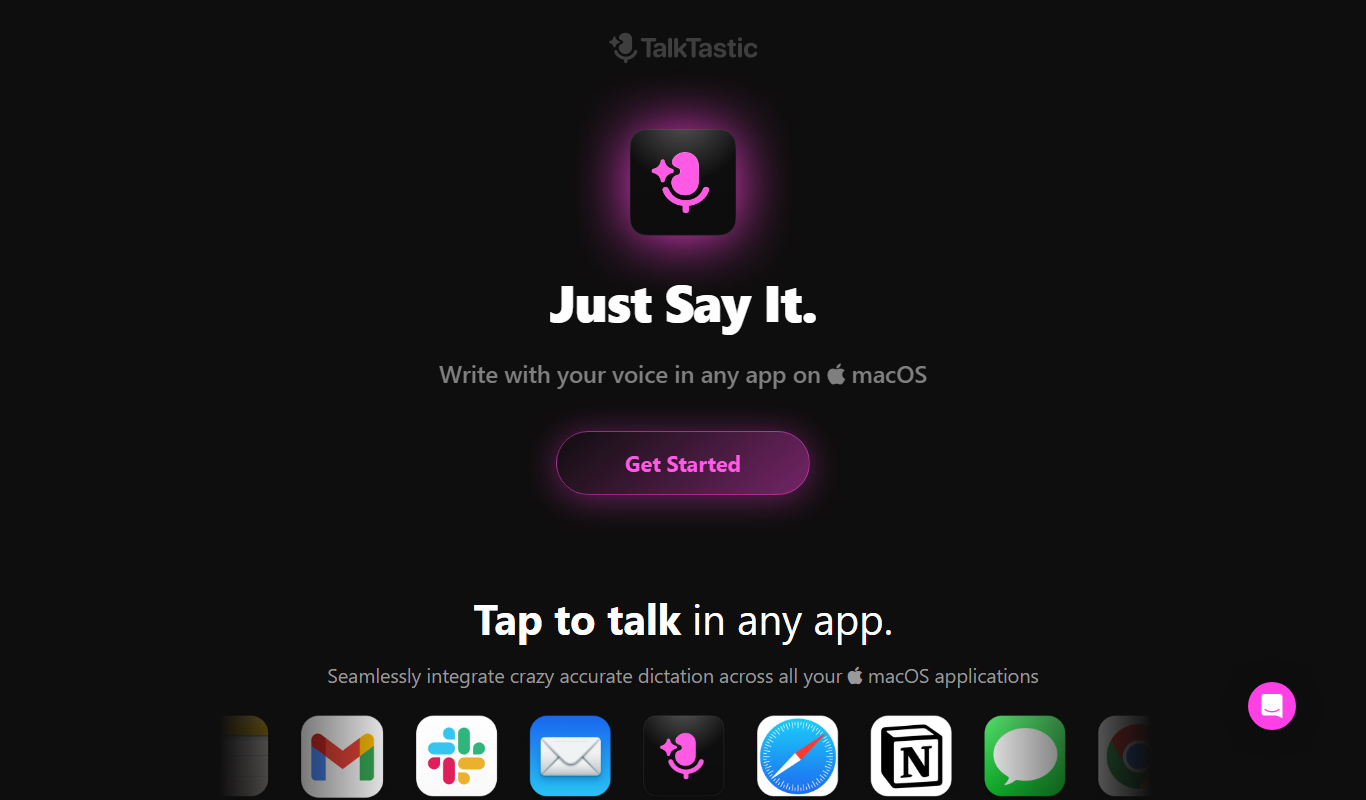
What is TalkTastic?
TalkTastic is a voice dictation app for macOS that lets you write with your voice in any app. It reads a snapshot of the app you are using to understand context, combines on-device AI with multimodal LLMs, and rewrites what you say in your style directly in the app.
Key features of TalkTastic
TalkTastic offers tap-to-talk dictation across all macOS applications, smart rewrites in your style, context understanding from a snapshot of the current app, AI transcripts that combine on-device AI with multimodal LLMs, and snapshot privacy controls with auto-delete.
Tap to talk in any app
Dictation that works across all your macOS applications.
Smart rewrites
Understands your context and writes in your app, in your style.
Screen context
Analyzes a snapshot of the app you are using to match tone and spell names correctly.
Privacy controls
Turn snapshots on or off or auto-delete them after processing; data is not used to train other companies' AI models.
Pros and cons of TalkTastic
Pros
- Works in any app on macOS
- Uses screen context to match tone and spell names
- Snapshots can be turned off or auto-deleted
- Free to use while in Beta
Cons
- macOS only, version 13.1 or later
- End-to-end encryption is still being added
- Context features rely on taking snapshots of your screen
Key use cases for TalkTastic
Writing emails by voice
Dictate messages and long emails in any macOS app.
Notes while multitasking
Talk instead of typing in whichever app you are working in.
Context-aware replies
Match the tone and substance of the conversation on screen and spell names correctly.
Privacy-sensitive dictation
Turn off snapshots or set them to auto-delete after processing.
How TalkTastic works
- 1
Install on macOS
Install TalkTastic on macOS 13.1 or later.
- 2
Tap to talk
Trigger dictation inside any app and speak.
- 3
TalkTastic reads the context
It analyzes a snapshot of the app you are in with multimodal AI.
- 4
Text appears in your app
Your words are rewritten in your style and written into the app.
Who is using TalkTastic
TalkTastic pricing
Free Trial
Free
100% free to use while in Beta; requires macOS 13.1 or later.
PRO
$12.50/month
Listed on the pricing page for larger teams: up to 3 members, up to 2 projects, dedicated support; yearly billing saves 17%.
Professional
$79/month
Advanced features including API access and higher usage limits.
Enterprise
Custom pricing
Tailored solutions with premium support and custom integrations.
Plans and prices are as published by the vendor and can change. Check the official site before you buy. Open the pricing page (opens in a new tab)
Frequently asked questions about TalkTastic
Its patent-pending technology interprets what you say based on what it sees on your screen, combining several speech and language models in one package.
When you trigger a new note in another app, it analyzes a snapshot of that app with multimodal AI to understand tone, style and names.
You can turn the snapshot feature on and off or set it to auto-delete immediately after processing, and your data is not used to train other companies’ AI models.
The home page says TalkTastic is 100% free to use while in Beta.
macOS 13.1 or later.
Yes. It is built to work across all your macOS applications.
No. None of your data is used to train other companies’ AI models.
Conclusion
Users write with their voice in any app on macOS: a tap to talk starts dictation, and the text is written straight into the app. To get the words right, it analyzes a snapshot of the current app with multimodal AI, matching the tone of the conversation and spelling names correctly. Smart rewrites then shape the text in the user’s own style.
Because snapshots are part of the process, privacy controls let users turn them off or have them auto-deleted after processing, and data is not used to train other companies’ AI models. End-to-end encryption is still being added. The app is aimed at writers, creatives and busy people who write a lot on their computer.
It runs only on macOS 13.1 or later, and the home page describes it as free to use while in beta.
Sources
Sign in to review this tool.
Sign In to ReviewNo reviews yet
Be the first to share how this tool worked for you.
Ask about pricing, limits, or how it compares — or answer someone else.
Sign In to AskNo questions yet
Have a question about using or paying for this tool? Be the first to ask.
Featured on TiorAI



More AI Productivity Tools tools
Other tools in the same category, for when this one is not quite the fit.

JotBot AI
JotBot AI is an AI writing assistant that writes in your personal style and helps you find and cite sources without leaving your document.

NoFOMO.AI
noFOMO OS is a free web calendar: add the venues you love and its scraper scans their websites every day, pulling every event into one calendar.

Sonnet
Sonnet AI is a meeting assistant and notetaker that records without bots, transcribes, writes custom notes, extracts action items and updates your CRM.
SlaxNote
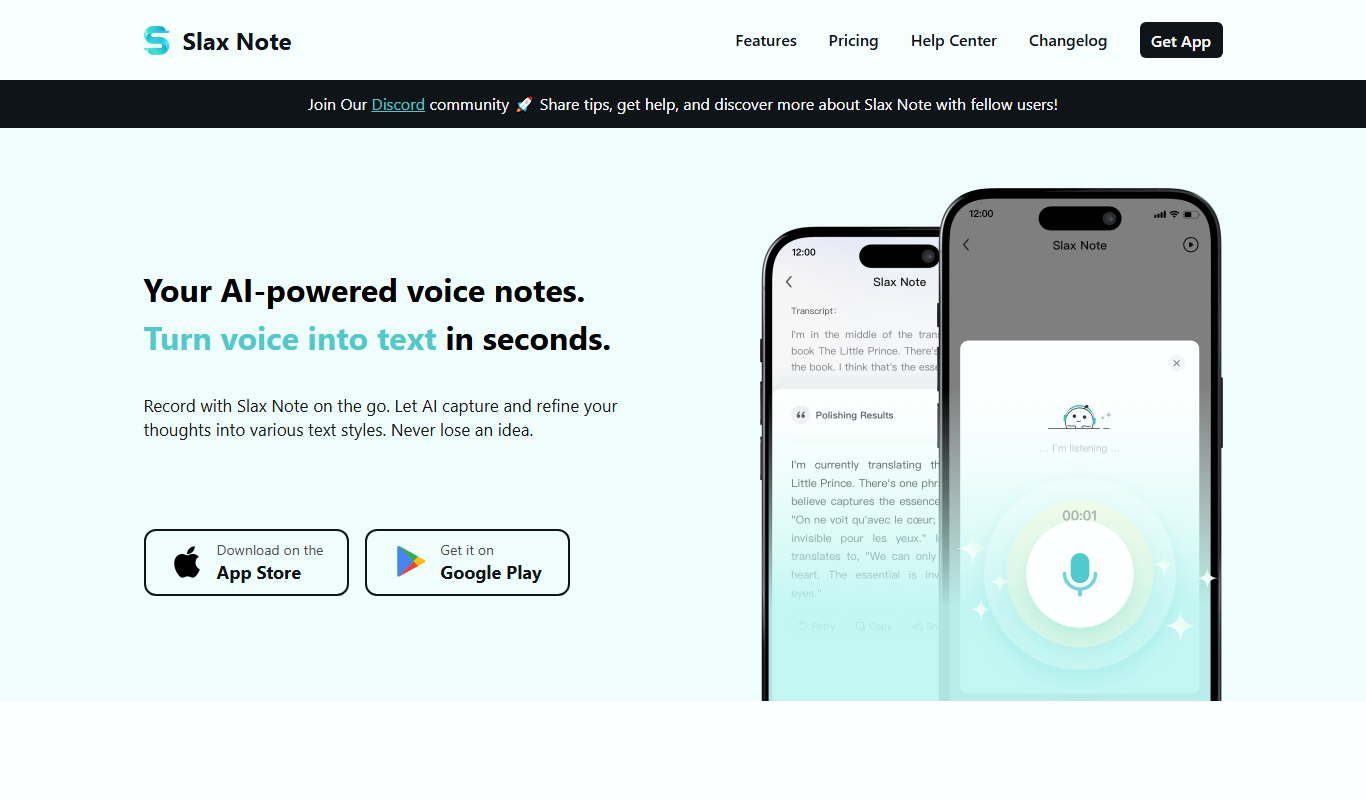
Slax Note is an AI voice notes app: record once, and the prompts you pick turn the speech into a clean note, a tweet or a blog draft. Free to start.

AFAnotes – AI Productivity
AFAnotes blocks distracting app notifications, delivers personalised scheduled summaries and tracks screen time, with Slack and Instagram integration, on iOS and Android.
Stenote
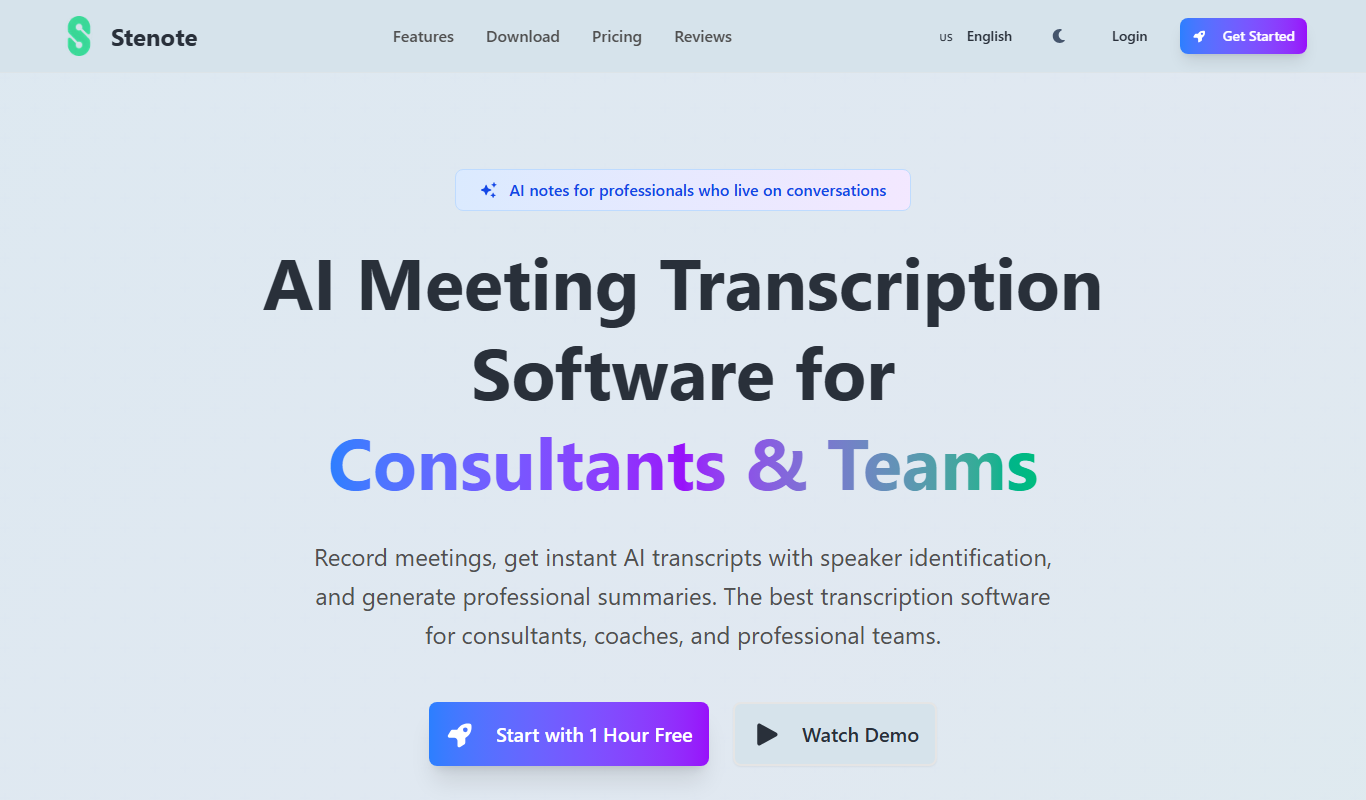
Stenote is an AI meeting assistant that provides real-time transcription and AI-generated summaries to help teams capture and share meeting notes efficiently.

Notion Business OS
Notion Business OS is a comprehensive Notion template by Landmark Labs that helps small businesses and teams manage projects, clients, content, and workflows in one centralized workspace.

AI-Prompt Lab
AI Prompt Lab is a browser extension where you can create, store, organize and share your prompts for ChatGPT and other AI tools.