

From my experience with Cirrascale Cloud Services, I found it excels at providing flexible, high-performance GPU infrastructure tailored for AI and HPC workloads. The ability to customize hardware configurations and access a variety of NVIDIA GPUs makes it a strong choice for researchers and enterprises needing scalable compute power without investing in physical hardware. However, the custom pricing model and limited public documentation may pose challenges for smaller teams or those seeking transparent cost structures. Overall, if your projects demand powerful GPU cloud resources with enterprise-grade security, Cirrascale delivers robust and adaptable solutions.
Cirrascale Cloud Services for AI and HPC Workloads with Flexible GPU Solutions
Cirrascale offers scalable GPU cloud infrastructure optimized for AI, machine learning, and high performance computing workloads with customizable hardware configurations and enterprise-grade security.
- Best for
- AI and Machine Learning Model Training
- Key capability
- Flexible GPU Options
Your actions
Save cirrascale.com, follow its updates and vote on it — everything stays in your account.
Sign in or create a free account

What is cirrascale.com?
Cirrascale Cloud Services provides scalable, GPU-accelerated cloud computing infrastructure designed to support AI, machine learning, and high performance computing workloads. It offers flexible access to powerful GPU instances and custom hardware configurations, enabling organizations to run demanding compute tasks without investing in on-premises hardware.
Key features of cirrascale.com
The platform features a variety of GPU instance types, including NVIDIA GPUs optimized for AI and HPC, customizable hardware configurations, and a user-friendly web portal and API for managing cloud resources. Cirrascale emphasizes performance, flexibility, and cost-effectiveness for enterprise and research applications.
Flexible GPU Options
Access a variety of NVIDIA GPUs including A100, V100, and RTX series for diverse AI and HPC needs.
Custom Hardware Configurations
Tailor CPU, memory, storage, and GPU combinations to optimize workload performance.
User-Friendly Portal and API
Manage cloud resources easily through an intuitive web interface or programmatically via API.
High Performance Networking
Benefit from low-latency, high-bandwidth networking suitable for distributed computing.
Enterprise-Grade Security
Ensure data protection with secure access controls and compliance with industry standards.
Pros and cons of cirrascale.com
Pros
- Wide selection of high-performance GPU options
- Customizable hardware configurations for flexibility
- User-friendly management portal and API access
- Strong focus on AI and HPC workloads
- Enterprise-grade security and compliance
Cons
- Pricing is custom and may be higher than standard cloud providers for small workloads
- Limited public documentation compared to larger cloud providers
- No fixed pricing tiers, which may complicate budgeting
Key use cases for cirrascale.com
AI and Machine Learning Model Training
Leverage high-performance GPU instances to accelerate training of deep learning and machine learning models.
High Performance Computing (HPC)
Run compute-intensive simulations and workloads requiring scalable GPU and CPU resources.
Data Science and Analytics
Process large datasets with powerful cloud infrastructure optimized for data science workflows.
Rendering and Visualization
Utilize GPU-accelerated cloud instances for 3D rendering, video processing, and visualization tasks.
Custom Cloud Infrastructure
Build tailored cloud environments with flexible GPU and CPU configurations to meet specific project needs.
How cirrascale.com works
- 1
Create an Account
Sign up on the Cirrascale website to access the cloud platform.
- 2
Select GPU Instances
Choose from a range of GPU-accelerated instances tailored to your workload requirements.
- 3
Configure Environment
Customize hardware and software settings to optimize performance for your specific tasks.
- 4
Deploy and Manage Workloads
Launch your applications or training jobs via the web interface or API and monitor resource usage.
- 5
Scale as Needed
Adjust resource allocation dynamically to meet changing computational demands.
Who is using cirrascale.com
AI researchers and data scientists
High performance computing professionals
Media and entertainment companies needing GPU rendering
Enterprises requiring custom cloud infrastructure
Scientific and engineering simulation teams
cirrascale.com pricing
Custom Pricing
Varies
Pricing tailored based on selected hardware configurations and usage.
Plans and prices are as published by the vendor and can change. Check the official site before you buy. Open the pricing page (opens in a new tab)
Frequently asked questions about cirrascale.com
Cirrascale provides a range of NVIDIA GPU instances including A100, V100, and RTX series tailored for AI and HPC workloads.
Yes, users can customize CPU, memory, storage, and GPU combinations to best fit their workload requirements.
Yes, Cirrascale offers an API that allows programmatic control over cloud resources.
Industries such as AI research, scientific computing, media rendering, and data analytics commonly use Cirrascale.
It depends on your specific needs and how you plan to use the tool. The official website and documentation are the best sources for the latest details.
Pricing depends on the plan and included features. For the most accurate and up-to-date details, check the official pricing page.
Yes, it can help with that use case depending on how you configure it and what features are available. You’ll get the best results with clear inputs and a defined goal.
It depends on your specific needs and how you plan to use the tool. The official website and documentation are the best sources for the latest details.
Sign in to review this tool.
Sign In to ReviewNo reviews yet
Be the first to share how this tool worked for you.
Ask about pricing, limits, or how it compares — or answer someone else.
Sign In to AskNo questions yet
Have a question about using or paying for this tool? Be the first to ask.
Featured on TiorAI



Alternative Tools
Explore similar AI tools that might fit your needs
Free
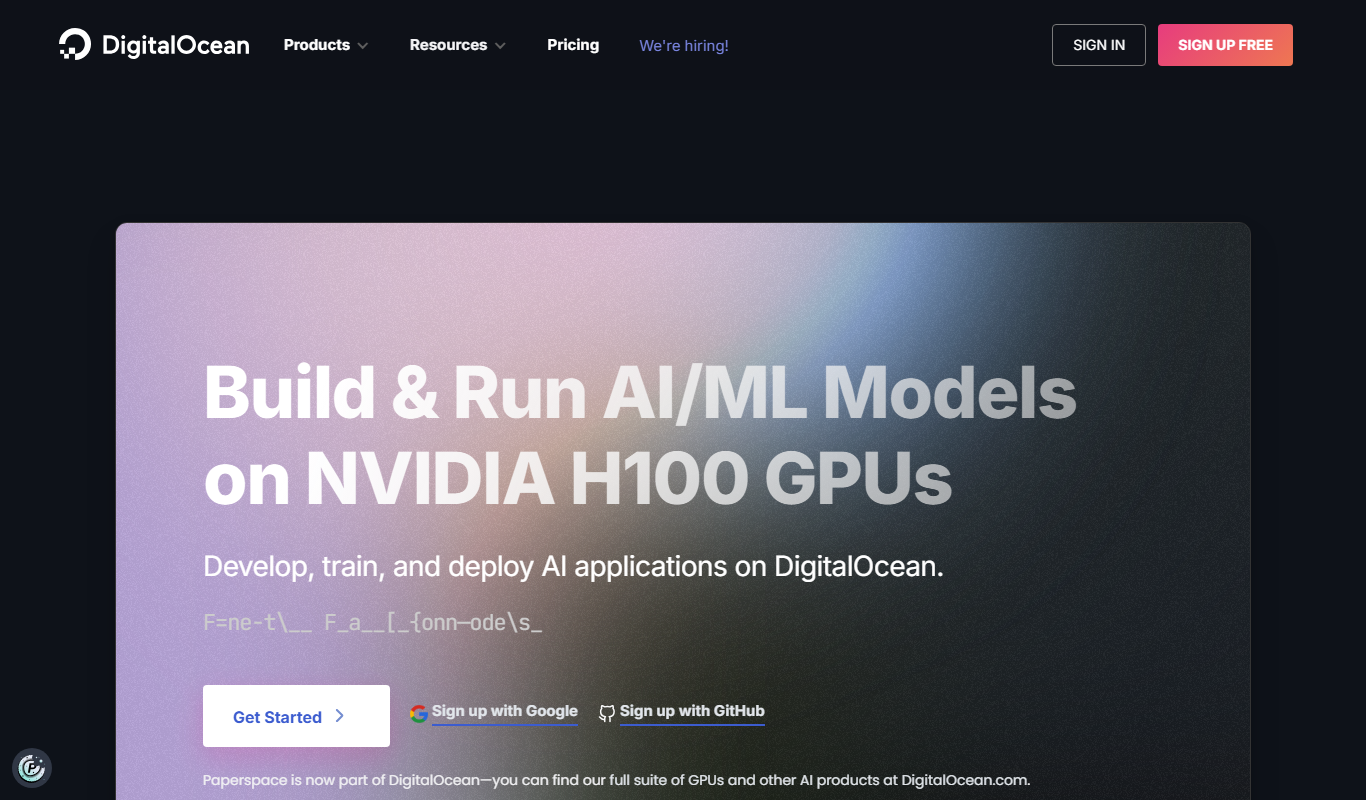
Paperspace
Paperspace is a cloud platform providing scalable GPU-powered virtual machines and tools for AI, machine learning, and data science workloads, enabling remote access to high-performance computing resources.

Pay As You Go
Lambda
Lambda is a GPU cloud platform on lambda.ai that provides NVIDIA GPU infrastructure for machine learning and deep learning, priced per GPU hour.
More AI Infrastructure Tools tools
Other tools in the same category, for when this one is not quite the fit.
Free Trial
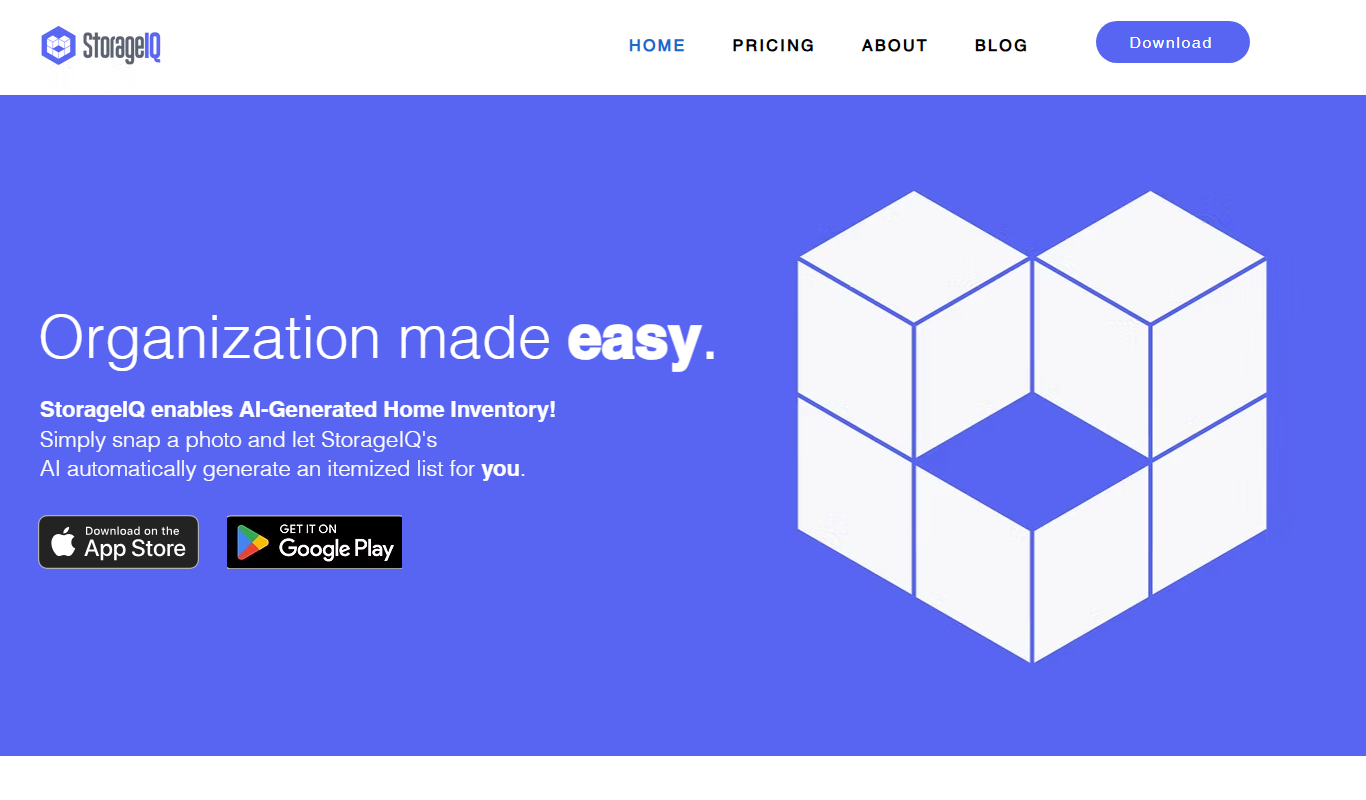
StorageIQ
StorageIQ is a cloud storage management platform that provides analytics, data classification, and cost optimization recommendations to help organizations efficiently manage their cloud storage across multiple providers.

Enterprise
Anyscale | Scalable Compute for AI and Python
Anyscale is a managed cloud platform that simplifies scaling Python and AI applications using the Ray framework, providing autoscaling clusters, multi-cloud support, and developer tools for distributed computing.
Free Trial
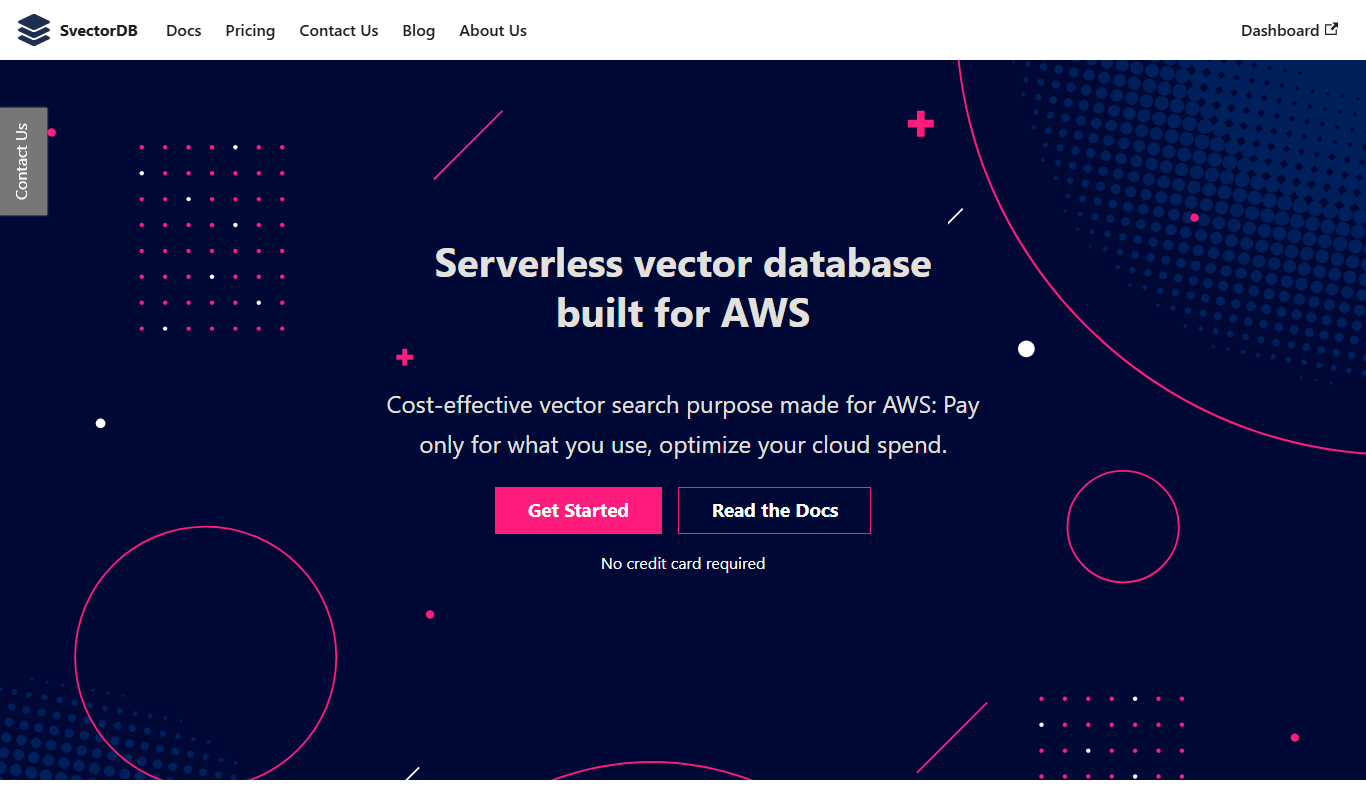
SvectorDB
SvectorDB is a scalable vector database optimized for AI and machine learning workloads, providing fast similarity search, real-time data ingestion, and flexible APIs.

Pay As You Go
RunPod
RunPod is a cloud platform providing on-demand GPU rentals optimized for AI model training and inference, enabling users to access powerful GPUs remotely with flexible pricing.

Enterprise
Qdrant
Qdrant is an open-source vector similarity search engine that enables efficient, scalable semantic search and AI-powered recommendations by indexing and searching high-dimensional vector embeddings in real time.

Free
Pinecone
Pinecone is a fully managed vector database platform that simplifies storing, indexing, and querying high-dimensional vector embeddings to enable scalable similarity search for AI and machine learning applications.

Enterprise
qdrant.io
Qdrant is an open-source vector search engine that enables scalable, real-time semantic search and AI-powered applications by efficiently managing and querying high-dimensional vector data.