

Viddyoze AI Video Generator for Automated Video Creation Online
Viddyoze AI Video Generator is a cloud-based platform that automates video creation using AI-powered templates, enabling users to produce professional intros, outros, and animations quickly without prior editing experience.
- Best for
- Marketing Videos
- Key capability
- AI-Powered Video Rendering
Save Viddyoze, follow its updates and vote on it — everything stays in your account.
Sign in or create a free account
What is Viddyoze?
Viddyoze AI Video Generator is a web-based platform that automates the creation of professional-quality videos using artificial intelligence. It offers a variety of customizable templates for animations, intros, outros, and full video productions, enabling users to produce polished videos quickly without advanced editing skills.
Key features of Viddyoze
The tool features AI-powered video rendering, a large library of customizable templates, drag-and-drop editing, cloud-based processing, and seamless integration with popular video platforms. It simplifies video creation for marketers, content creators, and businesses.
AI-Powered Video Rendering
Automates video creation with fast, cloud-based rendering for professional results.
Extensive Template Library
Access hundreds of customizable templates for intros, outros, animations, and full videos.
Drag-and-Drop Editor
User-friendly interface to personalize videos without technical expertise.
Brand Customization
Easily add logos, colors, and text to maintain consistent branding.
Cloud-Based Platform
No software installation required; videos are rendered and stored online.
Pros and cons of Viddyoze
Pros
- Easy to use with no technical skills required
- Fast cloud rendering speeds
- Wide variety of professional templates
- Affordable one-time purchase options
- Good for marketers and content creators
Cons
- Limited advanced editing features compared to full video editors
- Primarily focused on short animations and intros, less suited for long videos
- No offline editing capability
Key use cases for Viddyoze
Marketing Videos
Create engaging promotional videos for social media, ads, and campaigns using AI-powered templates.
Video Intros and Outros
Generate professional intros and outros to brand your videos consistently and attractively.
Explainer Videos
Produce animated explainer videos that simplify complex ideas for audiences.
Content Creator Support
Assist YouTubers and online creators with quick, high-quality video animations to enhance their content.
Business Presentations
Enhance presentations with animated video elements to improve engagement and clarity.
How Viddyoze works
- 1
Select a Template
Choose from hundreds of AI-enhanced video templates tailored for various purposes.
- 2
Customize Your Video
Add your text, logos, colors, and other branding elements using an intuitive editor.
- 3
Render Video
Let the AI-powered engine process and generate your video in the cloud.
- 4
Download and Share
Download the finished video in high resolution and share it across your channels.
Who is using Viddyoze
Viddyoze pricing
Pro
$47/month after a 7-day free trial
Unlimited creation (no monthly limits), entire library of templates (5000+), new templates added every month, AI video assistant access, brand asset management and commercial rights. Cancel anytime.
Viddyoze Commercial
$97 one-time
Includes commercial rights and additional templates for business use.
Viddyoze Subscription
$37/month
Full access to all templates, features, and ongoing updates with monthly billing.
Plans and prices are as published by the vendor and can change. Check the official site before you buy. Open the pricing page (opens in a new tab)
Frequently asked questions about Viddyoze
No, Viddyoze is designed for users of all skill levels with an intuitive drag-and-drop interface.
Yes, you get full commercial rights on everything you create.
Viddyoze is fully cloud-based; no downloads or installations are required.
Videos are exported in high-quality MP4 format compatible with most platforms.
It depends on your specific needs and how you plan to use the tool. The official website and documentation are the best sources for the latest details.
It depends on your specific needs and how you plan to use the tool. The official website and documentation are the best sources for the latest details.
Pricing depends on the plan and included features. For the most accurate and up-to-date details, check the official pricing page.
Yes, it can help with that use case depending on how you configure it and what features are available. You’ll get the best results with clear inputs and a defined goal.
Conclusion
Templates sit at the centre of the workflow, with a library of over 5000 that are customized with a brand logo, colors and text before a click on Create renders the video. Each template comes with royalty free audio as a music track or sound effects, and that audio can be turned off. For content that starts from an idea rather than a template, the ViddyBot AI assistant takes a chat about the video wanted and turns it into a storyboard. From there the editor lays out a full video with stock footage and audio, where scenes can be added or removed and own images and videos uploaded.
Videos are rendered and stored online, so no software installation is needed. Pricing now follows a single subscription that starts with a 7-day free trial with full Pro access and covers unlimited creation with no monthly limits. Full commercial rights on everything created are part of that plan, which makes client work possible. There are no contracts, and the subscription can be cancelled at any time through the support team.
Sources
Sign in to review this tool.
Sign In to ReviewNo reviews yet
Be the first to share how this tool worked for you.
Ask about pricing, limits, or how it compares — or answer someone else.
Sign In to AskNo questions yet
Have a question about using or paying for this tool? Be the first to ask.
Featured on TiorAI



More AI Animation & Motion Tools tools
Other tools in the same category, for when this one is not quite the fit.

Studio
Studio.Design is a no-code design tool that turns any idea into a website, with a design editor, CMS, forms, SEO and one-click publishing.

TooToon
TooToon turns your ideas into webtoons: create and illustrate your webtoon with AI-driven tools for story writing, line art, character assets and full-color artwork.
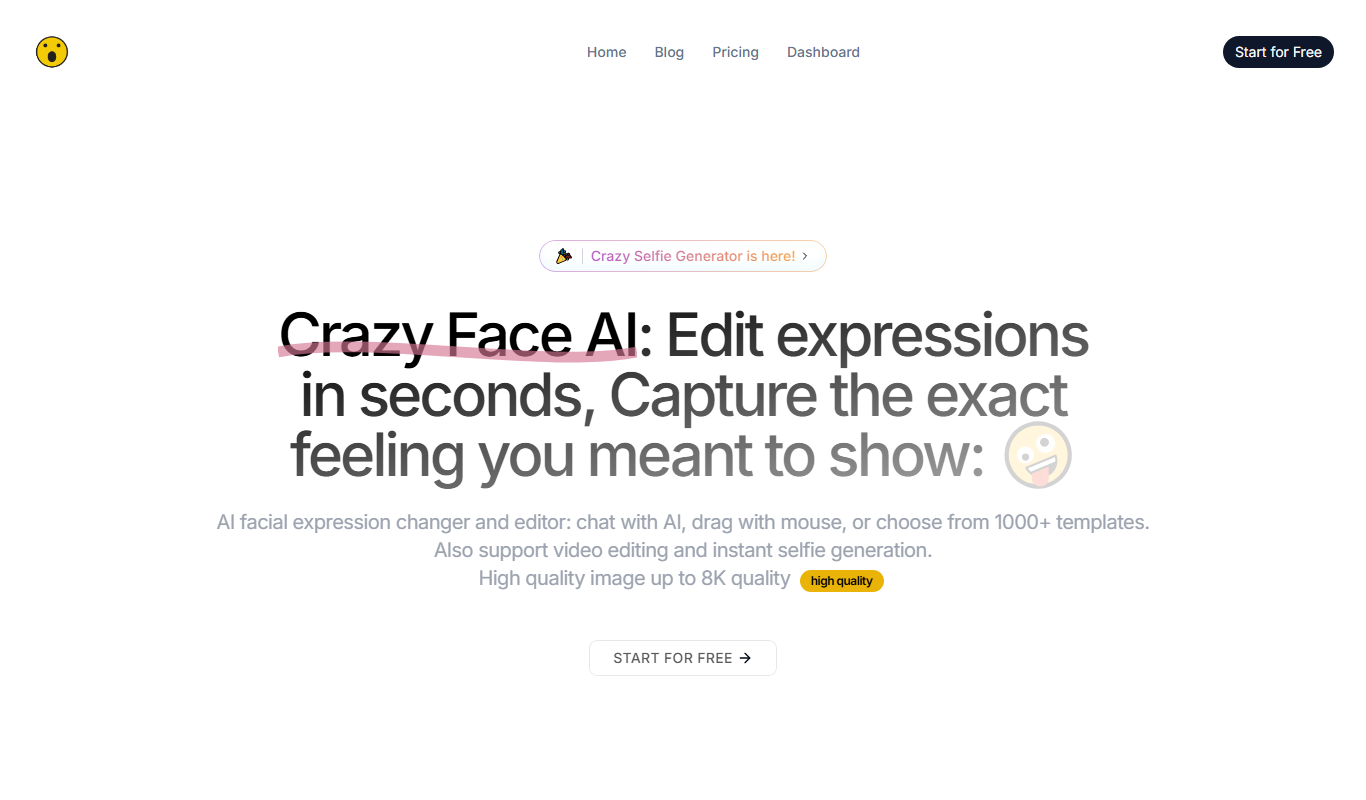
CrazyFace
CrazyFace is an AI facial expression changer and editor: chat with AI, drag with the mouse or choose from 1000+ templates, with video editing and instant selfie generation.

Neural4D
Neural4D is an AI 3D generator that turns text, images and videos into high-quality 3D models and CAD assets in minutes.

We Are Learning
We Are is a learning design tool for creating 3D animated videos and interactive simulations, called Stories, that can be shared in your LMS or anywhere your learners are.

Storyboarder.ai
Storyboarder.ai is an AI storyboard generator: upload your script and get a complete storyboard, shot list, screenplay and animatic in minutes.

Webcam Motion Capture
Webcam Motion Capture is software that uses a standard webcam to track body and facial movements in real time, enabling users to animate 3D characters without expensive hardware.
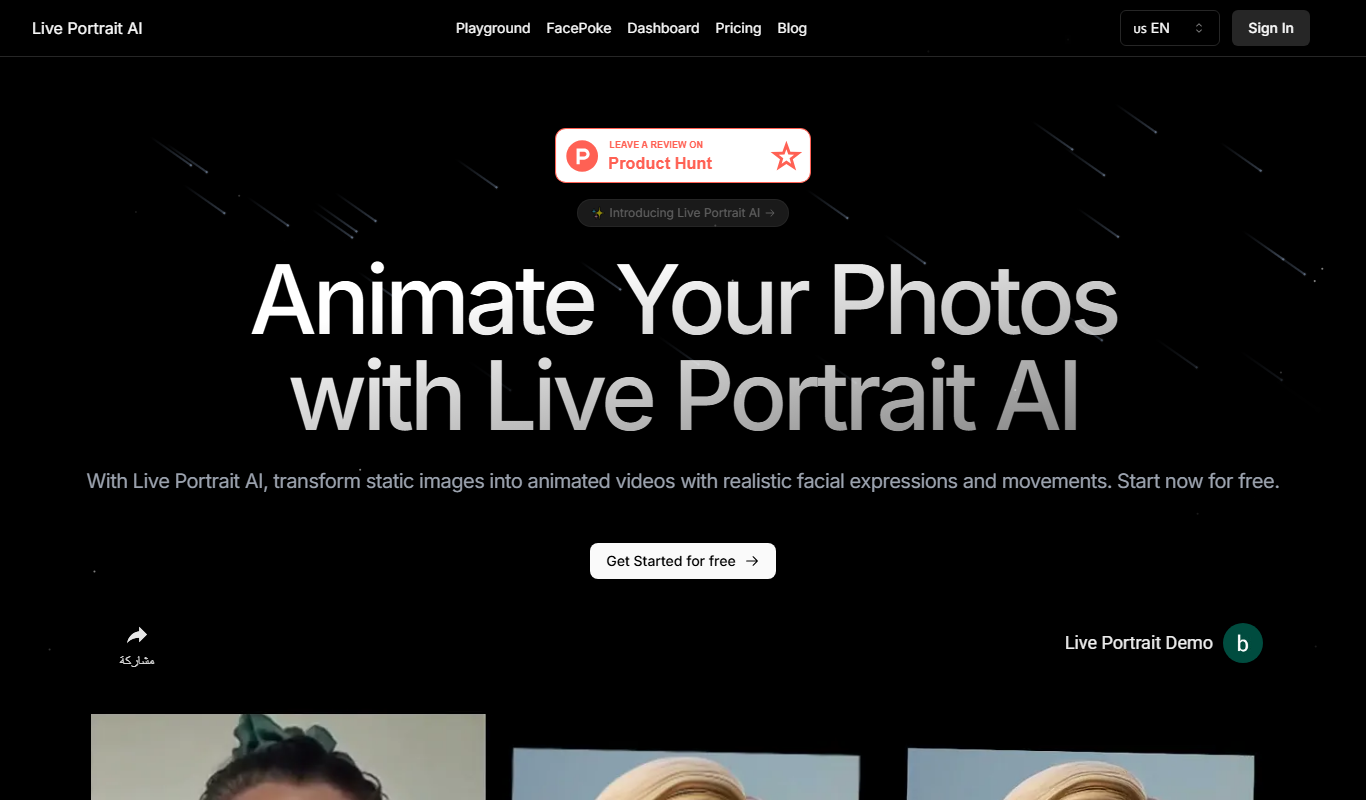
Live Portrait AI
Live Portrait AI animates still photos with the LivePortrait model, matching the head movement and facial expressions of a driving video.