

From my experience with Live Portrait AI, I found it excels at transforming static photos into lifelike animated portraits quickly and effortlessly. The web-based interface makes it accessible without technical barriers, ideal for digital artists and content creators seeking dynamic visuals. However, the tool is limited to single-image inputs and may have usage restrictions in its free version, which could affect heavy users. Overall, if you want to add realistic facial animations to your portraits without complex software, Live Portrait AI offers a straightforward and effective solution.
Live Portrait AI - Realistic AI-Generated Animated Portraits Online
Live Portrait AI is a free web tool that animates static portrait photos using AI to create realistic facial movements like blinking and smiling.
- Best for
- Creating Animated Portraits
- Key capability
- Single Image Animation
Your actions
Save Live Portrait AI, follow its updates and vote on it — everything stays in your account.
Sign in or create a free account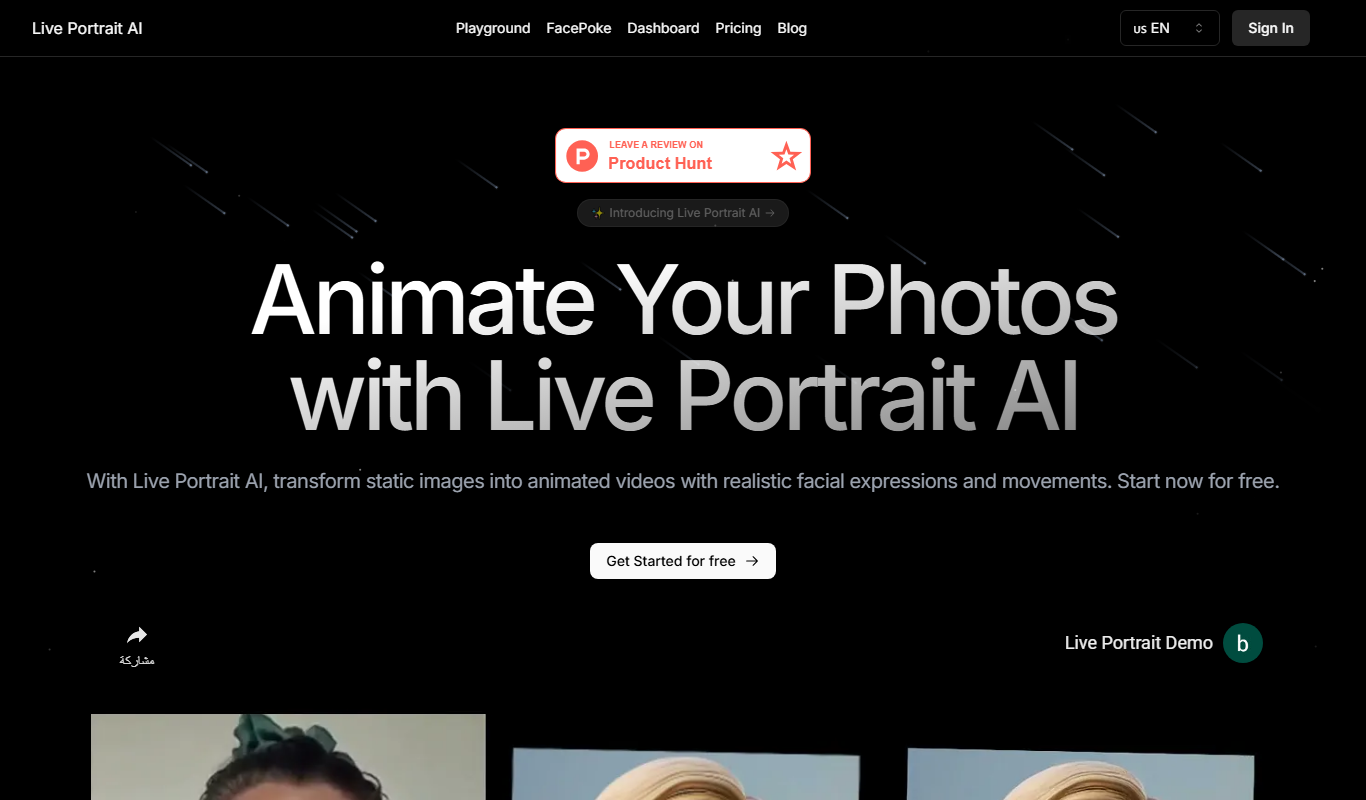
What is Live Portrait AI?
Live Portrait AI is a web-based tool that uses advanced AI models to animate static portrait photos realistically. By leveraging deep learning techniques, it creates lifelike facial movements such as blinking, smiling, and head turns from a single image, producing dynamic animated portraits without requiring video input.
Key features of Live Portrait AI
The tool offers easy-to-use online animation of portraits, supporting various facial expressions and movements. It provides high-quality outputs suitable for social media, digital art, and entertainment, all accessible through a simple web interface without installation.
Single Image Animation
Animate a static portrait photo without needing multiple frames or videos.
Realistic Facial Movements
Includes natural expressions like blinking, smiling, and head tilts for lifelike animation.
Web-Based Interface
No software installation required; accessible directly through a browser.
Free to Use
Offers free access to core animation features without subscription fees.
Pros and cons of Live Portrait AI
Pros
- Easy and quick to create animated portraits
- Produces realistic and natural facial animations
- Accessible via web browser without installation
Cons
- Limited to single-image input without video support
- Free version may have usage or output quality restrictions
Key use cases for Live Portrait AI
Creating Animated Portraits
Generate realistic animated portraits from a single photo for social media, presentations, or personal projects.
Digital Art and Content Creation
Enhance digital artworks or creative content with AI-driven facial animations to add dynamic effects.
Entertainment and Social Sharing
Produce engaging animated avatars or characters for entertainment, storytelling, or sharing on social platforms.
AI Research and Experimentation
Explore AI-driven facial animation techniques for academic or hobbyist research purposes.
How Live Portrait AI works
- 1
Upload a Portrait Photo
Start by uploading a clear, frontal portrait image to the Live Portrait AI web interface.
- 2
AI Processes the Image
The AI model analyzes facial features and generates realistic animations such as blinking and subtle head movements.
- 3
Preview and Download
Users can preview the animated portrait and download the output as a video or GIF for sharing or further use.
Who is using Live Portrait AI
Digital artists
Content creators
Social media users
AI researchers
Entertainment professionals
Live Portrait AI pricing
Free
$0
Access to portrait animation features with some usage limits.
Plans and prices are as published by the vendor and can change. Check the official site before you buy. Open the pricing page (opens in a new tab)
Frequently asked questions about Live Portrait AI
Clear, frontal portrait photos with good lighting and minimal obstructions produce the best animation results.
Yes, but you should review the tool’s terms of service for any specific usage restrictions.
The free version may have usage limits; check the website for current policies.
It depends on your specific needs and how you plan to use the tool. The official website and documentation are the best sources for the latest details.
Some tools offer a free plan or trial with limited features. Availability can vary, so confirm on the official website.
Yes, it can help with that use case depending on how you configure it and what features are available. You’ll get the best results with clear inputs and a defined goal.
Sign in to review this tool.
Sign In to ReviewNo reviews yet
Be the first to share how this tool worked for you.
Ask about pricing, limits, or how it compares — or answer someone else.
Sign In to AskNo questions yet
Have a question about using or paying for this tool? Be the first to ask.
Featured on TiorAI



Alternative Tools
Explore similar AI tools that might fit your needs

Freemium
MyHeritage AI
MyHeritage AI offers AI-powered photo restoration, colorization, animation, and genealogy tools to help users preserve and explore family history.
More AI Animation & Motion Tools tools
Other tools in the same category, for when this one is not quite the fit.

Subscription
Virbo AI Talking Photo
Virbo AI Talking Photo is an app that uses AI to animate static photos by syncing facial movements with voice recordings or text-to-speech audio, enabling users to create talking pictures and videos easily on web and mobile platforms.
Free Trial
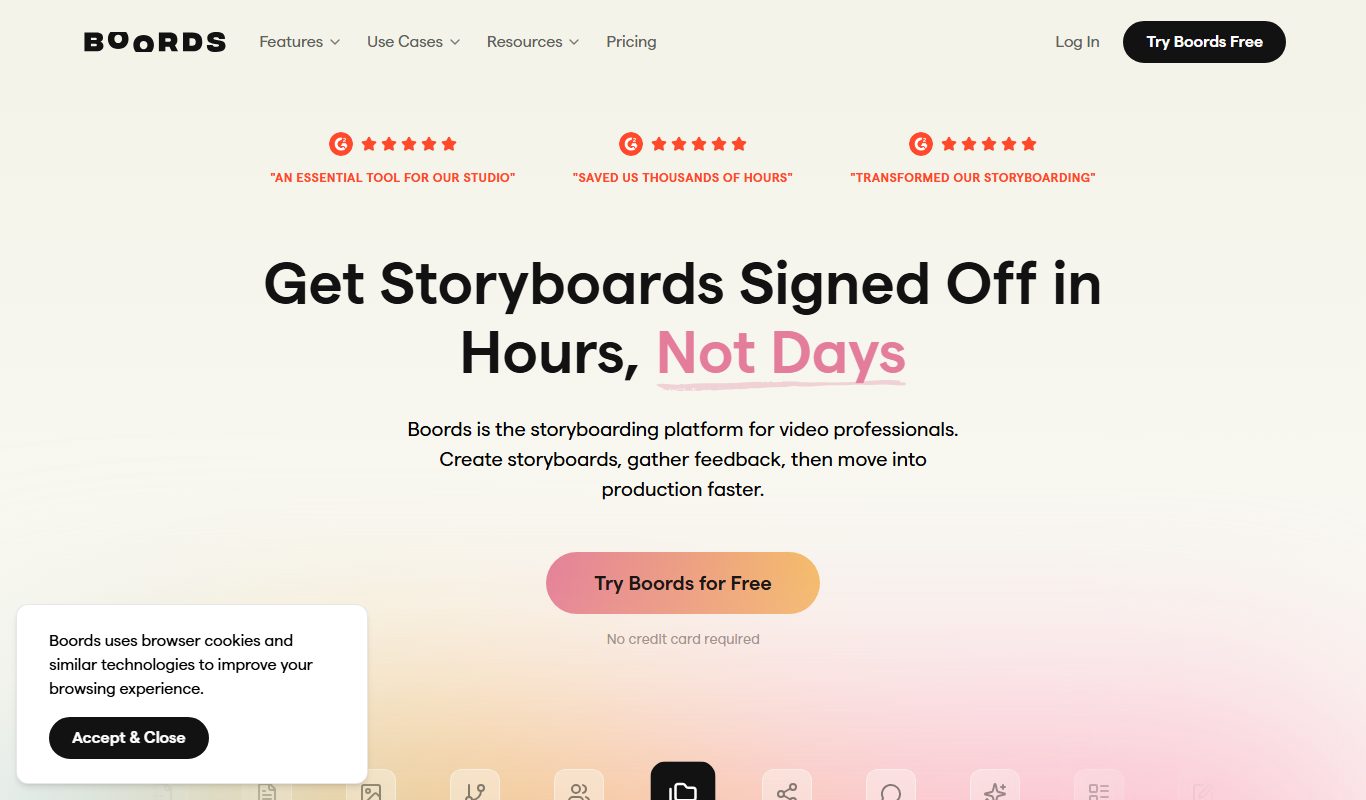
Boords
Boords is an online storyboarding software that helps video and animation teams create, collaborate on, and export detailed storyboards to streamline pre-production workflows.

Free
Plask
Plask is a web-based AI motion capture platform that turns any video into 3D animation, with no suits or sensors required, and exports it to 3D tools and game engines.

Freemium
Artflow ai
Artflow is an AI identity platform where Artflow Actors generate photos and videos that actually look like the user.
Custom Pricing
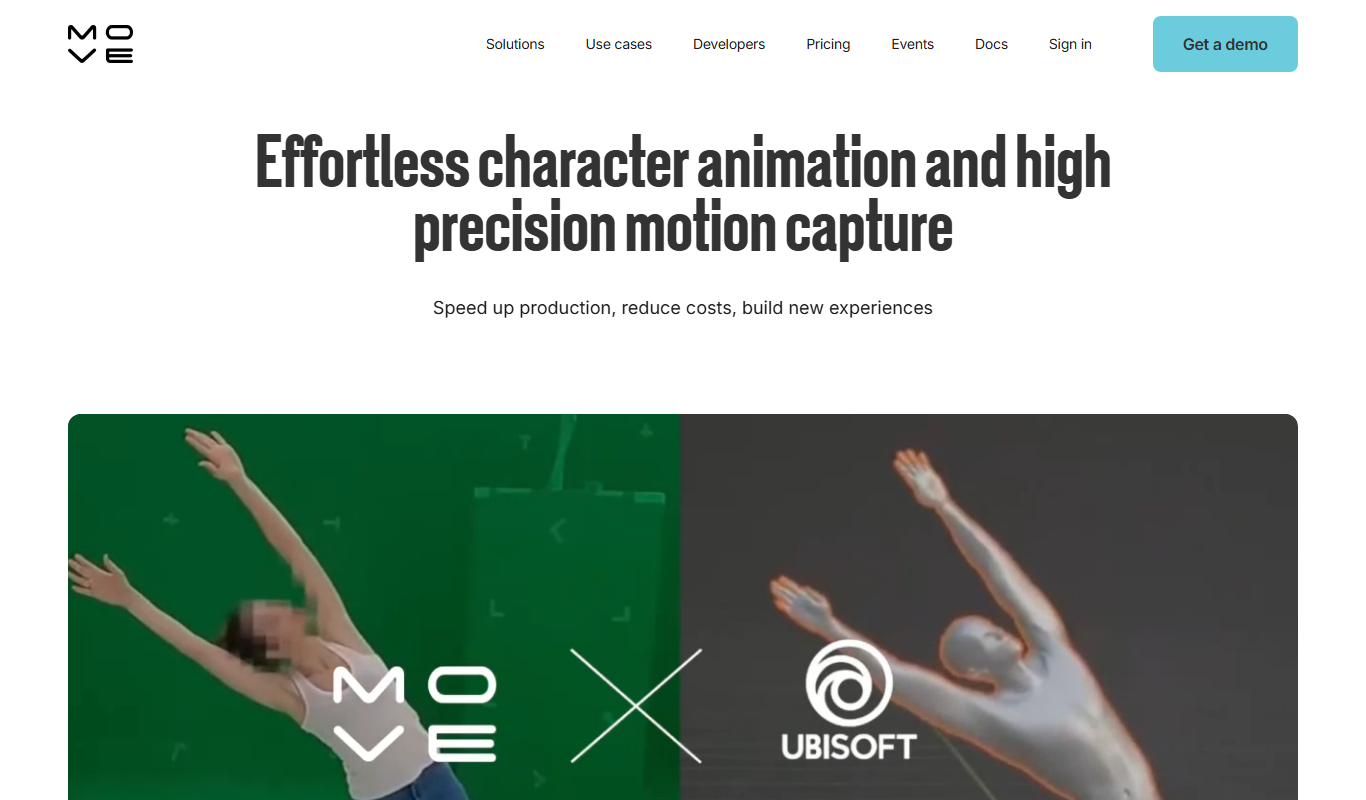
move.ai
Move.ai is an AI-driven markerless motion capture software that converts standard video footage into 3D animation data, streamlining animation and visual effects production without specialized hardware.

Free
AI CSS Animations
AI CSS Animations is a free online tool that helps web designers and developers generate customizable CSS animation code quickly without manual coding.

Free Trial
Drawings Alive
Drawings Alive is an interactive animation software that allows users to animate drawings and images with interactive hotspots and synchronized audio, ideal for educational and marketing content creation.

Free
LivePortrait
LivePortrait is an AI-driven web tool that animates static portrait photos into realistic videos by applying facial movements and expressions using deep learning.