

SummifyAI: YouTube video summarizer Chrome extension
Summify is a free Chrome extension that summarizes YouTube videos and timestamps with ChatGPT, answers prompts about a video and searches its transcript.
- Best for
- Skimming long videos
- Key capability
- YouTube video summaries
Save SummifyAI, follow its updates and vote on it — everything stays in your account.
Sign in or create a free account

What is SummifyAI?
SummifyAI (Summify) is a Chrome extension that summarizes YouTube videos with ChatGPT. It gives a quick overview of a video, summarizes specific timestamps, answers questions from the video transcript through saved or inline prompts, and lets users search the transcript and jump to key moments.
Key features of SummifyAI
Instant YouTube video summaries, summaries of specific timestamps, saved and inline custom prompts answered from the transcript, full transcript search and copy, timestamp navigation, a summary coverage tracker and a choice of ChatGPT model.
YouTube video summaries
Get quick insights from a YouTube video without watching all of it.
Timestamp summaries
Summarize only the sections of a video you care about.
Custom and inline prompts
Save custom prompts or type a question to get answers from the video transcript.
Transcript search
Search the full transcript and click timestamps to jump to that part of the video.
Choice of ChatGPT model
Choose your ChatGPT model and see how much of the video it can summarize.
Pros and cons of SummifyAI
Pros
- Free to install with 10 Diamonds for pro features
- One-time lifetime option with no monthly fees
- Answers specific questions from a video transcript
- Jump to key moments through timestamps
- Batch processing for efficiency
Cons
- Works with YouTube videos only
- Runs as a Chrome extension
- The free plan has limited functionality
Key use cases for SummifyAI
Skimming long videos
Get quick insights from educational content, tutorials and long-form videos.
Video research
Use saved prompts to extract the same kind of information from many videos.
Navigating interviews and lectures
Search the transcript and jump to the moments you need in long interviews, podcasts or lectures.
Content Curation
Create brief overviews of curated content for newsletters, blogs, or social media posts.
Learning Aid
Help students and professionals grasp essential information from textbooks or lengthy materials.
How SummifyAI works
- 1
Add to Chrome
Install the free Summify extension in Chrome.
- 2
Open a YouTube video
Summify summarizes the video in seconds.
- 3
Ask or summarize sections
Summarize specific timestamps or ask a question about the video.
- 4
Jump to key moments
Search the transcript and click timestamps to jump there.
Who is using SummifyAI
SummifyAI pricing
Free
$0
Basic features with limited functionality and 10 Diamonds to use on pro features.
Lifetime Membership
$19.99 one-time (shown reduced from $29.99)
All features for a one-time payment, no monthly fees, unlimited Diamonds for life.
Enterprise
Custom pricing
Tailored solutions with API access, dedicated support, and integration options.
Plans and prices are as published by the vendor and can change. Check the official site before you buy. Open the pricing page (opens in a new tab)
Frequently asked questions about SummifyAI
Yes, the extension is free with basic features and 10 Diamonds to use on pro features; a Lifetime Membership unlocks everything.
Any question; Summify answers it from the video transcript, and you can save prompts to reuse them.
It uses ChatGPT, and you can choose your ChatGPT model.
No. Paid access is a one-time Lifetime Membership with no monthly fees.
It depends on your specific needs and how you plan to use the tool. The official website and documentation are the best sources for the latest details.
Some tools offer a free plan or trial with limited features. Availability can vary, so confirm on the official website.
Yes, it can help with that use case depending on how you configure it and what features are available. You’ll get the best results with clear inputs and a defined goal.
Conclusion
YouTube is the only source this extension works on: it gives a quick overview of a video, or summarizes just the timestamps a viewer cares about. Questions can be typed inline or saved as reusable prompts, and the answers come from the video transcript. A transcript search with clickable timestamps helps when moving through long interviews, podcasts or lectures.
The site’s prompt examples speak to busy professionals, students, developers and content creators. Summaries run on ChatGPT, with a choice of model and a tracker showing how much of the video was covered. Installation is free with a few Diamonds for pro features, and full access is a one-time lifetime purchase rather than a subscription.
Sources
Sign in to review this tool.
Sign In to ReviewNo reviews yet
Be the first to share how this tool worked for you.
Ask about pricing, limits, or how it compares — or answer someone else.
Sign In to AskNo questions yet
Have a question about using or paying for this tool? Be the first to ask.
Featured on TiorAI



More AI Productivity Tools tools
Other tools in the same category, for when this one is not quite the fit.

History Timeline Generator
History Timeline Generator is an AI tool that turns a topic such as a person, nation, company or historical event into a customized history timeline.

Quilter
Quilter uses physics-driven AI to automate PCB placement and routing, returning review-ready layout candidates in hours for designs from Altium, Cadence and Xpedition.
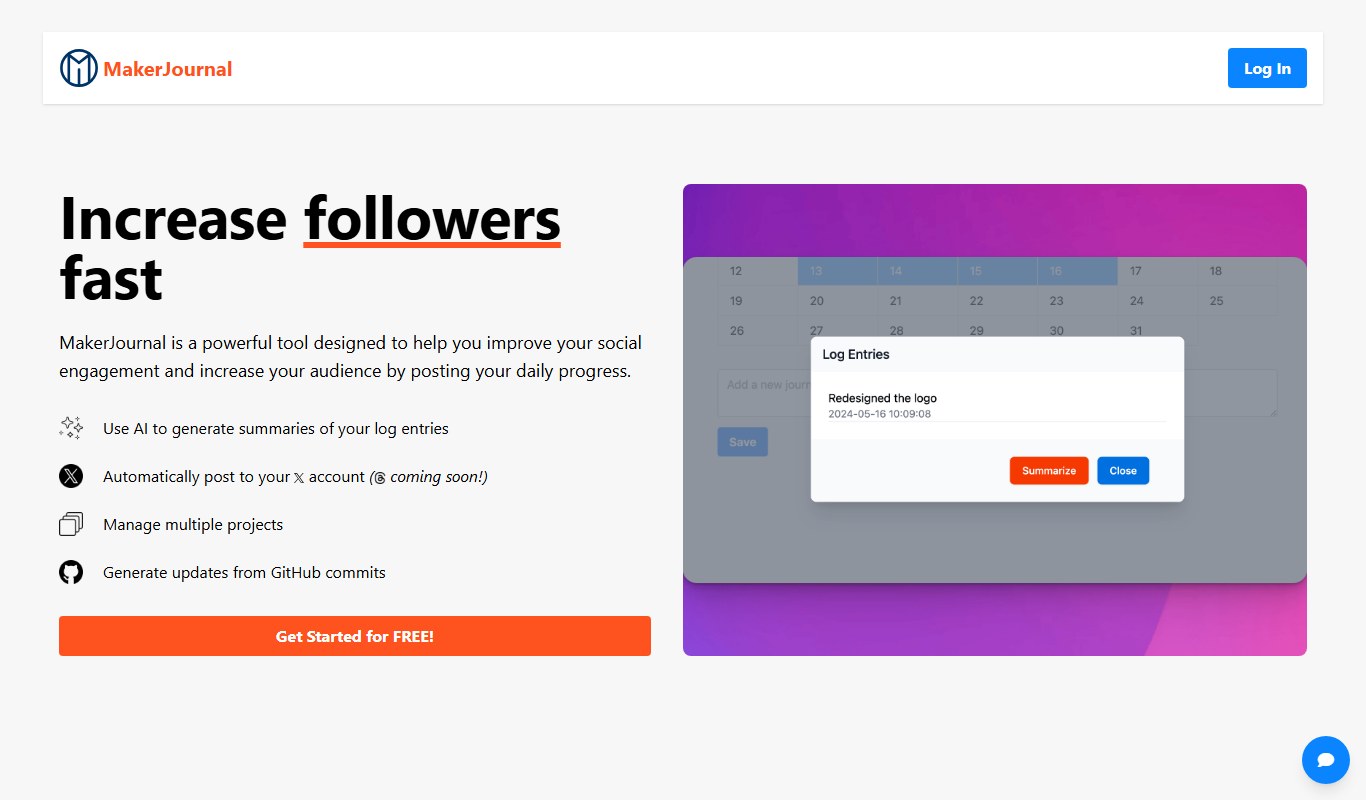
MakerJournal
MakerJournal uses AI to turn your progress logs and GitHub commits into summaries that indie makers and solo developers can post to their social accounts.
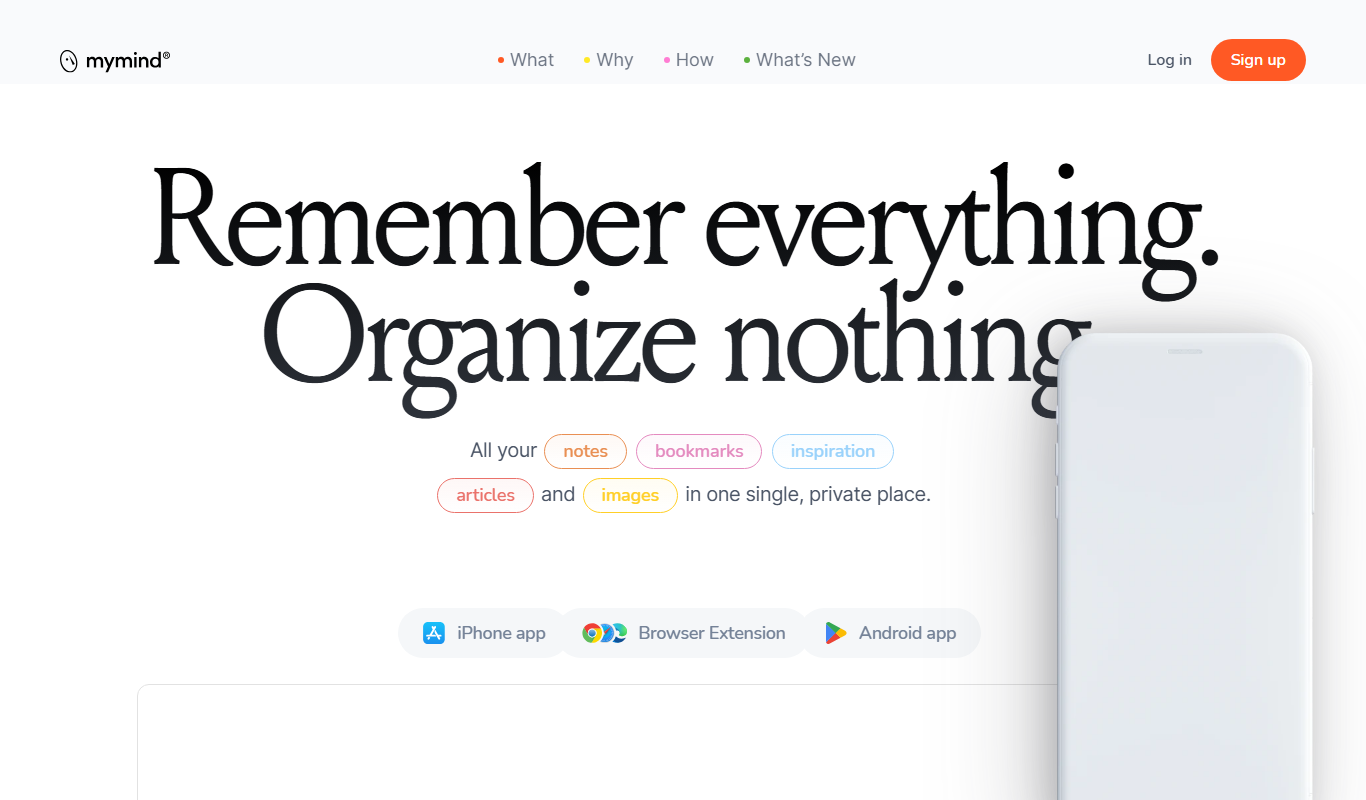
MyMind
MyMind is an AI-powered digital brain tool that helps users save, organize, and retrieve ideas, notes, and web content with automatic tagging and smart search.

Cleft Notes
Cleft is a voice-first note-taking app for iPhone, iPad and Mac: talk it out, and on-device transcription turns the recording into a structured note you can send to Notion, Apple Notes or Obsidian.

JotBot AI
JotBot AI is an AI writing assistant that writes in your personal style and helps you find and cite sources without leaving your document.

NoFOMO.AI
noFOMO OS is a free web calendar: add the venues you love and its scraper scans their websites every day, pulling every event into one calendar.

Sonnet
Sonnet AI is a meeting assistant and notetaker that records without bots, transcribes, writes custom notes, extracts action items and updates your CRM.