

Personalized Greeting Cards and Gifts Online with Moonpig Customization
Moonpig is an online service that lets you create personalized greeting cards and custom gifts by adding your own photos and messages, which are then printed and delivered to recipients.
- Best for
- Personalized Greeting Cards
- Key capability
- Wide Range of Templates
Save Moonpig, follow its updates and vote on it — everything stays in your account.
Sign in or create a free accountWhat is Moonpig?
Moonpig is an online platform specializing in personalized greeting cards and custom gifts. It allows users to create unique cards and gifts by adding personal photos, messages, and designs, which can then be printed and delivered directly to recipients. The service covers a wide range of occasions and offers convenience through its web and mobile apps.
Key features of Moonpig
Moonpig’s main features include an extensive library of customizable card templates, a user-friendly design interface, a variety of gift options, and reliable delivery services. Users can personalize cards with photos, text, and fonts, preview their creations, and schedule deliveries.
Wide Range of Templates
Thousands of professionally designed card templates for all occasions.
Photo Upload and Editing
Easily upload and adjust photos to personalize your cards and gifts.
Custom Messages and Fonts
Add heartfelt messages with a variety of font styles and colors.
Gift Options
Choose from mugs, calendars, photo books, and other personalized gift items.
Flexible Delivery
Standard and express delivery options with tracking available.
Pros and cons of Moonpig
Pros
- Extensive customization options for cards and gifts
- User-friendly design interface
- Wide variety of gift products
- Reliable and fast delivery service
- Mobile apps for convenient ordering
Cons
- No subscription or recurring pricing plans
- Limited language support (English only)
- Pricing can be higher than standard cards due to personalization
Key use cases for Moonpig
Personalized Greeting Cards
Create and send customized greeting cards for occasions like birthdays, anniversaries, and holidays.
Custom Gifts
Design and order personalized gifts such as mugs, photo books, and calendars with your own photos and messages.
Event Invitations
Make unique invitations for events like weddings, baby showers, and parties with tailored designs.
Corporate Gifting
Order branded or personalized gifts for clients and employees to strengthen business relationships.
Last-Minute Gift Delivery
Use Moonpig’s fast delivery options to send thoughtful gifts and cards quickly.
How Moonpig works
- 1
Select Occasion
Choose the type of card or gift based on the occasion you want to celebrate.
- 2
Customize Design
Add personal photos, messages, and select fonts and colors to make your card or gift unique.
- 3
Preview and Approve
Review your customized product to ensure it looks perfect before ordering.
- 4
Place Order
Provide delivery details and complete payment to finalize your purchase.
- 5
Delivery
Moonpig prints and ships your personalized card or gift directly to the recipient.
Who is using Moonpig
Moonpig pricing
Pay Per Product
Varies by product
Pricing depends on the type of card or gift, customization, and delivery options.
Plans and prices are as published by the vendor and can change. Check the official site before you buy. Open the pricing page (opens in a new tab)
Frequently asked questions about Moonpig
Yes, you can enter the recipient’s address during checkout for direct delivery.
Delivery times vary by location and shipping option, typically between 2-5 business days.
Yes, Moonpig provides tracking information once your order has been dispatched.
Yes, Moonpig offers mobile apps for both iOS and Android devices.
It depends on your specific needs and how you plan to use the tool. The official website and documentation are the best sources for the latest details.
It depends on your specific needs and how you plan to use the tool. The official website and documentation are the best sources for the latest details.
Yes, it can help with that use case depending on how you configure it and what features are available. You’ll get the best results with clear inputs and a defined goal.
It depends on your specific needs and how you plan to use the tool. The official website and documentation are the best sources for the latest details.
Conclusion
An order on Moonpig begins with the occasion: the user chooses a card or gift, adds personal photos and messages with fonts and colors, and previews the result before ordering. Moonpig then prints the item and ships it directly to the recipient, whose address is entered during checkout. Photos can be uploaded and adjusted, and messages can use a variety of font styles and colors. Thousands of professionally designed card templates cover all occasions, and the gift options include mugs, calendars and photo books.
Standard and express delivery options come with tracking, and delivery times vary by location and shipping option, typically between 2-5 business days. Beyond birthdays, anniversaries and holidays, the service covers invitations for weddings, baby showers and parties. It is aimed at individuals looking for personalized greeting cards, gift buyers seeking custom photo gifts and event planners needing invitations. For last-minute shoppers, fast delivery options are meant to send thoughtful gifts and cards quickly. Businesses can also order branded or personalized gifts for clients and employees. Orders can be placed on the web or through mobile apps for iOS and Android.
Pricing is per product and depends on the card or gift type, customization and delivery options, and personalization can make it higher than standard cards.
Sources
Sign in to review this tool.
Sign In to ReviewNo reviews yet
Be the first to share how this tool worked for you.
Ask about pricing, limits, or how it compares — or answer someone else.
Sign In to AskNo questions yet
Have a question about using or paying for this tool? Be the first to ask.
Featured on TiorAI



More Art & Creative Design tools
Other tools in the same category, for when this one is not quite the fit.
RecetasIA
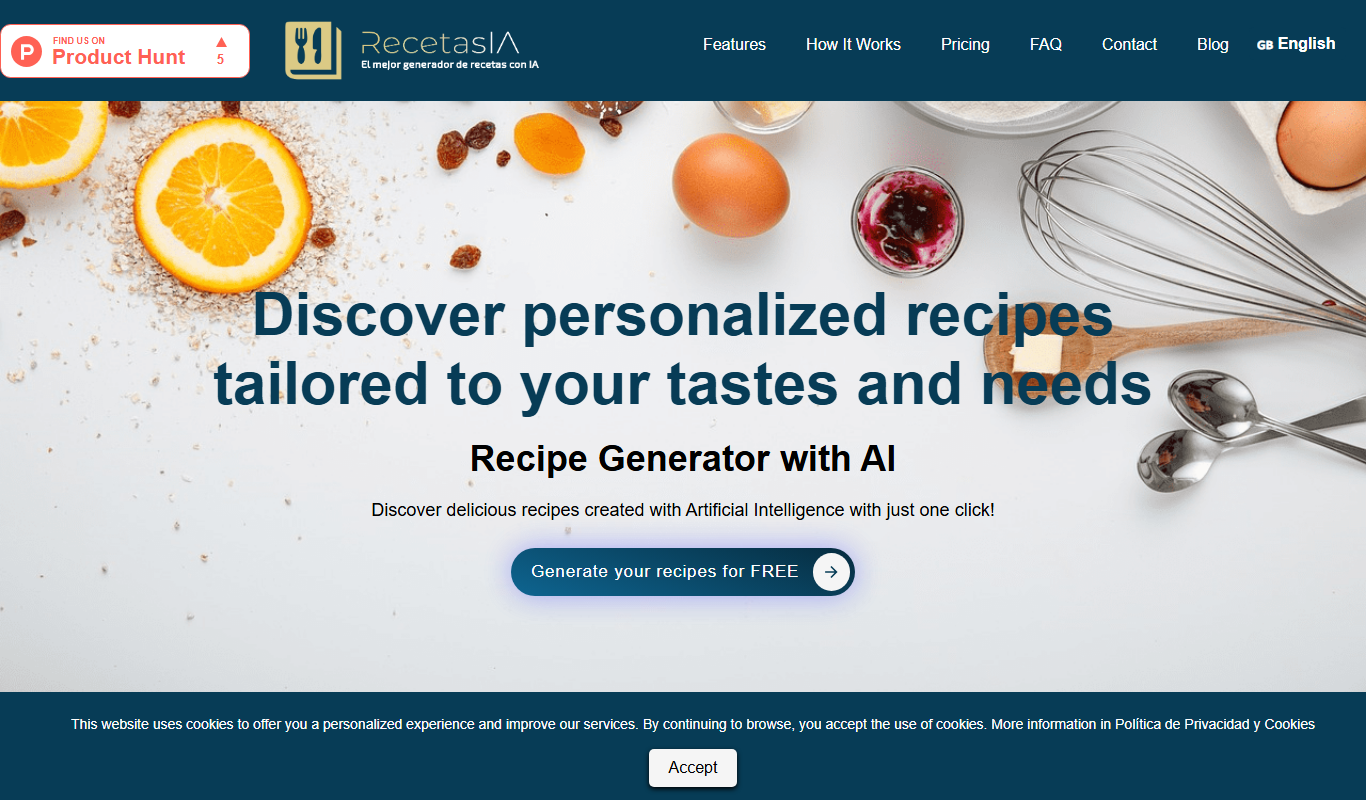
RecetasIA is an AI-based web tool with a free plan that generates personalized recipes from your tastes, dietary restrictions and intolerances, in English or Spanish.

Newmoney.AI
Newmoney.AI is an AI-powered crypto and cash wallet: buy, trade, swap and send crypto across SUI, Solana, Ethereum and Bitcoin with the AI agent Newton, including via WhatsApp and Telegram.

Notion Business OS
Notion Business OS is a comprehensive Notion template by Landmark Labs that helps small businesses and teams manage projects, clients, content, and workflows in one centralized workspace.

AI Song Generator
AI Song Generator is a web tool that creates original songs and lyrics from your genre, mood and topic, with a limited free plan and paid subscriptions.

TwoShot
TwoShot is an AI creative suite for music, audio, video and images: generate music and sounds from text, split stems, make voiceovers and produce in an online studio.

Kuakua – Psychology & AI Tools for Well-Being
Kuakua is a free website of psychology games, tests, screenings and cognitive experiments that turns psychology research into small tools for well-being.

WebsiteAuditAI
WebsiteAuditAI runs AI-powered UX, CRO and copywriting audits of any web page and returns scored reports with actionable recommendations.

MixPeek
MixPeek is an AI-driven multimedia search engine that indexes videos, images, audio, and documents to enable fast, accurate search through a web interface and developer API.