

Kraken.io Image Optimization Tool for Fast Web Performance and Compression
Kraken.io is an online image optimization platform that compresses images to improve website loading speed and SEO, offering both a web interface and API for developers.
- Best for
- Website Image Compression
- Key capability
- Lossless and Lossy Compression
Save Kraken.io, follow its updates and vote on it — everything stays in your account.
Sign in or create a free account
What is Kraken.io?
Kraken.io is a powerful online image optimization platform designed to compress and optimize images for faster web performance. It supports multiple image formats and offers both a web interface and API for seamless integration into workflows. By reducing image file sizes without compromising quality, Kraken.io helps websites load faster, improving user experience and SEO rankings.
Key features of Kraken.io
Kraken.io provides lossless and lossy image compression, bulk image uploading, real-time optimization via API, and support for JPEG, PNG, GIF, and WebP formats. It also offers a WordPress plugin and detailed optimization reports.
Lossless and Lossy Compression
Offers both compression types to balance quality and file size.
Bulk Image Optimization
Process hundreds or thousands of images simultaneously.
Developer API
RESTful API for automated image optimization in custom workflows.
WordPress Plugin
Seamless integration with WordPress sites for automatic image optimization.
Support for Multiple Formats
Optimizes JPEG, PNG, GIF, and WebP images.
Pros and cons of Kraken.io
Pros
- Efficient image compression with minimal quality loss
- Easy-to-use web interface and powerful API
- Supports bulk image processing
- WordPress plugin simplifies website integration
- Improves website load times and SEO
Cons
- Free plan has limited monthly optimization quota
- No desktop application available
- Advanced features require paid subscription
Key use cases for Kraken.io
Website Image Compression
Optimize images to reduce file size and improve website loading speed without sacrificing quality.
Bulk Image Optimization
Process large batches of images efficiently for e-commerce stores, photographers, and digital agencies.
API Integration for Developers
Integrate Kraken.io’s image optimization API into apps, CMS, or workflows for automated image compression.
SEO and Performance Enhancement
Improve SEO rankings and user experience by delivering faster-loading images on websites.
Image Optimization for Marketing
Enhance digital marketing campaigns by ensuring images load quickly across all devices and platforms.
How Kraken.io works
- 1
Upload Images
Users upload images via the web interface or send them through the API.
- 2
Choose Compression Type
Select lossless or lossy compression depending on quality and size preferences.
- 3
Optimize Images
Kraken.io processes images to reduce file size while maintaining visual quality.
- 4
Download or Integrate
Optimized images can be downloaded directly or integrated into websites and apps via API.
Who is using Kraken.io
Kraken.io pricing
Free
$0
Free tier with a 100 MB testing quota.
Micro
$5/month
Optimize 500 MB of images per month; additional usage billed at $5 per GB.
Basic
$9/month
Optimize 2 GB of images per month; additional usage billed at $4 per GB.
Advanced
$19/month
Optimize 5 GB of images per month; additional usage billed at $3 per GB.
Premium
$39/month
Optimize 15 GB of images per month; additional usage billed at $2 per GB.
Enterprise
$79/month
Optimize 60 GB of images per month; additional usage billed at $1 per GB.
Plans and prices are as published by the vendor and can change. Check the official site before you buy. Open the pricing page (opens in a new tab)
Frequently asked questions about Kraken.io
Kraken.io supports JPEG, PNG, GIF, and WebP image formats.
Yes, Kraken.io offers a WordPress plugin and API for automatic image optimization.
Limits depend on your subscription plan; the Free plan has restrictions, while paid plans offer higher or unlimited limits.
Kraken.io offers both lossless compression, which preserves quality, and lossy compression, which reduces quality slightly to achieve smaller file sizes.
It depends on your specific needs and how you plan to use the tool. The official website and documentation are the best sources for the latest details.
Some tools offer a free plan or trial with limited features. Availability can vary, so confirm on the official website.
Integration support depends on the tool and its available connectors or API. Check the official documentation or integrations page to confirm what is supported.
Conclusion
Images arrive either through the web interface or through the API, and each job uses lossless or lossy compression. Lossless compression preserves quality, while lossy reduces quality slightly to achieve smaller file sizes. Supported formats are JPEG, PNG, GIF and WebP, and a WordPress plugin handles optimization automatically on WordPress sites. Optimized images are downloaded directly or integrated into websites and apps via the API.
The service is aimed at web developers, digital marketers, e-commerce businesses and photographers. The free tier carries a 100 MB testing quota, and monthly plans run from Micro at $5 through Basic, Advanced and Premium up to Enterprise at $79.
Sources
Sign in to review this tool.
Sign In to ReviewNo reviews yet
Be the first to share how this tool worked for you.
Ask about pricing, limits, or how it compares — or answer someone else.
Sign In to AskNo questions yet
Have a question about using or paying for this tool? Be the first to ask.
Featured on TiorAI



Alternative Tools
Explore similar AI tools that might fit your needs

ImageOptim
ImageOptim is a free MacOS-based image compression tool that reduces image file sizes using lossless and lossy methods to improve web performance without sacrificing quality.
More AI Photography tools
Other tools in the same category, for when this one is not quite the fit.

Fancinet
Fancinet by DeepVinci trains your personal Large-Visual-Model in simple steps, then generates AI human photos of you in any scenario you prompt.
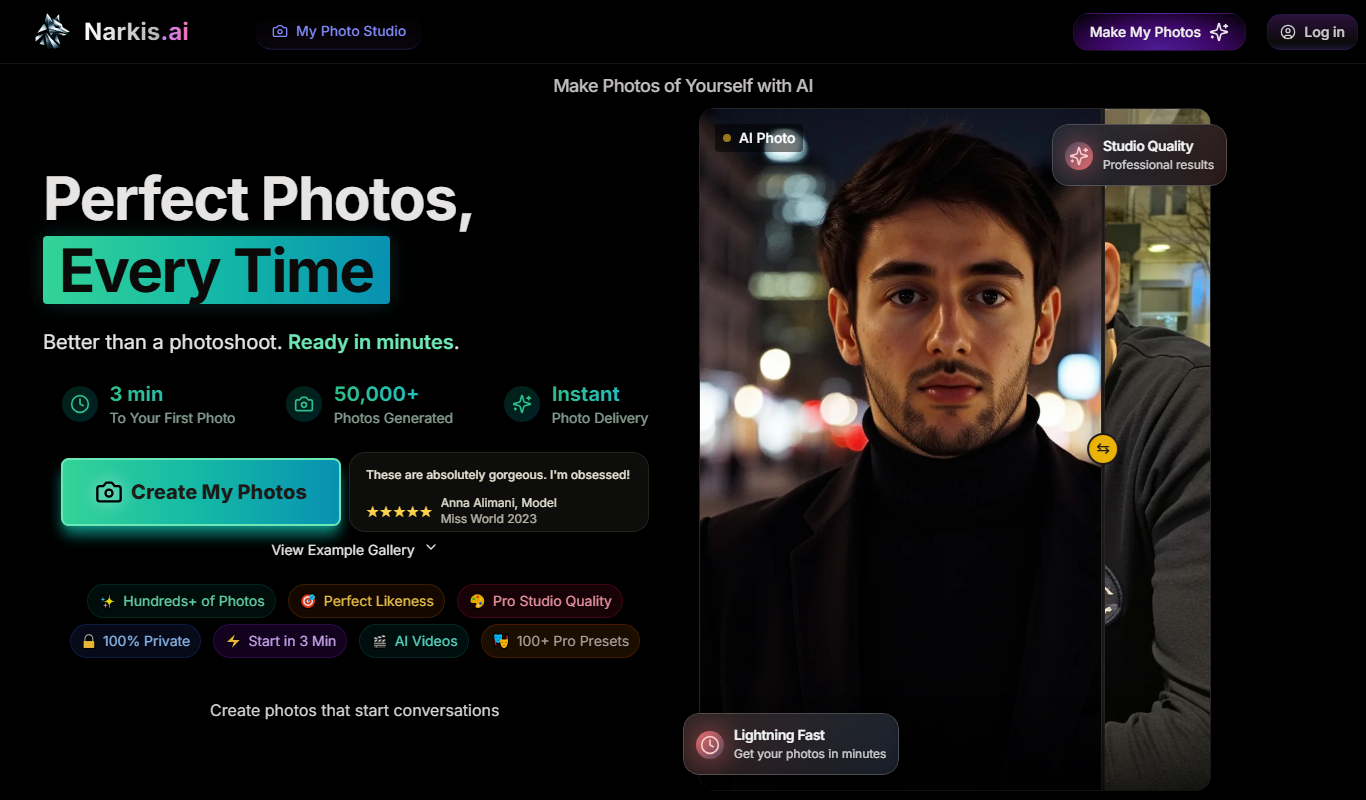
Narkis.ai
Narkis.ai trains a personal AI model on your photos and generates realistic headshots, dating photos and portraits of yourself in any style, no photoshoot needed.

MaternityPhotoshoot
MaternityPhotoshoot is an easy, affordable alternative to maternity photoshoots: upload 14 selfies and AI makes 500 maternity photos, delivered in 4 hours.

Microstockr
Microstockr is a desktop app for microstock photographers that tracks portfolio earnings, generates AI keywords for photos and uploads them to 20+ stock agencies from one place.
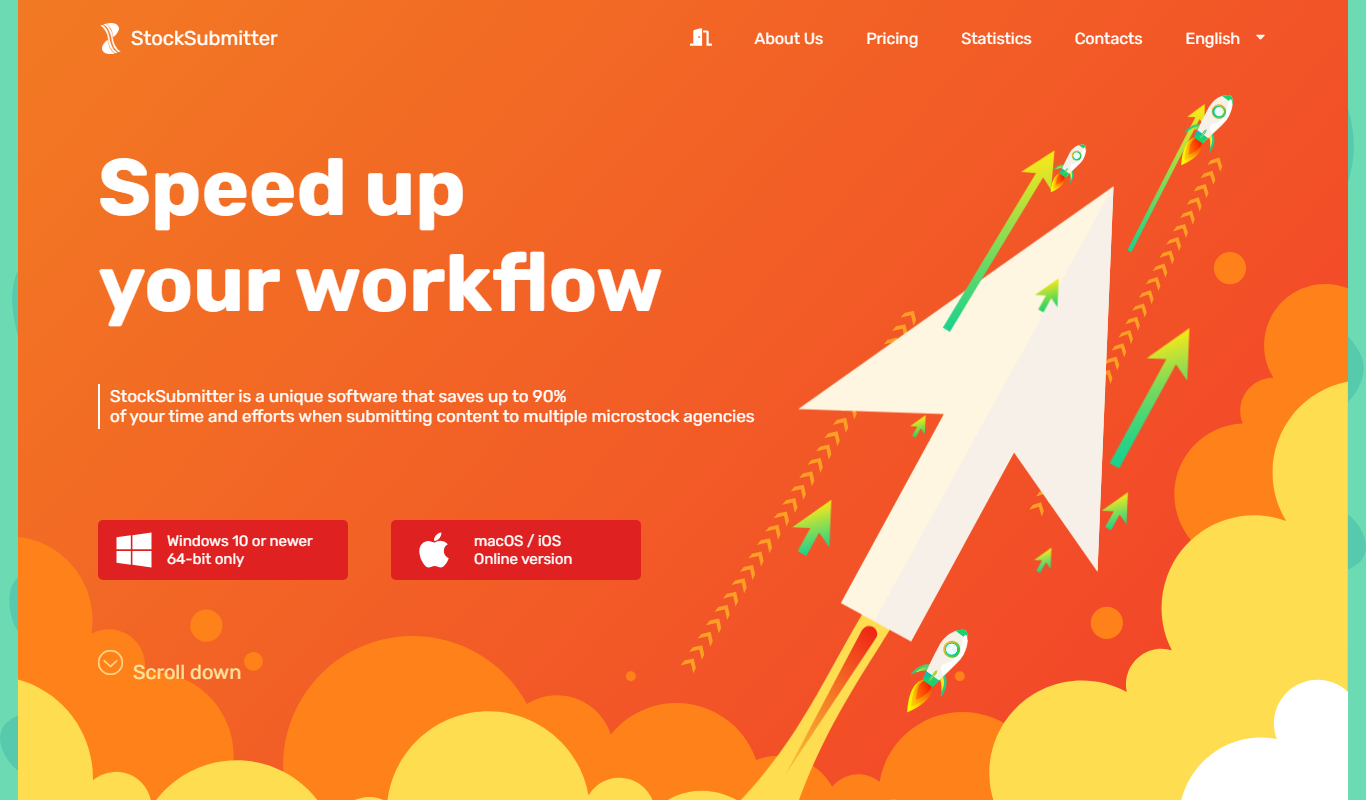
StockSubmitter
StockSubmitter is software for microstock contributors that fills, translates and stores metadata and uploads content to dozens of microstock agencies at once.
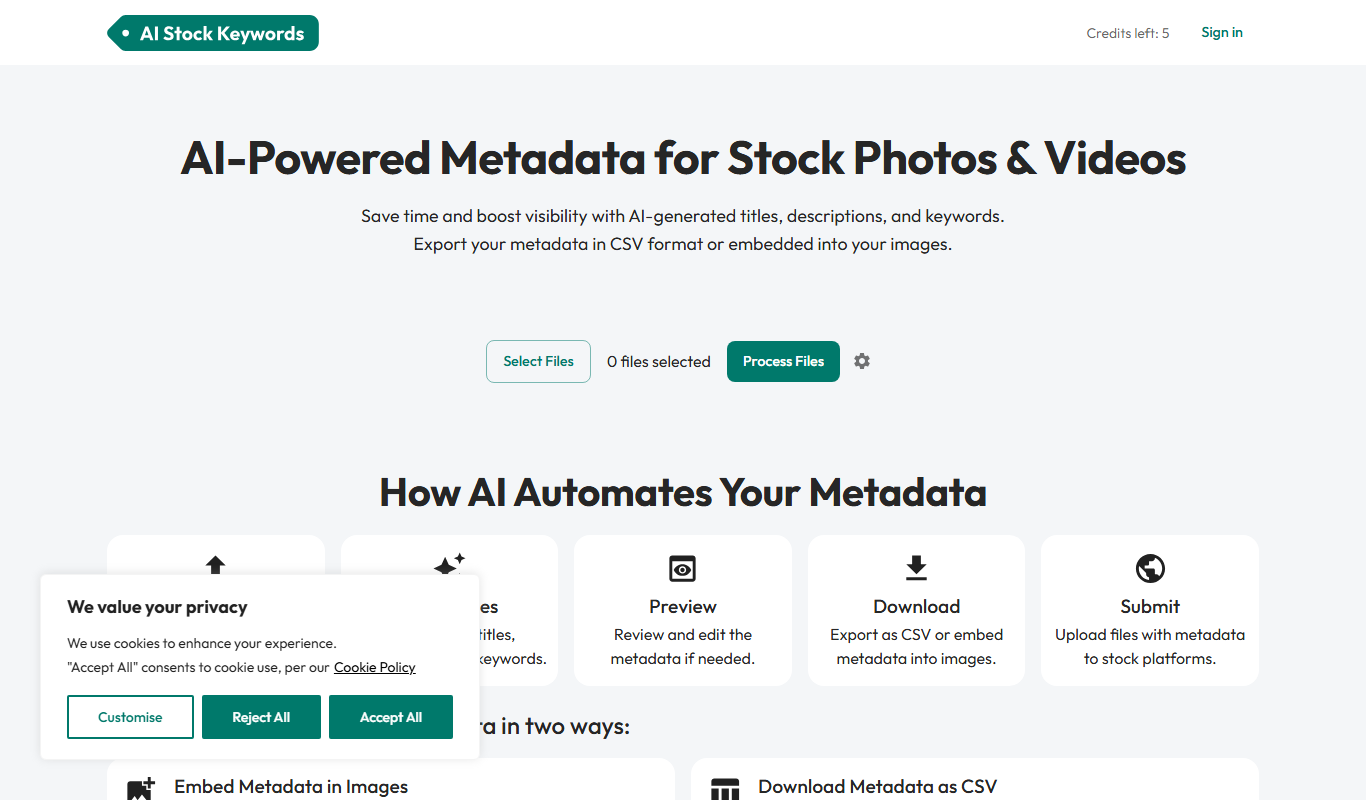
AI Stock Keywords
AI Stock Keywords generates stock-ready titles, descriptions and keywords for Adobe Stock, Shutterstock and other microstock uploads, exported as CSV or embedded in images.

Evoto AI
Evoto is an all-in-one AI photo editing workflow for professional photographers: culling, RAW editing, color grading and portrait retouching from first cull to final delivery.
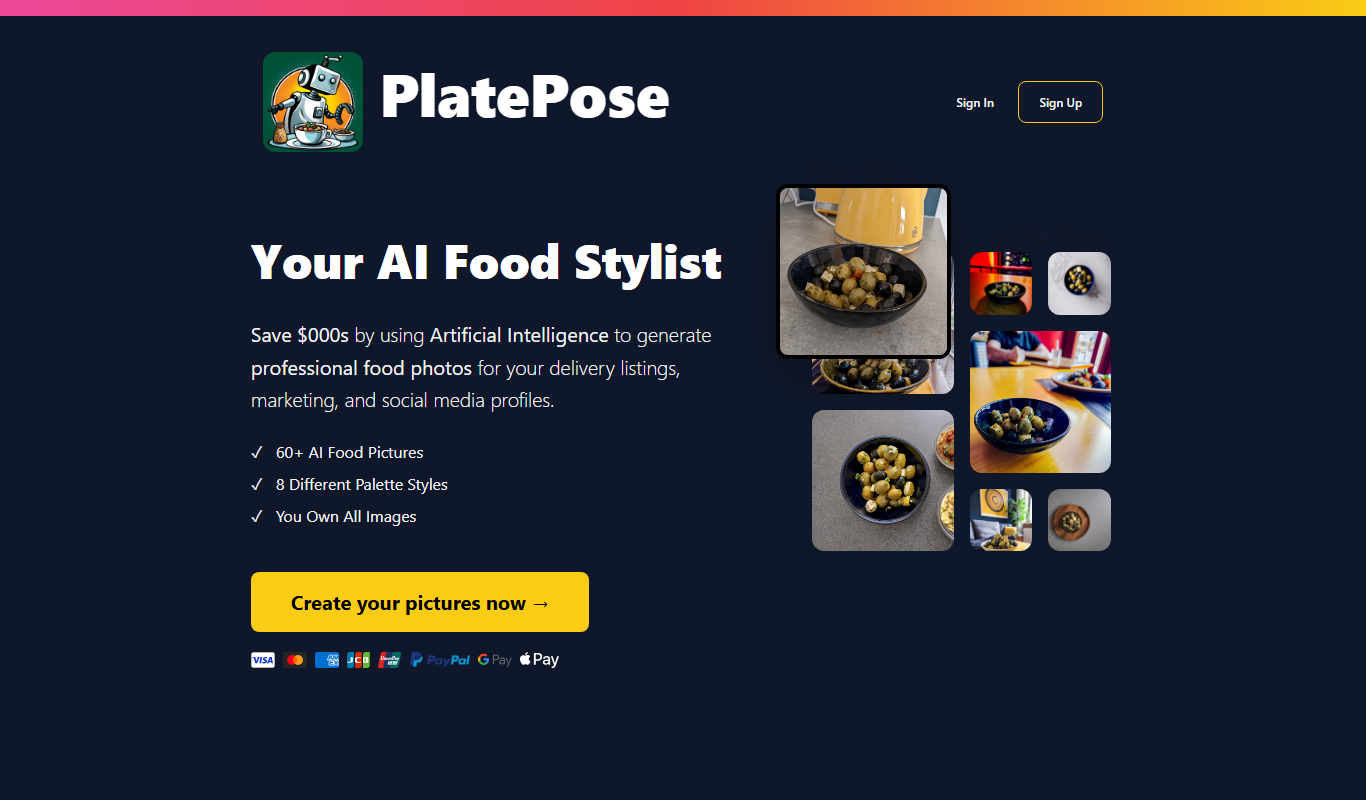
PlatePose
PlatePose trains an AI model on 10-20 photos of your dish and generates professional, stylised food photos for menus and social profiles, with full ownership of the images.