

SVGator Animated SVG Creator for Web and Graphic Design Professionals
SVGator is a web-based no-code tool for creating animated SVG files with interactive features, ideal for web and graphic designers.
- Best for
- Web Design
- Key capability
- Visual Timeline Editor
Save SVGator, follow its updates and vote on it — everything stays in your account.
Sign in or create a free account
What is SVGator?
SVGator is a web-based animation tool designed specifically for creating animated SVG (Scalable Vector Graphics) files. It allows designers and developers to build interactive vector animations without coding, using an intuitive visual interface. SVGator supports keyframe animations, morphing, filters, and interactivity, producing lightweight, scalable animations optimized for web and mobile use.
Key features of SVGator
SVGator offers a no-code platform for creating complex SVG animations with features like timeline editing, keyframe control, morphing shapes, easing functions, and export options for web-friendly SVG files. It supports interactive triggers and integrates easily into websites and apps.
Visual Timeline Editor
Intuitive timeline interface for precise control over animation sequences and keyframes.
No-Code Animation
Create complex animations without writing any code, suitable for designers and marketers.
Interactive Triggers
Add interactivity such as hover, click, and scroll triggers to animations.
Morphing and Filters
Animate shape morphing and apply SVG filters for advanced visual effects.
Lightweight SVG Export
Export optimized SVG animations that load quickly and scale without loss of quality.
Pros and cons of SVGator
Pros
- User-friendly no-code animation interface
- Produces lightweight, scalable SVG animations
- Supports interactive triggers and advanced effects
- Web-based with no software installation required
- Good export options optimized for web
Cons
- Limited offline capabilities since it is web-based
- Advanced animation features may have a learning curve
Key use cases for SVGator
Web Design
Create interactive and animated SVG graphics to enhance website visuals and user experience.
Graphic Design
Design scalable vector animations for branding, marketing materials, and digital content.
UI/UX Development
Integrate lightweight SVG animations into user interfaces to improve engagement and interactivity.
Marketing & Advertising
Produce eye-catching animated graphics for social media campaigns and digital advertisements.
No-Code Animation Creation
Enable non-technical users to create complex SVG animations without writing code.
How SVGator works
- 1
Create an Account
Sign up on SVGator’s website to access the animation editor.
- 2
Import or Create SVG
Upload your own SVG files or create vector shapes directly within the editor.
- 3
Animate Using Timeline
Use the timeline and keyframe tools to animate properties like position, scale, rotation, and color.
- 4
Add Interactivity
Set triggers and events to make animations interactive based on user actions.
- 5
Export and Integrate
Export the animated SVG file optimized for web use and embed it into your website or app.
Who is using SVGator
SVGator pricing
Free
$0/month
Basic access with limited animations and export options.
Pro
$24/month, billed yearly
Everything in Starter plus unlimited animation exports, video and GIF export, max quality for videos and images, unlimited viewers and commenting.
Team
$27/seat/month, billed yearly, minimum 3 seats
Everything in Pro plus invite to edit, a team workspace, up to 10 seats, unlimited team projects and priority customer support; minimum 3 seats.
Starter
$20/month, billed yearly
Everything in Free plus animated SVG export (CSS and JS), Lottie JSON export, React Native and Flutter export, SVG Player API access and interactive animations.
Plans and prices are as published by the vendor and can change. Check the official site before you buy. Open the pricing page (opens in a new tab)
Frequently asked questions about SVGator
Yes, SVGator is designed as a no-code tool allowing users to create animations visually without programming.
You can export animated SVG files optimized for web use, as well as static SVGs.
Yes, SVGator offers commercial licenses with its paid plans.
Yes, you can import your own SVG files and animate them within SVGator.
It depends on your specific needs and how you plan to use the tool. The official website and documentation are the best sources for the latest details.
Some tools offer a free plan or trial with limited features. Availability can vary, so confirm on the official website.
Yes, it can help with that use case depending on how you configure it and what features are available. You’ll get the best results with clear inputs and a defined goal.
Conclusion
Inside the editor, users upload their own SVG files or create vector shapes, then animate position, scale, rotation and color with timeline and keyframe tools. Hover, click and scroll triggers add interactivity, while shape morphing and SVG filters provide advanced visual effects. The editor works visually, without writing any code. The result is an animated SVG file optimized for web use, ready to embed in a website or app.
Web designers, graphic designers, UI/UX developers and marketing professionals are its main users. All paid plans are billed yearly: Starter at $20/month, Pro at $24/month and Team at $27 per seat per month with a minimum of 3 seats. A free plan also exists, and commercial licenses come with the paid plans.
Sources
Sign in to review this tool.
Sign In to ReviewNo reviews yet
Be the first to share how this tool worked for you.
Ask about pricing, limits, or how it compares — or answer someone else.
Sign In to AskNo questions yet
Have a question about using or paying for this tool? Be the first to ask.
Featured on TiorAI



Alternative Tools
Explore similar AI tools that might fit your needs

LottieFiles
LottieFiles is a platform that enables designers and developers to create, edit, preview, and share lightweight, scalable animations in the Lottie JSON format for seamless integration into mobile and web applications.
More Art & Creative Design tools
Other tools in the same category, for when this one is not quite the fit.

AnyoneCanAI
AnyoneCanAI by Parallel simplifies AI with free resources, tools and inspiration: an Ideation Room, a Brainstorming Kit, case stories and an AI resource library.

Axiom
Axiom is a no-code automation platform that allows users to build custom web scraping bots and automate workflows without programming, supporting scheduling, API integration, and data export.

NextBrain AI
NextBrain AI is a no-code machine learning and AI workflow automation platform with AutoML, a Knowledge Repository (RAG), Document Extraction and Document Comparison.

dbnix.ai
dbnix.ai is an AI-powered IT support automation platform that resolves L1 and L2 issues instantly, available 24/7.

Wisent
Wisent uses representation engineering to give control over AI models, reducing hallucinations and malicious content, through an API with SDK.

EnergeticAI
EnergeticAI is TensorFlow.js optimized for serverless functions, with fast cold-start, small module size and pre-trained models for Node.js apps.

Pinecone
Pinecone is a fully managed vector database platform that simplifies storing, indexing, and querying high-dimensional vector embeddings to enable scalable similarity search for AI and machine learning applications.
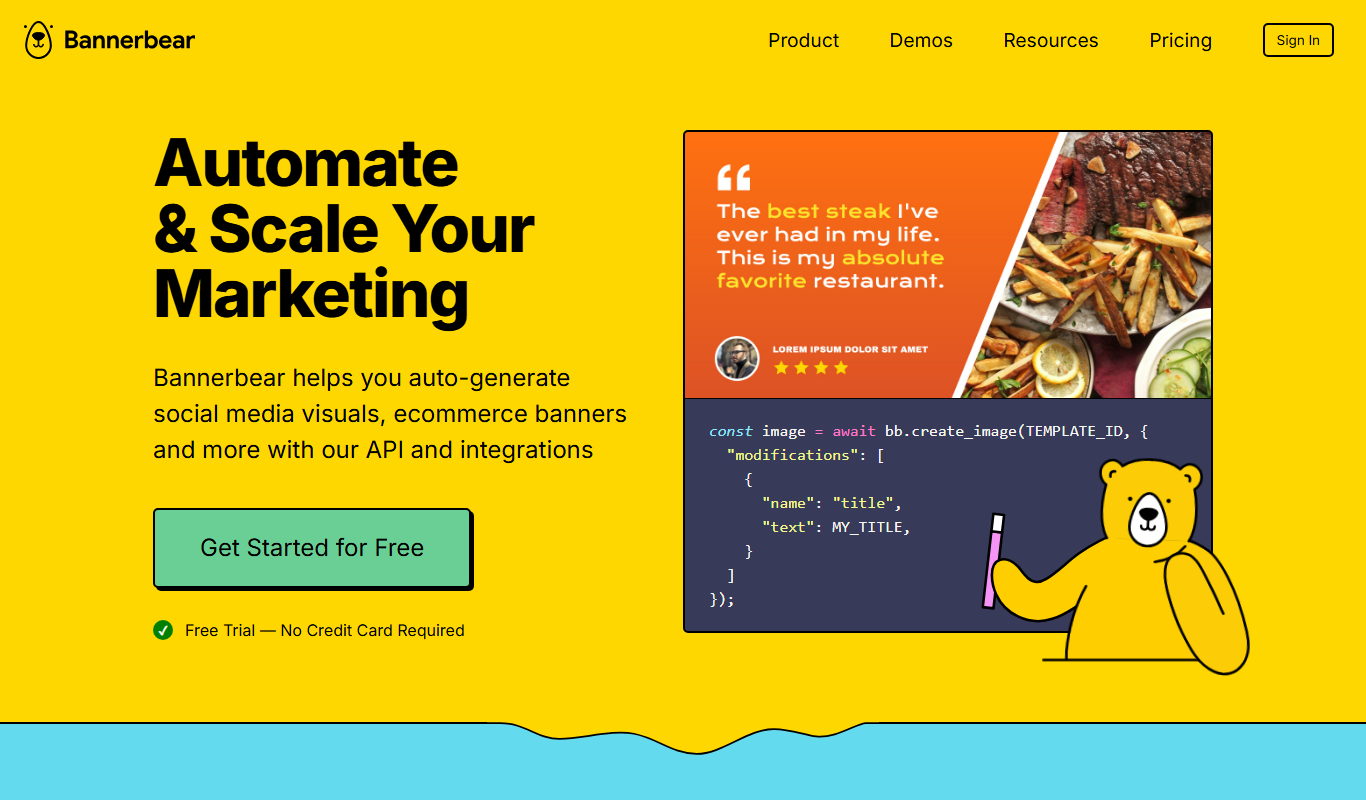
Bannerbear
Bannerbear is a cloud platform that automates image and video generation via customizable templates and an API, ideal for marketers and developers seeking scalable content creation.