

Userpilot User Onboarding Software for SaaS and Product Growth
Userpilot is a no-code SaaS platform that enables companies to create personalized user onboarding experiences, feature adoption flows, and in-app messaging to boost engagement and retention.
- Best for
- User Onboarding
- Key capability
- No-Code Visual Editor
Save Userpilot, follow its updates and vote on it — everything stays in your account.
Sign in or create a free account
What is Userpilot?
Userpilot is a no-code user onboarding and product adoption platform designed to help SaaS companies improve user engagement and retention. It enables product teams to create personalized in-app experiences such as product tours, checklists, and tooltips that guide users through their software without requiring engineering resources.
Key features of Userpilot
Userpilot offers a visual editor for building onboarding flows, segmentation tools for targeting specific user groups, analytics to track user behavior, and integrations with popular SaaS tools. It focuses on enabling product-led growth by improving feature adoption and reducing churn.
No-Code Visual Editor
Build and customize onboarding experiences without writing code.
User Segmentation
Target onboarding flows to specific user groups based on behavior and attributes.
In-App Messaging
Deliver contextual messages, tooltips, and checklists inside your product.
Analytics Dashboard
Monitor user engagement and onboarding success with detailed analytics.
Integrations
Connect with popular tools like Intercom, Segment, and Mixpanel for enhanced workflows.
Pros and cons of Userpilot
Pros
- Intuitive no-code visual editor for onboarding flows
- Powerful user segmentation for personalized experiences
- Comprehensive analytics to track onboarding effectiveness
- Integrates well with popular SaaS tools
- Good customer support and documentation
Cons
- Pricing may be high for very small startups
- Limited language support beyond English
- Native iOS and Android support is an add-on
Key use cases for Userpilot
User Onboarding
Create interactive product tours, checklists, and tooltips to guide new users through your SaaS product.
Feature Adoption
Drive adoption of new or underused features by delivering contextual in-app experiences tailored to user segments.
User Engagement
Increase user engagement and retention with personalized onboarding flows and in-app messaging.
Product Analytics
Measure user behavior and onboarding success with built-in analytics to optimize user journeys.
No-Code Experience Building
Design and deploy onboarding experiences without coding, using a visual editor and pre-built templates.
How Userpilot works
- 1
Sign Up
Create an account on Userpilot’s platform to start building onboarding experiences.
- 2
Install Snippet
Add Userpilot’s JavaScript snippet to your web application to enable in-app experiences.
- 3
Build Experiences
Use the visual editor to create product tours, checklists, and tooltips tailored to your users.
- 4
Segment Users
Define user segments based on behavior or attributes to deliver personalized onboarding.
- 5
Analyze & Optimize
Track user interactions and onboarding metrics to refine and improve your flows.
Who is using Userpilot
Userpilot pricing
Starter
$299/mo
For small teams: up to 2,000 Monthly Active Users, in-app user engagement, user segmentation and tracking, usage trends analysis and NPS survey.
Growth
From $849/mo
Everything from Starter plus advanced product analytics, event autocapture, resource center and advanced in-app surveys, and 3-year data retention.
Enterprise
Custom pricing
Advanced features, dedicated support, and custom SLAs for large organizations.
Plans and prices are as published by the vendor and can change. Check the official site before you buy. Open the pricing page (opens in a new tab)
Frequently asked questions about Userpilot
No, Userpilot is designed as a no-code platform allowing product teams to build onboarding experiences visually.
Yes, Userpilot offers robust user segmentation based on behavior and user attributes.
Yes, Userpilot provides a 14-day free trial with access to all features.
Userpilot supports web applications via a JavaScript snippet and offers API integrations.
This tool is designed to help users accomplish its core tasks more efficiently. It is typically used by individuals or teams looking to improve productivity and workflow.
It depends on your specific needs and how you plan to use the tool. The official website and documentation are the best sources for the latest details.
Some tools offer a free plan or trial with limited features. Availability can vary, so confirm on the official website.
Integration support depends on the tool and its available connectors or API. Check the official documentation or integrations page to confirm what is supported.
Conclusion
Adding a JavaScript snippet to the web application enables in-app experiences, and product tours, checklists and tooltips are then built in a visual editor without writing code. Segments based on behavior or attributes decide which users receive each onboarding flow. Beyond onboarding, the platform now covers product analytics, surveys with NPS, session replay, behavior-triggered emails and engagement on mobile.
It is designed to help SaaS companies improve engagement and retention without requiring engineering resources. Plans scale with monthly active users, from Starter for up to 2,000 users to Growth with advanced product analytics and a custom Enterprise tier. AI Agent Lia is included on all plans, and a 14 days free trial needs no credit card. Native iOS and Android support is an add-on rather than part of the base plans.
Sources
Sign in to review this tool.
Sign In to ReviewNo reviews yet
Be the first to share how this tool worked for you.
Ask about pricing, limits, or how it compares — or answer someone else.
Sign In to AskNo questions yet
Have a question about using or paying for this tool? Be the first to ask.
Featured on TiorAI



Alternative Tools
Explore similar AI tools that might fit your needs

Appcues
Appcues is a no-code user onboarding platform that helps businesses create personalized in-app experiences to improve product adoption and user engagement without coding.

Pendo
Pendo is a product experience platform that provides product analytics, in-app guidance, and user feedback tools to help SaaS companies improve user onboarding, feature adoption, and customer retention.
WalkMe
WalkMe is a digital adoption platform that provides interactive walkthroughs, task automation, and analytics to help organizations improve software adoption and user engagement.
More AI Workflow tools
Other tools in the same category, for when this one is not quite the fit.
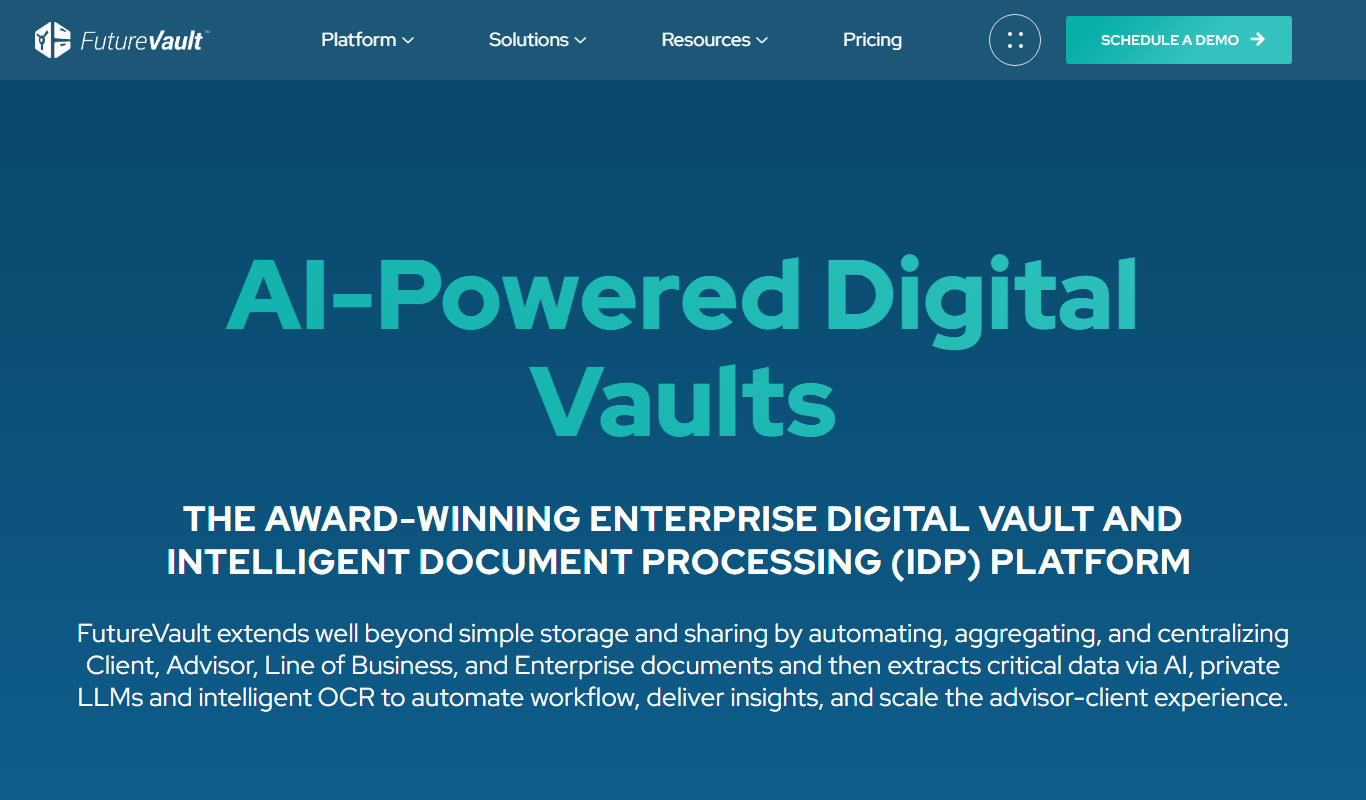
FutureVault
FutureVault provides AI-Powered Digital Vaults and Intelligent Document Processing for BFSI Enterprises, their advisors and their clients.

Graviti
Graviti is a data management platform designed to help AI teams manage, annotate, and version datasets efficiently, supporting collaboration and integration with AI workflows.

StrongArm Technologies PPE AI
StrongArm Technologies offers the SafeWork Sensor, a wearable device that provides real-time haptic feedback and collects movement data, and SafeWork Training, a personalized safety training program.
PresentPal
Present Pal is a presentation support app that helps students overcome anxiety, stay organised and speak with confidence, available through the DSA.

Matcha
Matcha is an AI-native job search platform: seekers get jobs matched to their fit, and employers hire pre-ranked talent.

Notedex
NoteDex is a cross-platform note taking system for creating and organizing index cards with text, handwriting and images, with a visual Canvas for ideas.
Hubflo
Hubflo is client portal software for consultants, agencies, accountants and service firms, combining a client portal with CRM, projects, invoices and e-signatures.
Abstra Workflows
Abstra is an AI-powered finance automation platform that helps businesses streamline financial operations, reduce manual work and improve accuracy with intelligent workflows and integrations.