

GaliChat AI Chatbot Platform for Customer Support and Engagement
GaliChat is an AI chatbot platform that helps businesses automate customer support and engagement through customizable conversational agents deployed on websites and apps.
- Best for
- Customer Support Automation
- Key capability
- AI-Powered Natural Language Understanding
Save GaliChat, follow its updates and vote on it — everything stays in your account.
Sign in or create a free account

What is GaliChat?
GaliChat is an AI-powered chatbot platform designed to help businesses automate customer interactions and improve engagement. It enables companies to deploy conversational agents on their websites or apps to handle inquiries, generate leads, and provide real-time assistance without human intervention.
Key features of GaliChat
GaliChat offers customizable chatbot templates, natural language processing capabilities, integration with various platforms via API, and analytics to monitor chatbot performance and user interactions.
AI-Powered Natural Language Understanding
Enables the chatbot to comprehend and respond to user queries effectively.
Customizable Chat Flows
Design conversational paths that suit specific business scenarios.
Multi-Channel Deployment
Supports integration on websites and mobile applications.
Analytics Dashboard
Provides insights into chatbot usage, user engagement, and performance metrics.
Pros and cons of GaliChat
Pros
- Easy to set up and customize chatbots
- AI-powered natural language understanding improves user experience
- Provides useful analytics for performance tracking
Cons
- Limited language support beyond English
- Pricing may be high for small businesses with large interaction volumes
Key use cases for GaliChat
Customer Support Automation
Automate responses to common customer inquiries, reducing wait times and support costs.
Lead Generation
Engage website visitors with interactive chat to capture leads and qualify prospects.
User Engagement
Provide personalized conversational experiences to increase user interaction and satisfaction.
E-commerce Assistance
Help customers find products, answer questions, and guide through purchase decisions.
How GaliChat works
- 1
Sign Up
Create an account on GaliChat’s website to access the chatbot builder.
- 2
Customize Chatbot
Use templates or build your chatbot flows tailored to your business needs.
- 3
Integrate Chatbot
Deploy the chatbot on your website or app using provided code snippets or API.
- 4
Monitor and Optimize
Track chatbot interactions and performance through analytics to improve responses.
Who is using GaliChat
GaliChat pricing
Free Demo
Free, no credit card required
1 AI agent, 5 training links, 40 messages, up to 5 lead generation, English language only; the chat is disabled after 7 days of inactivity.
Pro
$19/month
10 AI agents, 50 training links, up to 100 lead generation, 20 files upload, multiple language, Cal.com integration and remove brand.
Business
$99/month
10 AI agents, 500 training links, up to 500 lead generation, 100 files upload, multiple language, Cal.com integration and remove brand.
Enterprise
$999/month
Unlimited AI agents, training links, lead generation and files upload, multiple language, Cal.com integration and remove brand.
Plans and prices are as published by the vendor and can change. Check the official site before you buy. Open the pricing page (opens in a new tab)
Frequently asked questions about GaliChat
Yes, GaliChat provides code snippets and API access to easily embed the chatbot on your website.
Yes. The paid plans include multiple languages; the Free Demo is English only.
Yes, GaliChat offers a free plan to test basic chatbot functionalities.
This tool is designed to help users accomplish its core tasks more efficiently. It is typically used by individuals or teams looking to improve productivity and workflow.
Integration support depends on the tool and its available connectors or API. Check the official documentation or integrations page to confirm what is supported.
Some tools offer a free plan or trial with limited features. Availability can vary, so confirm on the official website.
Conclusion
Setting up an agent needs no code: add a website link or files such as PDF, Word or Excel, train it on that knowledge base, then add the script to the website. The resulting AI agent provides 24/7 support, helps generate leads and can be customized to match the website. Its message history is visible in the dashboard, where all conversations with users can be monitored.
Paid plans include multiple languages and a Cal.com integration, whereas the free demo is English only and the chat is disabled after 7 days of inactivity. Plans scale by AI agents, training links, messages and lead generation, with add-ons for extra messages, extra agents and branding. Described as privacy focused, it does not save any customer visiting data.
Sources
Sign in to review this tool.
Sign In to ReviewNo reviews yet
Be the first to share how this tool worked for you.
Ask about pricing, limits, or how it compares — or answer someone else.
Sign In to AskNo questions yet
Have a question about using or paying for this tool? Be the first to ask.
Featured on TiorAI



More AI Book Writing tools
Other tools in the same category, for when this one is not quite the fit.

Colorin AI
Colorin AI is an AI coloring book generator that batch-generates pages with consistent characters and exports print-ready PDFs for KDP and Etsy.

AIStoryBuilders
AI Story Builders is AI-powered novel writing software that organizes characters, locations and timelines in a database so the AI can write continuations, rewrites and inspiration that fit your story.

First Book ai
First Book ai turns your expertise into a professionally structured nonfiction business book, chapter by chapter, in your voice, with one-time credit pricing.
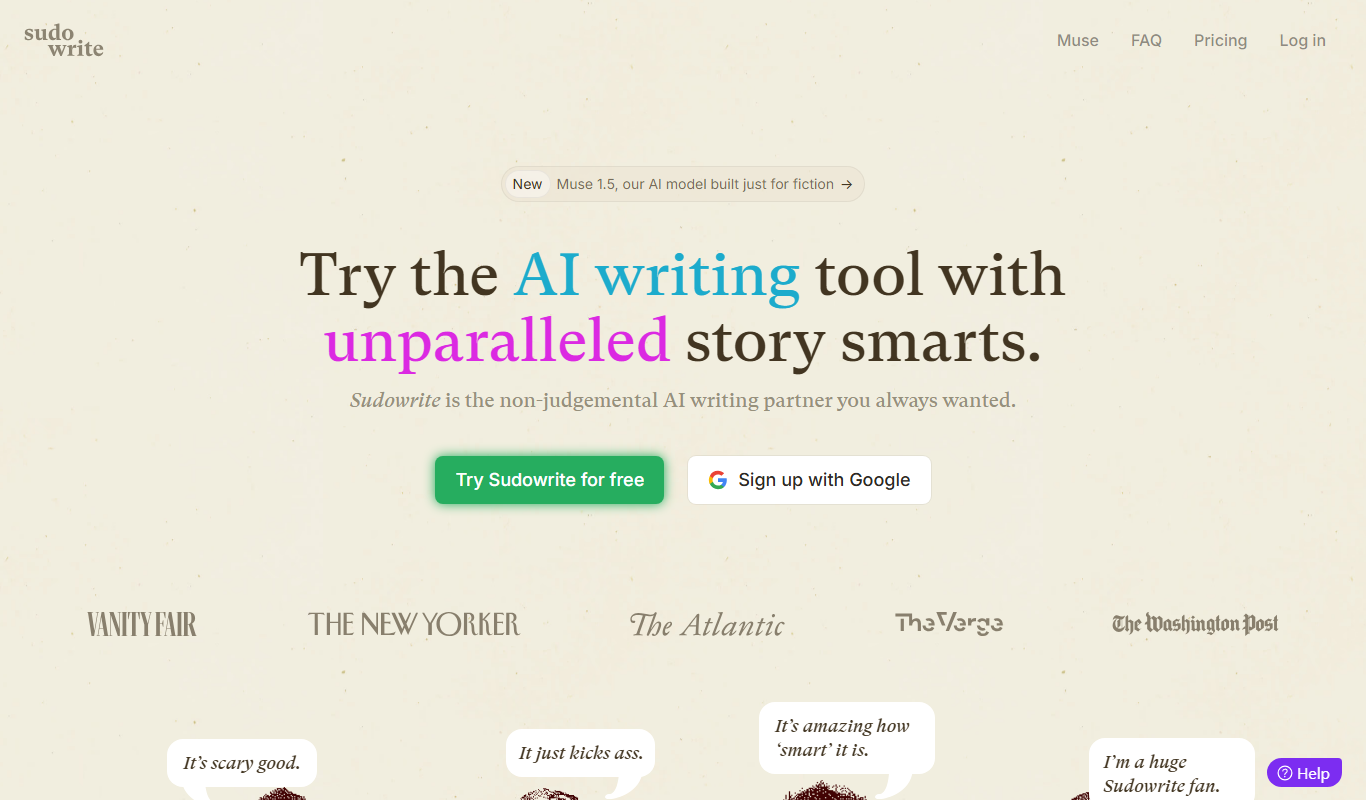
Sudowrite
Sudowrite is an AI writing assistant designed to help writers brainstorm, expand, and improve their writing by generating creative suggestions and overcoming writer's block.

StoryBooks
Storybooks creates personalized, illustrated children's stories that build literacy, creativity and social-emotional intelligence, for parents, teachers and writers.
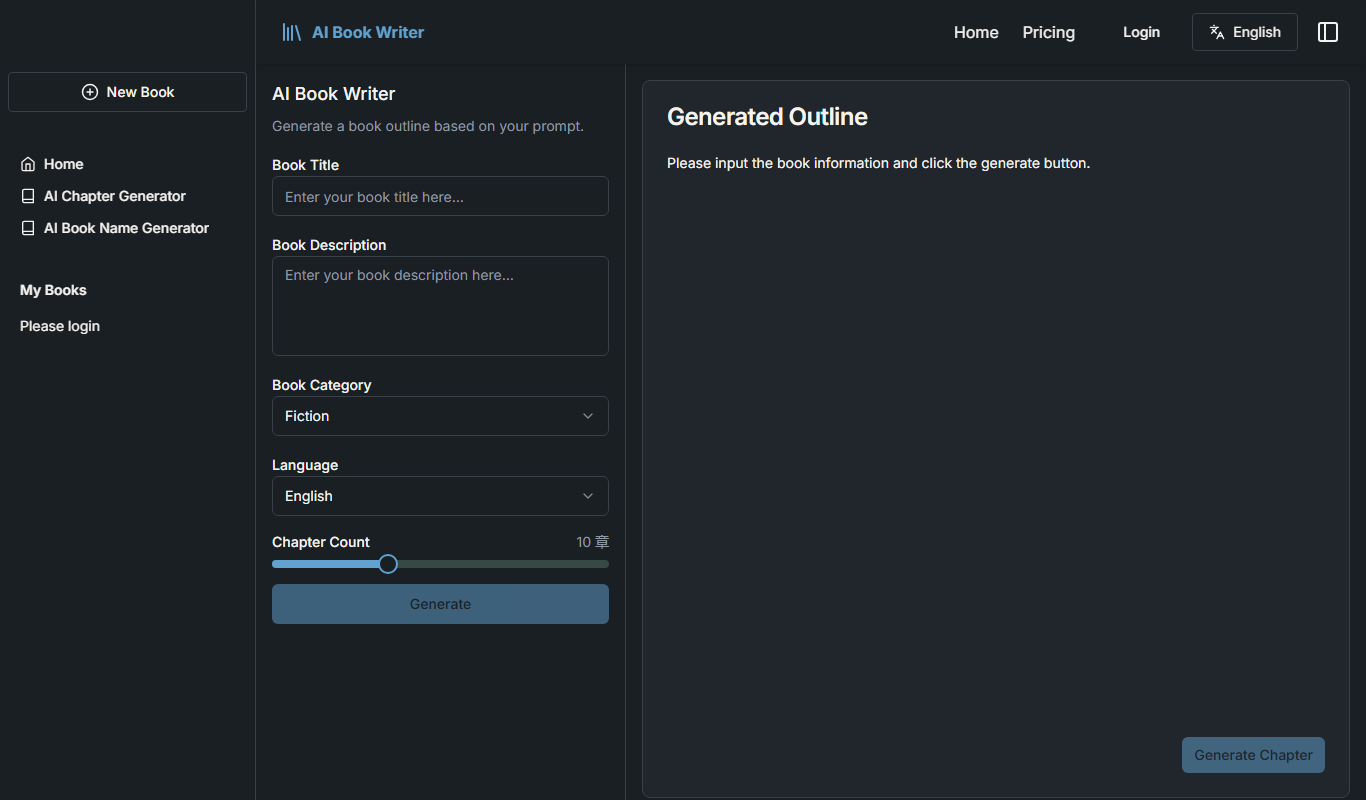
AI Book Writer
AI Book Writer is a web-based AI tool that assists authors in generating, expanding, and editing book content to streamline the writing process.

Kidzbook
Kidzbook is an AI-driven platform that creates personalized, interactive storybooks for children, enhancing reading and creativity through tailored storytelling.

Squibler
Squibler is an AI book and novel writer that lets you write books, novels and screenplays by chatting with AI.