

My StoryBot AI Story Generator for Creative Writing and Storytelling
My StoryBot is an AI tool for creating and illustrating custom children's books with consistent characters, editing and print-ready exports.
- Best for
- Creative Story Writing
- Key capability
- Consistent characters
Save My StoryBot, follow its updates and vote on it — everything stays in your account.
Sign in or create a free account
What is My StoryBot?
My StoryBot is an AI children’s book generator for authors, parents and educators. It turns an idea or prompt into a multi-page illustrated story with consistent characters, lets users edit text and illustrations, and exports print-ready books.
Key features of My StoryBot
My StoryBot generates multi-page illustrated children’s stories with consistent characters, supports character uploads, art styles and illustration editing, and exports print-ready PDF, EPUB or narrated video.
Consistent characters
Upload a photo or drawing and the AI keeps the character looking the same on every page.
Instant editing and regeneration
Instruct My StoryBot to change a scene or regenerate a single illustration.
Multiple art styles
Switch between art styles to match the story's mood or type a custom style.
One-click exports
Export to print-ready PDF, EPUB or video narration.
Pros and cons of My StoryBot
Pros
- Easy to use with no technical skills required
- Helps overcome writer’s block with instant ideas
- Supports a variety of story genres and themes
Cons
- Limited language support (English only)
- Free plan has restricted features and usage limits
Key use cases for My StoryBot
Creative Story Writing
Generate unique story ideas and narratives to inspire writers and authors.
Storytelling for Content Creators
Help content creators develop engaging stories for blogs, videos, and social media.
Educational Writing Aid
Assist students and educators in crafting stories and improving writing skills.
Idea Generation
Provide fresh story concepts and prompts to overcome writer’s block.
How My StoryBot works
- 1
Spark your idea
Start with a prompt or idea and the AI generates a complete, multi-page story with a beginning, middle and end.
- 2
Upload character concepts
Upload a photo or drawing so the character looks the same on every page.
- 3
Illustrate
The AI illustrates each page and automatically generates a cover.
- 4
Edit and export
Edit text and illustrations, then export to print-ready PDF, EPUB or video narration.
Who is using My StoryBot
My StoryBot pricing
Reader's Plan
$29/mo
For hobbyists and parents creating stories for fun: 10 stories per month, interactive narrative mode, illustration regeneration, narration and a story sharing link.
Author's Plan
$39/mo
All Reader's Plan features plus 30 stories per month, up to 50 pages per book, manuscript illustration, AI illustration editing and PDF export.
Plans and prices are as published by the vendor and can change. Check the official site before you buy. Open the pricing page (opens in a new tab)
Frequently asked questions about My StoryBot
No. Generation requires a paid account.
Yes, you can input genres, themes, and keywords to guide the AI and edit the output.
It can generate a variety of genres including fantasy, sci-fi, romance, and more.
Yes, it is a helpful tool for educational purposes to improve writing and storytelling skills.
It depends on your specific needs and how you plan to use the tool. The official website and documentation are the best sources for the latest details.
Some tools offer a free plan or trial with limited features. Availability can vary, so confirm on the official website.
Yes, it can help with that use case depending on how you configure it and what features are available. You’ll get the best results with clear inputs and a defined goal.
Conclusion
Children’s books are the output: a prompt or idea becomes a complete, multi-page story with a beginning, middle and end, and the AI illustrates each page and generates a cover. Uploading a photo or drawing keeps a character looking the same on every page, and a child’s name and favorite things can be written into the story. Authors who already have a manuscript ready can use an illustration only mode that adds illustrations to accompany their work. Single illustrations can be changed by instruction or regenerated, and the text on any page stays editable.
Finished books export as print-ready PDF, EPUB or narrated video, and a printing service handles print-on-demand, packing and delivery. There is no free tier for creating books, since generation requires a paid account, and plans are capped by stories per month. Royalty-free commercial use is tied to the Pro Author plans.
Sources
Sign in to review this tool.
Sign In to ReviewNo reviews yet
Be the first to share how this tool worked for you.
Ask about pricing, limits, or how it compares — or answer someone else.
Sign In to AskNo questions yet
Have a question about using or paying for this tool? Be the first to ask.
Featured on TiorAI



More AI Book Writing tools
Other tools in the same category, for when this one is not quite the fit.

Colorin AI
Colorin AI is an AI coloring book generator that batch-generates pages with consistent characters and exports print-ready PDFs for KDP and Etsy.

AIStoryBuilders
AI Story Builders is AI-powered novel writing software that organizes characters, locations and timelines in a database so the AI can write continuations, rewrites and inspiration that fit your story.

First Book ai
First Book ai turns your expertise into a professionally structured nonfiction business book, chapter by chapter, in your voice, with one-time credit pricing.
Sudowrite
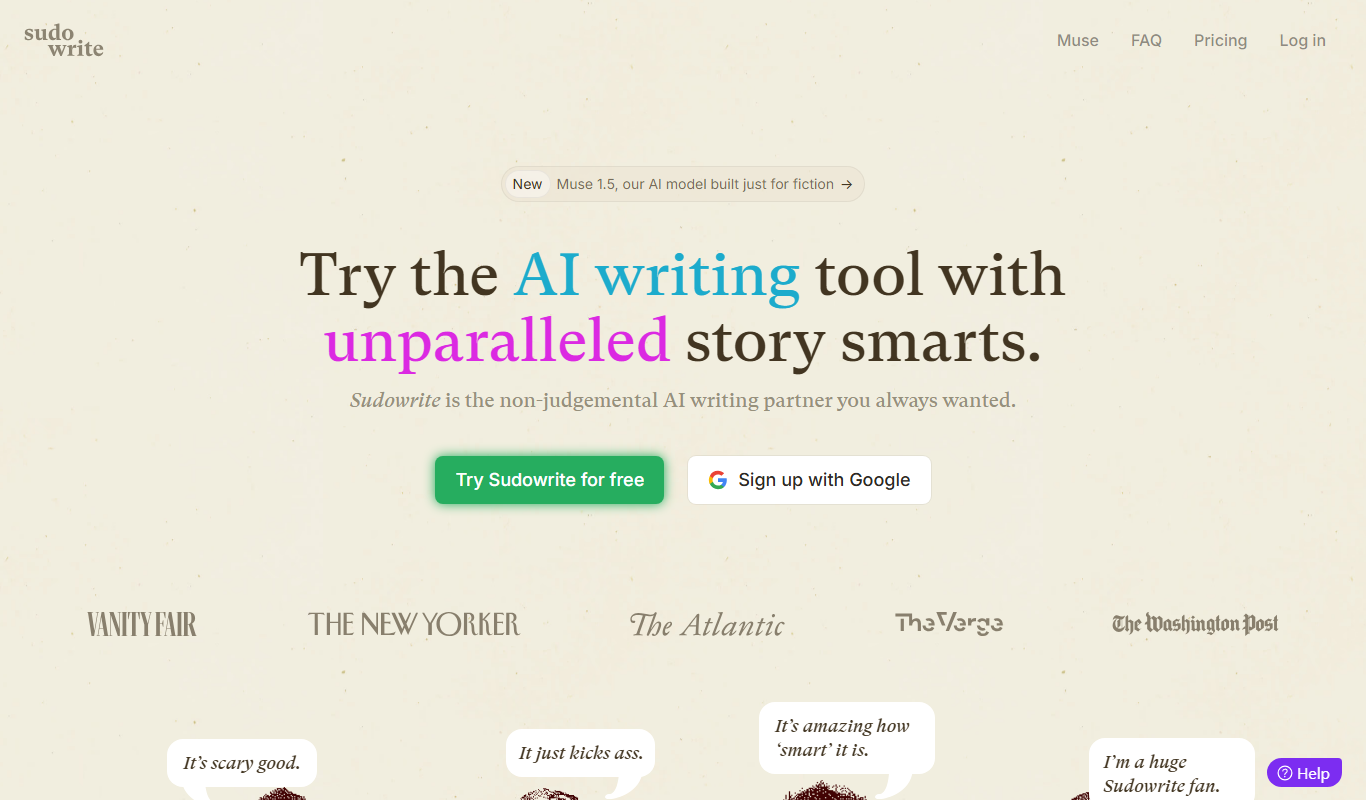
Sudowrite is an AI writing assistant designed to help writers brainstorm, expand, and improve their writing by generating creative suggestions and overcoming writer's block.

StoryBooks
Storybooks creates personalized, illustrated children's stories that build literacy, creativity and social-emotional intelligence, for parents, teachers and writers.
AI Book Writer
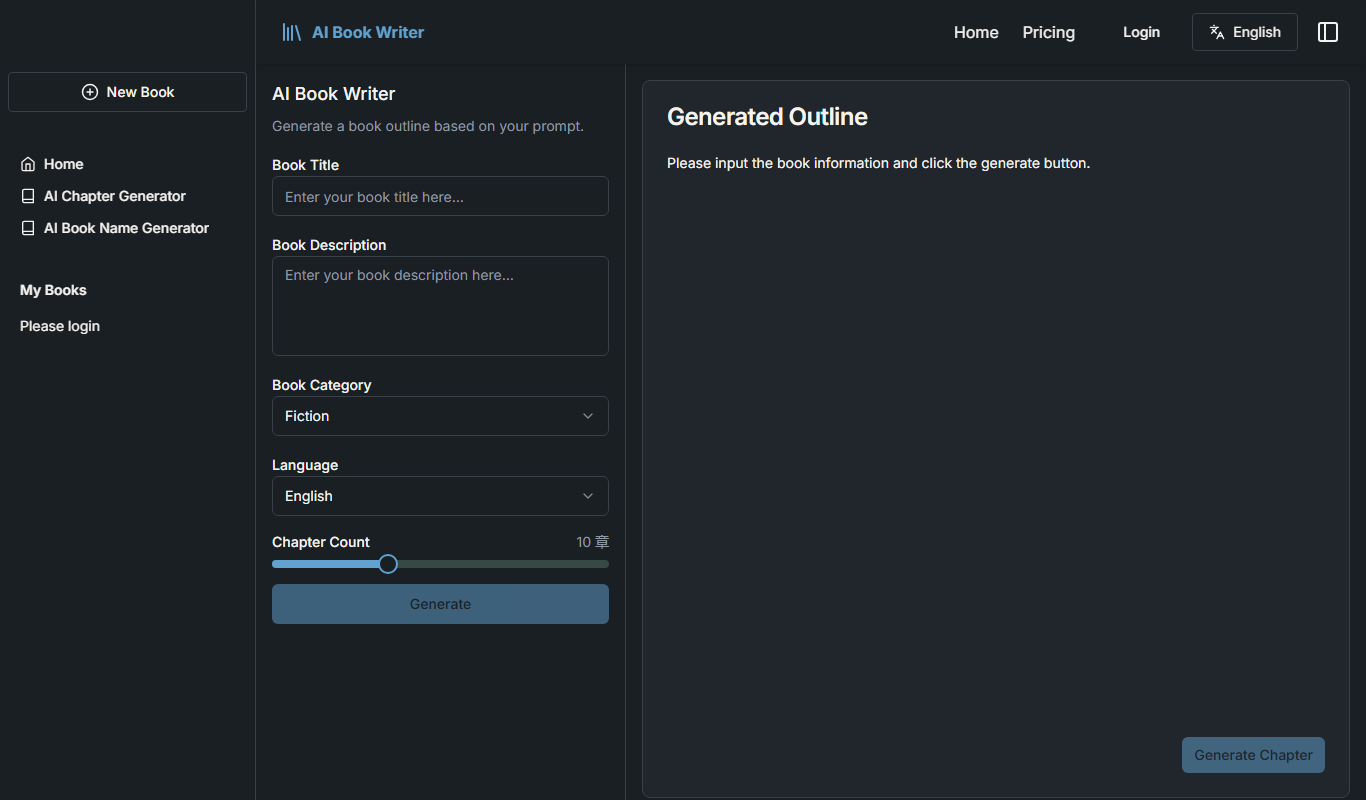
AI Book Writer is a web-based AI tool that assists authors in generating, expanding, and editing book content to streamline the writing process.

Kidzbook
Kidzbook is an AI-driven platform that creates personalized, interactive storybooks for children, enhancing reading and creativity through tailored storytelling.

Squibler
Squibler is an AI book and novel writer that lets you write books, novels and screenplays by chatting with AI.