

Xpression Camera AI Virtual Webcam Software for Real-Time Face Tracking
Xpression Camera is an AI-driven virtual webcam software that animates digital avatars in real time by tracking your facial expressions and head movements, compatible with popular video conferencing and streaming platforms.
- Best for
- Video Conferencing
- Key capability
- Real-Time Facial Tracking
Save Xpression Camera, follow its updates and vote on it — everything stays in your account.
Sign in or create a free account
What is Xpression Camera?
Xpression Camera is a virtual camera app for Windows and Mac that lets users transform into anyone or anything with a face from a single photo, without processing time, and use that onscreen persona in real time while chatting on Zoom, live streaming on Twitch or creating a YouTube video.
Key features of Xpression Camera
The tool offers real-time face tracking, customizable avatars, seamless integration with video apps, and high-quality animation rendering, making it ideal for privacy-conscious users and content creators seeking engaging virtual personas.
Real-Time Facial Tracking
Accurately captures and maps your facial expressions and head movements to your avatar instantly.
Any image with a face
Become any image with a face, such as pictures, paintings, cartoons, pets or a star in a movie or TV clip.
Seamless Integration
Works with popular platforms like Zoom, Microsoft Teams, OBS Studio, and Twitch.
High-Quality Rendering
Delivers smooth and realistic avatar animations with minimal latency.
Privacy Protection
Enables users to maintain anonymity by replacing their real face with an animated avatar.
Pros and cons of Xpression Camera
Pros
- Accurate and responsive real-time face tracking
- Works with any photo that has a face, without processing time
- Easy integration with popular video platforms
- Affordable subscription pricing
- Enhances privacy and creativity in video calls
Cons
- Limited avatar options in free version
- Requires a webcam with good lighting for best tracking
- No mobile app support currently
Key use cases for Xpression Camera
Video Conferencing
Use Xpression Camera to replace your real face with a dynamic avatar during video calls, enhancing privacy and engagement.
Content Creation
Create animated avatars for streaming, YouTube videos, or social media content with real-time facial expressions.
Virtual Events
Participate in webinars or virtual events with a personalized avatar that mimics your facial movements.
Entertainment and Gaming
Use the software to bring characters to life in gaming streams or interactive entertainment.
How Xpression Camera works
- 1
Download and Install
Get the Xpression Camera software for Windows or MacOS and install it on your computer.
- 2
Choose any image
Choose any image, then control the face of your digital persona in real time with your own expressions and head movements.
- 3
Enable Face Tracking
Allow the software to access your webcam to capture your facial expressions and head movements.
- 4
Use with Video Apps
Select Xpression Camera as your webcam source in video conferencing or streaming applications.
Who is using Xpression Camera
Xpression Camera pricing
Basic
$0/month
Free download with a personal license, a 7-day Pro trial, and default face images, backgrounds and animations.
Pro
$12 per month, $129 per year or $399 lifetime
Everything in Free with a personal license, no watermarks, local image importation, image searching, video recording, all face images, backgrounds and animations, and voice only mode.
Premium
$49 per month, $499 per year or $1499 lifetime
Everything in Pro with a commercial license, high-resolution enhancement, AI Avatar, and unlimited AI faces, backgrounds, AI Effect and AI Chat.
Plans and prices are as published by the vendor and can change. Check the official site before you buy. Open the pricing page (opens in a new tab)
Frequently asked questions about Xpression Camera
Xpression Camera supports Windows and MacOS operating systems and integrates with most video conferencing and streaming apps.
Yes, images can come from the web, the camera roll or social media, and any image with a face can be used.
Yes, it can be used in professional settings to maintain privacy or add a creative touch to presentations.
While it runs on most modern computers, a decent CPU and GPU improve performance and animation quality.
It depends on your specific needs and how you plan to use the tool. The official website and documentation are the best sources for the latest details.
Yes, it can help with that use case depending on how you configure it and what features are available. You’ll get the best results with clear inputs and a defined goal.
Some tools offer a free plan or trial with limited features. Availability can vary, so confirm on the official website.
It depends on your specific needs and how you plan to use the tool. The official website and documentation are the best sources for the latest details.
Conclusion
A single photo is all the app needs: any image with a face, from a painting or cartoon to a pet or a movie still, becomes an onscreen persona. That persona copies the user’s expressions and head movements in real time and is picked as the webcam source inside apps such as Zoom or Twitch. Voice2Face lets the voice drive the image, so the user can move away from the camera. Since only the changed image reaches the screen, the service is described as keeping real identities from being exposed.
Downloads cover Windows and Mac, while a separate mobile app, xpression avatar, turns selfies into styled avatars. A physical webcam and a processor with AVX2 support are among the listed system requirements. The free Basic tier is a personal license with default faces and a 7-day Pro trial, while the paid tiers remove watermarks and the top one adds a commercial license.
Sources
Sign in to review this tool.
Sign In to ReviewNo reviews yet
Be the first to share how this tool worked for you.
Ask about pricing, limits, or how it compares — or answer someone else.
Sign In to AskNo questions yet
Have a question about using or paying for this tool? Be the first to ask.
Featured on TiorAI


Alternative Tools
Explore similar AI tools that might fit your needs
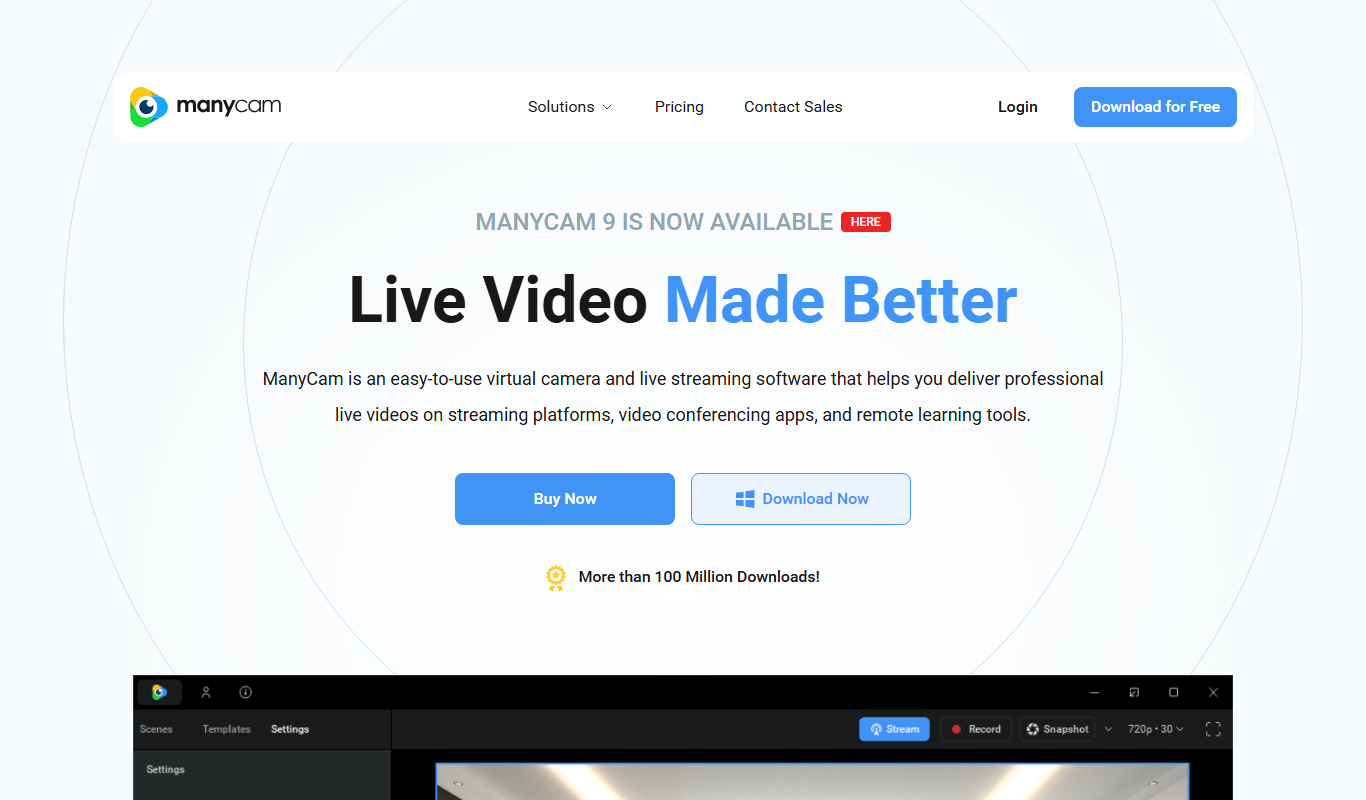
ManyCam
ManyCam is virtual webcam software that allows users to add live video effects, switch between multiple video sources, and use virtual backgrounds to enhance live streams and video calls on platforms like Zoom, YouTube, and Twitch.
More AI Animation & Motion Tools tools
Other tools in the same category, for when this one is not quite the fit.

Cascadeur
Cascadeur is an AI-assisted 3D animation software that enables users to create realistic character motions using physics simulation and pose prediction without relying on motion capture.

AnimeShorts
AnimeShorts is an AI generation platform that creates anime short videos from prompts and comics from uploaded stories, with consistent original characters.

ToonCrafter AI
ToonCrafter AI interpolates between two key cartoon images, guided by a prompt, to generate a short cartoon video you can download and share.

animeBuilder
Anime Builder lets creators make anime characters, avatars, manga scenes, photo-to-anime art and stylized motion with advanced AI models, organised as a character to motion workflow.

DeepMotion
DeepMotion is an AI-driven motion capture platform that converts video footage into realistic 3D animations in real time without requiring specialized hardware.

Ebsynth
EbSynth is VFX software for retouching, rotoscoping and stylization that changes a whole video from edited keyframes, with Free, Pro and Studio plans.

Genmo AI
Genmo AI is a research lab building open video generation models, including the open-source Mochi 1 text-to-video model and an online Playground.

Animatable
Animatable is a web-based AI tool that turns your videos into animations in a chosen style, with prompts to tweak details such as hair, eyes and clothing colors.