

Ghibli AI Art Generator - Free ChatGPT-Powered Anime Style Image Creator
GhibliArt.ai is a 4o image generator with ghibli style, chibi style, Pixar style and more, turning text or images into artwork.
- Best for
- Anime Style Artwork Creation
- Key capability
- Text or image to image
Save GhibliArt.ai, follow its updates and vote on it — everything stays in your account.
Sign in or create a free account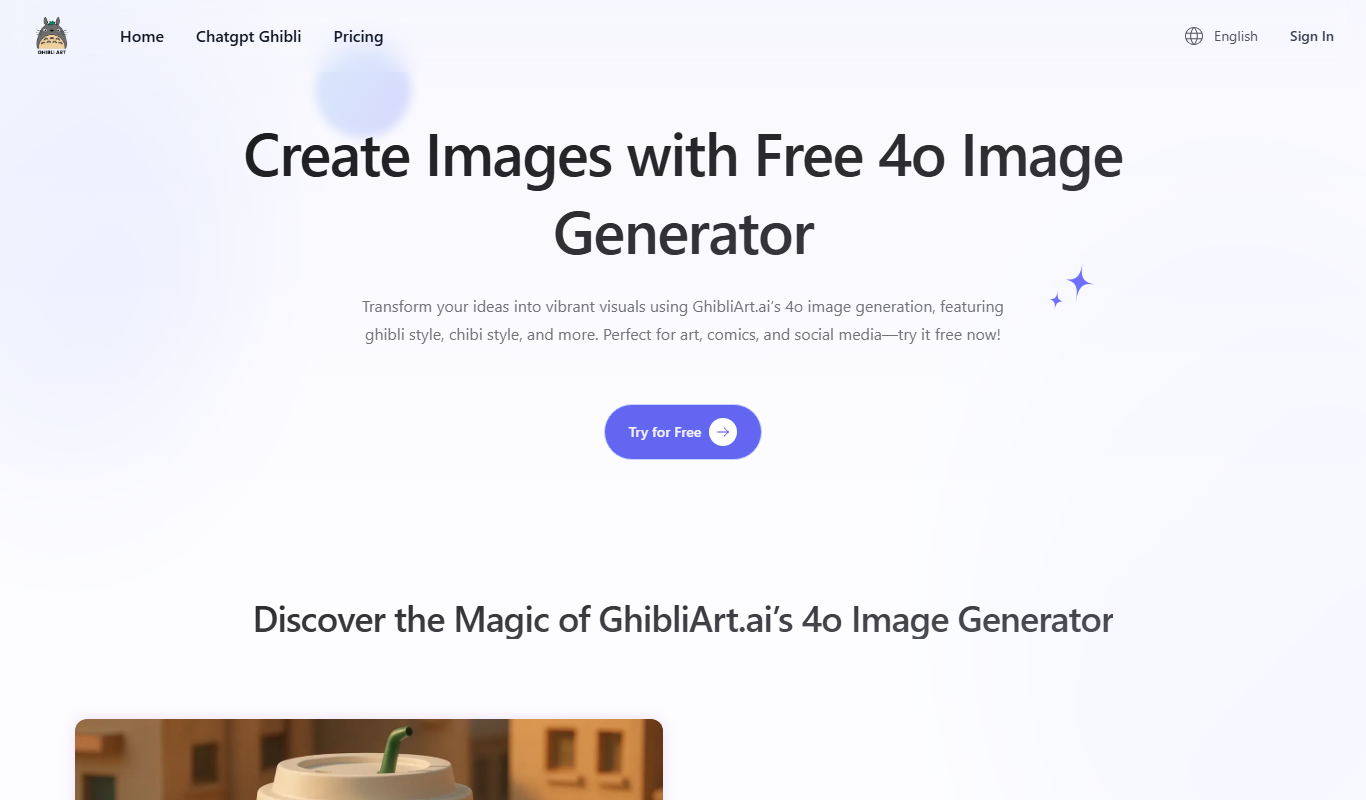

What is GhibliArt.ai?
GhibliArt.ai is a 4o image generator that transforms text or images into artwork in ghibli style, chibi style, Pixar style and more, for comics, social media or merchandise.
Key features of GhibliArt.ai
The 4o image generator creates images from text prompts or modifies existing visuals, supports ghibli, Pixar, chibi, 3D and Q-version styles, integrates stylized text and edits images by merging photos or swapping backgrounds.
Text or image to image
Create images from text prompts or modify existing visuals by uploading an image.
Studio Ghibli Style Art
Generates images that emulate the distinctive and beloved anime style of Studio Ghibli.
Free trial with basic features
GhibliArt.ai can be tried for free online with basic features; subscription plans add more access and advanced tools.
Web-Based Platform
No downloads or installations needed; works directly in the browser.
Pros and cons of GhibliArt.ai
Pros
- Can be tried for free online with basic features
- Easy-to-use web interface
- Unique ChatGPT-powered prompt generation
- Produces charming anime-style artwork
Cons
- Limited to anime/Ghibli style art
- No advanced customization options
- No mobile app available
Key use cases for GhibliArt.ai
Anime Style Artwork Creation
Generate unique anime-style images inspired by Studio Ghibli aesthetics using AI.
Creative Content Generation
Produce artistic visuals for storytelling, social media, or personal projects.
Image editing and photo merging
Merge photos, swap backgrounds or place subjects in new scenes.
How GhibliArt.ai works
- 1
Access the Website
Visit ghibliart.ai on a web browser to start using the tool without any installation.
- 2
Describe or upload
Input your description or upload an image to guide the 4o image generator.
- 3
Generate Artwork
Submit your prompt and let the AI generate a Studio Ghibli-inspired anime image based on your input.
- 4
Download or Share
Save the generated artwork or share it directly from the platform.
Who is using GhibliArt.ai
GhibliArt.ai pricing
Free
Free
Try for free online with basic features.
Pro Plan
$10/month, or $6/month billed annually
300 credits/month (60 generations), no watermarks, unlimited storage, private generation, priority generation, ad-free.
Ultra Plan
$20/month, or $12/month billed annually
1500 credits/month (300 generations), no watermarks, unlimited storage, private generation, priority generation, premium support.
Plans and prices are as published by the vendor and can change. Check the official site before you buy. Open the pricing page (opens in a new tab)
Frequently asked questions about GhibliArt.ai
You can try GhibliArt.ai for free online with basic features. For more access and advanced tools, there are subscription plans.
No, the platform is designed for ease of use with a simple web interface and conversational AI assistance.
Yes, users can download their generated anime-style images directly from the website.
The AI aims to emulate the aesthetic of Studio Ghibli animations, producing images inspired by that style.
It depends on your specific needs and how you plan to use the tool. The official website and documentation are the best sources for the latest details.
Some tools offer a free plan or trial with limited features. Availability can vary, so confirm on the official website.
Yes, it can help with that use case depending on how you configure it and what features are available. You’ll get the best results with clear inputs and a defined goal.
This tool is designed to help users accomplish its core tasks more efficiently. It is typically used by individuals or teams looking to improve productivity and workflow.
Conclusion
Built on 4o image generation, the service creates images from text prompts or modifies uploaded ones, typically within 1-2 minutes. Ghibli style remains a core feature, alongside Pixar, chibi, 3D and Q-version styles. Stylized text can be placed into artwork for comic dialogue or posters, and photos can be merged, backgrounds swapped or subjects placed in new scenes. Dedicated generators cover AI action figures, chibi emojis, four-panel comics and coloring pages.
Anime fans, content creators and social media users are its likely users. It can be tried free with basic features, while Pro and Ultra subscriptions add monthly credits, no watermarks and private generation. Unused credits expire each month, and prompts involving copyrighted characters or celebrity likenesses may be restricted.
Sources
Sign in to review this tool.
Sign In to ReviewNo reviews yet
Be the first to share how this tool worked for you.
Ask about pricing, limits, or how it compares — or answer someone else.
Sign In to AskNo questions yet
Have a question about using or paying for this tool? Be the first to ask.
Featured on TiorAI



More AI Art Generator tools
Other tools in the same category, for when this one is not quite the fit.

GiFTEM
GiFTEM is recruiting intelligence software that understands jobs, runs semantic candidate search across 800M+ profiles, evaluates candidates and handles outreach.

Mammouth
Mammouth gives you GPT, Claude, Gemini, Mistral, FLUX and other GenAI models in one subscription, with one-click reprompting between models.

Muse Pro
Muse Pro is a real-time AI drawing app for iPad and iPhone where your strokes and Apple Pencil guide the AI.

Illustroke
Illustroke is an AI-based tool that generates scalable vector illustrations from text prompts, allowing users to create custom artwork easily and export it as SVG files.

BlackInk AI
BlackInk AI is an AI tattoo generator for designing custom tattoos in seconds and visualizing them on your body.

AI illustration Generator
AI Illustration Generator by Ilus AI is a web-based tool that creates unique digital illustrations from text prompts using AI, suitable for designers and content creators.

FLUX AI Online
FLUX AI Online is a faster AI image generator based on the FLUX.1 model that converts text to images, with a free basic model and pay-as-you-go credits.

aiRight
aiRight is a free online AI art generator and models hosting site by Oraichain Labs, with on-chain copyright protection and an NFT marketplace for creators.