

DaVinci AI creative studio for images and videos with 50+ models
DaVinci is an AI creative studio that gives access to Sora, Veo, Kling, Flux and 50+ top models to generate and edit AI images and videos in one platform.
- Best for
- Social media and ads
- Key capability
- 50+ models in one platform
Save davinci.ai, follow its updates and vote on it — everything stays in your account.
Sign in or create a free account

What is davinci.ai?
DaVinci (davinci.ai) is an AI creative studio for images and videos. It gives access to 50+ generation models such as Sora, Veo, Kling and Flux in one subscription, with image and video generation and editing tools like resizing for each channel, product photo to video, upscaling and object removal, on the web and in mobile apps.
Key features of davinci.ai
Image generation and editing, video generation and editing, 50+ models in one subscription, auto-resize for each platform, product photo to video, upscaling, object replacement and removal, and mobile apps.
50+ models in one platform
Access Sora, Veo, Kling, Flux and other top image and video models with one subscription.
Auto-resize for each platform
Create once, then adapt designs to social, ads and web formats.
Product photo to video
Transform still product shots into short-form videos.
Upscale and object editing
Increase resolution, and remove unwanted elements or swap objects while keeping lighting and context.
Mobile apps
Generate images, videos and audio from the App Store and Google Play apps.
Pros and cons of davinci.ai
Pros
- Many leading image and video models under one subscription
- Inputs and outputs are not used to train its AI models
- Personal and commercial use with an active subscription
- Affordable pricing tiers with a free plan
Cons
- An active subscription is required to use credits
- Audio generation is marked as coming soon
- Some outputs may require manual editing for accuracy
Key use cases for davinci.ai
Social media and ads
Create visuals once and adapt them to social, ads and web formats.
Product videos
Turn still product shots into short-form videos for ads and storefronts.
High-resolution ad assets
Upscale assets while preserving clarity and detail.
Editing and Rewriting
Improve existing text by rewriting or enhancing it for clarity and engagement.
SEO Content Generation
Produce SEO-friendly content optimized for keywords and search intent.
How davinci.ai works
- 1
Sign up
Create an account on the web or in the mobile app.
- 2
Pick a model and tool
Choose an image or video tool and a model such as Sora, Veo, Kling or Flux.
- 3
Generate with credits
Generations use credits from an active subscription.
- 4
Edit and resize
Refine results, then resize them for social, ads and web formats.
- 5
Export or Publish
Download or copy the final content for use in your projects.
Who is using davinci.ai
davinci.ai pricing
Max
$39.99/month
Monthly credits for consistent creators and content builders, with priority generation speed.
Ultimate
$99.99/month
More monthly credits for power users and daily production, with highest queue priority.
Creator
$199.99/month
The largest monthly credit allowance for daily production, with highest queue priority.
Plans and prices are as published by the vendor and can change. Check the official site before you buy. Open the pricing page (opens in a new tab)
Frequently asked questions about davinci.ai
Models such as Nano Banana, Seedream 4.5, Grok Imagine, Kling, Veo 3.1 Fast and Sora 2, plus its own DaVinci Ultra.
Yes, for personal and commercial purposes as long as you have an active subscription.
Yes. Creations are private by default and DaVinci does not use your inputs or outputs to train its AI models.
Yes, DaVinci is available on the App Store and Google Play.
It depends on your specific needs and how you plan to use the tool. The official website and documentation are the best sources for the latest details.
Yes, it can help with that use case depending on how you configure it and what features are available. You’ll get the best results with clear inputs and a defined goal.
Some tools offer a free plan or trial with limited features. Availability can vary, so confirm on the official website.
Yes, it can help with that use case depending on how you configure it and what features are available. You’ll get the best results with clear inputs and a defined goal.
Conclusion
Instead of juggling separate apps, DaVinci puts Sora, Veo, Kling, Flux and 50+ other image and video models behind one subscription. Its editing side covers resizing a design for social, ads and web formats, turning still product shots into short videos, upscaling and removing or swapping objects. Generation also works from the App Store and Google Play apps, with no desktop required.
Creative teams, marketers and designers are the stated audience. Creations are private by default, and inputs and outputs are not used to train its models. Credits require an active subscription, which also covers commercial use, while audio generation is still marked as coming soon. The product is operated by HubX.
Sources
Sign in to review this tool.
Sign In to ReviewNo reviews yet
Be the first to share how this tool worked for you.
Ask about pricing, limits, or how it compares — or answer someone else.
Sign In to AskNo questions yet
Have a question about using or paying for this tool? Be the first to ask.
Featured on TiorAI



More AI Image Generator tools
Other tools in the same category, for when this one is not quite the fit.

Sticker.Show
Sticker.Show is an online AI sticker generator that creates custom stickers from a text description, with transparent-background downloads and a searchable sticker gallery.
PlatePose
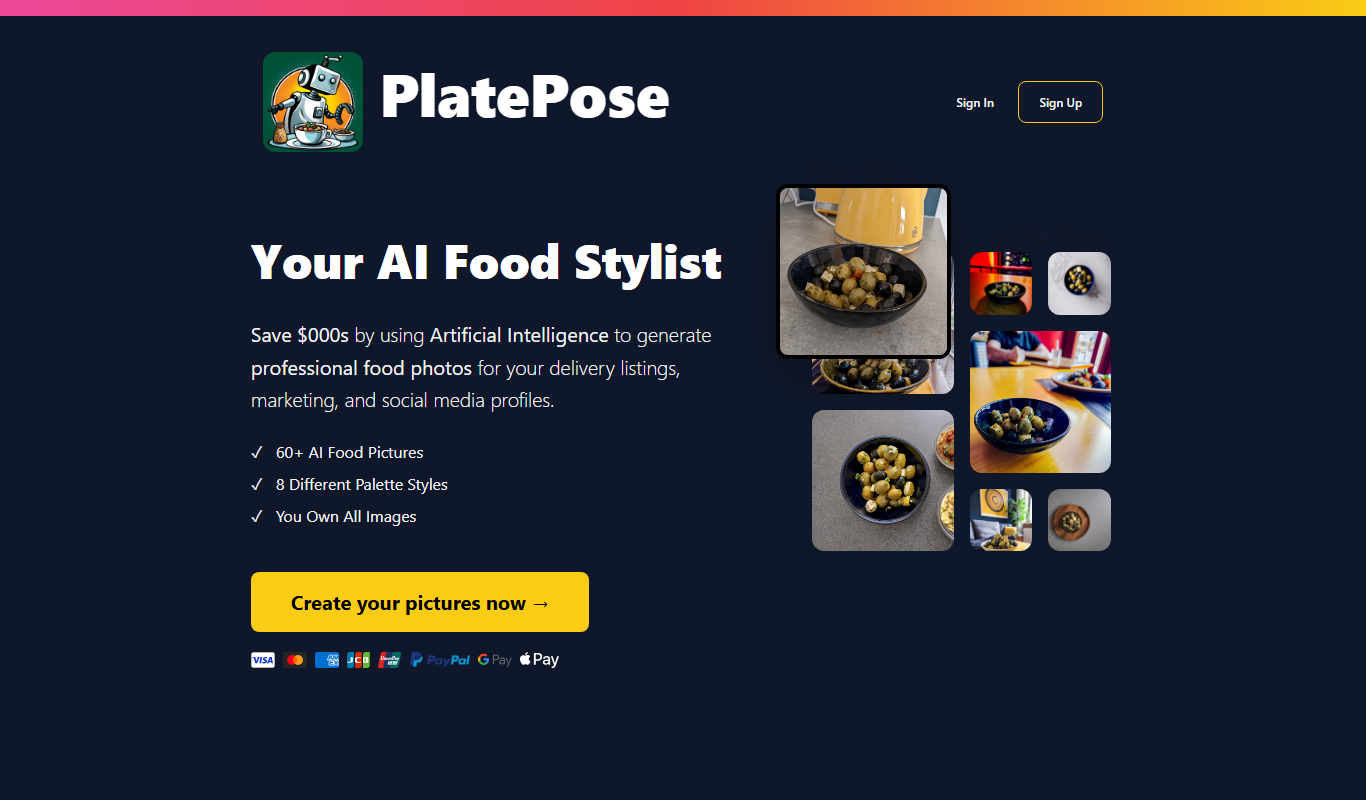
PlatePose trains an AI model on 10-20 photos of your dish and generates professional, stylised food photos for menus and social profiles, with full ownership of the images.

Pawfect Snapshots
Pawfect Snapshots trains an AI model on 5-10 photos of your pet and generates personalized pet portraits in styles such as Professional Photo, Water Color and Digital Art, paid with FurTokens.
ImageKit
ImageKit is a visual media platform that transforms and delivers optimized images and videos in real time, manages assets in a DAM with its own AI agent and automates on-brand creatives.
Vose.ai
Vose.ai generates AI videos and images with top AI models, ready-made presets, a built-in video editor and an agent that works in one chat.

Ximilar
Ximilar is a visual AI platform that provides APIs and tools for custom image recognition, visual search, and image tagging, enabling businesses to automate visual data analysis.

FluxAI Pro
FluxAI Pro is a credit-based AI image and video generator powered by Flux 2 and other Flux models, with 4MP photorealistic output and editing tools.

FLUX.1 IMAGE (Schnell, Realism-LoRA)
FLUX.1 IMAGE is a web-based AI tool that uses Schnell and Realism-LoRA models to generate fast, photorealistic images with options to upload custom LoRA models for tailored results.