

Lucyd Smart Audio Glasses for Calls, Music and Voice Assistant Access
Lucyd sells camera-free smart audio glasses that take calls, play music and talk to the phone's voice assistant hands-free, with prescription options from everyday wear to sport and safety.
- Best for
- Hands-Free Communication
- Key capability
- Open-Ear Speakers
Save Lucyd, follow its updates and vote on it — everything stays in your account.
Sign in or create a free account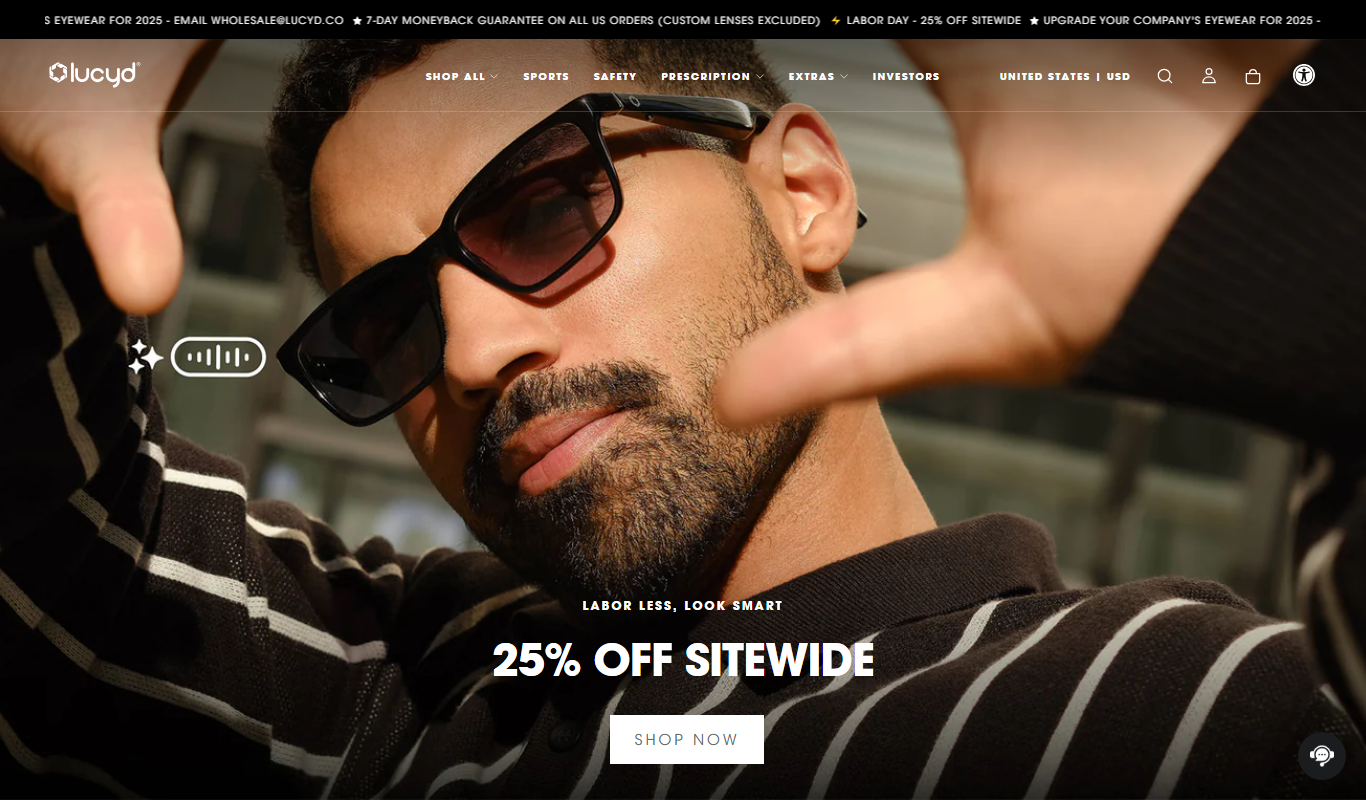

What is Lucyd?
Lucyd makes smart audio glasses: eyewear with built-in Bluetooth audio, microphones and a voice assistant, worn like regular glasses. Its camera-free lines, Lyte for everyday wear, Armor for sport and safety, and Reebok Sport and Reebok Optical for sun and all-day prescription wear, take calls, play music and talk to the phone’s assistant hands-free, with no display and no camera.
Key features of Lucyd
Lucyd glasses have open-ear directional speakers, dual noise-reducing microphones, Bluetooth pairing with iOS and Android phones and access to the phone’s voice assistant. Its own lines have no display and no camera, and most take prescription lenses.
Open-Ear Speakers
Open-ear directional speakers leave the ear canal open while taking calls, playing music or talking to the assistant.
Bluetooth Connectivity
Enables wireless connection to smartphones for calls and media streaming.
Voice Control
Hands-free operation with built-in voice assistant support.
Integrated Speakers
Delivers clear audio without the need for earbuds.
Lightweight and Stylish Design
Comfortable to wear daily with a modern aesthetic.
Pros and cons of Lucyd
Pros
- Stylish design suitable for everyday wear
- Hands-free calls, music and voice assistant access
- Integrated speakers provide clear audio
- Voice assistant compatibility enhances usability
Cons
- Limited AR functionality compared to high-end AR headsets
- Battery life may require daily charging
- Dependent on smartphone for full feature set
Key use cases for Lucyd
Hands-Free Communication
Lucyd glasses enable users to make calls and send messages without using their hands, ideal for multitasking.
Live Translation
The Lucyd app adds live translation, walkie-talkie and newscast features.
Fitness and Outdoor Activities
The glasses provide real-time data and audio feedback during workouts or outdoor adventures.
Entertainment and Media
Stream music, podcasts, and other audio content seamlessly with integrated speakers.
Voice Assistant Integration
Control smart devices and access information hands-free using built-in voice commands.
How Lucyd works
- 1
Purchase or Pre-Order
Order Lucyd smart glasses through their website or authorized retailers.
- 2
Set Up and Pair
Connect the glasses to your smartphone via Bluetooth using the Lucyd app.
- 3
Customize Settings
Use the Lucyd app to control settings and touch gestures.
- 4
Use Hands-Free Features
Take calls, play music and talk to the voice assistant hands-free.
Who is using Lucyd
Lucyd pricing
Lucyd Armor
$99-$149
Smart audio glasses for the jobsite, ANSI Z87.1 rated, with an 8-hr battery.
Reebok Optical
$249
All-day prescription smart audio glasses with a 12-hr battery and hi-fi audio.
Plans and prices are as published by the vendor and can change. Check the official site before you buy. Open the pricing page (opens in a new tab)
Frequently asked questions about Lucyd
Lucyd glasses connect via Bluetooth and are compatible with most iOS and Android smartphones.
Some features require smartphone connectivity, but basic audio playback can work independently.
Battery life depends on the line: Lucyd Armor lists an 8-hr battery, while other lines list a 12-hr battery.
Yes, Lucyd offers options to fit prescription lenses.
This tool is designed to help users accomplish its core tasks more efficiently. It is typically used by individuals or teams looking to improve productivity and workflow.
It depends on your specific needs and how you plan to use the tool. The official website and documentation are the best sources for the latest details.
It depends on your specific needs and how you plan to use the tool. The official website and documentation are the best sources for the latest details.
This tool is designed to help users accomplish its core tasks more efficiently. It is typically used by individuals or teams looking to improve productivity and workflow.
Conclusion
Audio is the whole point of these frames: open-ear directional speakers and dual noise-reducing microphones sit in glasses worn like regular eyewear, with no display and no camera. Calls, music and the phone’s own voice assistant are handled hands-free, and pairing runs over Bluetooth with iOS and Android phones. The glasses are AI-agnostic, so Siri, Google Assistant or ChatGPT can be used through the phone’s own integration.
The range is split by job. Lyte targets everyday wear, Armor covers sport and safety with PPE certification, and the Reebok lines handle sun and all-day prescription wear. Most lines take a prescription, with custom lenses made in an in-house lab. A free companion app adds settings, touch gestures, live translation and a walkie-talkie feature.
Anyone who wants photo or video capture is pointed to the HTC VIVE Eagle, a partner product Lucyd sells next to its own camera-free glasses.
Sources
Sign in to review this tool.
Sign In to ReviewNo reviews yet
Be the first to share how this tool worked for you.
Ask about pricing, limits, or how it compares — or answer someone else.
Sign In to AskNo questions yet
Have a question about using or paying for this tool? Be the first to ask.
Featured on TiorAI


More AI App Builder tools
Other tools in the same category, for when this one is not quite the fit.

AppBuzz
AppBuzz is a no code mobile app builder that turns Shopify, BigCommerce, Wix or WooCommerce stores into mobile apps with push notification campaigns.

MAILE for iPhone
MAILE is an AI-powered email writing app for iPhone: input a prompt, select the tone and receive a well-written email draft in seconds.

Fibery
Fibery is an all-in-one customizable work management platform that integrates project management, knowledge management, and team collaboration into a single workspace.

008
008 is a voice AI agent platform that builds agents for support and sales calls, deploys them over SIP or the web and connects them with CRM systems, databases and APIs.
Kyugo
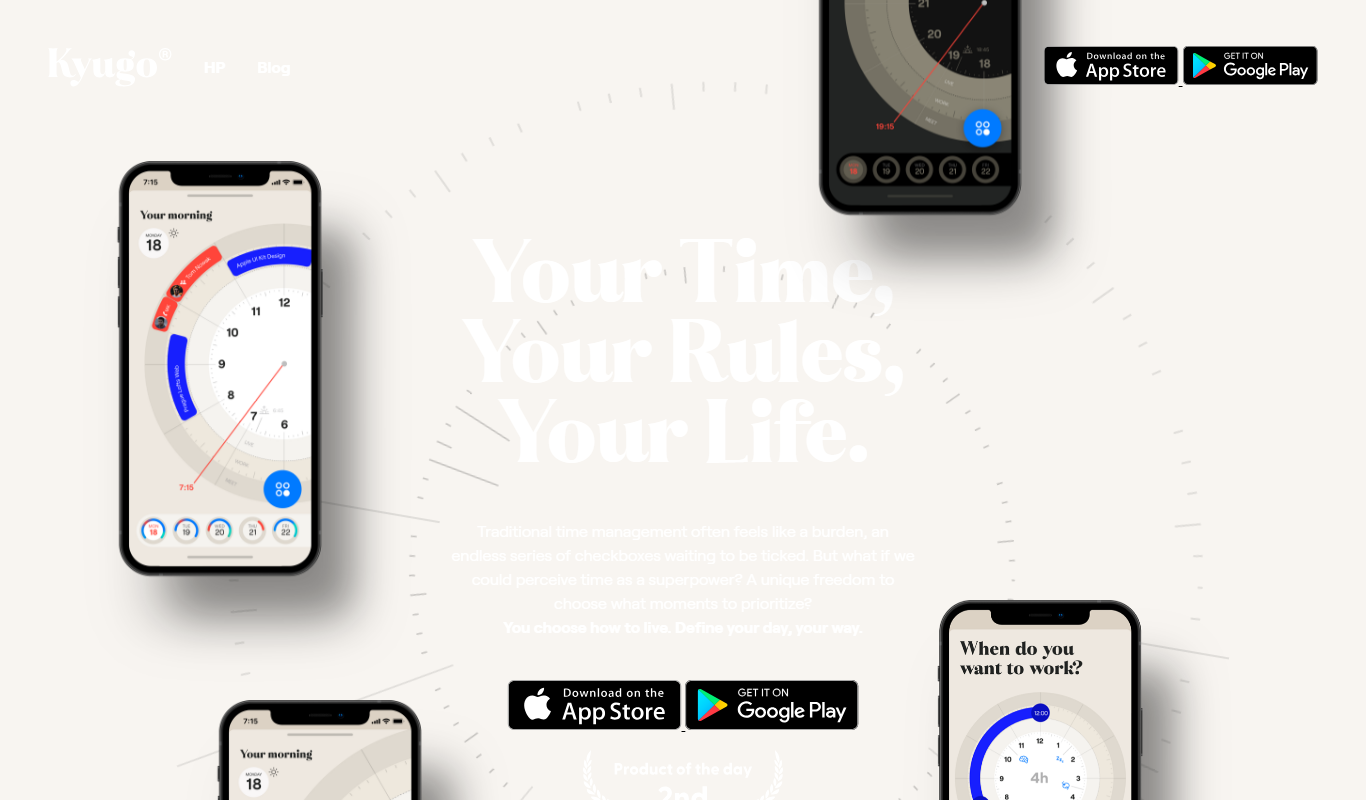
Kyugo is a calendar focus productivity tool that shows your day as a circle and runs on your existing Google Calendar.

Goriderz SAAS p2p ridesharing & delivery
GoRiderz is a white-labeled ride-share and taxi booking app solution with passenger and driver apps, an admin panel and per-vehicle pricing.

MacGPT
MacGPT is a native macOS application that integrates OpenAI's ChatGPT, providing quick AI chatbot access via the Mac menu bar and customizable shortcuts for enhanced productivity.
B12.io
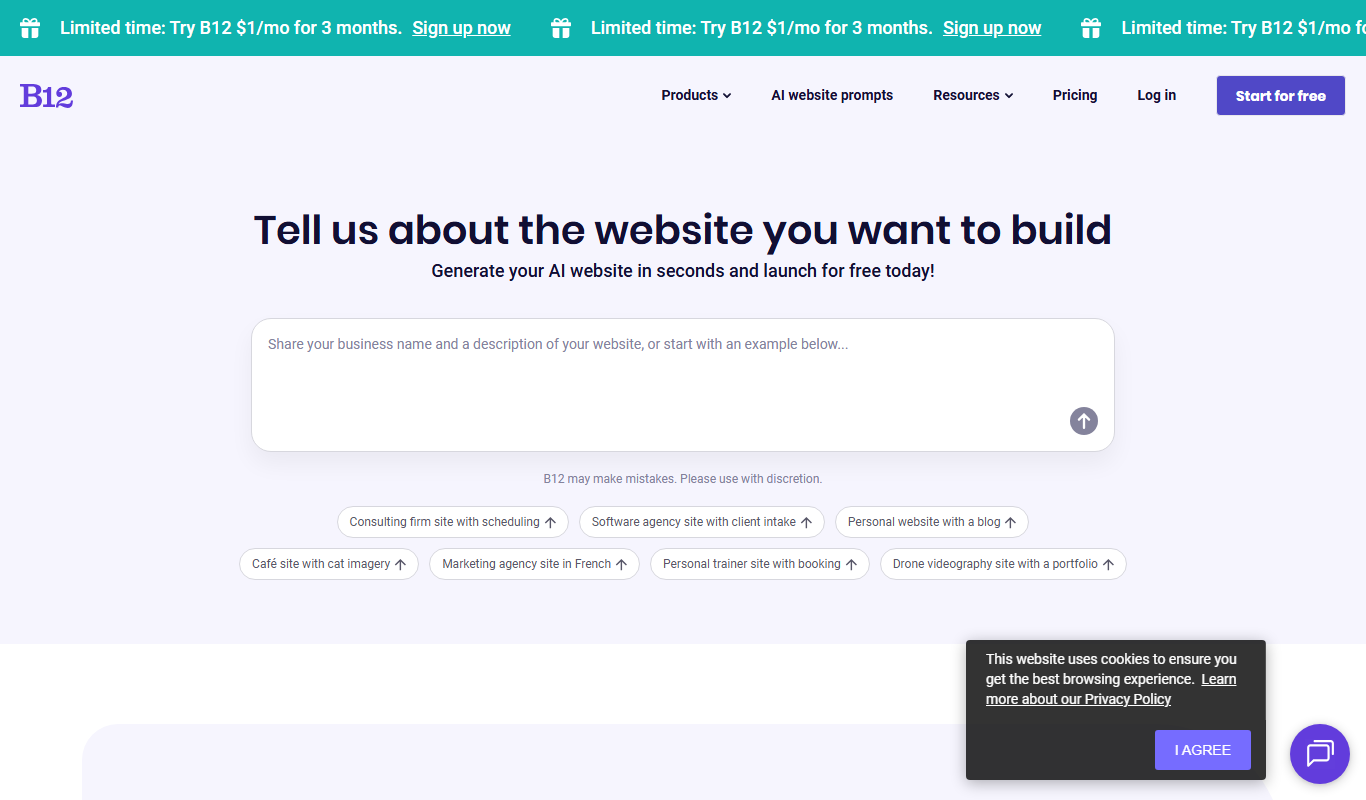
B12 is an AI website builder that turns a description into a website, store or web app, with a free plan and optional expert setup.