

From my experience with MAILE for iPhone, I found it excels at providing a clean, privacy-first email experience tailored for iOS users. The app’s strong encryption and tracking protection make it a solid choice for anyone concerned about email security. After using it, I can say it’s particularly well-suited for privacy-conscious professionals and individuals who want to manage multiple accounts without sacrificing security. However, the limitation to iOS and lack of a desktop version might be a drawback for users needing cross-platform access. Overall, MAILE delivers reliable, secure email management on iPhone.
MAILE for iPhone - Secure Email Client with Privacy Features for iOS
MAILE for iPhone is a secure email client designed for iOS that provides end-to-end encryption, blocks email tracking, and supports multiple accounts to ensure privacy-focused email management.
- Best for
- Secure Email Communication
- Key capability
- End-to-End Encryption
Your actions
Save MAILE for iPhone, follow its updates and vote on it — everything stays in your account.
Sign in or create a free account
What is MAILE for iPhone?
MAILE for iPhone is a privacy-focused email client designed specifically for iOS devices. It offers users a secure and intuitive way to manage their email accounts while prioritizing data protection and encryption. The app aims to provide a seamless email experience without compromising user privacy.
Key features of MAILE for iPhone
MAILE combines a clean user interface with robust privacy features such as end-to-end encryption, no tracking, and minimal data retention. It supports multiple email providers and offers tools to organize and manage emails efficiently on iPhone.
End-to-End Encryption
Ensures that emails are encrypted from sender to recipient, protecting content from interception.
No Tracking
Blocks tracking pixels and prevents email senders from collecting user data.
Multiple Account Support
Allows users to manage several email accounts within a single app interface.
User-Friendly Interface
Designed for iPhone with intuitive navigation and clean design.
Minimal Data Retention
Keeps user data private by limiting storage and sharing.
Pros and cons of MAILE for iPhone
Pros
- Strong focus on user privacy and encryption
- Clean and intuitive iPhone interface
- Supports multiple email accounts
- Blocks email tracking effectively
Cons
- Available only on iOS platform
- Limited advanced features in free version
- No desktop or web client available
Key use cases for MAILE for iPhone
Secure Email Communication
Send and receive emails with enhanced privacy and encryption features to protect sensitive information.
Email Management on iPhone
Manage multiple email accounts efficiently with a clean and user-friendly interface designed for iOS.
Privacy-Focused Email Experience
Avoid tracking and data collection with built-in privacy protections and minimal data sharing.
How MAILE for iPhone works
- 1
Download and Install
Get MAILE from the Apple App Store and install it on your iPhone.
- 2
Add Email Accounts
Connect your existing email accounts securely within the app.
- 3
Compose and Send Emails
Write emails with encryption options and send them securely.
- 4
Manage Inbox
Organize, read, and respond to emails with privacy-focused tools.
Who is using MAILE for iPhone
Privacy-conscious email users
iPhone users seeking secure email clients
Professionals handling sensitive communications
Individuals wanting to avoid email tracking
MAILE for iPhone pricing
Free
$0/month
Basic email management with privacy features and limited usage.
Premium
$4.99/month
Enhanced features including unlimited accounts, priority support, and advanced encryption options.
Plans and prices are as published by the vendor and can change. Check the official site before you buy. Open the pricing page (opens in a new tab)
Frequently asked questions about MAILE for iPhone
MAILE supports most major email providers including Gmail, Outlook, and custom IMAP/SMTP servers.
No, MAILE emphasizes privacy and does not store emails on its own servers; emails are managed directly on your device.
Currently, MAILE is available exclusively for iOS devices.
Data handling and security practices vary by provider. Review the official privacy policy to understand how your data is stored and used.
Some tools offer a free plan or trial with limited features. Availability can vary, so confirm on the official website.
Yes, it can help with that use case depending on how you configure it and what features are available. You’ll get the best results with clear inputs and a defined goal.
Sign in to review this tool.
Sign In to ReviewNo reviews yet
Be the first to share how this tool worked for you.
Ask about pricing, limits, or how it compares — or answer someone else.
Sign In to AskNo questions yet
Have a question about using or paying for this tool? Be the first to ask.
Featured on TiorAI



More AI App Builder tools
Other tools in the same category, for when this one is not quite the fit.

Free
Gradio
Gradio is an open-source tool that lets you quickly create interactive web interfaces for machine learning models using Python, enabling easy sharing and testing without front-end development.
Free
Buildbox
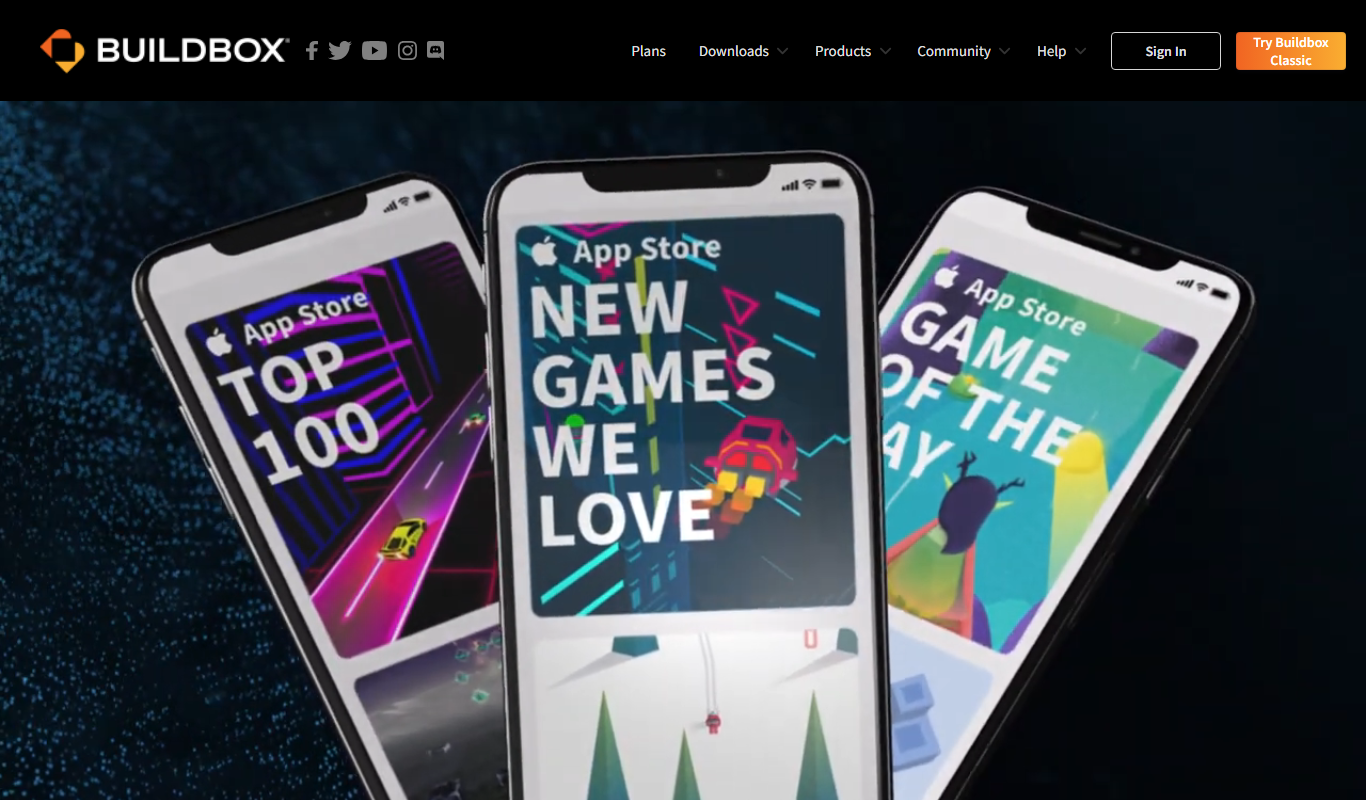
Buildbox is a game development platform whose current version, Buildbox 4, builds games with AI prompts and agentic AI.

Subscription
AppSheet
AppSheet is a Google-owned no-code platform that enables users to build custom mobile and web apps with AI-powered automation, connecting to various data sources without programming skills.

Free
Next.js
Next.js is an open-source React framework by Vercel that enables server-side rendering, static site generation, and API routes to build fast, SEO-friendly web applications.

Freemium
Avalonia
Avalonia is an open source, cross-platform UI framework for .NET that enables developers to build desktop and mobile apps with a single codebase using C# and XAML.

Free Trial
BuildFire
BuildFire is a no-code mobile app development platform that enables users to build custom iOS and Android apps using an easy drag-and-drop interface without coding skills.

Free
NoCode.tech
NoCode.tech is a platform offering a curated directory of no-code tools and educational resources to help users build applications and automate workflows without programming skills.

Free
Flutter
Flutter is an open-source UI toolkit by Google that allows developers to build native mobile, web, and desktop applications from a single Dart codebase with high performance and expressive UIs.