

DocDriven Visual API Design Tool with AI
DocDriven is a visual API design tool with AI for frontend and backend teams: design APIs, collaborate in real-time and avoid breaking changes.
- Best for
- Visual API design
- Key capability
- Visual API editor
Save DocDriven, follow its updates and vote on it — everything stays in your account.
Sign in or create a free account
What is DocDriven?
DocDriven is a visual API design tool with AI, built for frontend and backend teams. Teams design APIs in a visual editor, test them on instant mock servers, collaborate on changes in real-time and generate code from the designs, which keeps API documentation in one place and helps avoid breaking changes.
Key features of DocDriven
DocDriven offers a visual API design editor with autocomplete, instant cloud mock servers, real-time collaboration with issue tracking and endpoint ownership, automatic changelogs, and AI code generation that pushes code for your API designs to your repositories as pull requests.
Visual API editor
A visual interface to design APIs instead of getting lost in YAML specs, with autocomplete and suggestions based on existing properties.
Instant mock servers
Test endpoints in seconds with instant cloud mock servers, with no setup required.
Real-time collaboration
Review upcoming changes, give feedback before they are implemented, and report and track issues.
Automatic changelogs
Automatic changelogs and history tracking keep track of API design changes.
AI code generation
Boilerplate code generation with AI that follows your coding standards and conventions.
Pros and cons of DocDriven
Pros
- Instant cloud mock servers with no setup
- AI code generation delivered as pull requests you review
- Automatic changelogs and history tracking
- Endpoint responsibility can be assigned to team members
- Free 30-day trial with no credit card required
Cons
- No free plan after the 30-day trial; the account is put on hold until a paid plan is selected
- The Team plan starts at 3 users
- The trial covers a single workspace
Key use cases for DocDriven
Visual API design
Design APIs faster with a visual API design tool before writing code.
Prototyping with mock servers
Test and prototype API designs on real-time mock servers before writing any code.
Avoiding breaking changes
Collaborate on API changes in real-time so frontend and backend teams avoid breaking changes.
Single source of truth
Keep all internal and external API documentation in one place.
How DocDriven works
- 1
Design the API
Design your APIs in the visual editor instead of YAML specs.
- 2
Review with your team
Team members review upcoming changes and provide feedback before they are implemented.
- 3
Publish and generate code
Publish your changes; DocDriven generates code based on your code conventions and pushes it to your repositories as pull requests.
- 4
Review and merge
Review the changes and merge the pull request when you are ready.
Who is using DocDriven
DocDriven pricing
Free 30-day trial
$0 for 30 days
Single workspace with all features enabled, unlimited APIs and users. No credit card required.
Team
$14.25 per user / month, starting at 3 users
For small and medium sized companies: multiple workspaces, unlimited APIs and guests, visual API design, mock servers, changelog, collaboration and AI code generation.
Enterprise
Custom pricing
Everything in Team plus custom branding, custom payment terms, invoicing, onboarding with a CSM, priority support and an assigned TAM.
Plans and prices are as published by the vendor and can change. Check the official site before you buy. Open the pricing page (opens in a new tab)
Frequently asked questions about DocDriven
A visual API design tool with AI, built for frontend and backend teams to collaborate in real-time and avoid breaking changes.
You can try DocDriven for free for 30 days on a single workspace with all features enabled. No credit card required.
You will be asked to select a paid plan; otherwise the account is put on hold until you select a plan or close your account.
It checks out your code, generates code for your API designs based on your code conventions and pushes it back to your repositories as pull requests for you to review and merge.
Yes. Instant cloud mock servers let you start testing endpoints in seconds with no setup required.
Yes, you can upgrade or downgrade your plan at any time.
It keeps automatic changelogs and history tracking of your API designs.
Frontend and backend teams that design and maintain APIs together.
Conclusion
Backend and frontend developers share a single workspace in this hosted tool, where all of a team’s APIs can be explored and designed. Endpoints are drawn in a visual editor with autocomplete instead of hand-written YAML, then tested right away on instant cloud mock servers that need no setup. Team members review planned changes and report issues before anything is implemented, while automatic changelogs track each revision.
Once a design is published, the AI code generator checks out the codebase, writes code that follows the team’s conventions and opens pull requests for review. UI designers and product managers also feature, because designs that are not aligned with API capabilities and unclear API development status affect them too. There is no permanent free tier: a 30-day trial on one workspace comes first, and afterwards the account is put on hold unless a paid plan is chosen.
Sources
Sign in to review this tool.
Sign In to ReviewNo reviews yet
Be the first to share how this tool worked for you.
Ask about pricing, limits, or how it compares — or answer someone else.
Sign In to AskNo questions yet
Have a question about using or paying for this tool? Be the first to ask.
Featured on TiorAI


Alternative Tools
Explore similar AI tools that might fit your needs

Docusaurus
Docusaurus is an open source static site generator built with React that helps developers create, version, and maintain documentation websites easily.

ReadMe
ReadMe is a SaaS platform that enables companies to create, manage, and publish interactive API documentation and developer portals with features like API explorers, versioning, and user feedback collection.
More AI API Design tools
Other tools in the same category, for when this one is not quite the fit.

Theneo
Theneo helps humans and AI agents ship API docs together, with private developer portals, real-time co-editing, changelogs, MCP, llms.txt and Ask AI.

Wisent
Wisent uses representation engineering to give control over AI models, reducing hallucinations and malicious content, through an API with SDK.

Prompteams
Prompteams is an AI prompt management system with prompt versioning, end-to-end LLM testing and an auto-generated API to retrieve prompts.

EnergeticAI
EnergeticAI is TensorFlow.js optimized for serverless functions, with fast cold-start, small module size and pre-trained models for Node.js apps.

ChatterQuant
ChatterQuant tracks social media for finance, offering real-time sentiment and discussion trends to traders and institutions through dashboards and APIs.

ComfyOnline
ComfyOnline lets you run ComfyUI workflows online and deploy them as APIs with one click, paying only for runtime on cloud GPU hardware.
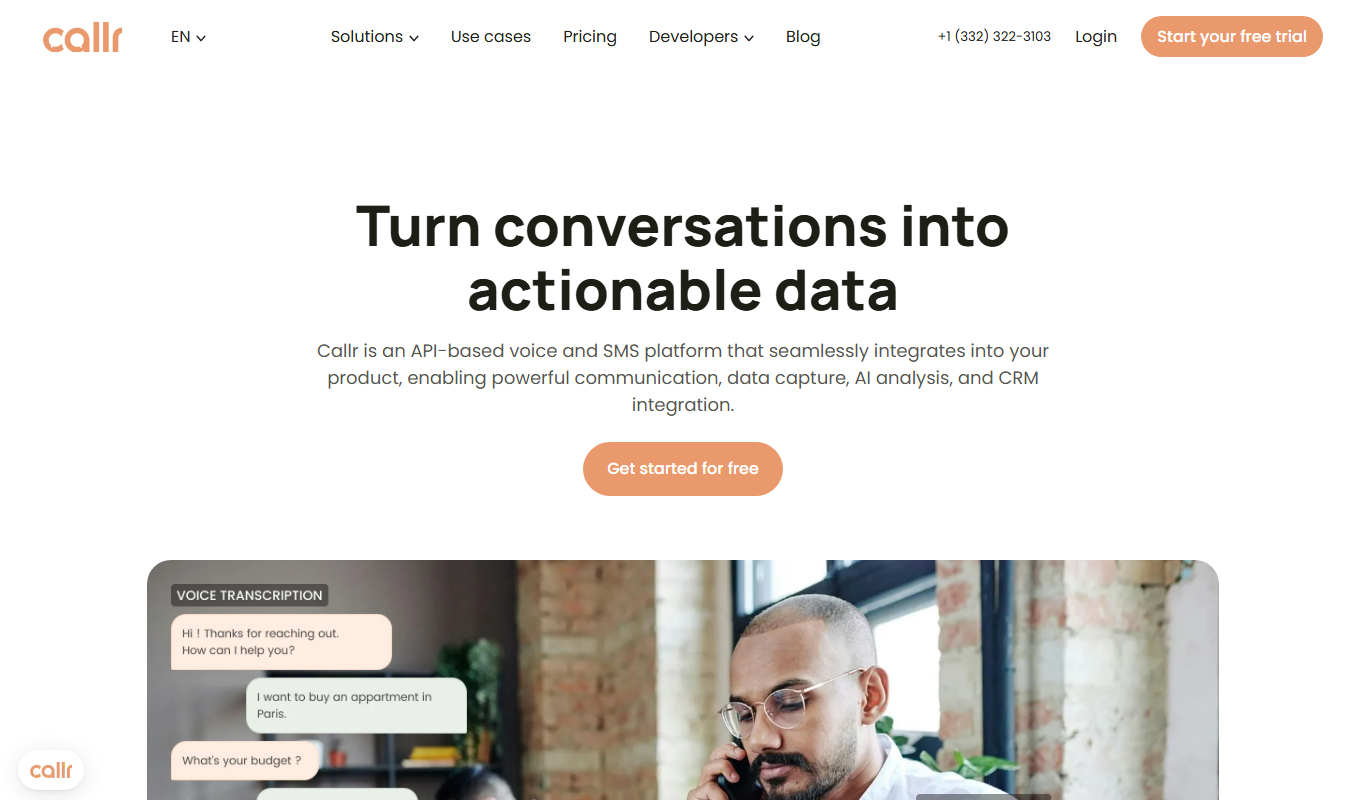
Callr
Callr is an API-first voice platform with its own carrier network, offering voice and SMS APIs, call tracking, AI Voice Agents and Conversation Intelligence across 220+ countries.

ComplyCube
ComplyCube is a cloud-based platform that automates identity verification and KYC/AML compliance using document checks, biometric facial recognition, and watchlist screening.