

Whichbook Book Recommendation Tool for Personalized Reading Choices
Whichbook is a free online platform that recommends books based on user-selected mood and thematic sliders, helping readers find personalized book suggestions beyond traditional genres.
- Best for
- Personalized Book Discovery
- Key capability
- Mood and Theme Sliders
Save Whichbook, follow its updates and vote on it — everything stays in your account.
Sign in or create a free account
What is Whichbook?
Whichbook is an innovative online book recommendation platform that helps readers discover books tailored to their unique tastes and moods. Instead of relying on traditional genre or bestseller lists, Whichbook uses a set of adjustable sliders representing different emotional and thematic dimensions—such as happy vs. sad, safe vs. dangerous, or funny vs. serious—to generate personalized book suggestions. This approach allows users to find books that resonate with their current feelings or interests, making reading discovery more intuitive and engaging.
Key features of Whichbook
Whichbook’s main features include interactive sliders for mood and theme selection, a diverse database of book titles, personalized recommendation generation, and the ability to save and share curated reading lists. The platform is free to use and accessible via web browsers.
Mood and Theme Sliders
Interactive sliders allow users to specify emotional and thematic preferences for book recommendations.
Diverse Book Database
Access to a wide range of books, including mainstream and lesser-known titles.
Personalized Recommendations
Tailored book suggestions based on user-selected criteria rather than traditional genres.
Reading List Management
Ability to save, organize, and share personalized reading lists.
Pros and cons of Whichbook
Pros
- Unique mood-based book discovery approach
- Free and easy to use
- Helps find lesser-known books
- Interactive and engaging interface
Cons
- Limited to English language books
- No mobile app available
- No direct purchase or download options
Key use cases for Whichbook
Personalized Book Discovery
Users can find books tailored to their mood and preferences by adjusting sliders that represent different emotional and thematic elements.
Reading List Curation
Readers can create customized reading lists based on unique criteria such as mood, plot, character traits, and setting.
Exploring Diverse Literature
The tool helps users explore a wide range of books beyond mainstream recommendations, including lesser-known titles.
Gift Book Selection
Users can select books as gifts by matching the recipient’s tastes using the tool’s personalized filters.
How Whichbook works
- 1
Adjust Sliders
Users move sliders to indicate their preferred mood, tone, and thematic elements for a book.
- 2
Generate Recommendations
The system processes the slider inputs and generates a list of books matching the selected criteria.
- 3
Explore Book Details
Users can view summaries, author information, and reviews for recommended books.
- 4
Save or Share Lists
Users can save their personalized lists or share them with friends.
Who is using Whichbook
Whichbook pricing
Free
$0
Full access to all features without any cost.
Plans and prices are as published by the vendor and can change. Check the official site before you buy. Open the pricing page (opens in a new tab)
Frequently asked questions about Whichbook
Yes, Whichbook is completely free to use without any subscription fees.
It uses user-adjusted sliders representing moods and themes to match books that fit those preferences.
Yes, users can save and share their personalized reading lists.
Whichbook focuses on mood and theme rather than traditional genres, covering a broad range of books.
It depends on your specific needs and how you plan to use the tool. The official website and documentation are the best sources for the latest details.
Yes, it can help with that use case depending on how you configure it and what features are available. You’ll get the best results with clear inputs and a defined goal.
It depends on your specific needs and how you plan to use the tool. The official website and documentation are the best sources for the latest details.
Conclusion
Instead of picking a genre, a Whichbook visitor moves sliders for mood, tone and themes, such as happy versus sad or safe versus dangerous. The system turns those slider inputs into a list of matching books, each with a summary, author information and reviews. Results reach beyond mainstream recommendations to lesser-known titles. Users can save and share their personalized reading lists.
It is designed for avid readers seeking personalized recommendations, book clubs looking for diverse reading options and gift buyers matching a recipient’s tastes. Whichbook is completely free to use and accessible via web browsers.
Sources
Sign in to review this tool.
Sign In to ReviewNo reviews yet
Be the first to share how this tool worked for you.
Ask about pricing, limits, or how it compares — or answer someone else.
Sign In to AskNo questions yet
Have a question about using or paying for this tool? Be the first to ask.
Featured on TiorAI



Alternative Tools
Explore similar AI tools that might fit your needs

Goodreads
Goodreads is a free social cataloging platform where users can discover books, track their reading progress, write reviews, and connect with a community of readers and authors.
More AI Book Writing tools
Other tools in the same category, for when this one is not quite the fit.

Colorin AI
Colorin AI is an AI coloring book generator that batch-generates pages with consistent characters and exports print-ready PDFs for KDP and Etsy.

AIStoryBuilders
AI Story Builders is AI-powered novel writing software that organizes characters, locations and timelines in a database so the AI can write continuations, rewrites and inspiration that fit your story.

First Book ai
First Book ai turns your expertise into a professionally structured nonfiction business book, chapter by chapter, in your voice, with one-time credit pricing.
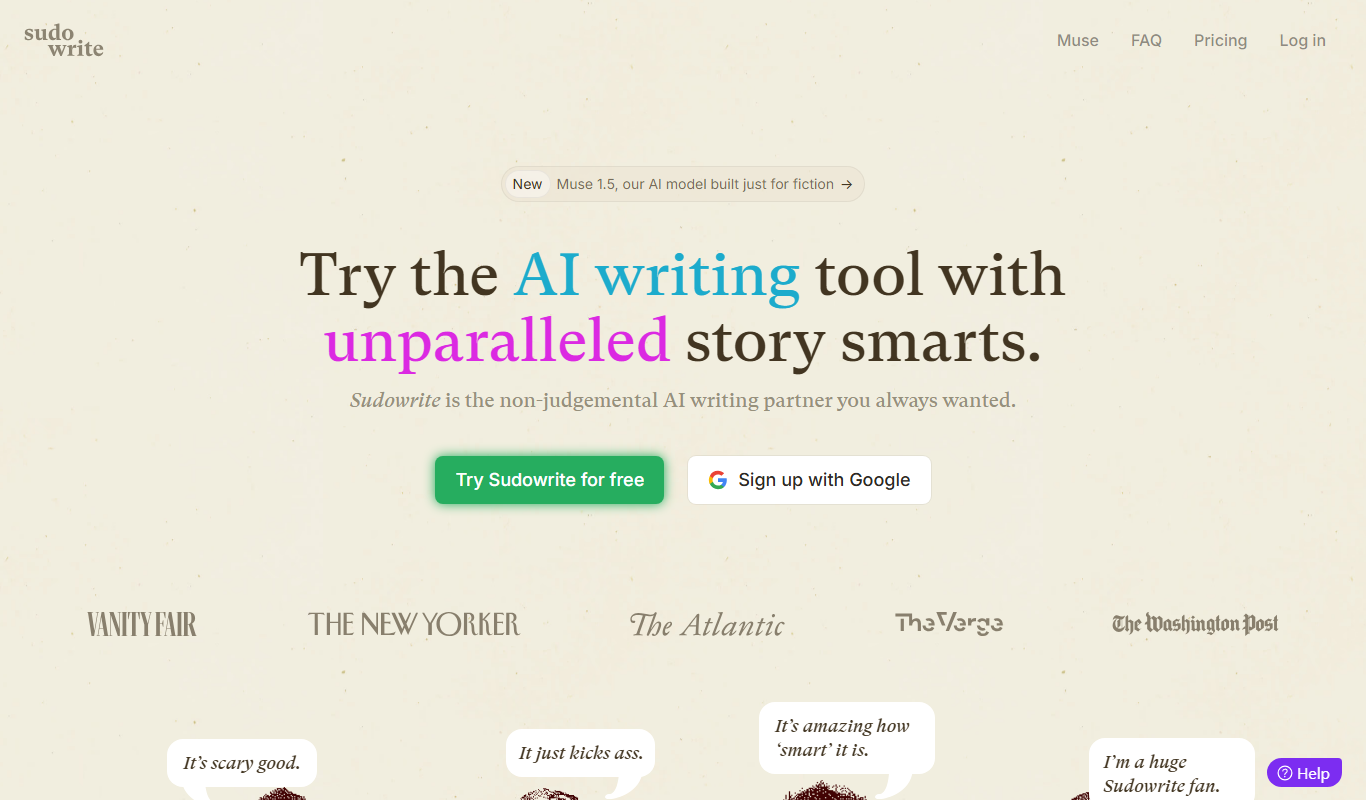
Sudowrite
Sudowrite is an AI writing assistant designed to help writers brainstorm, expand, and improve their writing by generating creative suggestions and overcoming writer's block.

StoryBooks
Storybooks creates personalized, illustrated children's stories that build literacy, creativity and social-emotional intelligence, for parents, teachers and writers.
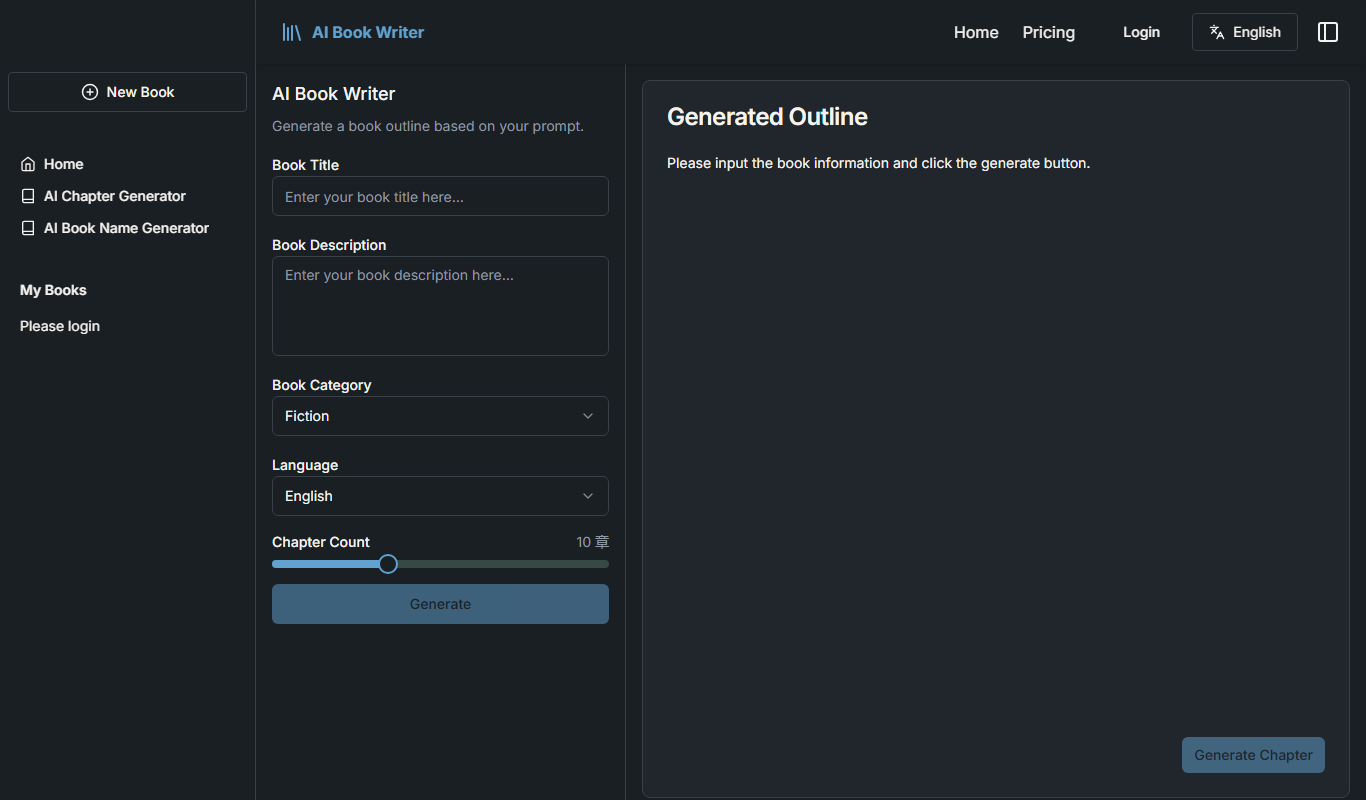
AI Book Writer
AI Book Writer is a web-based AI tool that assists authors in generating, expanding, and editing book content to streamline the writing process.

Kidzbook
Kidzbook is an AI-driven platform that creates personalized, interactive storybooks for children, enhancing reading and creativity through tailored storytelling.

Squibler
Squibler is an AI book and novel writer that lets you write books, novels and screenplays by chatting with AI.