

Dabble Writer Review: Novel Writing Software for Authors and Storytellers
Dabble Writer is a novel writing software designed to help authors plan, write, and organize their stories with tools like a plot grid, character profiles, and cloud syncing.
- Best for
- Novel Writing
- Key capability
- Plot Grid
Save Dabble Writer, follow its updates and vote on it — everything stays in your account.
Sign in or create a free account
What is Dabble Writer?
Dabble Writer is a novel writing software designed to help authors write, organize, and plan their stories efficiently. It provides a clean, distraction-free interface combined with powerful plotting and organizational tools tailored for fiction writers.
Key features of Dabble Writer
Dabble Writer offers a plot grid for story structuring, character and world-building tools, manuscript organization with drag-and-drop scenes, cloud syncing, and offline writing capabilities.
Plot Grid
Visual tool to map out story arcs and plot points for better narrative structure.
Character and World Building
Create detailed profiles for characters and settings to maintain story consistency.
Distraction-Free Writing Interface
Minimalist editor designed to help writers focus on their manuscript.
Cloud Sync and Offline Mode
Automatic syncing across devices with offline writing capabilities.
Drag-and-Drop Manuscript Organization
Easily reorder chapters and scenes to refine story flow.
Pros and cons of Dabble Writer
Pros
- Intuitive and clean interface focused on novel writing
- Comprehensive plotting and story planning tools
- Cloud sync with offline writing support
- Flexible manuscript organization with drag-and-drop
- Affordable subscription pricing
Cons
- Limited language support (English only)
Key use cases for Dabble Writer
Novel Writing
Dabble Writer provides a focused environment for authors to write and organize their novels with tools for plotting, character tracking, and manuscript management.
Story Planning
The software includes a plot grid and story notes features that help writers plan story arcs and keep track of narrative elements.
Character Development
Users can create detailed character profiles and link them to scenes and plot points to maintain consistency throughout the story.
Manuscript Organization
Dabble Writer allows writers to organize chapters and scenes easily, facilitating smooth manuscript navigation and editing.
Cloud Sync and Backup
The tool offers cloud synchronization to keep work safe and accessible across devices.
How Dabble Writer works
- 1
Create an Account
Sign up on the Dabble Writer website to start a free trial or subscribe.
- 2
Start a New Project
Begin a new novel project and set up your story’s title, genre, and word count goals.
- 3
Use Plot Grid and Notes
Plan your story using the plot grid and add notes for scenes, characters, and settings.
- 4
Write and Organize
Write your manuscript in the clean editor and organize chapters and scenes with drag-and-drop.
- 5
Sync and Backup
Enable cloud sync to save your work securely and access it from multiple devices.
Who is using Dabble Writer
Dabble Writer pricing
Free Trial
$0 for 14 days
Try Dabble free for 14 days, no credit card required.
Writer
$19/month
Plan, plot, and write your novels: unlimited manuscripts, cloud backup and sync, Plot Grid, story notebook and character profiles, co-authoring and writing group sharing.
Author
$29/month
Everything in Writer, plus comments, track changes, sticky notes, advanced grammar and style checks, Read-to-Me and beta-reader and editor support.
Bestseller
$49/month
Everything in Author, plus DabbleU Academy with live monthly workshops and a library of exclusive courses.
Lifetime Author Access
$699 one-time payment
All Dabble Author features, forever, with unlimited Author updates and future Author features.
Plans and prices are as published by the vendor and can change. Check the official site before you buy. Open the pricing page (opens in a new tab)
Frequently asked questions about Dabble Writer
Yes, Dabble Writer supports offline writing and will sync your work when you reconnect to the internet.
Yes. You can invite a co-author to your project and collaborate on the same manuscript in real time.
Yes, you can export your manuscript in formats such as PDF, DOCX, and plain text.
Yes. Dabble works on iOS and Android, and your work syncs automatically across devices.
This tool is designed to help users accomplish its core tasks more efficiently. It is typically used by individuals or teams looking to improve productivity and workflow.
Some tools offer a free plan or trial with limited features. Availability can vary, so confirm on the official website.
Yes, it can help with that use case depending on how you configure it and what features are available. You’ll get the best results with clear inputs and a defined goal.
It depends on your specific needs and how you plan to use the tool. The official website and documentation are the best sources for the latest details.
Conclusion
Planning and drafting sit side by side here, since the Plot Grid maps the story structure and the editor opens right alongside that plan. Research, character notes and world details stay beside the manuscript, while chapters and scenes can be reordered with drag-and-drop. For the drafting itself, there is a clean, focused writing space, a daily word count goal and a feature that reads the manuscript back aloud. Novelists and fiction writers are the main audience, along with indie authors and self-publishers.
Work syncs automatically on any device, including iOS and Android, and is backed up to offsite servers. A co-author can be invited to collaborate on the same manuscript in real time. Paid plans are monthly subscriptions in three tiers, Writer, Author and Bestseller, with a one-time lifetime option for Author features and a 14-day free trial that requires no credit card.
Sources
Sign in to review this tool.
Sign In to ReviewNo reviews yet
Be the first to share how this tool worked for you.
Ask about pricing, limits, or how it compares — or answer someone else.
Sign In to AskNo questions yet
Have a question about using or paying for this tool? Be the first to ask.
Featured on TiorAI



Alternative Tools
Explore similar AI tools that might fit your needs

Novlr
Novlr is an online writing platform designed for novelists and creative writers, featuring a distraction-free editor, goal tracking, offline writing, and multiple export options.
More AI Book Writing tools
Other tools in the same category, for when this one is not quite the fit.

KidsAIStory
KidsAIStory is a tool for parents to create personalized illustrated children's books, not a platform where children write their own stories.
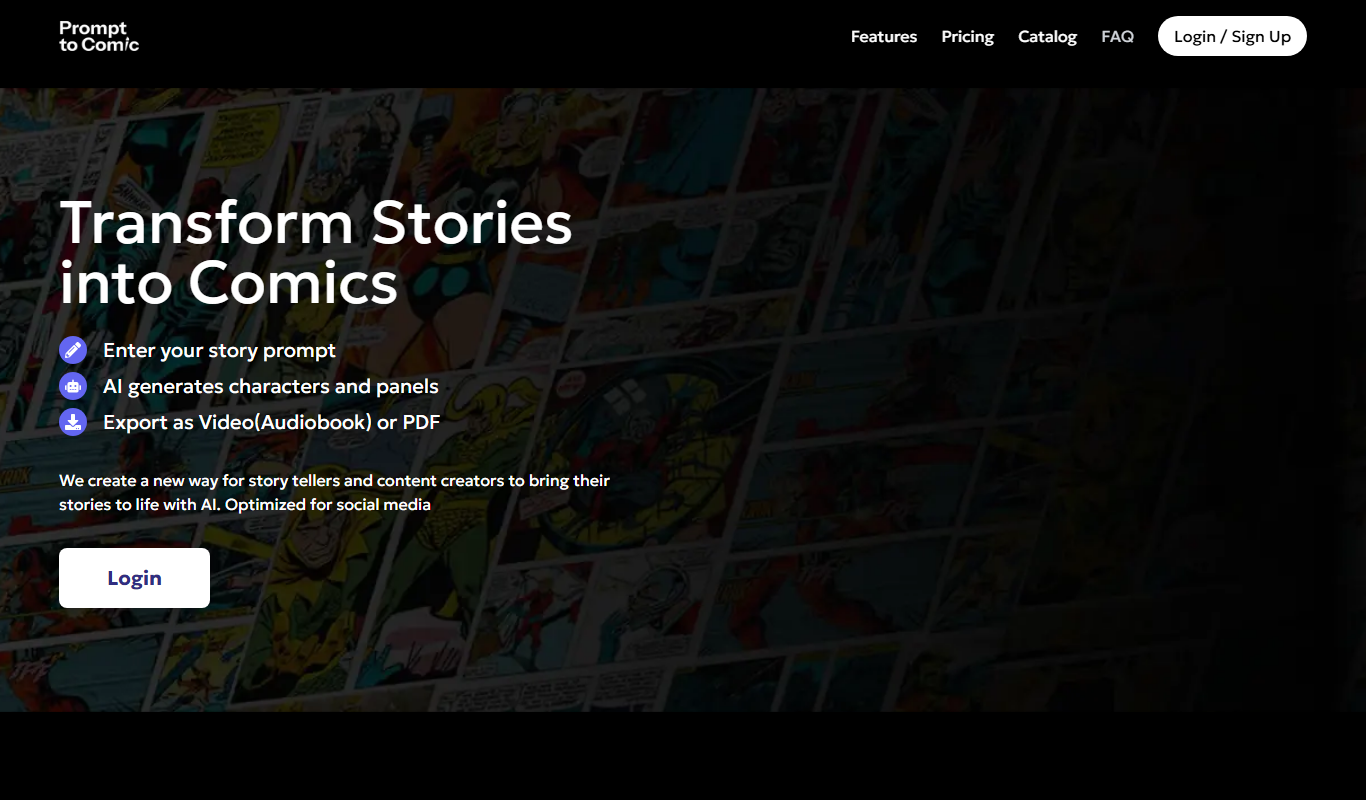
PromptToComicAI
PromptToComicAI is an AI-powered web tool that converts text prompts into comic-style images, enabling users to create visual stories without drawing skills.

InstaNovel AI
InstaNovel AI is a mini-novel generator that produces 4-6 chapters with illustrations, with a waiting queue for free users.

Book AI
Book AI generates a complete book (10 thousand to 150 thousand words) in one request, intended for sale, rather than acting as a writing assistant that gives suggestions.

Notebook.ai
Notebook.ai is an online worldbuilding and writing tool that helps authors and creatives organize fictional worlds, characters, and stories using modular templates, cross-referencing, and collaboration features.

Whichbook
Whichbook is a free online platform that recommends books based on user-selected mood and thematic sliders, helping readers find personalized book suggestions beyond traditional genres.

Plottr
Plottr is a visual story planning tool designed to help writers outline novels, develop characters, and organize multi-book series with drag-and-drop timelines and customizable templates.

StoryJumper
StoryJumper is an online platform that enables users to create, narrate, and publish personalized children's books with an intuitive drag-and-drop editor and print-on-demand options.