

Novlr Writing Software for Authors and Creative Writers Online
Novlr is an online writing platform designed for novelists and creative writers, featuring a distraction-free editor, goal tracking, offline writing, and multiple export options.
- Best for
- Novel Writing
- Key capability
- Distraction-Free Writing Interface
Save Novlr, follow its updates and vote on it — everything stays in your account.
Sign in or create a free account
What is Novlr?
Novlr is an online writing software designed specifically for novelists and creative writers. It offers a distraction-free writing environment combined with organizational tools, progress tracking, and cloud backup. The platform aims to streamline the writing process from first draft to final manuscript, making it easier for authors to focus on their craft.
Key features of Novlr
Novlr features a clean writing interface, goal tracking, offline writing capabilities, version history, export options, and cloud synchronization. It supports writers in managing chapters, notes, and revisions all in one place.
Distraction-Free Writing Interface
A clean, minimalistic editor designed to help writers focus on their words without distractions.
Goal Setting and Progress Tracking
Tools to set daily word count goals and visualize progress through detailed statistics.
Offline Writing Mode
Write without an internet connection and sync your work automatically when back online.
Version History and Autosave
Automatic saving and version control to prevent data loss and track changes over time.
Multiple Export Formats
Export your work as PDF, DOCX, ePub, or plain text for publishing or sharing.
Pros and cons of Novlr
Pros
- Clean, distraction-free writing environment
- Robust goal setting and progress tracking
- Offline writing support with automatic syncing
- Multiple export options for manuscripts
- Automatic cloud backup and version history
Cons
- Limited to English language support
- Web-only platform without mobile apps
Key use cases for Novlr
Novel Writing
Novlr provides a focused environment for authors to write, organize, and track progress on novels and long-form fiction.
Creative Writing
Writers can use Novlr to craft stories, poems, and other creative content with tools designed to enhance productivity and creativity.
Writing Progress Tracking
The platform offers detailed statistics and goal-setting features to help writers monitor their daily and overall writing progress.
Offline Writing
Novlr allows users to write offline and sync their work once reconnected to the internet, ensuring uninterrupted creativity.
Export and Backup
Writers can export their work in multiple formats such as PDF, DOCX, and ePub, and the platform automatically backs up content to the cloud.
How Novlr works
- 1
Create an Account
Sign up on Novlr’s website and start writing for free, no credit card required.
- 2
Start Writing
Use the intuitive editor to begin drafting your novel or creative work.
- 3
Set Goals and Track Progress
Define daily or project goals and monitor your writing statistics to stay motivated.
- 4
Organize Your Work
Manage chapters, notes, and revisions within the platform for easy navigation.
- 5
Export and Backup
Export your manuscript in various formats and rely on automatic cloud backups for security.
Who is using Novlr
Novlr pricing
Free
Free for everyone
2 projects with seamless online syncing across all your devices, Notes, a planning grid, focus mode and writing sprints.
Starter
$8/month, billed yearly
10 projects with 30-day version history, goals and writing streaks, and full access to all Academy courses.
Studio
$16/month, billed yearly
Unlimited projects and version history, Novlr Sites for an author website, a built-in proofreader and advanced grammar and style checker, and Google Drive or Dropbox backups.
Lifetime Studio Member
$499/lifetime
Everything in Studio, forever. Pay once, no subscription.
Plans and prices are as published by the vendor and can change. Check the official site before you buy. Open the pricing page (opens in a new tab)
Frequently asked questions about Novlr
Yes, Novlr supports offline writing and will sync your work once you reconnect to the internet.
You can export your writing as PDF, DOCX, ePub, or plain text files.
Yes. Novlr is free to use, and the Starter and Studio plans offer more powerful features.
Yes, Novlr provides detailed statistics and goal tracking to monitor your writing habits.
It depends on your specific needs and how you plan to use the tool. The official website and documentation are the best sources for the latest details.
Yes, it can help with that use case depending on how you configure it and what features are available. You’ll get the best results with clear inputs and a defined goal.
It depends on your specific needs and how you plan to use the tool. The official website and documentation are the best sources for the latest details.
Conclusion
Drafting takes place in a clean editor with focus mode, a typewriter setting and writing sprints, features the makers say are designed to build a writing habit. Notes for research, character sketches and lore sit right alongside the manuscript, and a note-powered planning grid helps outline the project. Progress is followed through writing goals, streaks and detailed writing analytics. Novelists and fiction writers are the core audience, together with self-publishing authors.
The platform is built by writers and owned by its writing community, which also has writing groups and Academy courses. A permanent Free plan covers 2 projects with syncing across devices, and no credit card is needed to start. The paid Starter and Studio plans add more projects and longer version history, and Studio also brings a proofreader and Novlr Sites for publishing an author website.
Sources
Sign in to review this tool.
Sign In to ReviewNo reviews yet
Be the first to share how this tool worked for you.
Ask about pricing, limits, or how it compares — or answer someone else.
Sign In to AskNo questions yet
Have a question about using or paying for this tool? Be the first to ask.
Featured on TiorAI



More AI Book Writing tools
Other tools in the same category, for when this one is not quite the fit.

Colorin AI
Colorin AI is an AI coloring book generator that batch-generates pages with consistent characters and exports print-ready PDFs for KDP and Etsy.

AIStoryBuilders
AI Story Builders is AI-powered novel writing software that organizes characters, locations and timelines in a database so the AI can write continuations, rewrites and inspiration that fit your story.

First Book ai
First Book ai turns your expertise into a professionally structured nonfiction business book, chapter by chapter, in your voice, with one-time credit pricing.
Sudowrite
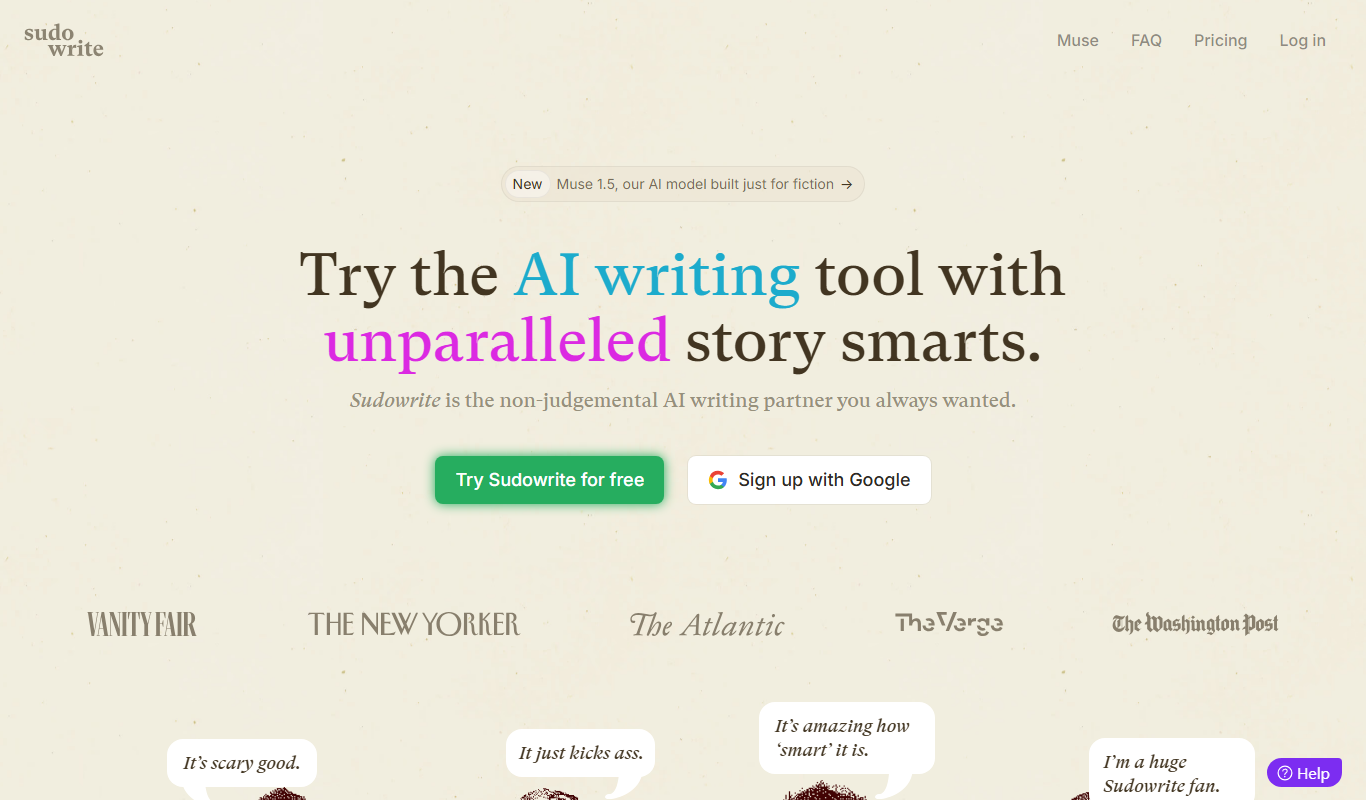
Sudowrite is an AI writing assistant designed to help writers brainstorm, expand, and improve their writing by generating creative suggestions and overcoming writer's block.

StoryBooks
Storybooks creates personalized, illustrated children's stories that build literacy, creativity and social-emotional intelligence, for parents, teachers and writers.
AI Book Writer
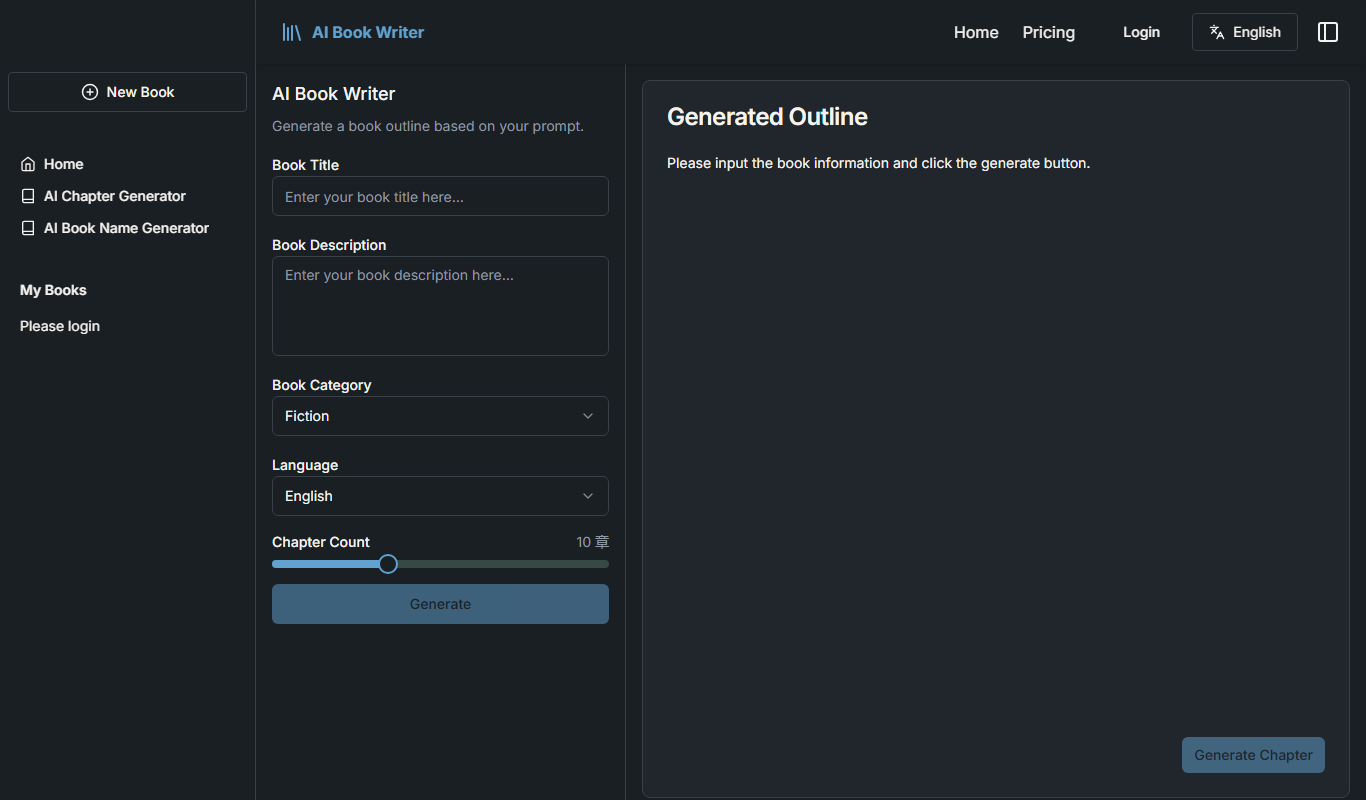
AI Book Writer is a web-based AI tool that assists authors in generating, expanding, and editing book content to streamline the writing process.

Kidzbook
Kidzbook is an AI-driven platform that creates personalized, interactive storybooks for children, enhancing reading and creativity through tailored storytelling.

Squibler
Squibler is an AI book and novel writer that lets you write books, novels and screenplays by chatting with AI.