

Milanote Visual Collaboration Tool for Creative Project Planning and Brainstorming
Milanote is a visual collaboration and note-taking tool designed for creative project planning, brainstorming, and team collaboration using an intuitive drag-and-drop interface.
- Best for
- Creative Project Planning
- Key capability
- Visual Drag-and-Drop Interface
Save Milanote, follow its updates and vote on it — everything stays in your account.
Sign in or create a free account
What is Milanote?
Milanote is a visual workspace and collaboration tool designed to help creative professionals and teams organize ideas, projects, and notes in a flexible, drag-and-drop interface. It combines note-taking, moodboarding, and project management features to support brainstorming, planning, and creative workflows in one place.
Key features of Milanote
Milanote offers an intuitive drag-and-drop interface for creating boards that can contain notes, images, links, files, and tasks. It supports real-time collaboration, flexible organization with columns and sections, and integrates with popular tools to streamline creative project workflows.
Visual Drag-and-Drop Interface
Easily add and arrange notes, images, links, and files on an infinite canvas.
Real-Time Collaboration
Work simultaneously with team members and see updates instantly.
Flexible Organization
Use columns, sections, and nested boards to structure complex projects.
Templates and Moodboards
Access pre-built templates for brainstorming, project planning, and moodboarding.
Cross-Platform Access
Available on web, desktop apps for Mac and Windows, and mobile apps for iOS and Android.
Pros and cons of Milanote
Pros
- Intuitive visual interface ideal for creative workflows
- Supports real-time collaboration with team members
- Flexible organization with drag-and-drop and infinite canvas
- Cross-platform availability on web, desktop, and mobile
- Rich templates to jumpstart projects and brainstorming
Cons
- Limited offline functionality
- Free plan has content limits that may restrict heavy users
- No built-in advanced task management or time tracking
Key use cases for Milanote
Creative Project Planning
Organize ideas, assets, and notes visually to plan creative projects such as design, marketing campaigns, or content creation.
Brainstorming and Idea Management
Capture and structure brainstorming sessions with flexible boards that support images, text, links, and files.
Team Collaboration
Collaborate in real-time with team members on shared boards to improve communication and project transparency.
Moodboarding and Visual Storytelling
Create moodboards to gather inspiration and visually communicate concepts and narratives.
Product and UX Design Workflow
Map out user journeys, wireframes, and product ideas in a flexible visual workspace.
How Milanote works
- 1
Create an Account
Sign up for a free Milanote account via the website or desktop app.
- 2
Start a New Board
Create a new visual board to organize your ideas, notes, and assets.
- 3
Add Content
Drag and drop notes, images, links, and files onto the board to build your project.
- 4
Collaborate with Team
Invite team members to view or edit boards in real-time for seamless collaboration.
- 5
Organize and Share
Arrange content visually, add comments, and share boards with stakeholders.
Who is using Milanote
Milanote pricing
Free
$0/month
Limited to 100 notes, images, and links with basic collaboration features.
Pro
$9.99/month
Unlimited boards, notes, and collaborators with advanced features and priority support.
Team
$49/month (annual), for up to 1,050 people
Designed for teams with centralized billing, admin controls, and enhanced collaboration tools.
Plans and prices are as published by the vendor and can change. Check the official site before you buy. Open the pricing page (opens in a new tab)
Frequently asked questions about Milanote
Milanote primarily works online but offers limited offline access through its desktop apps.
Yes, Milanote offers team plans with collaboration and administrative features tailored for groups.
Milanote supports integrations such as Slack and allows embedding content from various sources.
Yes, boards can be exported as PDFs or images for sharing outside the platform.
This tool is designed to help users accomplish its core tasks more efficiently. It is typically used by individuals or teams looking to improve productivity and workflow.
Some tools offer a free plan or trial with limited features. Availability can vary, so confirm on the official website.
Yes, it can help with that use case depending on how you configure it and what features are available. You’ll get the best results with clear inputs and a defined goal.
Yes, it can help with that use case depending on how you configure it and what features are available. You’ll get the best results with clear inputs and a defined goal.
Conclusion
Each Milanote project starts as a board, onto which notes, images, links and files are dragged to build out a project. Columns, sections and nested boards give structure to complex projects, and pre-built templates cover brainstorming, project planning and moodboarding. Team members can be invited to view or edit boards in real time, add comments and share the result with stakeholders.
The workspace is aimed at creative professionals and designers, product managers and UX designers, and marketing and advertising teams. It runs on the web, as desktop apps for Mac and Windows and as mobile apps for iOS and Android. The free plan has content limits, Pro costs $9.99/month and the Team plan is $49/month on annual billing.
Sources
Sign in to review this tool.
Sign In to ReviewNo reviews yet
Be the first to share how this tool worked for you.
Ask about pricing, limits, or how it compares — or answer someone else.
Sign In to AskNo questions yet
Have a question about using or paying for this tool? Be the first to ask.
Featured on TiorAI



Alternative Tools
Explore similar AI tools that might fit your needs

Trello
Trello is a visual project management tool that helps teams organize tasks and workflows using boards, lists, and cards, with automation and integrations to enhance productivity.
More Art & Creative Design tools
Other tools in the same category, for when this one is not quite the fit.

ShootProof
ShootProof is a photography client management platform that provides customizable online galleries, client proofing tools, and integrated e-commerce for selling prints and digital downloads.
Nest Cam
Nest Cam is a Google smart security camera providing HD video, AI-powered alerts, night vision, two-way audio, and cloud storage options for home monitoring.

FilterPixel
FilterPixel is an AI-powered photo culling tool that automates the selection of the best photos by analyzing technical quality and facial expressions, saving photographers time and effort.
Piktochart
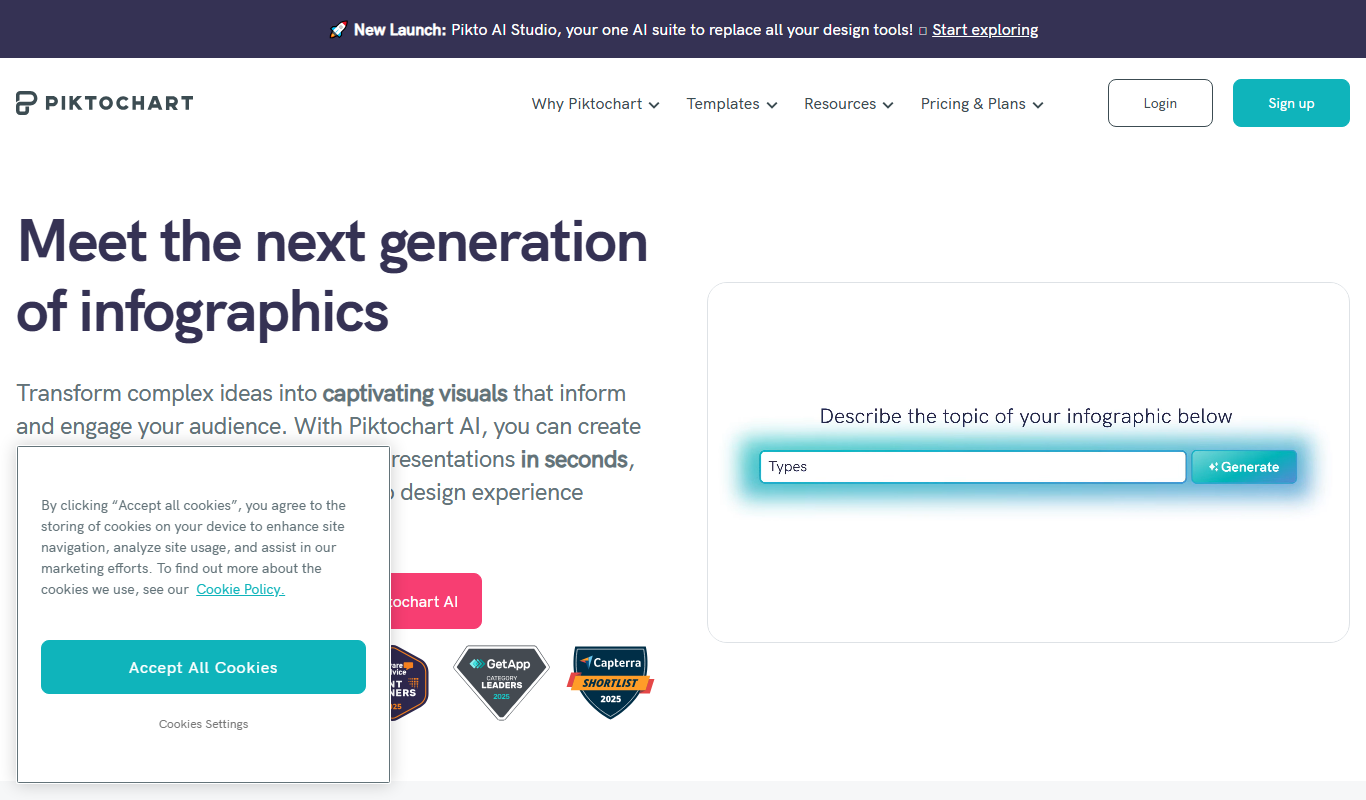
Piktochart is a web-based tool that helps users create infographics, presentations, and reports using customizable templates and an easy drag-and-drop editor.

Tailwind
Tailwind CSS is a utility-first CSS framework that enables developers to build custom, responsive web interfaces quickly by using atomic CSS classes directly in markup.

Midjourney Prime & Style
Midjourney Prime & Style is a Notion template that automates your Midjourney prompts and manages your image library.

A1 Art
A1 Art is a web-based AI image generator that creates digital artwork from text prompts, offering free and subscription plans for users.

Getty Images
Getty Images is a leading stock photography platform offering millions of high-quality images, videos, and music with flexible licensing for commercial and editorial use.