

Piskel Pixel Art Editor for Creating Animated Sprites and Graphics Online
Piskel is a free, web-based pixel art editor designed for creating static pixel images and animated sprites with features like layers, frames, and onion skinning.
- Best for
- Game Development
- Key capability
- Layer Support
Save Piskel, follow its updates and vote on it — everything stays in your account.
Sign in or create a free account
What is Piskel?
Piskel is a free online pixel art and sprite editor designed for creating static pixel images and animated sprites. It offers an intuitive interface with layers, frames, and onion skinning to facilitate pixel-level editing and animation. Piskel is popular among game developers, artists, and hobbyists for its simplicity and powerful features tailored to pixel art creation.
Key features of Piskel
Piskel provides a user-friendly environment for drawing pixel art with tools like pencil, eraser, fill, and color picker. It supports animation through frame management and onion skinning, allowing users to preview and export animations as GIFs or sprite sheets. The tool works directly in the browser or as a downloadable desktop app, making pixel art creation accessible anywhere.
Layer Support
Manage multiple layers to separate elements and simplify editing.
Frame-by-Frame Animation
Create animations by adding and editing individual frames with onion skinning.
Color Palette Management
Customize and save color palettes for consistent pixel art styling.
Export Options
Export artwork as PNG, GIF, or sprite sheets compatible with game engines.
Offline Desktop App
Use Piskel offline with the downloadable desktop version for Windows, Mac, and Linux.
Pros and cons of Piskel
Pros
- Completely free with no hidden costs
- Intuitive interface suitable for beginners and pros
- Supports animation with onion skinning
- Works in browser and offline desktop app available
- Multiple export formats including sprite sheets
Cons
- Limited advanced editing features compared to professional graphic software
- No mobile app version available
Key use cases for Piskel
Game Development
Create pixel art sprites and animations for indie and professional games.
Animated GIF Creation
Design and export animated GIFs for social media, websites, or messaging.
Pixel Art Learning
Practice and learn pixel art techniques with an intuitive and accessible tool.
Graphic Design
Produce retro-style graphics and icons for digital projects.
How Piskel works
- 1
Access the Editor
Open Piskel in your web browser or download the desktop app to start creating.
- 2
Create or Import Sprites
Start a new pixel art project or import existing images to edit.
- 3
Use Drawing Tools
Draw pixel art using pencil, eraser, fill, and shape tools with color selection.
- 4
Animate with Frames
Add multiple frames and use onion skinning to create smooth animations.
- 5
Export Your Work
Export your creations as PNG images, animated GIFs, or sprite sheets for use in projects.
Who is using Piskel
Piskel pricing
Free
$0
Full access to all features with no cost or subscription.
Plans and prices are as published by the vendor and can change. Check the official site before you buy. Open the pricing page (opens in a new tab)
Frequently asked questions about Piskel
Yes, Piskel is completely free and open to use without any subscription.
Yes, Piskel offers a desktop app that works offline on Windows, Mac, and Linux.
You can export your pixel art as PNG images, animated GIFs, or sprite sheets.
Yes, Piskel supports frame-by-frame animation with onion skinning features.
It depends on your specific needs and how you plan to use the tool. The official website and documentation are the best sources for the latest details.
Yes, it can help with that use case depending on how you configure it and what features are available. You’ll get the best results with clear inputs and a defined goal.
Conclusion
Both a web browser and a downloadable desktop version for Windows, Mac and Linux can run Piskel, the latter offline. Drawing happens at the pixel level with pencil, eraser, fill and shape tools, and layers keep separate elements apart for easier editing. Smooth animations are created by adding frames and using onion skinning. Finished work exports as PNG images, animated GIFs or sprite sheets compatible with game engines.
Its users range from indie game developers and pixel artists to educators teaching pixel art and hobbyists learning animation. The editor is free and open source, with full access to all features at no cost. For advanced editing it is more limited than professional graphic software.
Sources
Sign in to review this tool.
Sign In to ReviewNo reviews yet
Be the first to share how this tool worked for you.
Ask about pricing, limits, or how it compares — or answer someone else.
Sign In to AskNo questions yet
Have a question about using or paying for this tool? Be the first to ask.
Featured on TiorAI



Alternative Tools
Explore similar AI tools that might fit your needs
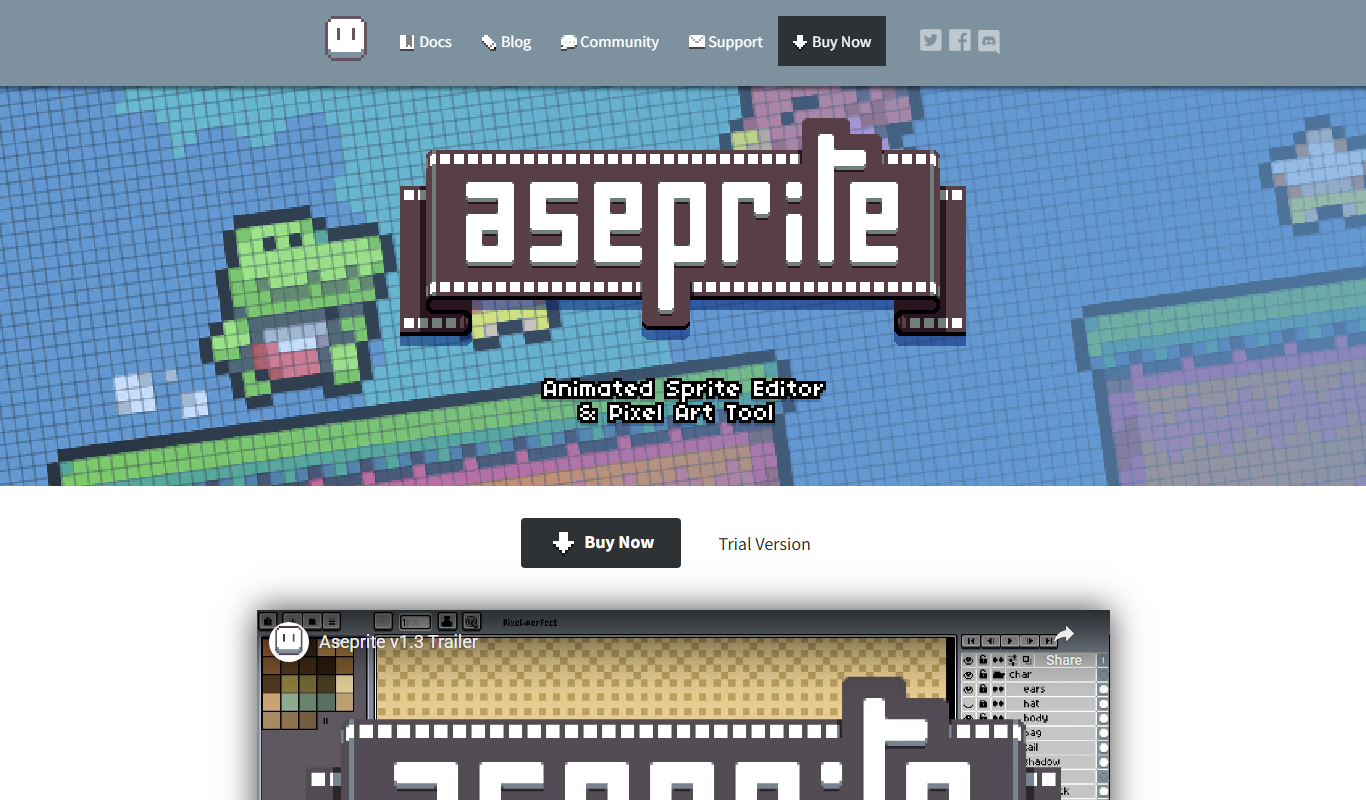
Aseprite
Aseprite is a pixel art editor specialized in creating and animating 2D sprites for games, offering tools like layers, onion skinning, and tilemap editing.
More AI Animation Generator tools
Other tools in the same category, for when this one is not quite the fit.

DeepAR SDK
DeepAR SDK is a cross-platform augmented reality development kit that enables real-time face tracking, AI avatar creation, and 3D AR effects for mobile apps, games, and live streaming.

Banuba SDK
Banuba SDK is an AI-powered augmented reality software development kit that enables developers to integrate real-time face tracking, 3D masks, beauty filters, and avatar effects into mobile and desktop applications.

8i
8i is a platform that creates photorealistic 3D holograms and avatars using volumetric video technology for VR and AR experiences.

Santa Tracker
Google Santa Tracker is a free web platform by Google that lets users track Santa Claus's journey around the world on Christmas Eve, featuring interactive games and holiday activities.

Decentraland
Decentraland is a blockchain-based virtual reality platform that allows users to own virtual land as NFTs, create 3D environments, and interact socially in a decentralized metaverse.
ImgPlay
ImgPlay is a mobile and web app that converts videos and photos into animated GIFs with editing tools like text, stickers, and filters for social media sharing.
Flowframes
Flowframes is a free Windows desktop software that uses AI to interpolate video frames, creating smooth slow motion and enhancing video frame rates without internet connection.

OpenShot
OpenShot is a free, open-source video editing software that supports Windows, macOS, and Linux. It offers features like unlimited tracks, video transitions, 3D animated titles, and a drag-and-drop interface, making it ideal for beginners and intermediate users.