

Speechify vs Balabolka: For Podcasts, Videos & eLearning
Speechify vs Balabolka for podcasts, video narration, and eLearning — compare voice quality, pricing, and export options.
- Category
- Music & Audio
- Format
- Head-to-head
- Updated
- April 28, 2026


How they compare
| Feature |
Speechify
|
Balabolka
|
|---|---|---|
| Made by | Speechify Inc. | Cross+Plus-A |
| Category | AI Speech-to-Text AI Text-to-Speech Speech To Text Voice Generation & Conversion | AI Speech Synthesis AI Text-to-Speech Music & Audio |
| Pricing model | Free Subscription | Free |
| Platforms | Android Chrome Extension Desktop iOS +1 more | Windows |
| Built with | JavaScript Node.js React | Not listed |
| Languages | Chinese English French German +2 more | English French German Italian +2 more |
| Based in | United States | Russia |
What each one is
Speechify
Speechify is an AI-powered text-to-speech software designed to convert written text into natural, human-like audio. It aims to improve accessibility and productivity by enabling users to listen to content instead of reading it. The tool supports multiple languages and voices, making it suitable for diverse users including those with reading difficulties and language learners.
Balabolka
Balabolka is a free text-to-speech (TTS) software for Windows that converts text from various file formats into spoken audio. It supports multiple speech engines and voices, allowing users to listen to written content aloud. The software offers customization options such as voice selection, speech rate, pitch, and pronunciation adjustments. It supports formats like TXT, DOC, PDF, EPUB, and HTML, making it versatile for different text sources.
Key features
Speechify
-
Natural-Sounding Voices
Uses advanced AI to produce clear, human-like speech in multiple languages.
-
Multi-Platform Availability
Accessible via web, mobile apps, desktop, and browser extensions.
-
Customizable Playback Settings
Users can control speed, voice selection, and audio output preferences.
-
Document and Web Page Integration
Supports reading PDFs, emails, articles, and other text formats.
-
Offline Listening
Allows users to download audio files for use without internet connection.
Balabolka
-
Multi-format Text Support
Reads text from TXT, DOC, PDF, EPUB, HTML, and other common document formats.
-
Voice Customization
Adjust speech rate, pitch, volume, and select from multiple installed voices.
-
Audio File Export
Save spoken text as audio files in MP3, WAV, OGG, or WMA formats.
-
Batch Conversion
Convert multiple text files to audio in one operation.
-
Pronunciation Dictionary
Customize how specific words are pronounced by creating a personal dictionary.
Pricing
Plans as published by each vendor. Check the vendor site before buying — pricing changes.
Speechify
Free $0/month
Basic access with limited voices and daily usage caps.
Premium (monthly) $29/month
Unlimited access to premium voices, faster processing, and offline downloads.
Premium (annual) $139/year
Balabolka
Free $0
Full-featured text-to-speech software available at no cost.
Strengths and trade-offs
Speechify
Strengths
- High-quality, natural-sounding voices
- Supports multiple languages and accents
- Cross-platform availability including mobile and desktop
- Customizable playback options
- Helps improve accessibility for reading difficulties
Trade-offs
- Premium features require subscription
- Free plan has usage limitations
- Some voices may sound less natural depending on language
Balabolka
Strengths
- Completely free with no restrictions
- Supports a wide range of text file formats
- Highly customizable voice settings
- Ability to save speech as audio files
- Batch processing for multiple files
Trade-offs
- Windows-only software, no Mac or Linux versions
- User interface is functional but dated
- Relies on installed speech engines for voice quality
Who it is for
Speechify
- Students and educators
- People with reading disabilities
- Busy professionals
- Language learners
- Content creators and publishers
Balabolka
- Visually impaired users
- Students and language learners
- Writers and editors
- Content creators needing audio versions
- Anyone seeking free TTS software on Windows
What people use it for
Speechify
-
Accessibility for Reading
Helps users with dyslexia, ADHD, or visual impairments by converting text into natural-sounding speech.
-
Content Consumption
Allows busy professionals and students to listen to articles, documents, and books on the go.
-
Language Learning
Supports language learners by providing clear pronunciation and customizable reading speeds.
-
Productivity Enhancement
Enables multitasking by turning written content into audio, improving workflow efficiency.
-
Audio Book Creation
Converts written books and documents into audio format for convenient listening.
Balabolka
-
Accessibility Support
Helps visually impaired users by reading text aloud from various document formats.
-
Content Consumption
Converts written content into audio for easier listening on the go.
-
Language Learning
Assists language learners by providing clear pronunciation of texts.
-
Audio Book Creation
Enables users to create audio books from text files using customizable voices.
-
Proofreading Aid
Allows writers to listen to their text to catch errors and improve flow.
Getting started
Speechify
Upload or Paste Text
Users input text by uploading documents or pasting text directly into the app.
Select Voice and Language
Choose from a variety of AI-generated voices and supported languages.
Customize Playback
Adjust reading speed and voice pitch to suit personal preferences.
Listen or Download Audio
Stream the audio directly or download it for offline listening.
Balabolka
Install and Launch
Download and install Balabolka on a Windows PC, then open the application.
Load Text
Import text from supported file formats or paste text directly into the interface.
Select Voice and Adjust Settings
Choose a speech engine and voice, then customize speed, pitch, and volume as needed.
Listen or Save Audio
Play the text aloud or save the speech output as an audio file for later use.
Common questions
Yes, Speechify is designed to assist users with dyslexia by converting text into easy-to-understand audio.
Yes, Balabolka is completely free software with no paid plans.
Offline listening is available with the Premium subscription through downloadable audio files.
Balabolka is designed exclusively for Windows operating systems.
Speechify supports multiple languages including English, Spanish, French, German, Chinese, and Japanese.
Yes, Balabolka supports any voices installed on your system via Microsoft Speech API or third-party TTS engines.
Yes, Speechify has apps for both iOS and Android platforms.
It supports TXT, DOC, PDF, EPUB, HTML, RTF, and several other text formats.
Explore alternatives
Other tools that do a similar job, picked on each tool’s own profile.
 Free
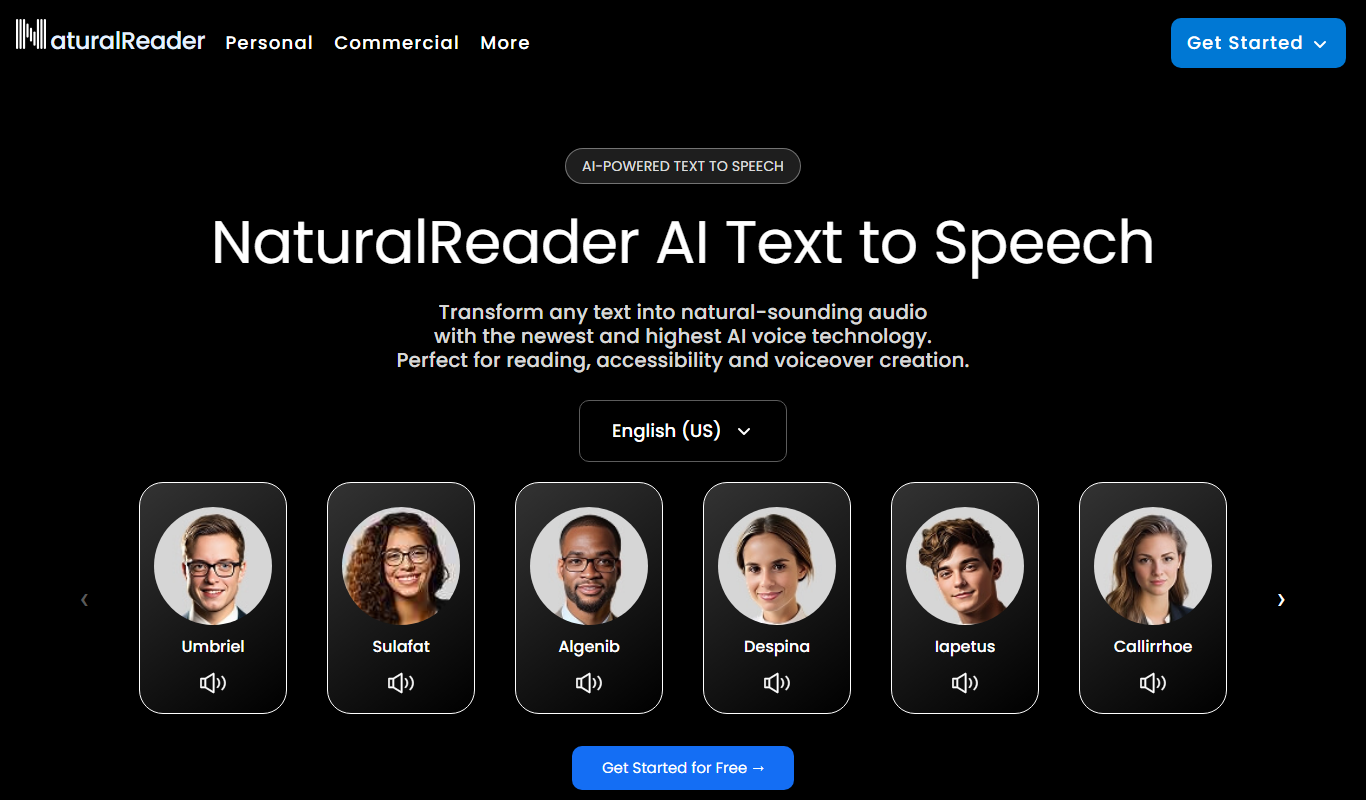
Natural Reader
Natural Reader is a text-to-speech software that converts written text into natural, human-like speech across multiple languages and platforms, supporting accessibility and content consumption.
- Custom Pricing
ReadSpeaker
ReadSpeaker is an AI text-to-speech platform that converts written text into natural, human-like audio across multiple languages, designed to enhance accessibility and user engagement.
- Free
ReadAloud
ReadAloud is an open source text-to-speech browser extension for Chrome, Firefox and Edge.


More comparisons with these tools

Speechify Free vs Paid: Free vs Paid Compared
Compare the free and paid tiers of Speechify Free and Paid — features, usage limits, and which plan is worth paying for.
-
Speechify vs Voice Dream: Enterprise Features & Compliance
Speechify vs Voice Dream for enterprise — compare compliance, SSO, usage limits, API reliability, and custom voice options.
-
Speechify vs Naturalreader: Studio Controls, Integrations & Cost
Speechify or Naturalreader? Compare studio editing controls, platform integrations, supported formats, and pricing for teams.
-
Speechify vs play.ht: Free Plan, Speed & Voice Variety
Compare Speechify and Play.ht on free tier limits, generation speed, voice variety, and which gives more value at each price.
-
Speechify vs Murf AI: Which Delivers Better TTS Quality in 2026?
Speechify vs Murf AI — an honest comparison of TTS naturalness, language support, pricing, and value for money.
- Speechify: $29/month Starts at Murf AI: $29/month
- Speechify: 5 Platforms Murf AI: 2
-
Speechify vs Elevenlabs: Voice Cloning, API Access & Pricing
Compare Speechify and ElevenLabs on voice cloning quality, API features, response latency, pricing tiers, and enterprise support.
- Speechify: $29/month Starts at ElevenLabs: $6/month
- Speechify: 5 Platforms ElevenLabs: 2

