

Http2 Checker
Understanding HTTP/2 HTTP/2 is a modern protocol that enhances web communication by making data transfer between servers and clients more efficient. Unlike HTTP/1.1, HTTP/2 supports multiplexing, allowing multiple requests and responses to be sent simultaneously over a single connection. This reduces delays caused by waiting…
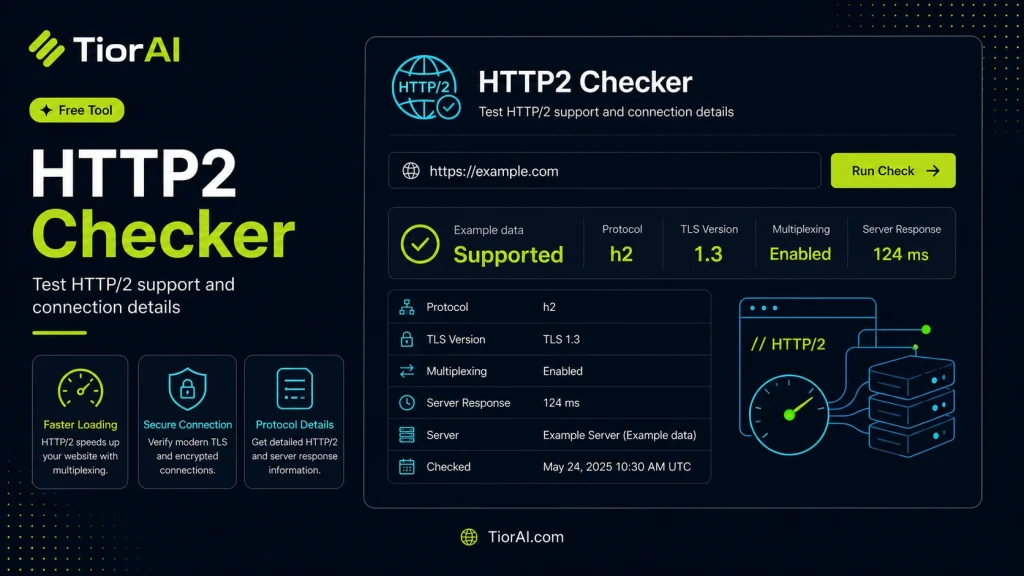
| Field | Value |
|---|
How to use it
- Enter Domain or IP Enter the domain name, IP address, or URL into the Http2 Checker to start the lookup or analysis.
- Run the Check Click the check button to query the relevant databases. Results are retrieved and displayed in seconds.
- Analyze the Results Review the detailed results including status, records, and diagnostics to troubleshoot or verify your query.
Tip Compare results from the Http2 Checker with your hosting provider's dashboard to spot discrepancies early.
About Http2 Checker
HTTP/2 is the second major version of the Hypertext Transfer Protocol used by the web. It improves on HTTP/1.1 by enabling faster and more efficient communication between clients (like browsers) and servers. HTTP/2 introduces features such as multiplexing multiple requests over a single connection, header compression, and server push, which reduce latency and improve page load times.
Checking whether a website supports HTTP/2 is important because it directly impacts performance and user experience. Many modern browsers and servers support HTTP/2, but some sites may still use HTTP/1.1 or older protocols. Knowing the protocol version helps developers optimize their sites and troubleshoot network issues.
Why HTTP/2 Support Matters
- Improved Speed: HTTP/2 reduces the overhead of multiple requests, making websites load faster.
- Better Resource Management: Multiplexing allows simultaneous requests without blocking.
- Enhanced Security: HTTP/2 is often used with TLS encryption, improving data security.
Common situations where HTTP/2 checking is useful include performance audits, server configuration verification, and debugging slow website responses. Web developers, network administrators, and SEO specialists often need to confirm HTTP/2 support to ensure optimal site delivery.
Understanding HTTP/2
HTTP/2 is a modern protocol that enhances web communication by making data transfer between servers and clients more efficient. Unlike HTTP/1.1, HTTP/2 supports multiplexing, allowing multiple requests and responses to be sent simultaneously over a single connection. This reduces delays caused by waiting for each request to complete sequentially.
Other improvements include header compression, which minimizes the size of HTTP headers, and server push, which lets servers send resources proactively. These features collectively improve website loading speed and responsiveness.
When to Use an HTTP/2 Checker
- To verify if your web server is properly configured to serve content over HTTP/2.
- During performance audits to identify if HTTP/2 is enabled and contributing to faster page loads.
- Before implementing HTTP/2-specific optimizations to ensure compatibility.
- When troubleshooting slow website responses to determine if protocol issues are a factor.
- To confirm that your site meets modern web standards for SEO and user experience.
Common Mistakes When Checking HTTP/2
- Assuming HTTP/2 support automatically means faster website performance without analyzing actual resource loading.
- Confusing HTTP/2 with HTTPS; while related, HTTP/2 can technically operate without HTTPS, though most browsers require HTTPS for HTTP/2.
- Relying solely on browser indicators without verifying server response headers or using dedicated checking tools.
Using an HTTP/2 checker tool helps you confirm the protocol your website uses, enabling better optimization and troubleshooting. Understanding the protocol and its benefits is essential for maintaining a fast, secure, and modern web presence.
Frequently asked questions
Reviews and questions
Whether this tool gave people the answer they needed, and what they asked about it.
Sign in to review this tool.
Sign In to ReviewNo reviews yet
Be the first to say whether this tool gave you what you needed.
Ask how to read the result, or what the tool does with an edge case — or answer someone else.
Sign In to AskNo questions yet
Not sure how to read a result? Be the first to ask.
AI tools related to this topic
Tools from the TiorAI directory that work on the same kind of job.

Action Network
Action Network is a progressive organizing platform with free access for grassroots activists and paid plans from $15/month.

Layla Network AI
Layla is a private offline AI assistant for Android and iOS that runs local models on your phone for chat, characters and image generation.