

Password Encryption Utility
Password encryption is a cryptographic process that converts readable passwords into an unreadable format using an algorithm and a secret key. This transformation protects passwords from unauthorized access during storage or transmission. Unlike hashing, which is one-way, encryption is reversible, meaning the original password can…
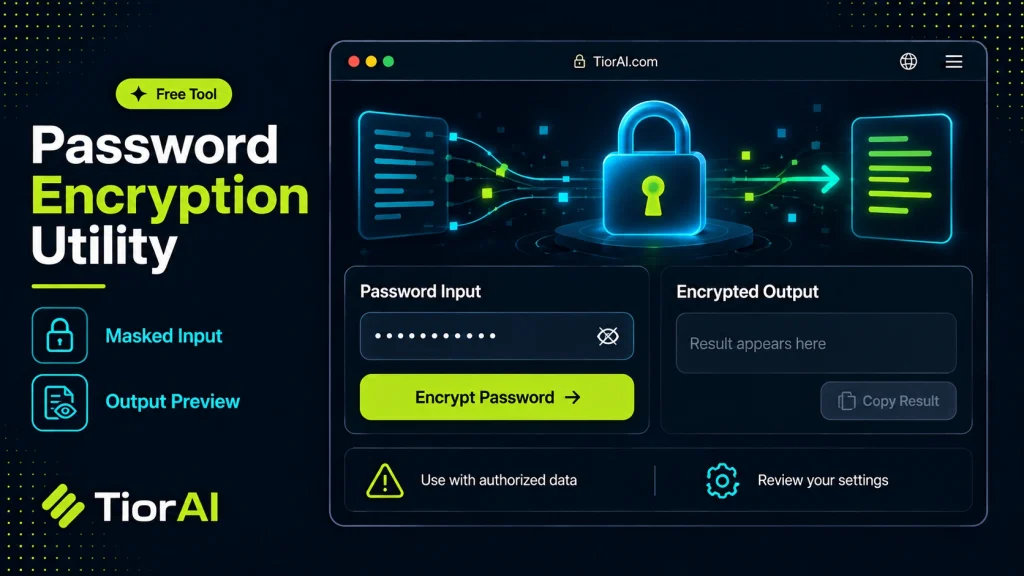
For educational use - do not store passwords this way in production without bcrypt/Argon2.
How to use it
- Paste or Enter Your Input Paste your code, text, or data into the input field. The tool supports large inputs without performance issues.
- Process and Analyze Click the action button or let the tool auto-process your input. Results appear in real time with highlighted details.
- Copy or Download the Output Review the results and copy the output to clipboard or download as a file for use in your project.
Tip For large inputs, process in sections to validate intermediate results and catch errors early.
Understanding Password Encryption
Password encryption is a fundamental security technique used to protect sensitive user credentials from unauthorized access. Unlike simple hashing, encryption transforms the original password into a ciphertext using an algorithm and a key, allowing it to be reversed (decrypted) only by someone with the correct key. This is crucial in scenarios where passwords need to be securely stored or transmitted but also require retrieval in their original form under controlled conditions.
Why Encrypt Passwords? Storing or sending passwords in plaintext exposes users to significant risks if data breaches occur. Encryption mitigates this by ensuring that even if data is intercepted or accessed, the actual passwords remain concealed. Developers use encryption to comply with security standards and protect user data integrity.
Common Encryption Algorithms include AES (Advanced Encryption Standard), RSA, and Blowfish. AES is widely adopted due to its balance of security and performance and is standardized by NIST (National Institute of Standards and Technology) under FIPS 197. AES uses symmetric keys, meaning the same key encrypts and decrypts data, which requires secure key management.
How Developers Use Password Encryption in real projects varies by context. For example, when transmitting passwords over a network, encryption ensures confidentiality. In some legacy systems or specific applications, encrypted passwords may be stored instead of hashed ones, especially if the system needs to recover the original password (though this is generally discouraged). Encryption utilities help developers generate encrypted password strings that can be safely stored or transmitted.
Standards and Best Practices recommend using strong, vetted encryption algorithms with sufficiently long keys (e.g., 256-bit keys for AES). Additionally, encryption should be combined with secure key storage solutions, such as hardware security modules (HSMs) or environment variables, to prevent key leakage. Developers should also consider whether encryption or hashing is more appropriate; for most authentication systems, hashing with salts and adaptive algorithms (like bcrypt or Argon2) is preferred because it is one-way and reduces risk if the database is compromised.
What is Password Encryption?
Password encryption is a cryptographic process that converts readable passwords into an unreadable format using an algorithm and a secret key. This transformation protects passwords from unauthorized access during storage or transmission. Unlike hashing, which is one-way, encryption is reversible, meaning the original password can be recovered if the decryption key is known.
Developers use password encryption to secure sensitive data in scenarios where passwords must be retrieved or transmitted securely. Common encryption algorithms include AES, which is widely accepted due to its strong security and efficiency. AES uses symmetric keys, so managing these keys securely is essential to maintaining password confidentiality.
When to Use Password Encryption Utilities
- When passwords must be transmitted securely over networks but remain recoverable by the server.
- In legacy systems that require reversible password storage for compatibility.
- For temporarily encrypting passwords before applying hashing or other processing.
- When storing passwords in configuration files or scripts where plaintext exposure is a risk.
Common Mistakes to Avoid
- Using encryption instead of hashing for password storage, which can expose passwords if the encryption key is compromised.
- Reusing weak or default encryption keys, which makes encrypted passwords vulnerable to decryption by attackers.
Technical Context
Encryption algorithms like AES are standardized and vetted by organizations such as NIST. Developers must ensure they use strong keys (e.g., 256-bit keys for AES) and secure key management practices. While encryption protects confidentiality, it requires careful handling of keys to prevent unauthorized decryption. For most authentication systems, hashing with salts and adaptive algorithms is preferred because it is one-way and reduces risk if data is leaked.
In summary, password encryption utilities are valuable tools for developers needing reversible password protection, but they must be used with an understanding of their limitations and security requirements.
Common use cases
- Encrypting a simple password with AES-256
- Encrypting a password with a custom key
Frequently asked questions
Reviews and questions
Whether this tool gave people the answer they needed, and what they asked about it.
Sign in to review this tool.
Sign In to ReviewNo reviews yet
Be the first to say whether this tool gave you what you needed.
Ask how to read the result, or what the tool does with an edge case — or answer someone else.
Sign In to AskNo questions yet
Not sure how to read a result? Be the first to ask.
AI tools related to this topic
Tools from the TiorAI directory that work on the same kind of job.

ChatGPT
ChatGPT is an AI chatbot by OpenAI powered by GPT-4o. It handles writing, coding, research, data analysis, and natural conversation. Free tier available, Plus at $20/month.