

From my experience with Morphlin, I found it excels at providing an accessible platform for AI-driven creative image generation without requiring technical expertise. The intuitive interface and flexible morphing and style transfer features make it a valuable tool for digital artists and content creators looking to experiment with AI art. However, the free tier limits usage, and the absence of a mobile app may restrict on-the-go creativity. Overall, if you want to explore AI-generated art with straightforward controls and affordable subscription options, Morphlin delivers solid results.
Morphlin AI Art Generator for Creative Image Generation and Design
Morphlin is an AI-powered art generation tool that enables users to create unique digital images through image morphing and style transfer techniques on a user-friendly web platform.
- Best for
- Digital Art Creation
- Key capability
- AI Image Morphing
Your actions
Save Morphlin, follow its updates and vote on it — everything stays in your account.
Sign in or create a free account
What is Morphlin?
Morphlin is an AI-powered art generation platform that enables users to create unique digital images and artworks through advanced artificial intelligence techniques. It offers tools for image morphing, style transfer, and creative image synthesis, allowing artists, designers, and content creators to produce innovative visuals with ease.
Key features of Morphlin
Morphlin provides an intuitive web interface for generating AI art, including features such as image morphing, style blending, and customizable parameters to control the artistic output. It supports a freemium model with subscription options for enhanced capabilities.
AI Image Morphing
Blend multiple images seamlessly to create unique hybrid artworks.
Style Transfer
Apply artistic styles from one image onto another to transform visuals creatively.
Customizable Controls
Fine-tune generation parameters to influence the style, color, and composition of outputs.
User-Friendly Interface
Easy-to-use web platform accessible without technical expertise.
Pros and cons of Morphlin
Pros
- Intuitive and accessible interface
- Flexible image morphing and style transfer features
- Affordable subscription plan for advanced use
- Supports creative experimentation
Cons
- Limited free tier usage
- No mobile app available
- Country of origin and detailed tech stack not publicly disclosed
Key use cases for Morphlin
Digital Art Creation
Generate unique and creative digital artworks using AI-powered image synthesis.
Graphic Design Assistance
Assist graphic designers by providing AI-generated images as inspiration or assets.
Content Creation
Enhance blog posts, social media, and marketing materials with AI-generated visuals.
Creative Experimentation
Explore new artistic styles and concepts through AI-driven image morphing and generation.
How Morphlin works
- 1
Register an Account
Sign up on the Morphlin website to access the AI art generation tools.
- 2
Choose or Upload Images
Select existing images or upload your own to use as a base for morphing or style transfer.
- 3
Customize Parameters
Adjust settings such as style intensity, blending options, and other creative controls.
- 4
Generate Artwork
Run the AI model to create new images based on your inputs and preferences.
- 5
Download or Share
Save your generated artwork or share it directly from the platform.
Who is using Morphlin
Digital artists
Graphic designers
Content creators
Marketing professionals
Creative hobbyists
Morphlin pricing
Free
$0/month
Basic access with limited image generations and features.
Pro
$9.99/month
Unlimited image generations, higher resolution outputs, and priority support.
Plans and prices are as published by the vendor and can change. Check the official site before you buy. Open the pricing page (opens in a new tab)
Frequently asked questions about Morphlin
No, Morphlin is designed with a user-friendly interface suitable for beginners and professionals alike.
Yes, depending on your subscription plan, you can use generated images for commercial purposes.
Morphlin supports common image formats such as JPEG and PNG for uploads and downloads.
This tool is designed to help users accomplish its core tasks more efficiently. It is typically used by individuals or teams looking to improve productivity and workflow.
Some tools offer a free plan or trial with limited features. Availability can vary, so confirm on the official website.
Yes, it can help with that use case depending on how you configure it and what features are available. You’ll get the best results with clear inputs and a defined goal.
Sign in to review this tool.
Sign In to ReviewNo reviews yet
Be the first to share how this tool worked for you.
Ask about pricing, limits, or how it compares — or answer someone else.
Sign In to AskNo questions yet
Have a question about using or paying for this tool? Be the first to ask.
Featured on TiorAI



More AI Design & Creative Tools tools
Other tools in the same category, for when this one is not quite the fit.

Free
AI Song Generator
AI Song Generator is a web tool that creates original songs and lyrics from your genre, mood and topic, with a limited free plan and paid subscriptions.

Freemium
TwoShot
TwoShot is an AI creative suite for music, audio, video and images: generate music and sounds from text, split stems, make voiceovers and produce in an online studio.

Freemium
Remodel AI
Remodel AI is a web-based AI tool that redesigns any room or home exterior from an uploaded photo in seconds.

Free
AI Song Generator-Make Song
AI Song Generator-Make Song is an online tool that uses artificial intelligence to create original songs by generating melodies and lyrics based on user inputs such as themes or moods.
Freemium
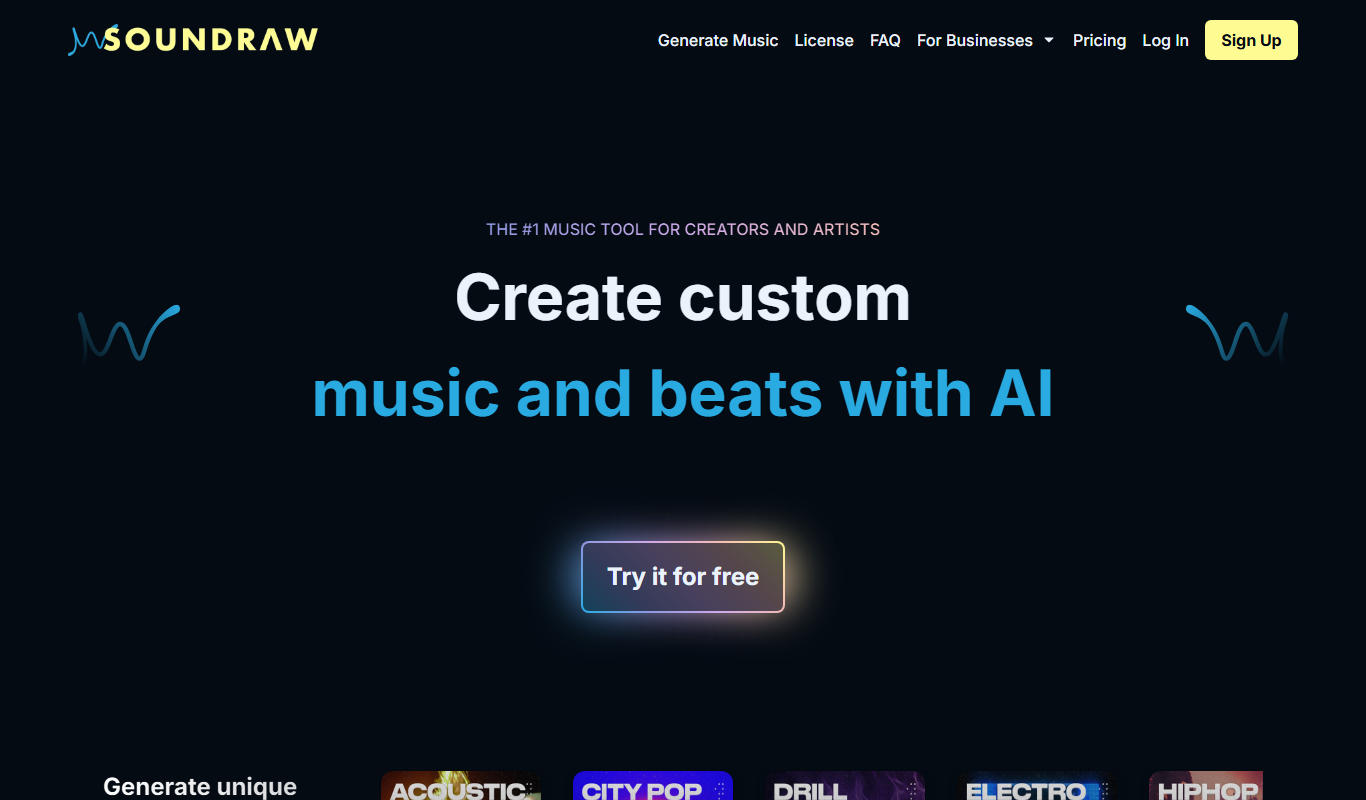
Soundraw
Soundraw is an AI-powered music generator that creates original, royalty-free music tracks customizable by mood, genre, and length, ideal for content creators and marketers.

Freemium
ilovesong.ai
ilovesong.ai is an AI music generator that creates songs with male or female vocals as MP3/M4A audio and MP4 videos.
Subscription
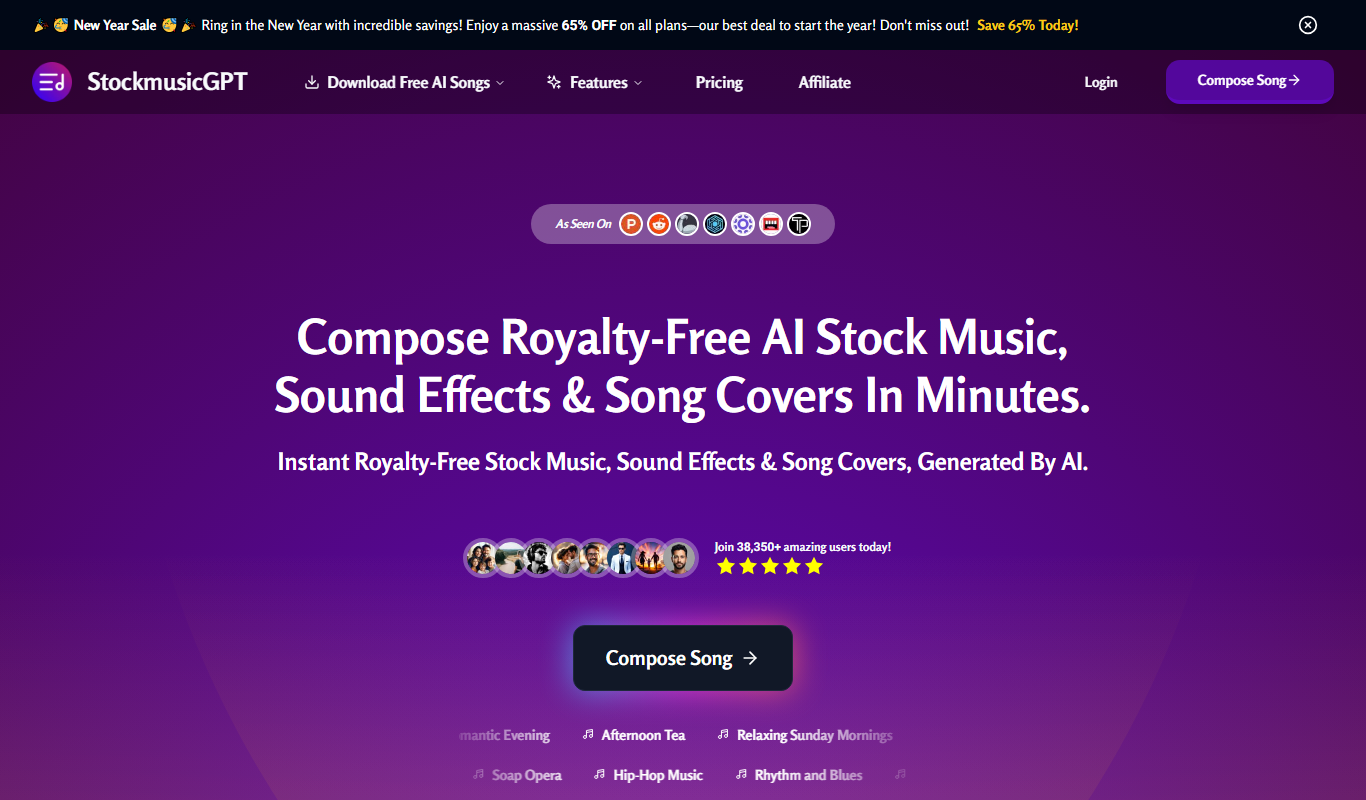
StockmusicGPT
StockmusicGPT is an AI-driven platform that generates royalty-free stock music tailored to your preferences, allowing instant download and use in commercial or personal projects without licensing fees.

Free
Musicfy
Musicfy is an AI voice song generator for creating covers in any voice, with 100,000+ voices or a clone of your own.