

Kitchen Stories App for Recipes, Cooking Tips & Step-by-Step Guides
Kitchen Stories is a cooking app offering recipes with step-by-step photo and video instructions, meal planning tools and shopping lists, with an optional paid Kitchen Stories Plus subscription.
- Best for
- Home Cooking
- Key capability
- Step-by-Step Photo and Video Instructions
Save Kitchen Stories, follow its updates and vote on it — everything stays in your account.
Sign in or create a free account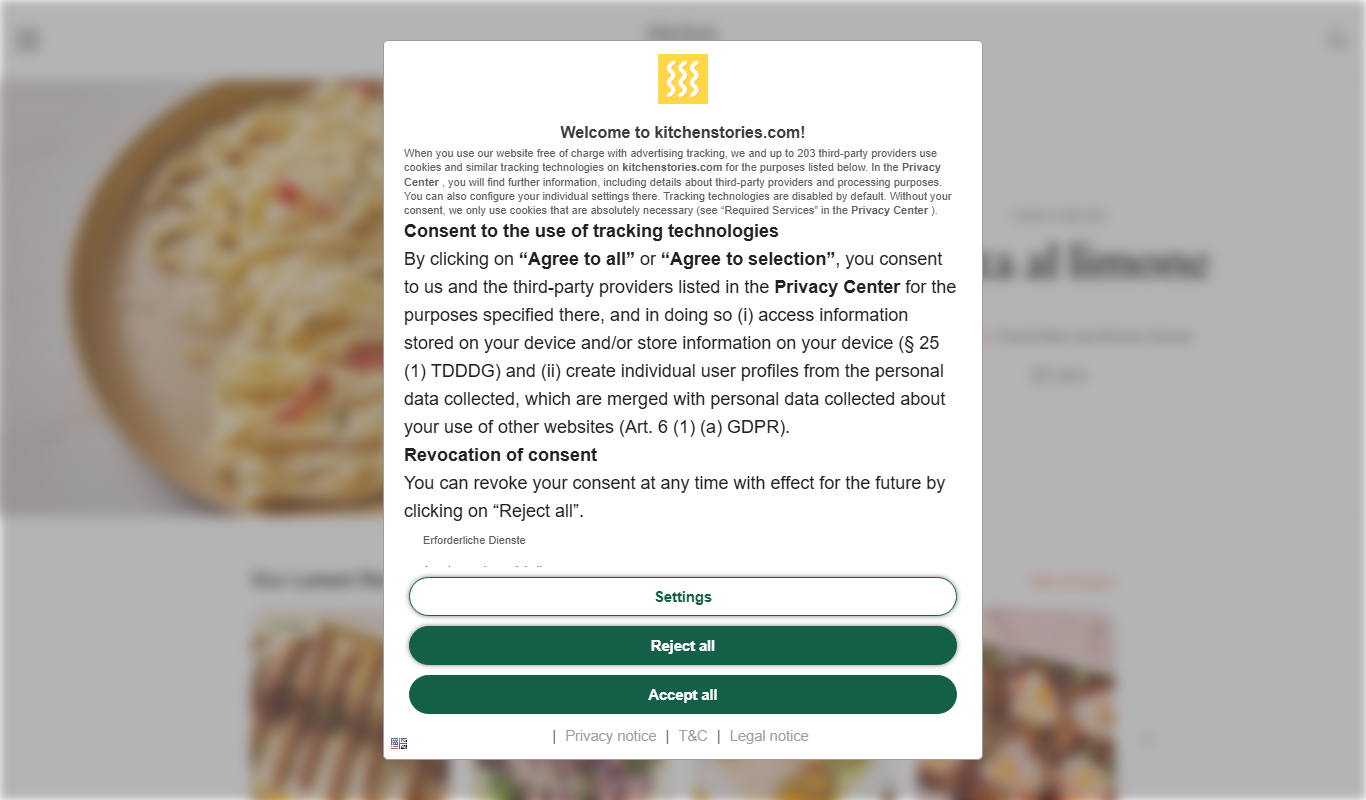
What is Kitchen Stories?
Kitchen Stories is a digital cooking platform offering a vast collection of recipes with detailed step-by-step photo and video instructions. It aims to make cooking accessible and enjoyable for home cooks of all skill levels by providing easy-to-follow guides, meal planning tools, and culinary inspiration. A paid Kitchen Stories Plus subscription is also offered.
Key features of Kitchen Stories
The app features thousands of recipes, instructional videos, personalized meal planners, shopping lists, and community sharing options. It supports multiple languages and is available on web and mobile devices.
Step-by-Step Photo and Video Instructions
Detailed visual guides help users cook dishes accurately and confidently.
Personalized Meal Planner
Plan your meals ahead with customizable weekly schedules.
Shopping List Integration
Automatically generate shopping lists from selected recipes for convenience.
Multi-language Support
Available in several languages including English, German, French, Spanish, and Italian.
Community Sharing
Users can share their own recipes and cooking experiences within the app.
Pros and cons of Kitchen Stories
Pros
- Extensive recipe collection with clear visual instructions
- Free to use with no hidden costs
- Supports multiple languages for global users
- Includes meal planning and shopping list tools
- User-friendly interface suitable for beginners
Cons
- Limited offline functionality
- No advanced cooking technique tutorials
- Some recipes may require uncommon ingredients
Key use cases for Kitchen Stories
Home Cooking
Find and follow easy-to-understand recipes with step-by-step photo and video instructions for everyday meals.
Meal Planning
Plan weekly meals using curated recipe collections and shopping lists to simplify grocery shopping.
Cooking Inspiration
Discover new cuisines, seasonal dishes, and trending food ideas to expand your cooking repertoire.
Food Photography
Learn tips and tricks for styling and photographing food to enhance your culinary presentations.
Dietary Preferences
Filter recipes by dietary needs such as vegetarian, vegan, gluten-free, or low-carb options.
How Kitchen Stories works
- 1
Browse Recipes
Explore a wide variety of recipes categorized by cuisine, meal type, and dietary preferences.
- 2
Follow Step-by-Step Guides
Use photo and video instructions to prepare dishes easily, even if you are a beginner.
- 3
Create Shopping Lists
Add ingredients from selected recipes to a shopping list for efficient grocery shopping.
- 4
Plan Meals
Organize your weekly meals with the built-in meal planner and save favorite recipes.
Who is using Kitchen Stories
Kitchen Stories pricing
Free
$0/month
Free access to recipes; a paid Kitchen Stories Plus subscription is also offered.
Kitchen Stories Plus
EUR 7.99/month or EUR 79.99/year
Paid subscription with a 7-day trial.
Plans and prices are as published by the vendor and can change. Check the official site before you buy. Open the pricing page (opens in a new tab)
Frequently asked questions about Kitchen Stories
Not all features are free: Kitchen Stories Plus costs EUR 7.99/month or EUR 79.99/year, with a 7-day trial.
Some features like saved recipes may be accessible offline, but full functionality requires internet access.
Yes, you can filter recipes by dietary preferences such as vegetarian, vegan, gluten-free, and more.
Kitchen Stories is available on iOS, Android, and via a web browser.
Yes, it can help with that use case depending on how you configure it and what features are available. You’ll get the best results with clear inputs and a defined goal.
Yes, it can help with that use case depending on how you configure it and what features are available. You’ll get the best results with clear inputs and a defined goal.
Yes, it can help with that use case depending on how you configure it and what features are available. You’ll get the best results with clear inputs and a defined goal.
Conclusion
Recipes are categorized by cuisine, meal type and dietary preferences, and dishes are prepared with photo and video instructions meant to be easy even for beginners. Ingredients from selected recipes go onto a shopping list, and a built-in meal planner organizes weekly meals and saved favorite recipes. Filters cover dietary needs such as vegetarian, vegan, gluten-free or low-carb options. Users can also share their own recipes and cooking experiences within the app.
It is aimed at home cooks and beginners, busy individuals seeking quick meal planning and people with specific dietary needs. It runs on iOS, Android and in a web browser. Not every feature is free, though: Kitchen Stories Plus costs EUR 7.99 per month or EUR 79.99 per year, with a 7-day trial.
Sources
Sign in to review this tool.
Sign In to ReviewNo reviews yet
Be the first to share how this tool worked for you.
Ask about pricing, limits, or how it compares — or answer someone else.
Sign In to AskNo questions yet
Have a question about using or paying for this tool? Be the first to ask.
Featured on TiorAI



Alternative Tools
Explore similar AI tools that might fit your needs
Tasty
Tasty is a free digital recipe platform by BuzzFeed offering thousands of recipes with engaging video tutorials and interactive cooking tools.

Allrecipes
Allrecipes is a free online platform offering a vast collection of user-generated recipes, meal planning tools, and a cooking community to help users discover, save, and share recipes.
More AI Content Generator tools
Other tools in the same category, for when this one is not quite the fit.
Skyword
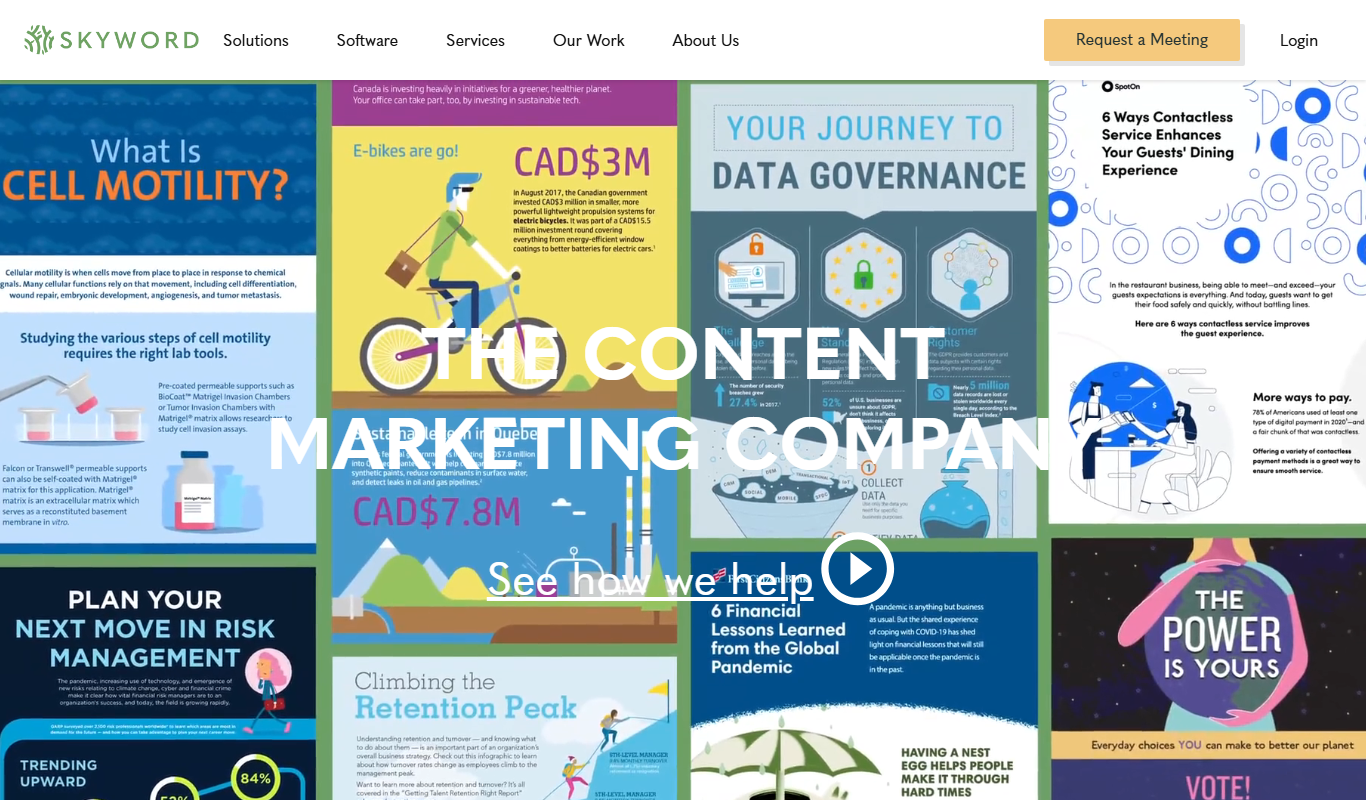
Skyword is an enterprise content marketing platform that helps organizations plan, create, manage, and analyze content marketing campaigns with collaboration tools and a freelance network.

Archive.org
Archive.org is a free digital library and internet archive providing access to billions of archived web pages, books, audio, video, and software for research, education, and creative projects.

Cookpad
Cookpad is a global recipe sharing platform where home cooks can discover, share, and organize recipes while engaging with a cooking community.

ReadWorks
ReadWorks is a free online platform providing leveled reading passages, lesson plans, and assessment tools to improve K-12 students' reading comprehension and literacy skills.

LitCharts
LitCharts is an online platform providing detailed literature summaries, analyses, and educational resources to help students and educators understand and teach literary works effectively.

PDF2XL
PDF2XL is a software tool that converts PDF documents, especially tables, into editable Excel spreadsheets with features like OCR and batch processing.

Dictionary.com
Dictionary.com is a comprehensive online platform offering English word definitions, synonyms, antonyms, pronunciation guides, and grammar tips to help users improve their language skills.

Wordnik
Wordnik is a free online English dictionary that provides detailed definitions, example sentences, synonyms, and related word information to help users understand and use English words effectively.