

Heroku Cloud Platform for App Deployment and Scalable Development
Heroku is a cloud platform as a service (PaaS) that enables developers to deploy, manage, and scale applications easily without managing infrastructure.
- Best for
- Application Deployment
- Key capability
- Dynos and Containers
Save Heroku, follow its updates and vote on it — everything stays in your account.
Sign in or create a free account
What is Heroku?
Heroku is a cloud platform as a service (PaaS). Since February 2026, Salesforce has placed Heroku in sustaining engineering.
Key features of Heroku
Heroku provides easy app deployment, scalable container-based hosting, integrated DevOps pipelines, a marketplace of add-ons, and multi-language support to accelerate cloud application development.
Dynos and Containers
Lightweight, isolated containers that run your applications with easy scaling.
Heroku Add-ons
Marketplace of third-party services like databases, caching, monitoring, and more.
Heroku Pipelines
Visualize and automate continuous delivery workflows from development to production.
Multi-language Buildpacks
Support for Ruby, Node.js, Python, Java, PHP, Go, and more via buildpacks.
Integrated Logging and Monitoring
Real-time logs and metrics to monitor app performance and troubleshoot.
Pros and cons of Heroku
Pros
- Simplifies app deployment without infrastructure management
- Supports multiple programming languages
- Rich ecosystem of add-ons and integrations
- Easy scaling with dynos and containers
- Integrated DevOps pipelines and monitoring
Cons
- Pricing can become expensive for high-scale production apps
- Less control over underlying infrastructure compared to IaaS
Key use cases for Heroku
Application Deployment
Deploy web applications quickly without managing infrastructure.
Scalable Cloud Hosting
Scale applications seamlessly with dynos and managed containers.
DevOps Automation
Automate build, release, and monitoring workflows using Heroku pipelines.
Add-on Integration
Extend app functionality with a marketplace of add-ons for databases, caching, and more.
Multi-language Support
Develop apps using multiple programming languages supported by Heroku buildpacks.
How Heroku works
- 1
Create an Account
Sign up on Heroku’s website to access the platform.
- 2
Develop Your Application
Build your app locally using supported languages and frameworks.
- 3
Deploy to Heroku
Push your code to Heroku using Git or Heroku CLI to deploy.
- 4
Manage and Scale
Use the dashboard or CLI to monitor, scale dynos, and add services.
Who is using Heroku
Heroku pricing
Eco
$5/month
Apps sleep after 30 minutes.
Basic
$7/month
Always-on apps with moderate resources for personal projects.
Standard
From $25/month
Production-ready apps with higher performance and scaling options.
Performance
From $250/month
High throughput and dedicated resources for mission-critical apps.
Plans and prices are as published by the vendor and can change. Check the official site before you buy. Open the pricing page (opens in a new tab)
Frequently asked questions about Heroku
Heroku supports multiple languages including Ruby, Node.js, Python, Java, PHP, Go, and more through buildpacks.
Yes, you can scale your app horizontally by increasing dyno counts or vertically by choosing more powerful dyno types.
No. The free tier was removed in 2022; the cheapest option is Eco at $5/month.
Add-ons are third-party services integrated into Heroku apps, such as databases, caching, monitoring, and email services.
It depends on your specific needs and how you plan to use the tool. The official website and documentation are the best sources for the latest details.
It depends on your specific needs and how you plan to use the tool. The official website and documentation are the best sources for the latest details.
Some tools offer a free plan or trial with limited features. Availability can vary, so confirm on the official website.
Yes, it can help with that use case depending on how you configure it and what features are available. You’ll get the best results with clear inputs and a defined goal.
Conclusion
Developers build an app locally, then push the code to the platform with Git or the Heroku CLI to deploy it. Buildpacks add support for languages such as Ruby, Python, Java and Go. Apps run in dynos, lightweight isolated containers that scale horizontally with more dynos or vertically with more powerful dyno types. A marketplace of third-party add-ons supplies services like databases, caching and monitoring, while pipelines automate continuous delivery workflows from development to production.
It is designed for developers and software engineers, startups and DevOps teams. The free tier was removed in 2022, so the entry options are Eco at $5 a month, where apps sleep after 30 minutes, and Basic at $7. Since February 2026, Salesforce has kept Heroku in sustaining engineering, with no new features being added.
Sources
Sign in to review this tool.
Sign In to ReviewNo reviews yet
Be the first to share how this tool worked for you.
Ask about pricing, limits, or how it compares — or answer someone else.
Sign In to AskNo questions yet
Have a question about using or paying for this tool? Be the first to ask.
Featured on TiorAI



More AI App Builder tools
Other tools in the same category, for when this one is not quite the fit.

Curiosity
Curiosity Studio turns a sentence into working internal software, grounded in your company's connected data and permissions, on your own infrastructure.

AppifyText.ai
AppifyText.ai builds a working web app from a plain English description or an Excel file, and in v3 AI can edit the app too.

Tynker AI
Tynker AI is a no-code platform for creators, agencies and brands to build AI-driven games, quizzes and event activations that mix text, image and audio, with instant deployment and analytics.

Sparkable
Sparkable builds a working React web app from a description: describe the app, watch it run live in your browser, then edit the code, add npm packages and download the project.
Typeblock
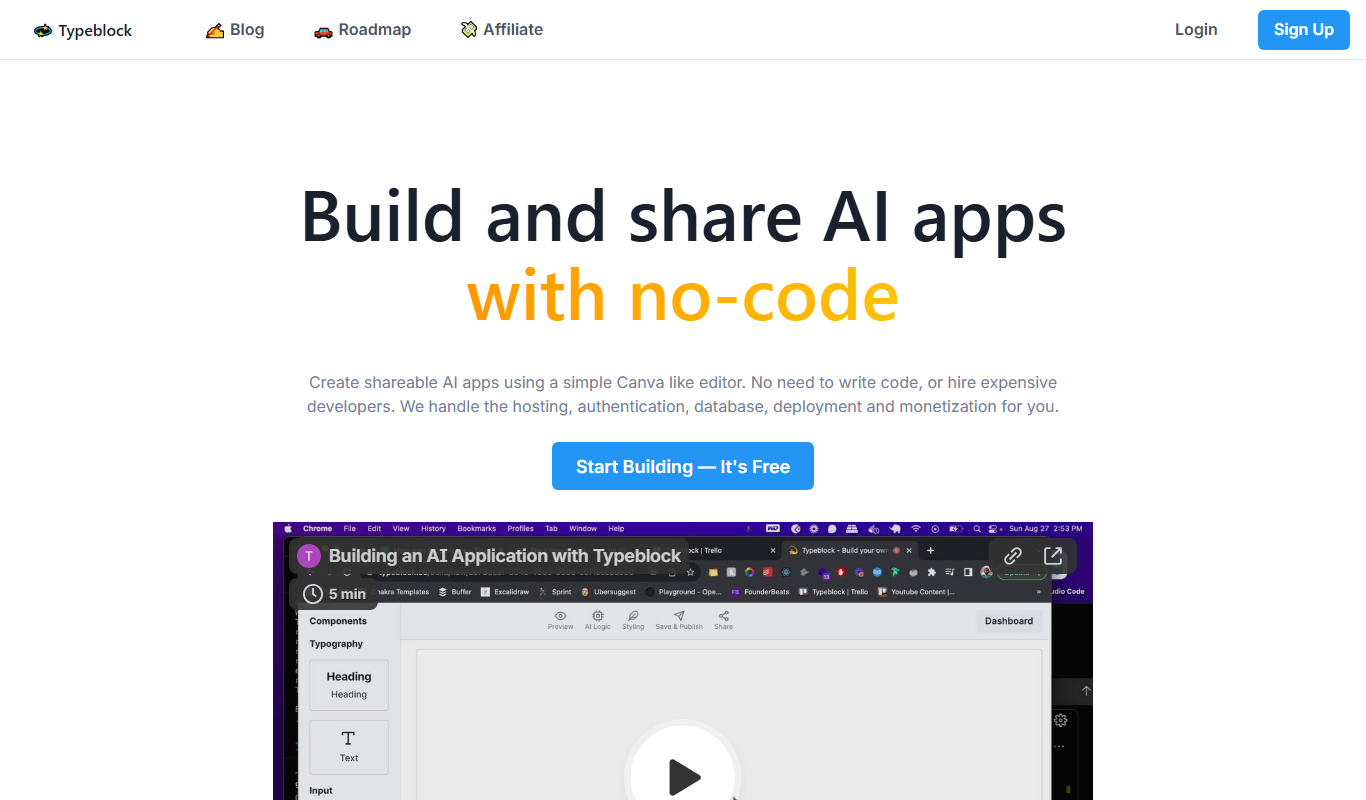
Typeblock lets you build and share AI apps with no code in a Canva like editor, with hosting, authentication, email collection and Stripe monetization handled for you.
toolmark.ai
toolmark.ai lets you create AI tools without code that generate text, images, voice and more, then embed them on your site or publish them, with a 7-day free trial.

Glowby Genius by Glowbom
Glowby Genius by Glowbom turns a rough sketch into working software for iOS, Android and the web, then keeps the code and project memory.

Digital Emperor
Digital Emperor's AI suite turns an app description into instant design specifications, including a user flow, sitemap and copy.