

PDF GPT AI Chatbot for Interactive PDF Document Analysis and Q&A
PDF GPT is an AI chatbot tool that enables users to upload PDF documents and interactively ask questions or get summaries using natural language processing powered by GPT models.
- Best for
- Interactive PDF Q&A
- Key capability
- Natural Language Q&A
Save PDF GPT, follow its updates and vote on it — everything stays in your account.
Sign in or create a free account
What is PDF GPT?
PDF GPT is a web-based AI-powered chatbot that allows users to upload PDF documents and interact with their content through natural language queries. Leveraging advanced GPT language models, it understands and extracts information from PDFs, enabling users to ask questions, get summaries, and analyze documents without manual reading.
Key features of PDF GPT
Key features include PDF upload and parsing, conversational Q&A interface, document summarization, multi-page context understanding, and exportable chat history. The tool integrates OpenAI’s GPT technology to provide accurate and context-aware responses based on the uploaded PDF content.
Natural Language Q&A
Interact with PDFs using conversational language to get specific answers.
Document Summarization
Automatically create concise summaries of lengthy documents.
Multi-Page Context Awareness
Understands content spanning multiple pages for accurate responses.
Chat History Export
Save and export your Q&A sessions for future reference.
Pros and cons of PDF GPT
Pros
- Easy to use conversational interface for PDFs
- Supports multi-page document understanding
- Generates useful summaries automatically
Cons
- Limited support for scanned or image-only PDFs
- Currently supports only English language documents
- Free plan has restrictive usage limits
Key use cases for PDF GPT
Interactive PDF Q&A
Users can upload PDF documents and ask questions about the content, receiving precise answers in natural language.
Document Summarization
Automatically generate summaries of lengthy PDF documents to quickly grasp key points.
Research Assistance
Facilitates extracting relevant information from academic papers, reports, or manuals in PDF format.
Customer Support
Helps customer service teams quickly find answers within product manuals or policy documents.
Content Review
Enables professionals to review and query contracts, legal documents, or technical specifications efficiently.
How PDF GPT works
- 1
Upload PDF
Users upload their PDF document via the web interface.
- 2
Process Document
The tool parses the PDF text and indexes it for efficient querying.
- 3
Ask Questions
Users type natural language questions related to the document content.
- 4
Receive Answers
PDF GPT generates precise answers based on the document context.
Who is using PDF GPT
PDF GPT pricing
Free
$0/month
Basic access with limited document size and number of queries.
Pro
$15/month
Increased limits, faster processing, and priority support.
Plans and prices are as published by the vendor and can change. Check the official site before you buy. Open the pricing page (opens in a new tab)
Frequently asked questions about PDF GPT
You can upload any text-based PDF documents. Scanned image PDFs may not be fully supported.
Uploaded documents are processed securely and not shared with third parties. Always review privacy policies.
Yes, the Pro plan supports commercial use with higher limits.
Currently, PDF GPT primarily supports English documents.
It depends on your specific needs and how you plan to use the tool. The official website and documentation are the best sources for the latest details.
Yes, it can help with that use case depending on how you configure it and what features are available. You’ll get the best results with clear inputs and a defined goal.
Some tools offer a free plan or trial with limited features. Availability can vary, so confirm on the official website.
Yes, it can help with that use case depending on how you configure it and what features are available. You’ll get the best results with clear inputs and a defined goal.
Conclusion
A PDF uploaded through the web interface can be queried with natural language questions, and PDF GPT generates answers based on the document context. It also creates concise summaries of lengthy documents, and Q&A sessions can be saved and exported for future reference. Responses rely on OpenAI’s GPT technology and take content spanning multiple pages into account.
Uses range from extracting information from academic papers and reports to helping customer service teams find answers within product manuals, or reviewing contracts. It is aimed at researchers and academics, legal professionals and customer support teams. One documented weak spot is scanned or image-only PDFs, which may not be fully supported.
Sources
Sign in to review this tool.
Sign In to ReviewNo reviews yet
Be the first to share how this tool worked for you.
Ask about pricing, limits, or how it compares — or answer someone else.
Sign In to AskNo questions yet
Have a question about using or paying for this tool? Be the first to ask.
Featured on TiorAI



Alternative Tools
Explore similar AI tools that might fit your needs

AskYourPdf
AskYourPdf is an AI-driven web tool that allows users to upload PDF documents and ask natural language questions to extract information quickly and accurately from the document content.
More AI Chatbot & Conversational Tools tools
Other tools in the same category, for when this one is not quite the fit.

Custom GPTs Store
Custom GPTs Store is a free online marketplace where users can discover, share, and access custom-built GPT chatbots tailored for specific tasks and industries.
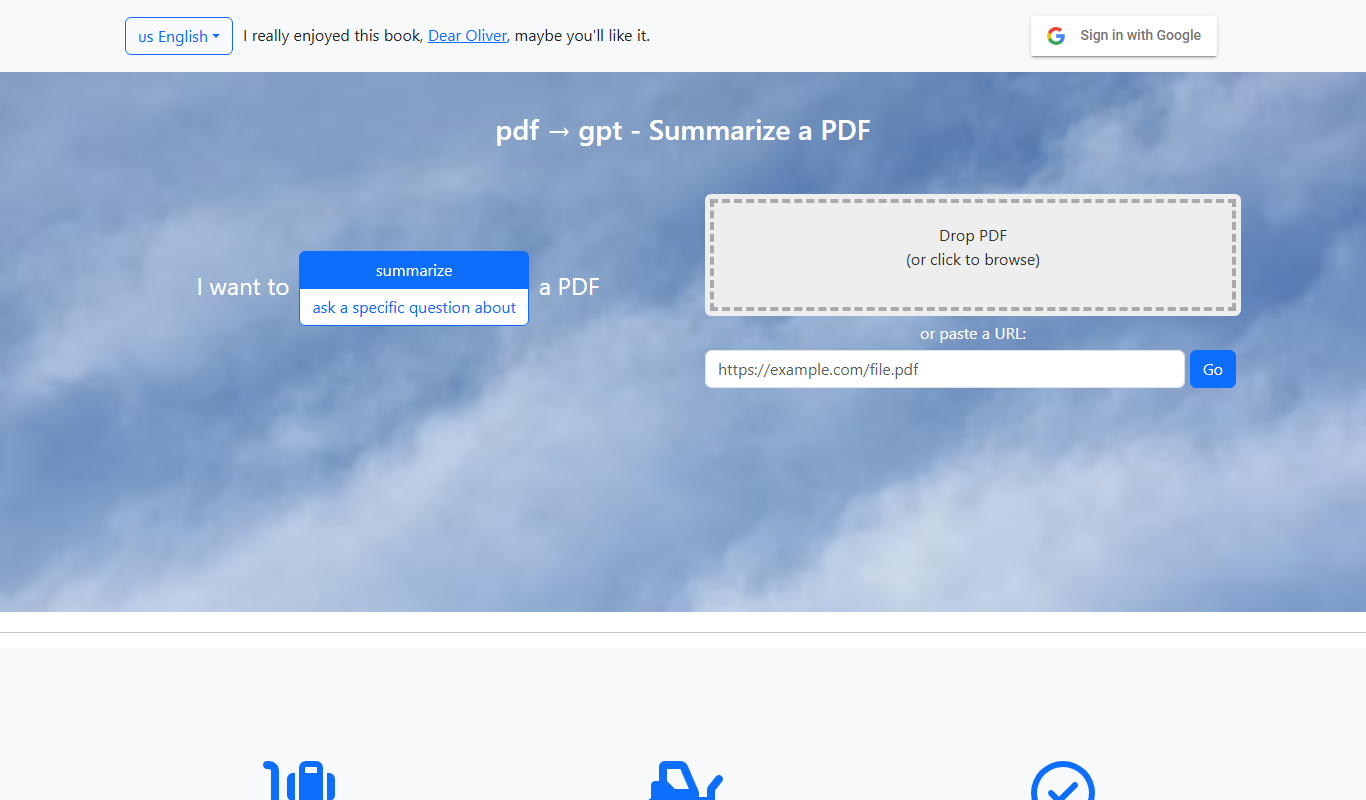
pdf2gpt
pdf2gpt summarizes large PDF files by splitting them into parts, with a table of contents and a summary for each section.
enterprisebot.ai
EnterpriseBot.ai is an AI chatbot platform designed for enterprises to automate customer support and internal workflows through customizable conversational AI deployed across multiple channels.

Quiksbot
Quiksbot is an AI-powered no-code chatbot platform designed to automate customer support and lead generation on websites.

IvyQuantum
IvyQuantum is an AI chatbot platform by Ivy.ai that automates customer support and engagement using natural language understanding, primarily serving higher education and enterprise sectors.
Flochat
Flochat automates conversations and user journeys for SaaS teams, with an omnichannel inbox.
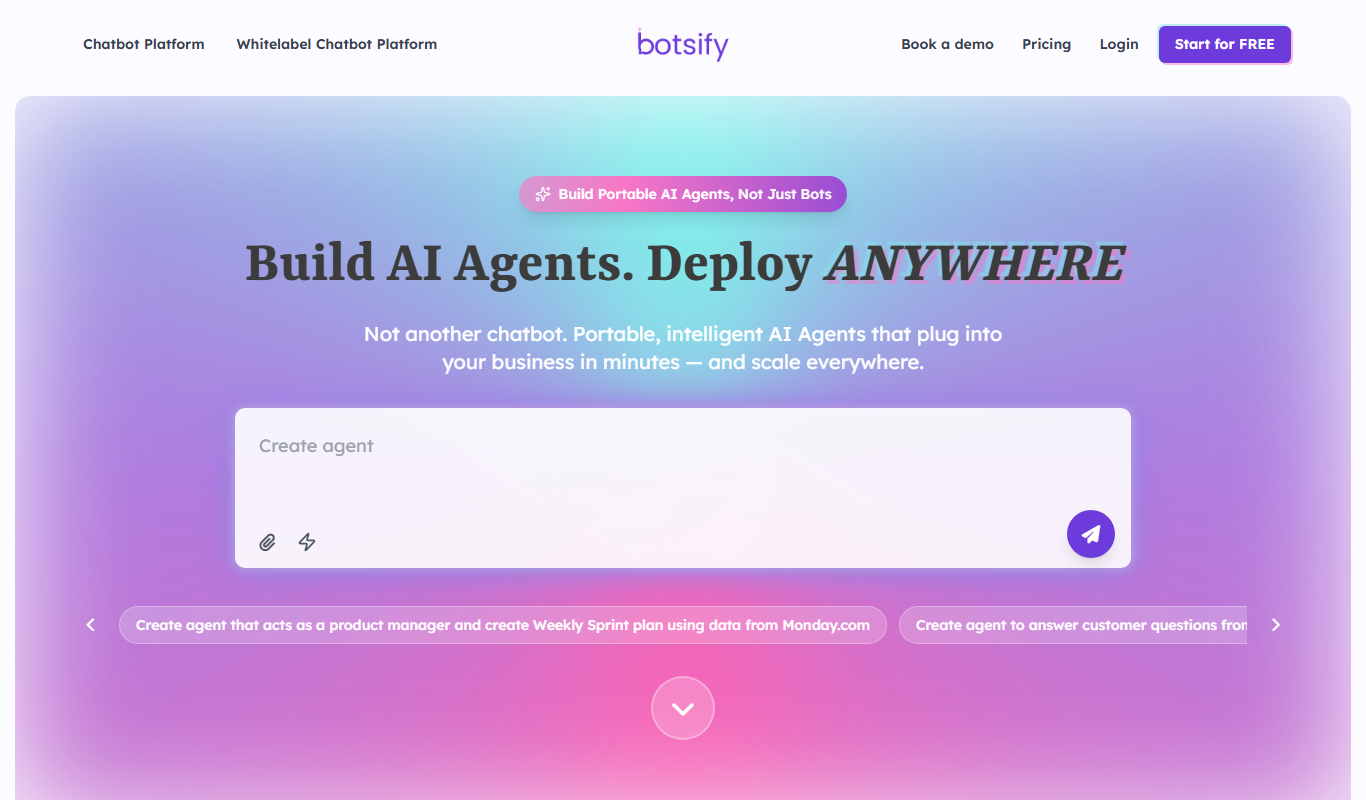
Botsify
Botsify is a white-label platform for building and reselling AI chatbots and AI agents under your own brand, with client management and platform customization for agencies.
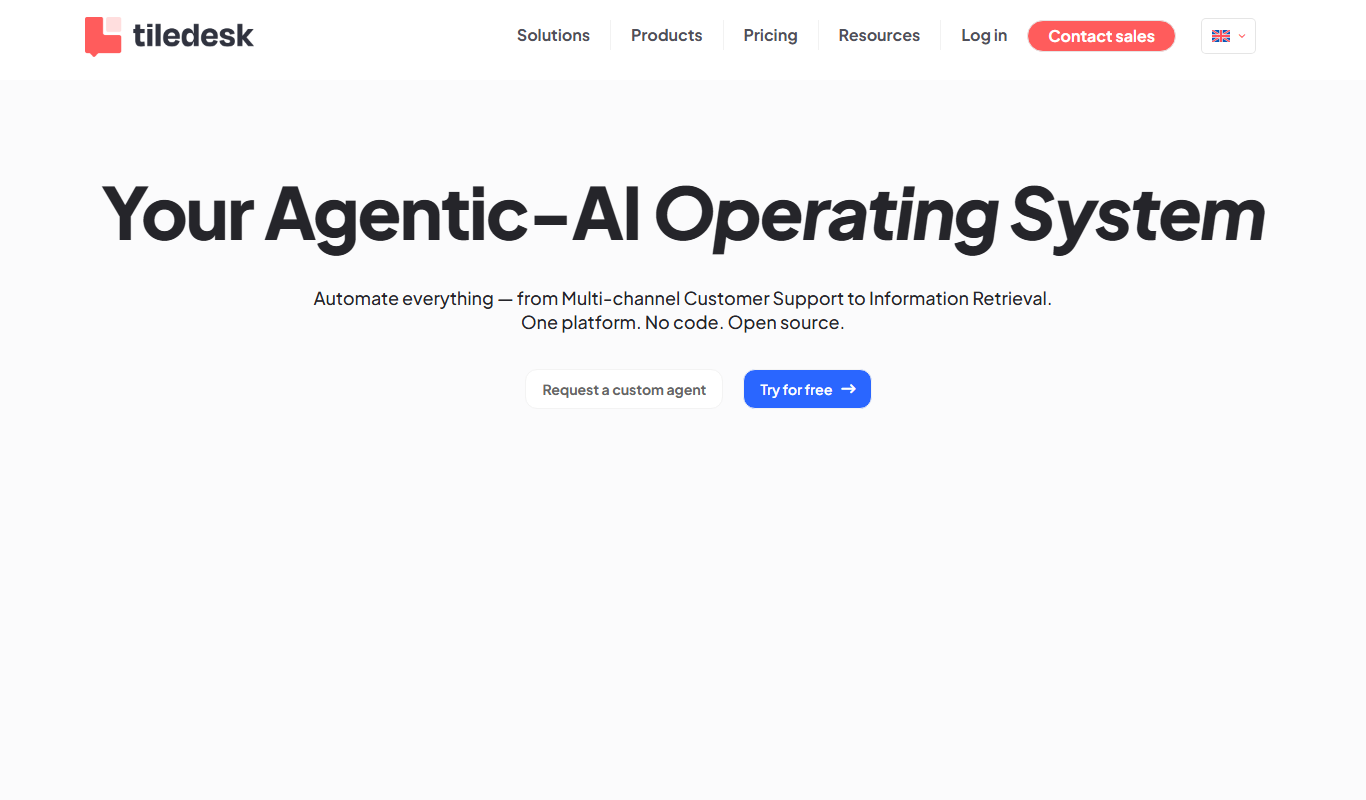
Tiledesk
Tiledesk is an open-source AI chatbot and live chat platform that helps businesses automate customer support, engage visitors across multiple messaging channels, and integrate with helpdesk systems.