

ArcaNotes AI-Powered Note-Taking App for Efficient Knowledge Management
ArcaNotes is an AI-driven note-taking app that helps users organize, link, and summarize notes efficiently across devices with collaboration features.
- Best for
- Personal Knowledge Management
- Key capability
- AI-Powered Note Linking
Save ArcaNotes, follow its updates and vote on it — everything stays in your account.
Sign in or create a free account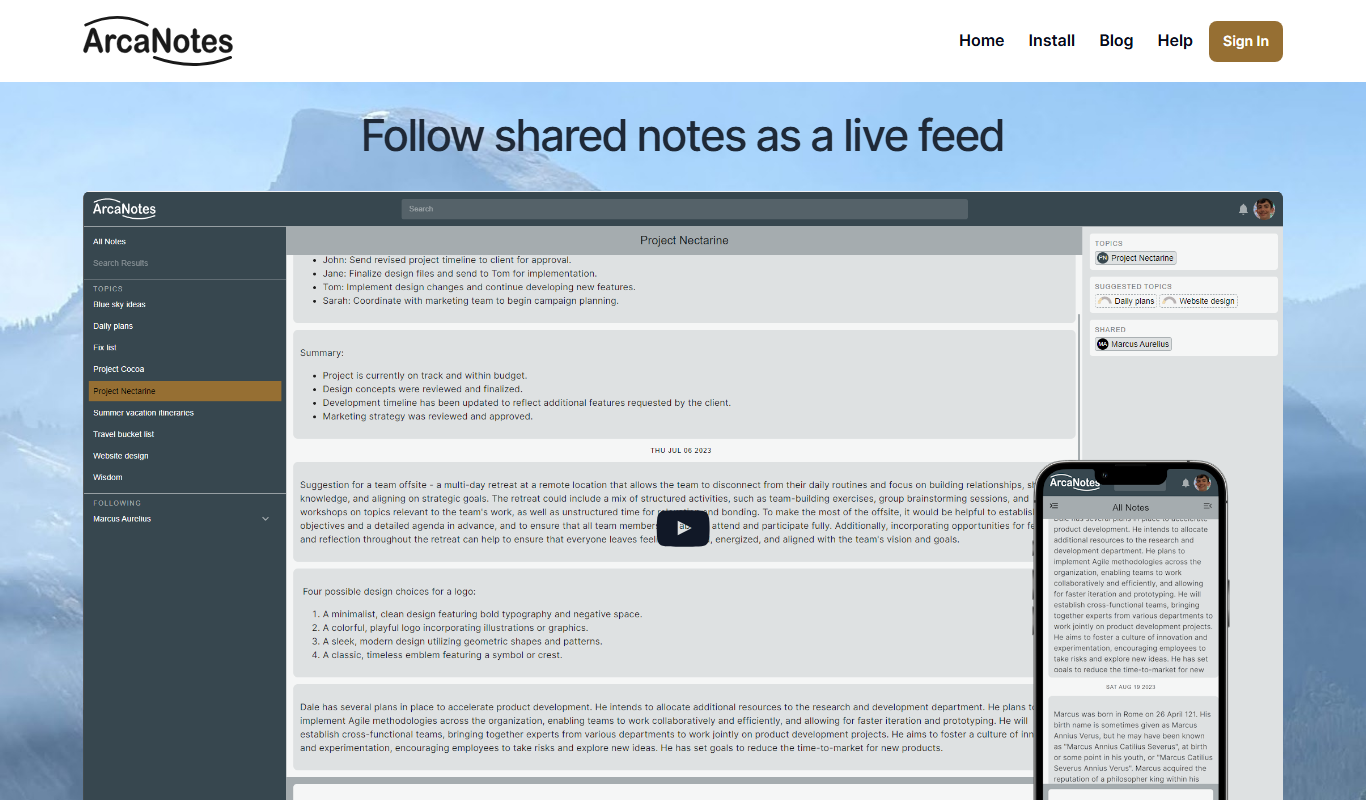
What is ArcaNotes?
ArcaNotes is an AI-powered note-taking application designed to help users capture, organize, and connect their ideas and information seamlessly. It leverages artificial intelligence to automatically link related notes, summarize content, and enhance knowledge management, making it easier to retrieve and build upon your information over time.
Key features of ArcaNotes
ArcaNotes offers intelligent note linking, AI-generated summaries, real-time collaboration, and a clean, intuitive interface optimized for productivity and knowledge retention.
AI-Powered Note Linking
Automatically identifies and connects related notes to build a dynamic knowledge graph.
Smart Summaries
Generates concise summaries of lengthy notes to facilitate quick review.
Real-Time Collaboration
Allows multiple users to edit and comment on notes simultaneously.
Cross-Platform Access
Available on web, iOS, Android and Windows.
Clean and Intuitive Interface
Designed for distraction-free note-taking and easy navigation.
Pros and cons of ArcaNotes
Pros
- AI automatically links and summarizes notes for better knowledge management
- Supports real-time collaboration for teams
- Cross-platform availability ensures access on multiple devices
Cons
- No offline mode limits access without internet
- Limited language support currently (English only)
- Pricing may be a barrier for casual users
Key use cases for ArcaNotes
Personal Knowledge Management
Organize and connect your notes efficiently using AI to build a personal knowledge base.
Collaborative Note-Taking
Share and collaborate on notes with teams or study groups in real-time.
Research and Study
Capture, summarize, and link research materials and study notes for easy retrieval.
Project Management
Track project details, ideas, and tasks within interconnected notes to improve workflow.
How ArcaNotes works
- 1
Create an Account
Sign up on the ArcaNotes website or app to start your note-taking journey.
- 2
Capture Notes
Write or import notes, ideas, and research materials into the platform.
- 3
AI Linking and Summarization
ArcaNotes automatically connects related notes and generates summaries to enhance understanding.
- 4
Organize and Collaborate
Use tags, folders, and share notes with collaborators for teamwork and project management.
Who is using ArcaNotes
ArcaNotes pricing
Free
$0/month
The site mentions only a free account; the Pro plan does not appear in any official source.
Pro
$9.99/month
Full access to AI features, unlimited notes, collaboration tools, and priority support.
Plans and prices are as published by the vendor and can change. Check the official site before you buy. Open the pricing page (opens in a new tab)
Frequently asked questions about ArcaNotes
Currently, ArcaNotes requires an internet connection to access AI features and sync notes.
Yes, ArcaNotes supports importing notes in common formats like Markdown and plain text.
ArcaNotes uses encryption and secure servers to protect your data privacy.
This tool is designed to help users accomplish its core tasks more efficiently. It is typically used by individuals or teams looking to improve productivity and workflow.
Yes, it can help with that use case depending on how you configure it and what features are available. You’ll get the best results with clear inputs and a defined goal.
Yes, it can help with that use case depending on how you configure it and what features are available. You’ll get the best results with clear inputs and a defined goal.
Conclusion
After notes are written or imported, the app automatically connects related notes and generates concise summaries of lengthy ones. Over time those links build a dynamic knowledge graph, making information easier to retrieve and build upon. Notes can be imported in common formats like Markdown and plain text. Tags, folders and sharing with collaborators handle organization, and multiple users can edit and comment on notes simultaneously.
It is designed for students and researchers, knowledge workers and project teams who capture and link research materials and study notes. The app is available on web, iOS, Android and Windows. On pricing, the site mentions only a free account.
Sources
Sign in to review this tool.
Sign In to ReviewNo reviews yet
Be the first to share how this tool worked for you.
Ask about pricing, limits, or how it compares — or answer someone else.
Sign In to AskNo questions yet
Have a question about using or paying for this tool? Be the first to ask.
Featured on TiorAI



Alternative Tools
Explore similar AI tools that might fit your needs
Roam Research
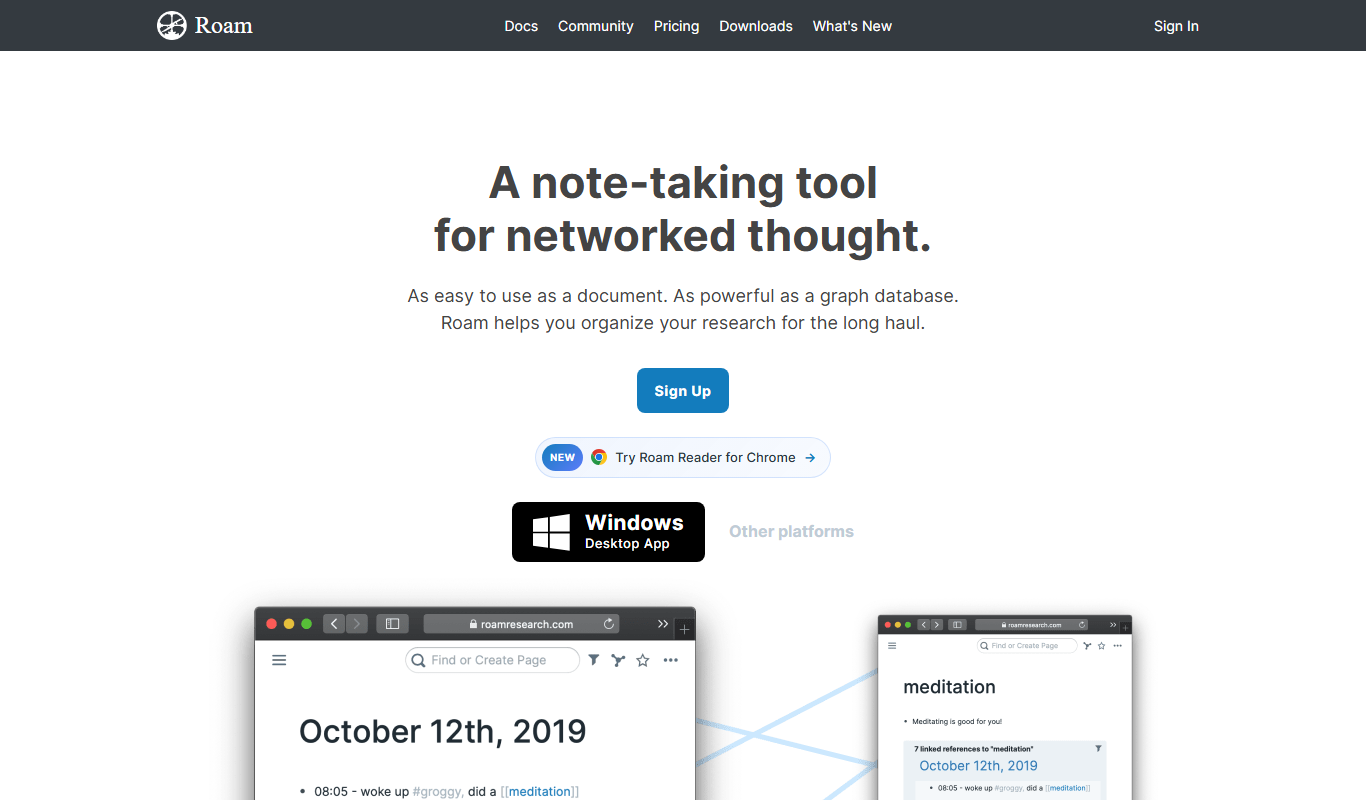
Roam Research is a note-taking and knowledge management tool that uses bidirectional linking and graph visualization to help users organize and connect ideas effectively.
Obsidian
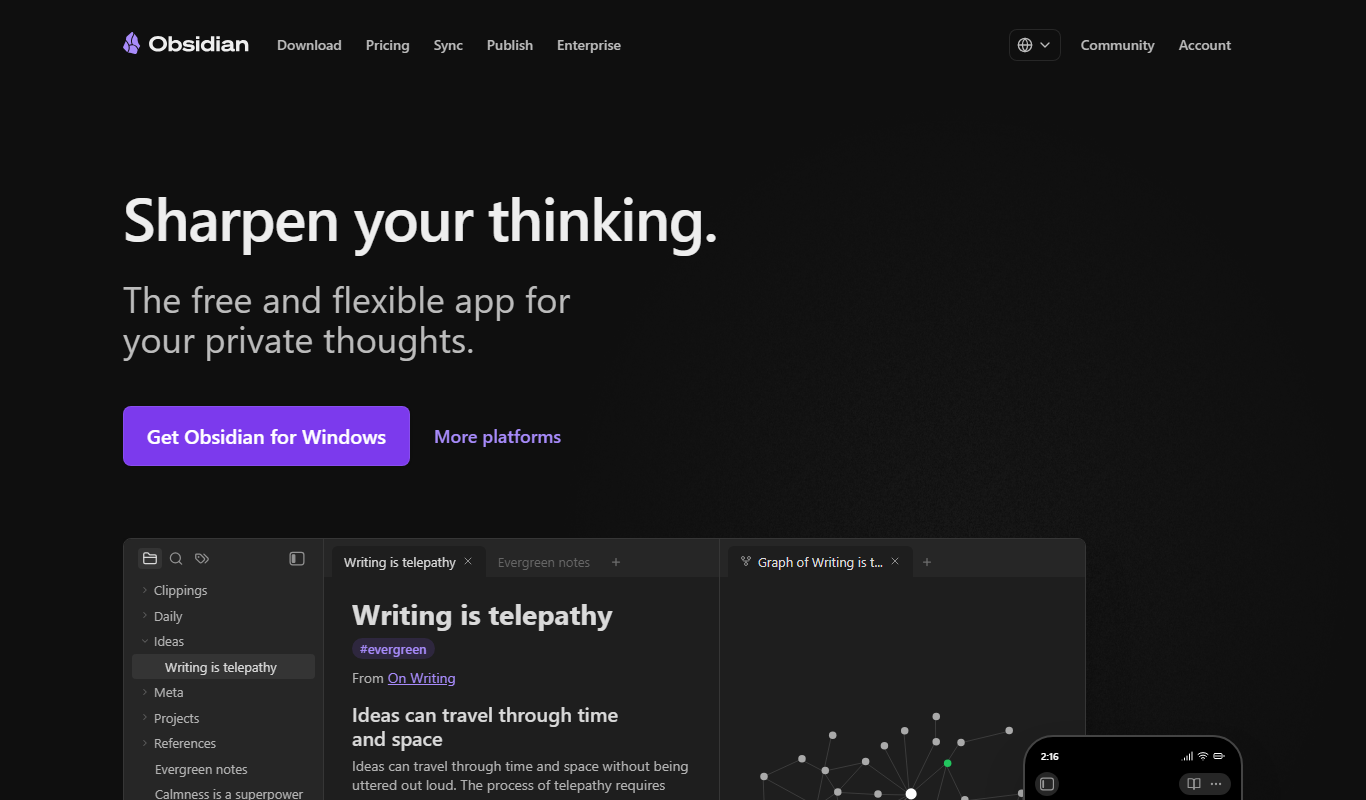
Obsidian is a markdown note-taking app that helps users build a personal knowledge base with linked notes, graph visualization, and extensive customization options.
More AI Knowledge Base Tools tools
Other tools in the same category, for when this one is not quite the fit.
enterprisebot.ai
EnterpriseBot.ai is an AI chatbot platform designed for enterprises to automate customer support and internal workflows through customizable conversational AI deployed across multiple channels.

CloudTruth Config & Secrets AI Copilot
CloudTruth Config & Secrets AI Copilot is a cloud-native platform that centralizes and secures application configuration and secrets management, enhanced with AI to automate and optimize workflows.
Moveworks
Moveworks is an AI-driven platform that automates IT support by understanding employee requests via chat and resolving issues instantly, reducing helpdesk tickets and improving efficiency.

squirro.com
Squirro is an Enterprise GenAI platform for search and knowledge, with custom pricing.

openknowledgemaps.org
Open Knowledge Maps is a free web tool that helps researchers and students discover academic literature through interactive visual maps, clustering related papers and highlighting key concepts for easier exploration.

symphonyai.com
SymphonyAI provides enterprise AI on its Eureka AI platform for Retail/CPG, Financial Services, Industrial and Media.

Open Source Database Designs
Open Source Database Designs offers database schema examples plus an online database designer, an AI generator and SQL converters between MySQL, PostgreSQL and MSSQL.

Knowz
Knowz is an AI-driven knowledge management platform that enables enterprises to unify data sources and perform natural language search to extract precise answers and insights.