

Create a Meme Generator Online - Easy Meme Maker Tool for Social Media
Create a Meme is a free web-based tool that allows users to create custom memes easily by selecting templates or uploading images, adding text, and downloading or sharing the final meme.
- Best for
- Social Media Content Creation
- Key capability
- Classic Editor with 700+ Templates
Save Create a Meme, follow its updates and vote on it — everything stays in your account.
Sign in or create a free account
What is Create a Meme?
Create a Meme is a free meme generator with 700+ templates that needs no signup. The site now also has an AI Magic mode, an API and a Store, so not everything on it is free.
Key features of Create a Meme
The tool offers a wide selection of classic and trending meme templates, customizable text fields with font and color options, image upload support, and instant download or sharing capabilities. It is designed for quick meme creation with minimal steps.
Classic Editor with 700+ Templates
A classic free editor with 700+ meme templates.
Custom Text Editing
Add and style text with adjustable font size, color, and positioning.
Image Upload Support
Create memes using your own images for personalized content.
Instant Download and Sharing
Quickly download your meme or share it on social media without hassle.
Magic, API and Store
An AI Magic mode for images and video, an API for developers and a Store.
Pros and cons of Create a Meme
Pros
- Simple and intuitive interface
- Wide variety of meme templates
- No registration required
- Free to use with no watermarks
Cons
- Limited advanced editing features
- Only supports English language
Key use cases for Create a Meme
Social Media Content Creation
Create engaging and humorous memes quickly to share on social media platforms.
Marketing Campaigns
Design memes to increase brand engagement and viral marketing efforts.
Personal Entertainment
Make memes for fun and share with friends or online communities.
Educational Content
Use memes to simplify complex ideas and make learning more engaging.
How Create a Meme works
- 1
Select a Meme Template
Choose from a variety of popular meme templates or upload your own image.
- 2
Add Text
Enter custom text in the top and bottom fields, adjusting font size and color as desired.
- 3
Customize and Preview
Make any additional adjustments and preview your meme before finalizing.
- 4
Download or Share
Download the meme image or share it directly on social media platforms.
Who is using Create a Meme
Create a Meme pricing
Free
$0
The classic editor is free; the AI Magic mode, API and Store are not all free.
Plans and prices are as published by the vendor and can change. Check the official site before you buy. Open the pricing page (opens in a new tab)
Frequently asked questions about Create a Meme
The classic editor is free, but the site also has an AI Magic mode, an API and a Store, so not everything is free.
Yes, you can upload your own images to create custom memes.
No account is required to create and download memes.
No, memes created with Create a Meme do not have watermarks.
Some tools offer a free plan or trial with limited features. Availability can vary, so confirm on the official website.
Yes, it can help with that use case depending on how you configure it and what features are available. You’ll get the best results with clear inputs and a defined goal.
It depends on your specific needs and how you plan to use the tool. The official website and documentation are the best sources for the latest details.
Conclusion
Making a meme starts with one of 700+ templates or an uploaded image, followed by custom text in the top and bottom fields with adjustable font size and color. A preview comes before the final meme is downloaded or shared on social media platforms. The classic editor is free and needs no signup. Next to it, the site has added an AI Magic mode for images and video, an API for developers and a Store, so not everything on it is free.
It is designed for social media users, educators and casual meme enthusiasts. Beyond humor, the page points to memes for brand engagement and for making learning more engaging.
Sources
Sign in to review this tool.
Sign In to ReviewNo reviews yet
Be the first to share how this tool worked for you.
Ask about pricing, limits, or how it compares — or answer someone else.
Sign In to AskNo questions yet
Have a question about using or paying for this tool? Be the first to ask.
Featured on TiorAI



More AI Image & Visual Tools tools
Other tools in the same category, for when this one is not quite the fit.

A1 Art
A1 Art is a web-based AI image generator that creates digital artwork from text prompts, offering free and subscription plans for users.

Getty Images
Getty Images is a leading stock photography platform offering millions of high-quality images, videos, and music with flexible licensing for commercial and editorial use.

Spectre Camera
Spectre Camera is an iOS app that uses AI to create long exposure photos by stabilizing shots and combining multiple frames, enabling effects like light trails and motion blur without professional equipment.

PicWish
PicWish is an AI-driven photo editing tool that automatically removes backgrounds, enhances images, and supports batch processing on web and mobile platforms.
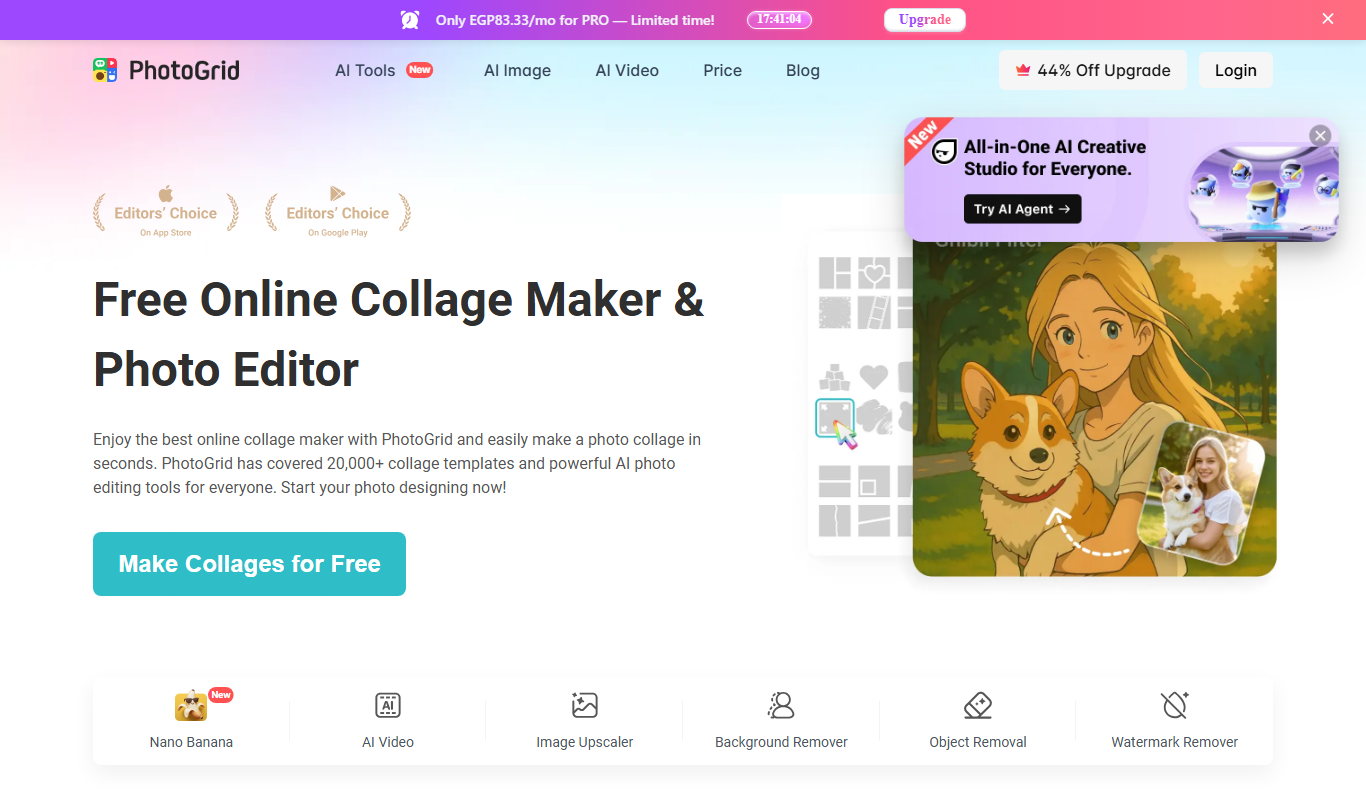
PhotoGrid | Collage Maker
PhotoGrid is a mobile and web app that allows users to create photo collages, edit images with filters and stickers, and export high-quality designs for social media or printing.
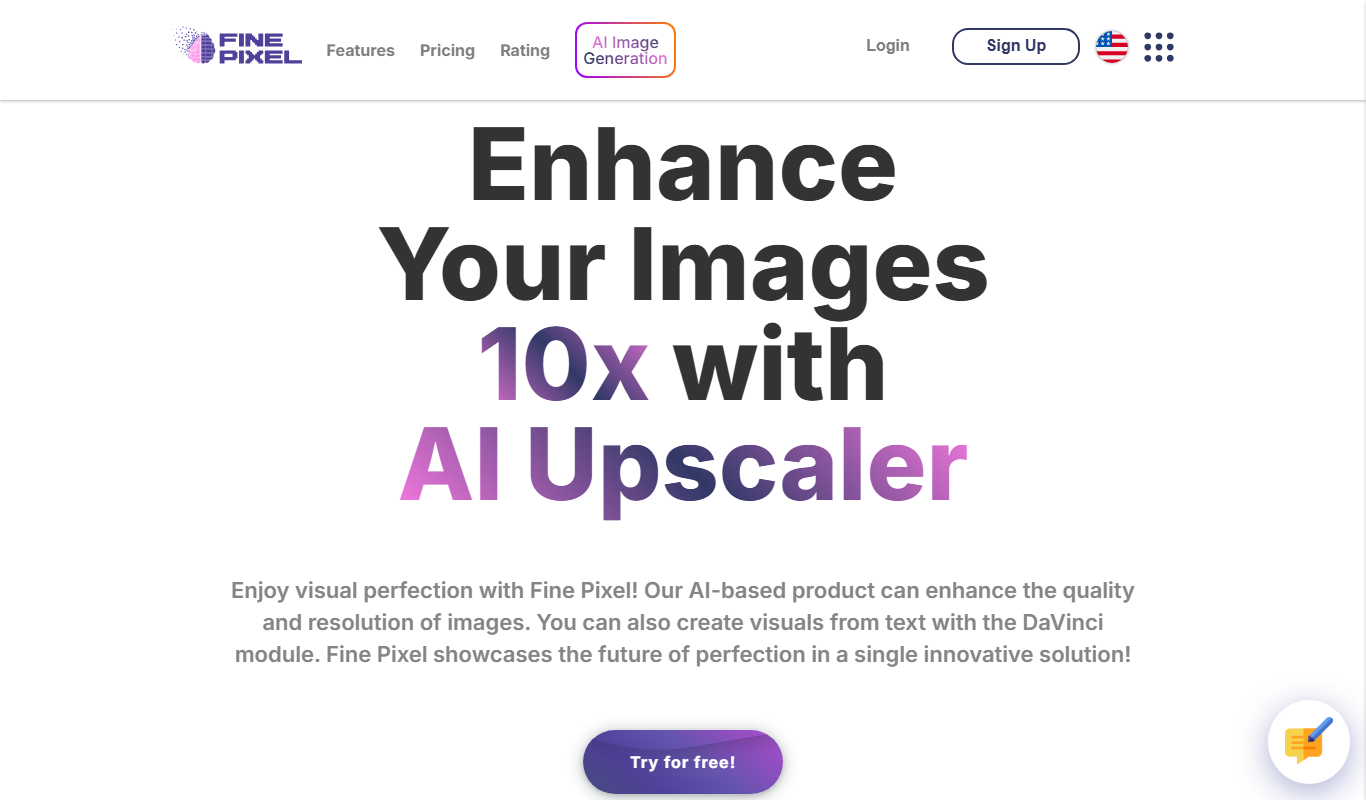
Fine Pixel
Fine Pixel is an AI-based image upscaling tool that enlarges photos while enhancing details and reducing noise, ideal for photographers and designers.

Neural.love Art Generator
Neural.love Art Generator is an AI-powered web tool that creates unique digital artworks from text prompts or images using neural networks, offering features like style transfer and image upscaling.
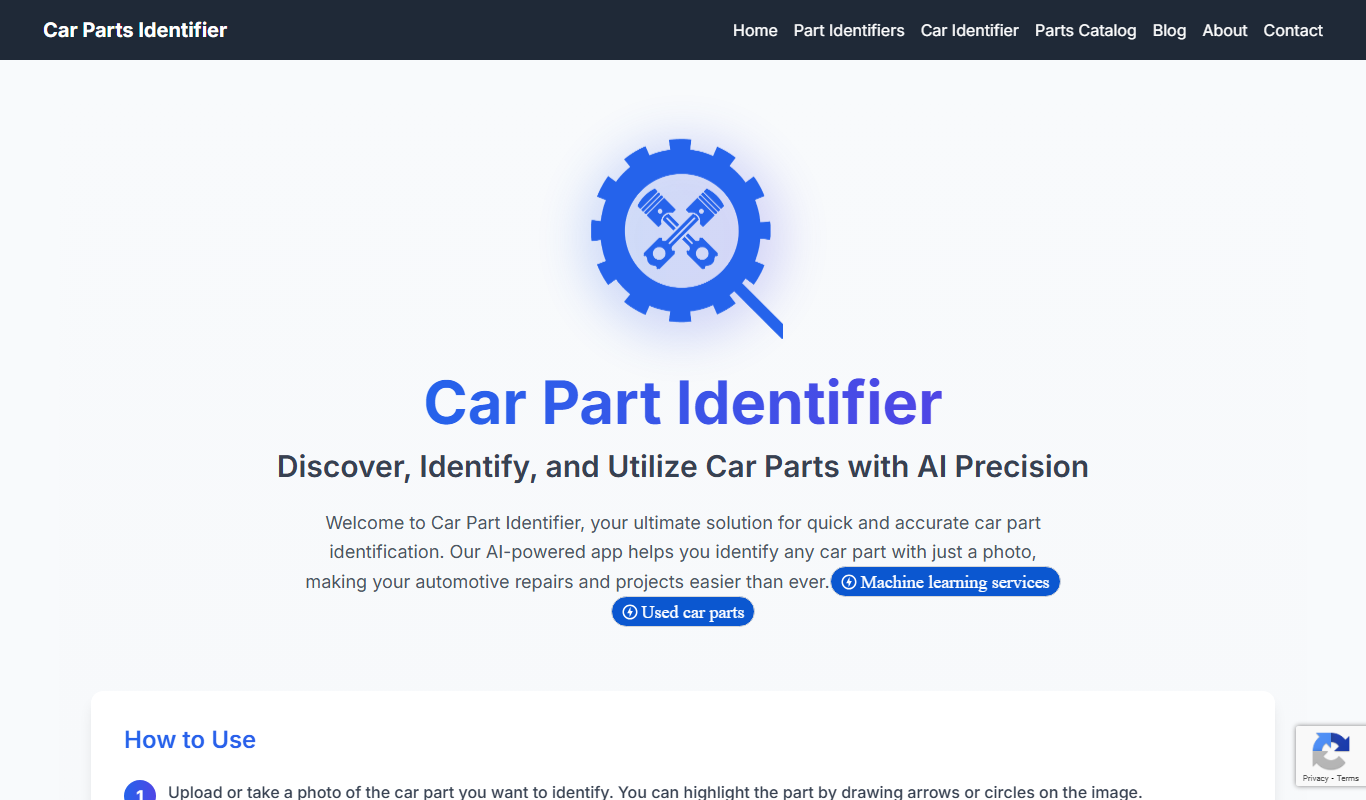
Car Part Identifier
Car Part Identifier is an AI-powered tool that identifies vehicle parts from photos, providing detailed information and compatibility to assist with repairs and ordering.