

Mem.ai Smart Note-Taking and Knowledge Management Software for Teams
Mem is an AI note-taking workspace and agent that keeps notes, meetings and ideas organized and connected, and checks in when something needs attention.
- Best for
- Personal Knowledge Management
- Key capability
- AI-Driven Note Linking
Save Mem.ai, follow its updates and vote on it — everything stays in your account.
Sign in or create a free account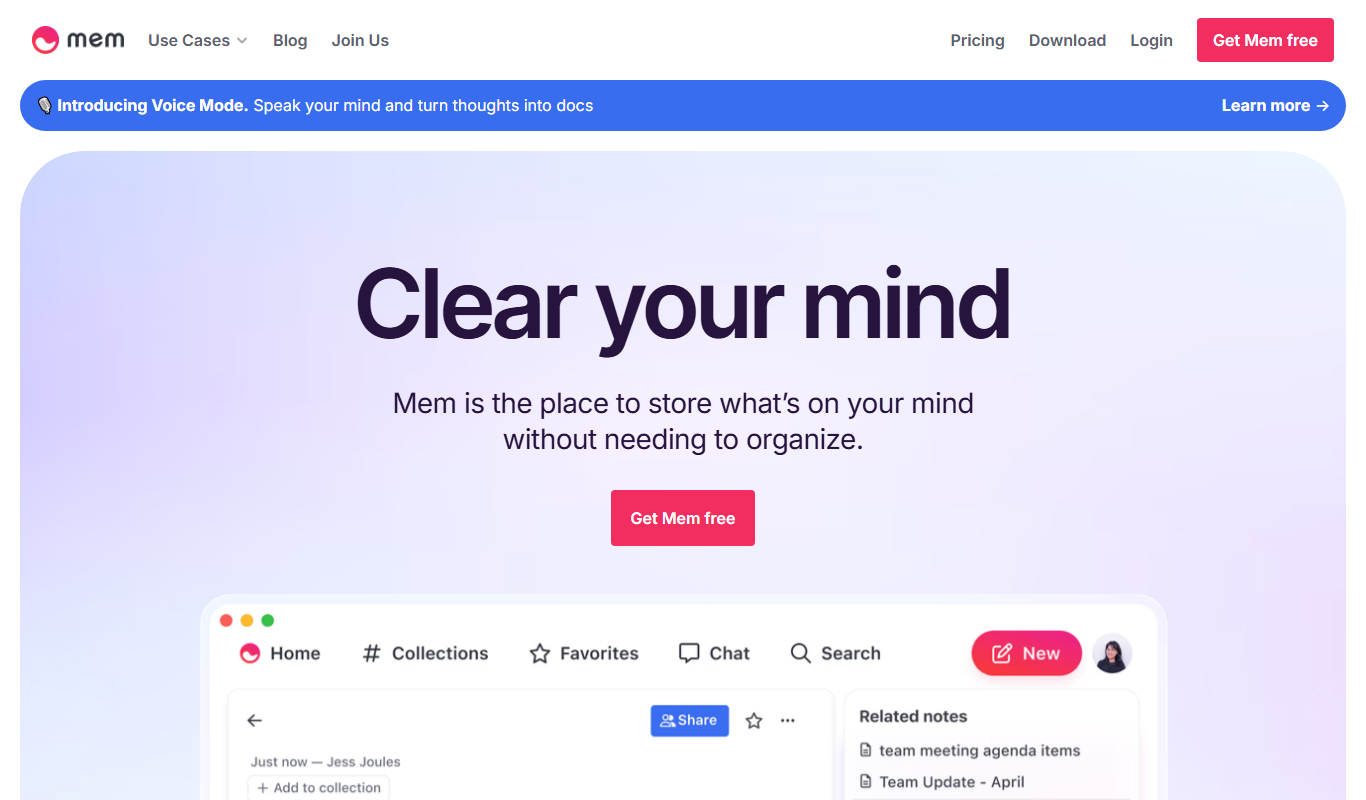
What is Mem.ai?
Mem is an AI note-taking workspace with an AI agent, presented as an AI chief of staff. Mem Workspace keeps notes, meetings and ideas organized and connected, while Mem Agent learns what matters from what users save and checks in when something needs them.
Key features of Mem.ai
Mem.ai offers smart note-taking with AI-driven linking, real-time collaboration, powerful search capabilities, automatic organization, and multi-platform support to streamline knowledge management for users and teams.
AI-Driven Note Linking
Automatically connects related notes and content to build a dynamic knowledge graph.
Smart Search
Find relevant information quickly with AI-enhanced search that understands context.
Real-Time Collaboration
Work together with team members on notes and documents simultaneously.
Multi-Platform Access
Access your notes on web, desktop, iOS, and Android devices seamlessly.
Automatic Organization
Mem.ai categorizes and tags notes automatically to reduce manual effort.
Pros and cons of Mem.ai
Pros
- Intuitive AI-powered note linking enhances knowledge discovery
- Cross-platform availability ensures access anytime, anywhere
- Real-time collaboration boosts team productivity
Cons
- Limited offline functionality
- Some advanced features require paid subscription
Key use cases for Mem.ai
Personal Knowledge Management
Capture, organize, and retrieve personal notes and ideas efficiently using AI-powered search and linking.
Team Collaboration
Share and collaborate on notes and documents with team members in real-time, enhancing collective knowledge.
Meeting Notes and Summaries
Automatically capture meeting notes and generate summaries to keep teams aligned and informed.
Project Documentation
Maintain up-to-date project documentation with easy linking and AI suggestions to improve clarity and accessibility.
Research and Idea Management
Organize research findings and brainstorm ideas with AI-assisted tagging and contextual connections.
How Mem.ai works
- 1
Create an Account
Sign up on Mem.ai’s website or app to start building your knowledge base.
- 2
Capture Notes
Add notes, documents, and ideas using text, images, or voice input.
- 3
AI-Powered Organization
Mem.ai automatically links related notes and suggests relevant content to keep your knowledge interconnected.
- 4
Collaborate and Share
Invite team members to collaborate on shared notes and projects in real-time.
- 5
Search and Retrieve
Use powerful AI-enhanced search to quickly find information across your knowledge base.
Who is using Mem.ai
Mem.ai pricing
Mem Free
$0/month
25 messages to Mem, 25 new notes per month, task and project tracking for up to 25 notes, 15 open tasks and projects and 3 hours of Voice Mode.
Mem Plus
$9/month
50 messages to Mem, 50 new notes per month, task and project tracking for up to 50 notes, 25 open tasks and projects and 10 hours of Voice Mode.
Mem Pro
$29/month
100 messages to Mem, 100 new notes per month, 50 open tasks and projects, one custom routine, one connection to a source such as Gmail, Slack or Todoist and 25 hours of Voice Mode.
Plans and prices are as published by the vendor and can change. Check the official site before you buy. Open the pricing page (opens in a new tab)
Compare similar tools
How Mem.ai lines up against the tools people weigh it against.
 Notion AI
 vs Mem.ai: Productivity Features, AI & Pricing
Frequently asked questions about Mem.ai
Yes, Mem.ai supports real-time collaboration, allowing teams to work together on notes and projects.
Currently, Mem.ai primarily operates online, but some platforms may offer limited offline capabilities.
Mem.ai supports importing notes from popular formats and some third-party apps to ease migration.
Mem.ai uses encryption and follows industry best practices to protect user data and privacy.
This tool is designed to help users accomplish its core tasks more efficiently. It is typically used by individuals or teams looking to improve productivity and workflow.
It depends on your specific needs and how you plan to use the tool. The official website and documentation are the best sources for the latest details.
Some tools offer a free plan or trial with limited features. Availability can vary, so confirm on the official website.
Yes, it can help with that use case depending on how you configure it and what features are available. You’ll get the best results with clear inputs and a defined goal.
Conclusion
Capture comes first: notes, meetings, ideas and research go into Mem Workspace without stopping to organize them. Mem Agent then reviews that context in the background and updates how people, projects, decisions and priorities fit together as new information arrives. Search works by meaning across notes, meetings and connected sources. In meetings, Mem listens without a meeting bot, writes the notes and keeps track of decisions and follow-ups.
The official site presents it as an AI chief of staff for founders, consultants, executives and content creators. Plans are metered by monthly messages, new notes and hours of Voice Mode, starting with a free tier. Mem Plus raises those allowances, while Mem Pro adds custom routines and connections to external sources such as Gmail, Slack or Todoist.
Sources
Sign in to review this tool.
Sign In to ReviewNo reviews yet
Be the first to share how this tool worked for you.
Ask about pricing, limits, or how it compares — or answer someone else.
Sign In to AskNo questions yet
Have a question about using or paying for this tool? Be the first to ask.
Featured on TiorAI



Alternative Tools
Explore similar AI tools that might fit your needs
Roam Research
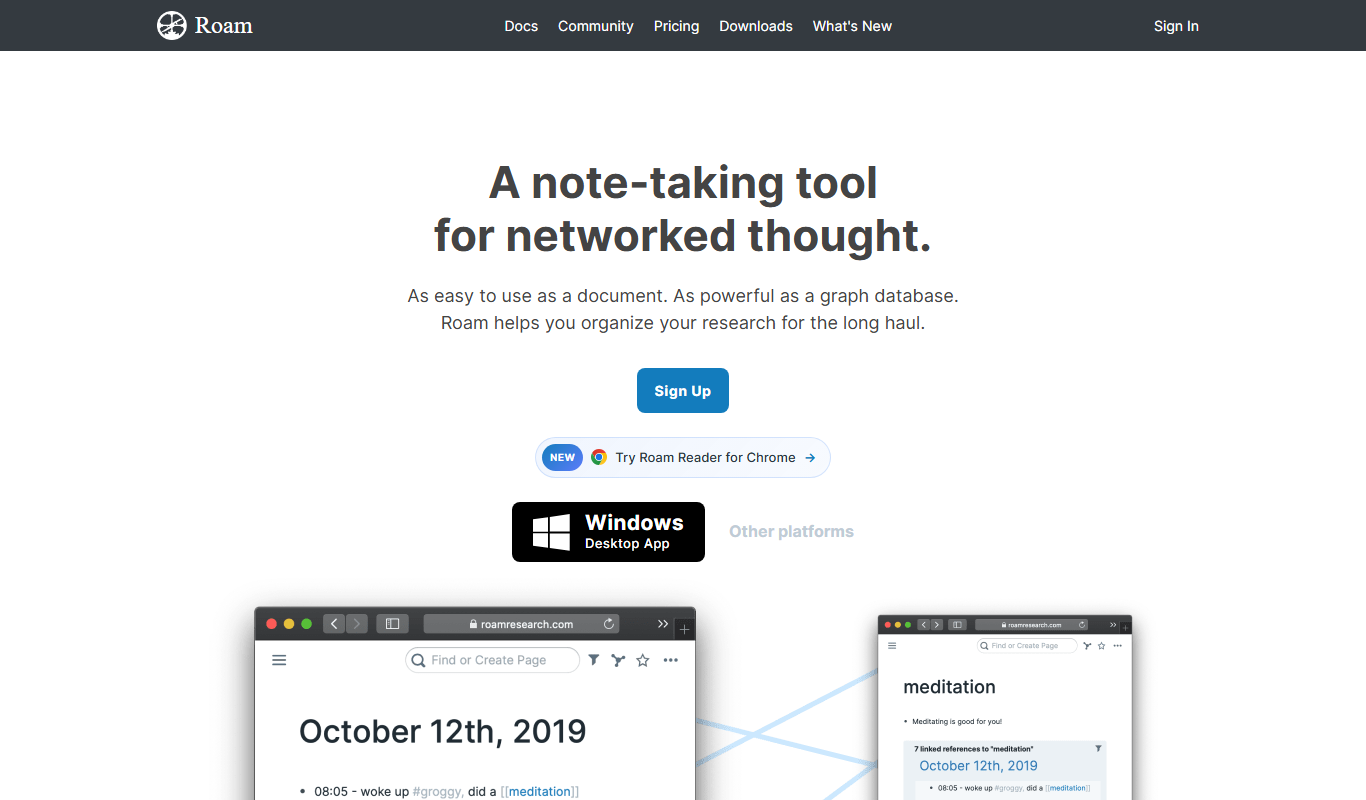
Roam Research is a note-taking and knowledge management tool that uses bidirectional linking and graph visualization to help users organize and connect ideas effectively.
Obsidian
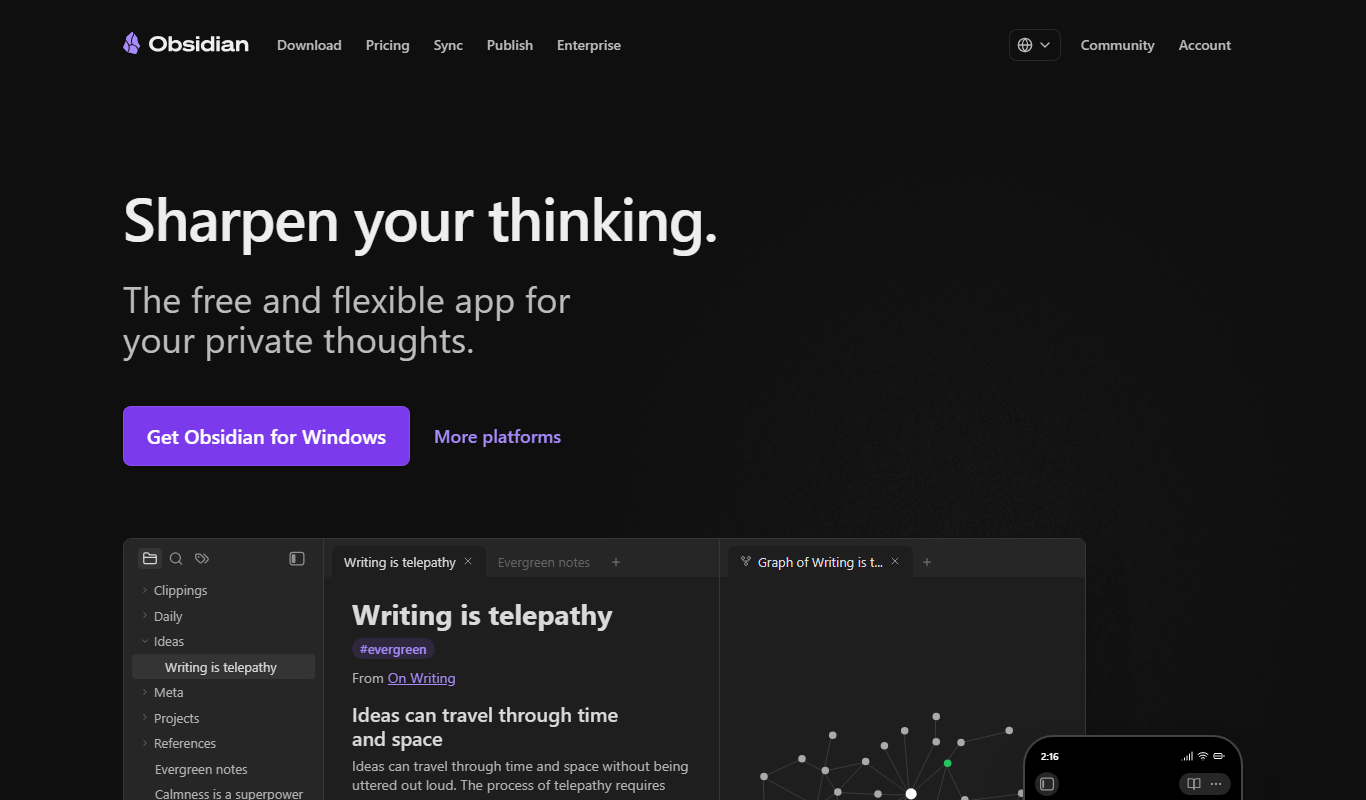
Obsidian is a markdown note-taking app that helps users build a personal knowledge base with linked notes, graph visualization, and extensive customization options.
More AI Knowledge Base Tools tools
Other tools in the same category, for when this one is not quite the fit.
Memento Database
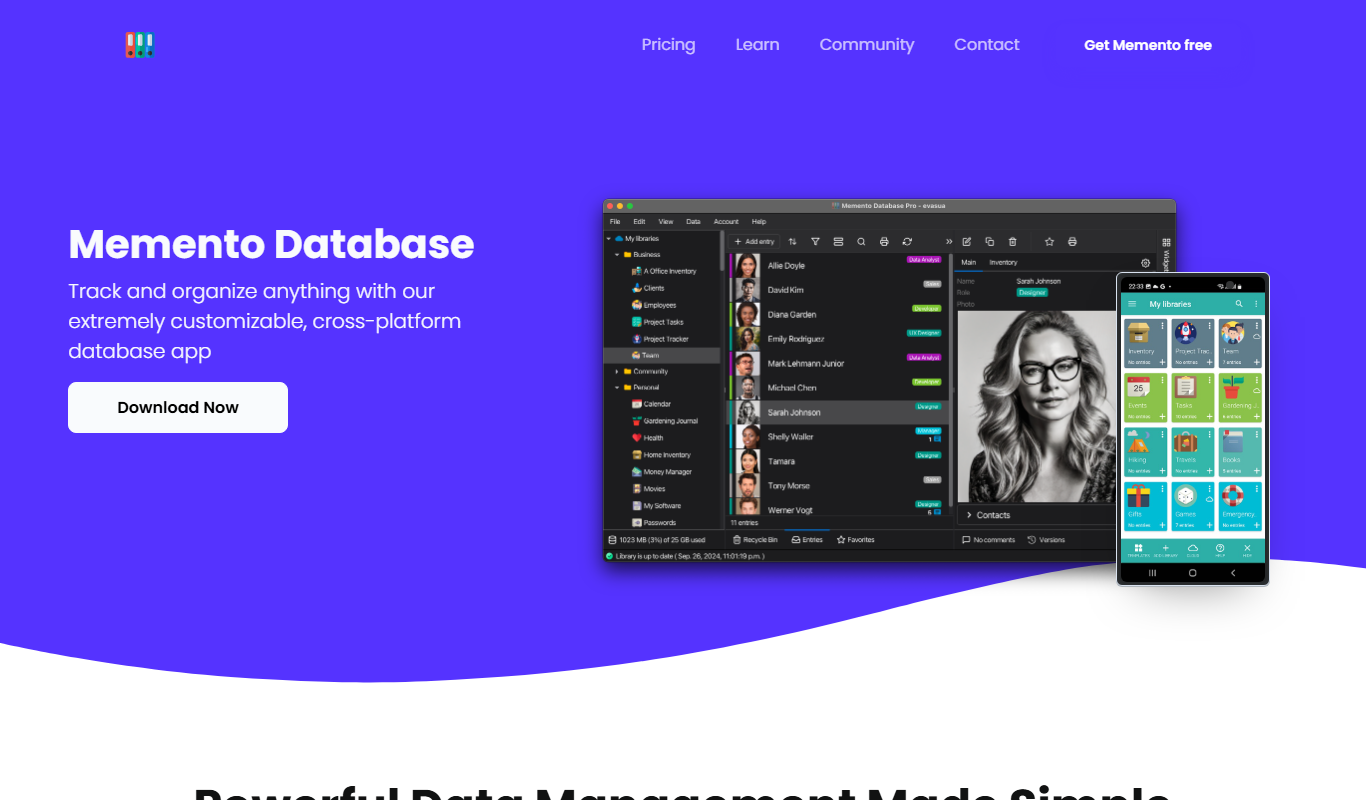
Memento Database is a customizable database app that lets users create, manage, and share databases across Android, Windows, and web platforms with offline access and cloud synchronization.

Tettra
Tettra is an AI knowledge base whose AI powered bot Kai answers teammates' questions in Tettra or Slack from the team's own content.

Dokko
Dokko is a document AI platform that reads contracts, manuals and policies in full, answers with citations and acts on what it finds, for teams and their customers.

assess.com
Assess.com offers FastTest, a digital assessment platform with item banking, online assessment, proctoring, a candidate portal and test development services.
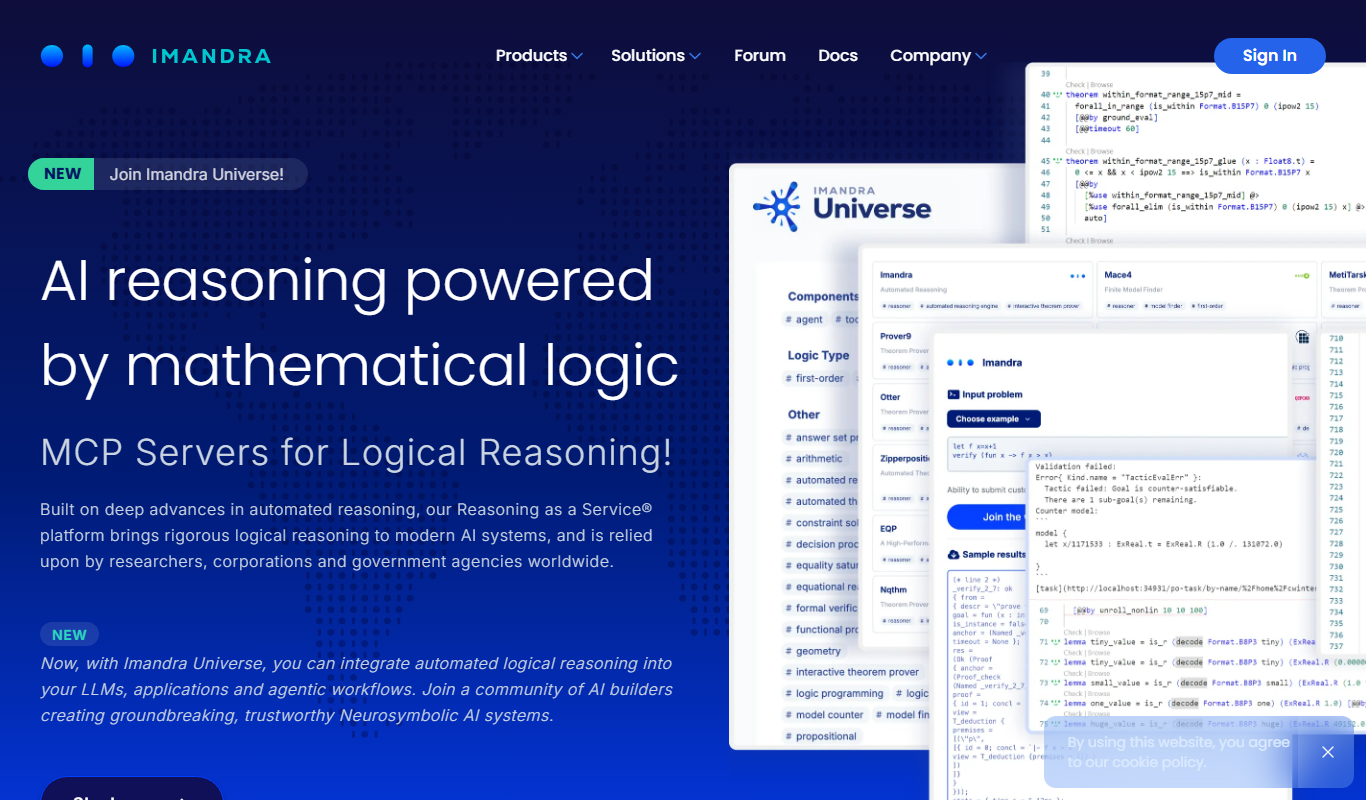
imandra.ai
Imandra AI is a platform that automates formal verification of software and algorithms using theorem proving and model checking to ensure correctness and detect bugs.

AutoFlow
AutoFlow is an open source Graph RAG knowledge base tool from PingCAP, built on TiDB Vector, LlamaIndex and DSPy.

myscale.com
MyScale is an SQL vector database for building GenAI applications, with vector search, text search, filtered search and SQL-vector join queries.

Perfect Wiki
Perfect Wiki is an AI knowledge base for Microsoft Teams that stores SOPs, manuals and FAQs and answers questions inside Microsoft Teams, SharePoint and Copilot.