

Meshroom 3D Photogrammetry Software for Open Source 3D Reconstruction
Meshroom is an open-source 3D reconstruction software that uses photogrammetry to create detailed 3D models from photographs, featuring a node-based interface and GPU acceleration.
- Best for
- 3D Model Creation
- Key capability
- Node-Based Workflow
Save Meshroom, follow its updates and vote on it — everything stays in your account.
Sign in or create a free account
What is Meshroom?
Meshroom is a free, open-source 3D reconstruction software based on photogrammetry techniques. It allows users to create accurate 3D models from a series of photographs using a node-based workflow. Developed by the AliceVision project, Meshroom leverages advanced computer vision algorithms and GPU acceleration to automate the process of 3D scene reconstruction, making photogrammetry accessible to artists, researchers, and developers.
Key features of Meshroom
Meshroom offers a visual node-based interface for photogrammetry, automatic camera calibration, dense point cloud generation, textured mesh creation, and supports GPU acceleration for faster processing. It integrates with AliceVision’s photogrammetric pipeline and supports customization through its modular architecture.
Node-Based Workflow
Visual pipeline editor allowing users to customize each step of the photogrammetry process.
GPU Acceleration
Supports CUDA-enabled GPUs to speed up computation-intensive tasks.
Automatic Camera Calibration
Automatically estimates camera parameters from input images without manual input.
Dense Point Cloud and Textured Mesh Generation
Produces high-quality dense 3D point clouds and textured meshes suitable for various applications.
Open Source and Extensible
Fully open-source under the Mozilla Public License, allowing customization and integration.
Pros and cons of Meshroom
Pros
- Completely free and open-source
- User-friendly node-based interface
- High-quality 3D reconstruction
- Supports GPU acceleration
- Active community and continuous development
Cons
- Requires a CUDA-enabled GPU for optimal performance
- Steep learning curve for beginners unfamiliar with photogrammetry
- Limited official support compared to commercial software
Key use cases for Meshroom
3D Model Creation
Generate detailed 3D models from sets of photographs for use in games, VR, and simulations.
Cultural Heritage Preservation
Digitally preserve artifacts and historical sites by reconstructing accurate 3D representations.
Visual Effects and Animation
Create realistic 3D assets for use in film production and animation pipelines.
Research and Education
Support academic research in computer vision and photogrammetry with an accessible open-source tool.
Architecture and Engineering
Produce precise 3D models of buildings and structures for analysis and planning.
How Meshroom works
- 1
Import Photos
Load a set of overlapping photographs of the object or scene you want to reconstruct.
- 2
Configure Pipeline
Use the node-based interface to adjust processing steps or use the default pipeline.
- 3
Run Reconstruction
Start the photogrammetry process; Meshroom will detect features, match images, and build the 3D model.
- 4
Review and Export
Inspect the generated 3D mesh and textures, then export to common 3D formats for further use.
Who is using Meshroom
Meshroom pricing
Free
$0
Full access to all features with no cost, as Meshroom is open-source software.
Plans and prices are as published by the vendor and can change. Check the official site before you buy. Open the pricing page (opens in a new tab)
Frequently asked questions about Meshroom
Meshroom is used to create 3D models from photographs using photogrammetry techniques.
Yes, Meshroom is completely free and open-source.
Meshroom runs on desktop platforms, primarily Windows and Linux.
While Meshroom can run on modest hardware, a CUDA-enabled GPU significantly improves processing speed.
It depends on your specific needs and how you plan to use the tool. The official website and documentation are the best sources for the latest details.
It depends on your specific needs and how you plan to use the tool. The official website and documentation are the best sources for the latest details.
It depends on your specific needs and how you plan to use the tool. The official website and documentation are the best sources for the latest details.
Yes, it can help with that use case depending on how you configure it and what features are available. You’ll get the best results with clear inputs and a defined goal.
Conclusion
Meshroom turns a set of overlapping photographs of an object or scene into a 3D mesh with textures that can be exported to common 3D formats. It is developed by the AliceVision project and uses computer vision algorithms and GPU acceleration to automate 3D scene reconstruction. Its node-based interface lets users adjust each processing step or keep the default pipeline, and the software then detects features, matches images and builds the 3D model.
The software is aimed at 3D artists, game developers, researchers in computer vision and cultural heritage professionals, with use cases reaching from digitally preserving artifacts and historical sites to modeling buildings for analysis and planning. There is no cost involved, since Meshroom is fully open-source under the Mozilla Public License, which also allows customization and integration.
Hardware is the practical constraint. Meshroom can run on modest hardware, but a CUDA-enabled GPU significantly speeds up processing, and official support is limited compared to commercial software.
Sources
Sign in to review this tool.
Sign In to ReviewNo reviews yet
Be the first to share how this tool worked for you.
Ask about pricing, limits, or how it compares — or answer someone else.
Sign In to AskNo questions yet
Have a question about using or paying for this tool? Be the first to ask.
Featured on TiorAI



More AI Photography tools
Other tools in the same category, for when this one is not quite the fit.

Fancinet
Fancinet by DeepVinci trains your personal Large-Visual-Model in simple steps, then generates AI human photos of you in any scenario you prompt.
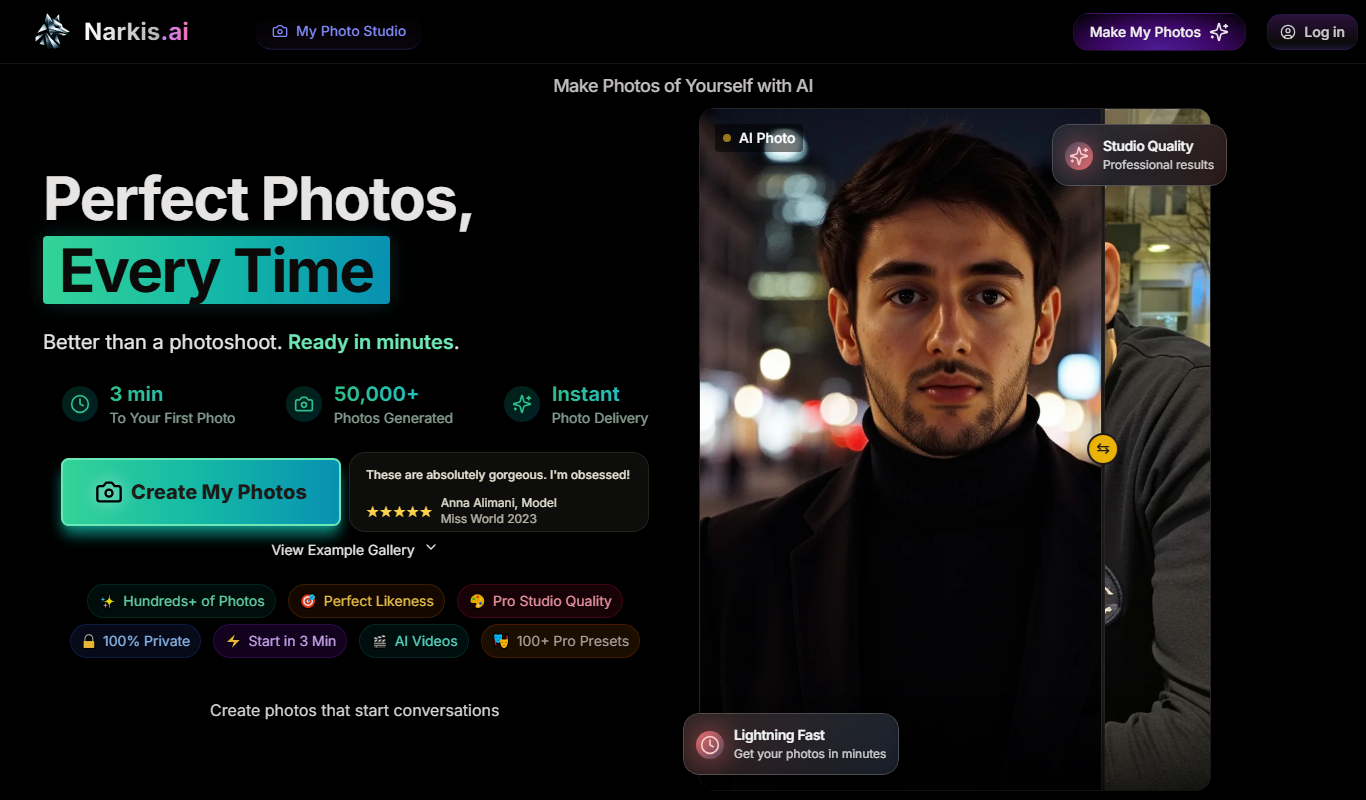
Narkis.ai
Narkis.ai trains a personal AI model on your photos and generates realistic headshots, dating photos and portraits of yourself in any style, no photoshoot needed.

MaternityPhotoshoot
MaternityPhotoshoot is an easy, affordable alternative to maternity photoshoots: upload 14 selfies and AI makes 500 maternity photos, delivered in 4 hours.

Microstockr
Microstockr is a desktop app for microstock photographers that tracks portfolio earnings, generates AI keywords for photos and uploads them to 20+ stock agencies from one place.

StockSubmitter
StockSubmitter is software for microstock contributors that fills, translates and stores metadata and uploads content to dozens of microstock agencies at once.
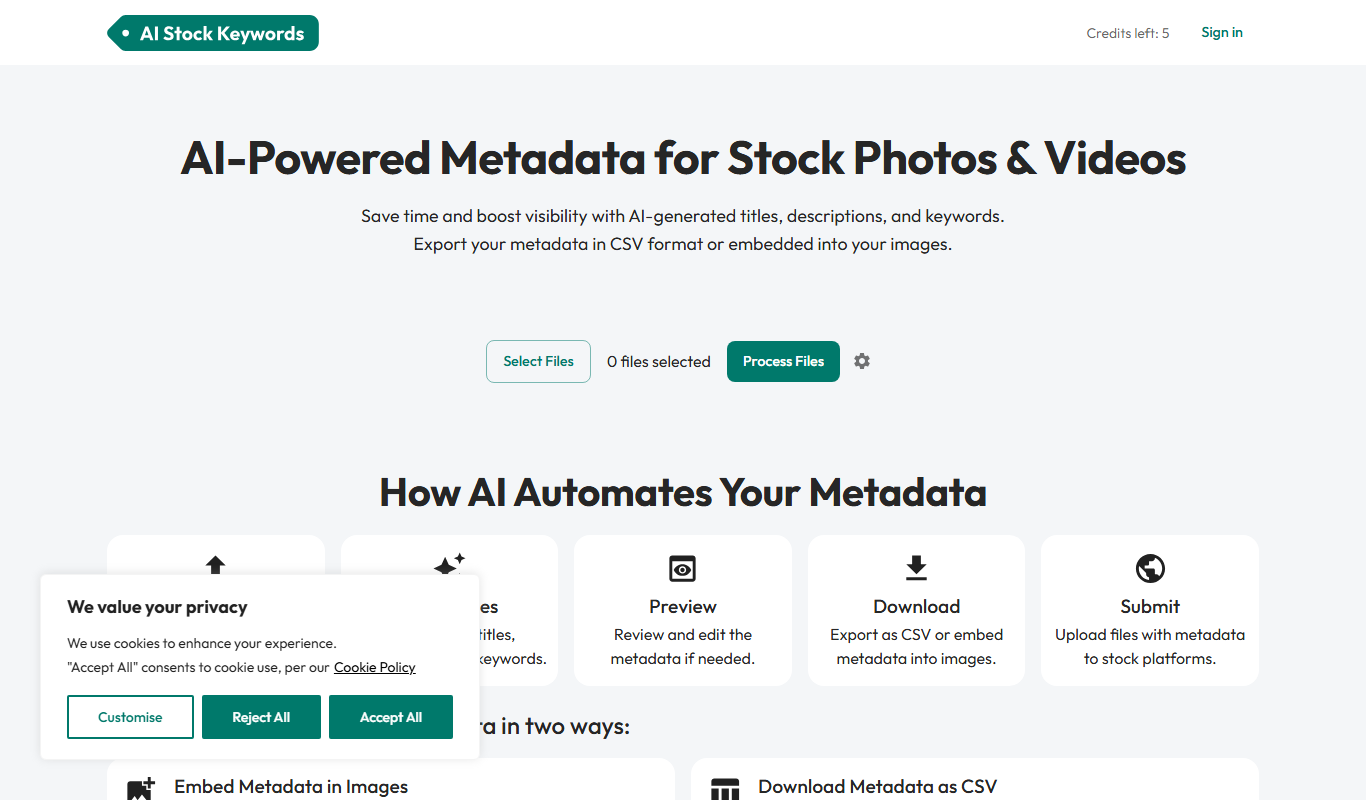
AI Stock Keywords
AI Stock Keywords generates stock-ready titles, descriptions and keywords for Adobe Stock, Shutterstock and other microstock uploads, exported as CSV or embedded in images.

Evoto AI
Evoto is an all-in-one AI photo editing workflow for professional photographers: culling, RAW editing, color grading and portrait retouching from first cull to final delivery.

PlatePose
PlatePose trains an AI model on 10-20 photos of your dish and generates professional, stylised food photos for menus and social profiles, with full ownership of the images.