

AppIcons AI - Automated App Icon Generator for Mobile Developers
AppIcons AI is an AI app icon generator that turns an idea into an app icon, lets users explore styles and refine their favorite, and exports a high-resolution PNG.
- Best for
- Mobile App Icon Creation
- Key capability
- Prompt-based Icon Generation
Save AppIcons AI, follow its updates and vote on it — everything stays in your account.
Sign in or create a free account
What is AppIcons AI?
AppIcons AI (Appicons.ai) is an AI app icon generator for iOS and Android. Users describe an idea in a short prompt, explore styles, edit their favorite result and download a high-resolution PNG icon.
Key features of AppIcons AI
The tool generates app icons from a short prompt, offers variations and AI editing of colors, styles and details, and exports a high-quality 1024 x 1024 PNG that can be resized for an app or website.
Prompt-based Icon Generation
Write a short prompt about your app or concept and share the subject, colors and style you have in mind.
AI Editing and Variations
Make variations, refine details with AI editing and crop your favorite result.
Batch Processing
Supports processing multiple icons or projects efficiently.
Easy Export
Exports the icon as a high-quality 1024 x 1024 PNG, ready to resize for your app, website or next project.
Pros and cons of AppIcons AI
Pros
- Saves time by automating icon resizing and formatting
- Ensures consistent icon quality across platforms
- Simple and intuitive web interface
- Supports batch processing in paid plans
Cons
- Limited customization options for icon design
- No desktop or mobile app versions, web only
Key use cases for AppIcons AI
Mobile App Icon Creation
Create an app icon for iOS and Android from a short prompt and export it as a high-resolution PNG.
Design Consistency
Ensure consistent branding across different app icon sizes and platforms with AI-powered resizing and styling.
Time-saving for Developers
Reduce manual work by automating the generation of multiple icon assets from a single source image.
Rapid Prototyping
Quickly produce app icons during early development stages to visualize app branding.
How AppIcons AI works
- 1
Describe Your Idea
Write a short prompt about your app or concept. Share the subject, colors and style you have in mind.
- 2
Make It Your Own
Explore variations and refine the one you love. Tweak colors, styles and details with AI editing.
- 3
Download and Launch
Export your icon as a high-quality 1024 x 1024 PNG, ready to resize for your app, website or next project.
Who is using AppIcons AI
AppIcons AI pricing
Standard
$10 for 100 credits, one-time payment
AI icon generation, editing and variations, 1024 x 1024 PNG export and commercial use.
Plus
$25 for 300 credits, one-time payment
AI icon generation, editing and variations, 1024 x 1024 PNG export and commercial use.
Premium
$45 for 500 credits, one-time payment
AI icon generation, editing and variations, 1024 x 1024 PNG export and commercial use.
Plans and prices are as published by the vendor and can change. Check the official site before you buy. Open the pricing page (opens in a new tab)
Frequently asked questions about AppIcons AI
AppIcons AI supports generating icons for both iOS and Android platforms.
Supported models let you start from a reference image, and you can make variations, refine details with AI editing and crop your favorite result.
The tool exports a high-resolution 1024 x 1024 PNG. Use it as the starting point for your iOS or Android app icon and resize and package it for your platform using your development tools or an app icon sizing tool.
Credits are bought once in packs and there is no subscription. Credit usage varies by action and editing model.
It depends on your specific needs and how you plan to use the tool. The official website and documentation are the best sources for the latest details.
Yes, it can help with that use case depending on how you configure it and what features are available. You’ll get the best results with clear inputs and a defined goal.
It depends on your specific needs and how you plan to use the tool. The official website and documentation are the best sources for the latest details.
Conclusion
A short prompt about the app or concept starts the process, naming the subject, colors and style in mind. The generator then offers variations, and the favorite can be refined with AI editing of colors, styles and details or cropped. Supported models can also start from a reference image, and choosing the vector style in the generator gives SVG designs.
What comes out is one high-resolution 1024 x 1024 PNG rather than a full set of store sizes, so resizing and packaging for iOS or Android happens afterwards in development tools or an app icon sizing tool. Generated icons can be used in personal and commercial apps, websites and projects. Mobile app developers, indie app creators and startups launching mobile apps make up the intended audience. Payment is a one-time credit pack with no subscription, and the credits an action uses vary by model and editing step.
Sources
Sign in to review this tool.
Sign In to ReviewNo reviews yet
Be the first to share how this tool worked for you.
Ask about pricing, limits, or how it compares — or answer someone else.
Sign In to AskNo questions yet
Have a question about using or paying for this tool? Be the first to ask.
Featured on TiorAI



Alternative Tools
Explore similar AI tools that might fit your needs
Iconify
Iconify is an open source icon framework with over 300,000 vector icons from popular open source icon sets, plus components, plugins and a public API to use them.
More AI Design & Creative Tools tools
Other tools in the same category, for when this one is not quite the fit.
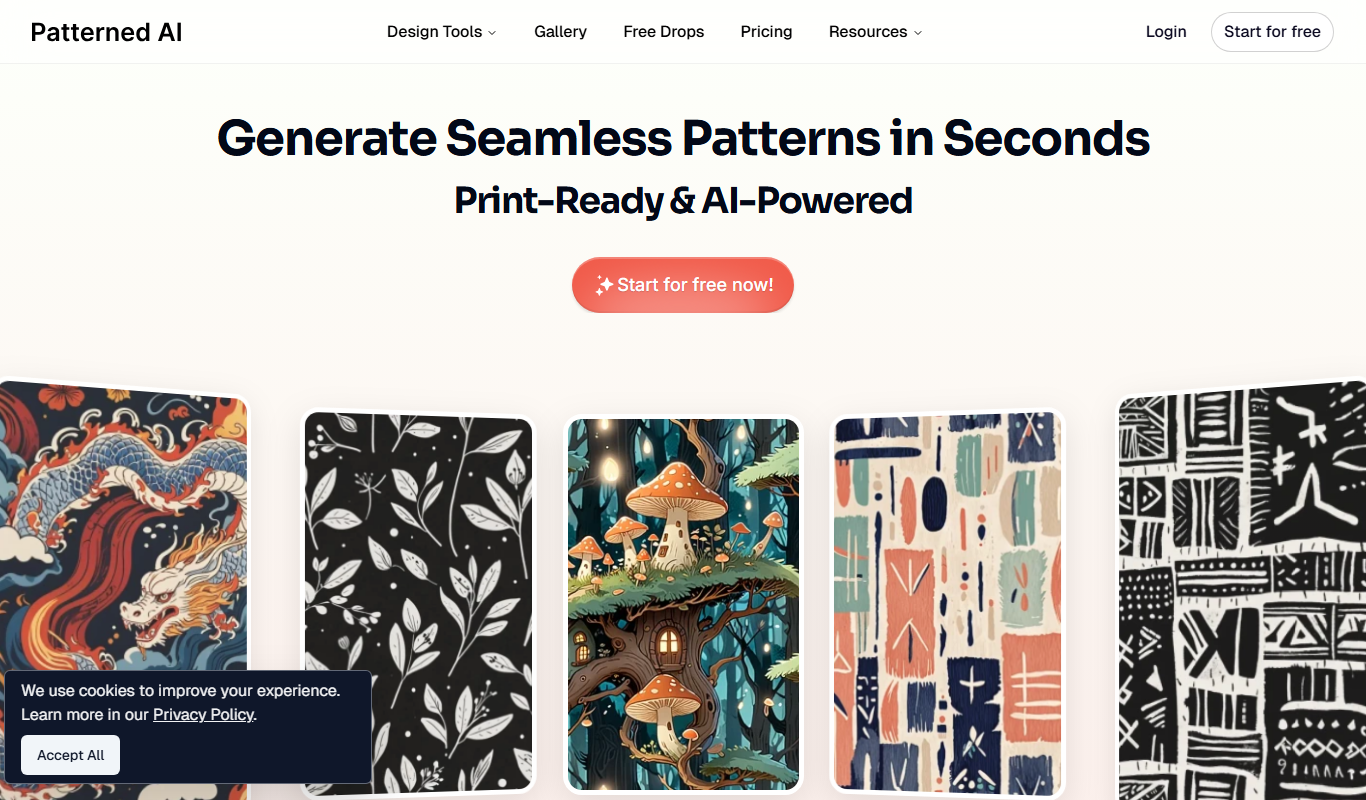
Patterned AI
Patterned AI is a web-based tool that uses AI to generate seamless, high-resolution patterns from simple text prompts, helping designers quickly create unique pattern designs.

QuickQR Art
QuickQR Art is a QR Code AI Art Generator for creating, customizing and tracking artistic QR codes, with dynamic QR codes, short links and an API.

TattooDesignPro
TattooDesignPro is an all-in-one AI tattoo generator and thermal stencil maker that creates custom tattoo concepts, precision line art and 300 DPI stencil flash for artists and enthusiasts.

Openart
OpenArt is an AI platform for creating art, images, videos and music online with 100+ models from Google, OpenAI, Seedance and more.

Pencil Sketch Generator: Make Creative Sketch Drawing
Pencil Sketch Generator (PenKetch) is an AI tool that creates pencil sketch drawings from text descriptions and converts photos into sketches.

GiFTEM
GiFTEM is recruiting intelligence software that understands jobs, runs semantic candidate search across 800M+ profiles, evaluates candidates and handles outreach.

AI Song Generator
AI Song Generator is a web tool that creates original songs and lyrics from your genre, mood and topic, with a limited free plan and paid subscriptions.

TwoShot
TwoShot is an AI creative suite for music, audio, video and images: generate music and sounds from text, split stems, make voiceovers and produce in an online studio.