

From my experience with Iconify, I found it excels at consolidating a vast array of icon sets into a single, easy-to-use framework. Its open-source nature and extensive SVG icon library make it a valuable resource for developers and designers seeking scalable and customizable icons without juggling multiple libraries. While it requires some technical knowledge to integrate, the flexibility and breadth of icons available outweigh this minor hurdle. Overall, if you need a unified icon solution for web or app projects, Iconify delivers reliable and versatile results.
Iconify Icon Framework for Web and App Developers with Extensive Icon Sets
Iconify is an open-source icon framework that provides access to thousands of SVG icons from multiple popular icon sets through a unified API and JavaScript framework, enabling easy integration and customization for web and app development.
- Best for
- Web Development
- Key capability
- Unified Icon API
Your actions
Save Iconify, follow its updates and vote on it — everything stays in your account.
Sign in or create a free account
What is Iconify?
Iconify is an open-source icon framework that aggregates thousands of icons from multiple popular icon sets into a single unified API and JavaScript framework. It allows developers and designers to easily search, customize, and embed SVG icons into websites, apps, and projects without managing multiple icon libraries separately.
Key features of Iconify
Iconify offers a comprehensive collection of over 100,000 icons from various popular icon sets, supports SVG format for scalability, provides a flexible JavaScript API for easy integration, and includes tools like a Chrome extension and icon editor for customization.
Unified Icon API
Access multiple icon sets through a single API simplifying icon management.
Extensive Icon Library
Includes over 100,000 icons from popular sets like Material Design, FontAwesome, and more.
SVG Support
Uses scalable vector graphics for crisp icons at any size.
Customization Tools
Adjust icon properties such as color, size, and rotation easily.
Developer Friendly
Provides JavaScript framework and plugins for popular frameworks like React and Vue.
Pros and cons of Iconify
Pros
- Huge collection of icons from multiple popular sets
- Easy integration with JavaScript and API
- Open-source and free to use
- Highly customizable SVG icons
- Supports modern web frameworks
Cons
- Requires some developer knowledge to integrate
- No dedicated mobile app version
- Customization options are basic compared to full graphic editors
Key use cases for Iconify
Web Development
Integrate a vast collection of icons seamlessly into websites and web apps using Iconify's API and JavaScript framework.
UI/UX Design
Access thousands of high-quality SVG icons to enhance user interfaces and improve visual communication.
Mobile App Development
Use Iconify icons in mobile applications to maintain consistency and scalability across platforms.
Graphic Design
Leverage Iconify's icon sets for creating marketing materials, presentations, and other graphic assets.
How Iconify works
- 1
Browse Icon Sets
Explore thousands of icons from multiple icon libraries through the Iconify website or Chrome extension.
- 2
Select and Customize
Choose icons and customize their size, color, and other properties as needed.
- 3
Integrate via API or JavaScript
Embed icons into your web or app projects using Iconify’s JavaScript framework or API calls.
- 4
Deploy and Update
Deploy your project with integrated icons and update icon sets easily without changing code.
Who is using Iconify
Web developers
UI/UX designers
Mobile app developers
Graphic designers
Frontend engineers
Iconify pricing
Free
$0
Full access to all icons and API with open-source licensing.
Plans and prices are as published by the vendor and can change. Check the official site before you buy. Open the pricing page (opens in a new tab)
Frequently asked questions about Iconify
Yes, Iconify is open-source and free to use for personal and commercial projects.
Yes, Iconify allows you to customize icon size, color, and other properties.
Iconify includes popular icon sets such as Material Design, FontAwesome, Ionicons, and many others.
You can integrate Iconify using its JavaScript framework, API, or plugins for frameworks like React and Vue.
This tool is designed to help users accomplish its core tasks more efficiently. It is typically used by individuals or teams looking to improve productivity and workflow.
Some tools offer a free plan or trial with limited features. Availability can vary, so confirm on the official website.
It depends on your specific needs and how you plan to use the tool. The official website and documentation are the best sources for the latest details.
Yes, it can help with that use case depending on how you configure it and what features are available. You’ll get the best results with clear inputs and a defined goal.
Sign in to review this tool.
Sign In to ReviewNo reviews yet
Be the first to share how this tool worked for you.
Ask about pricing, limits, or how it compares — or answer someone else.
Sign In to AskNo questions yet
Have a question about using or paying for this tool? Be the first to ask.
Featured on TiorAI



Alternative Tools
Explore similar AI tools that might fit your needs

Free
FontAwesome
FontAwesome is a comprehensive icon library and toolkit that provides scalable vector icons and social logos for easy integration into websites and applications, supporting multiple styles and accessibility.

Free
Feather Icons
Feather Icons is a free, open source set of minimalist SVG icons designed for easy integration and customization in web and app interfaces.
More AI Design & Creative Tools tools
Other tools in the same category, for when this one is not quite the fit.

Free
Game Assets Generator
Game Assets Generator is a web-based tool for creating 2D game assets; it does not offer 3D models.
Free
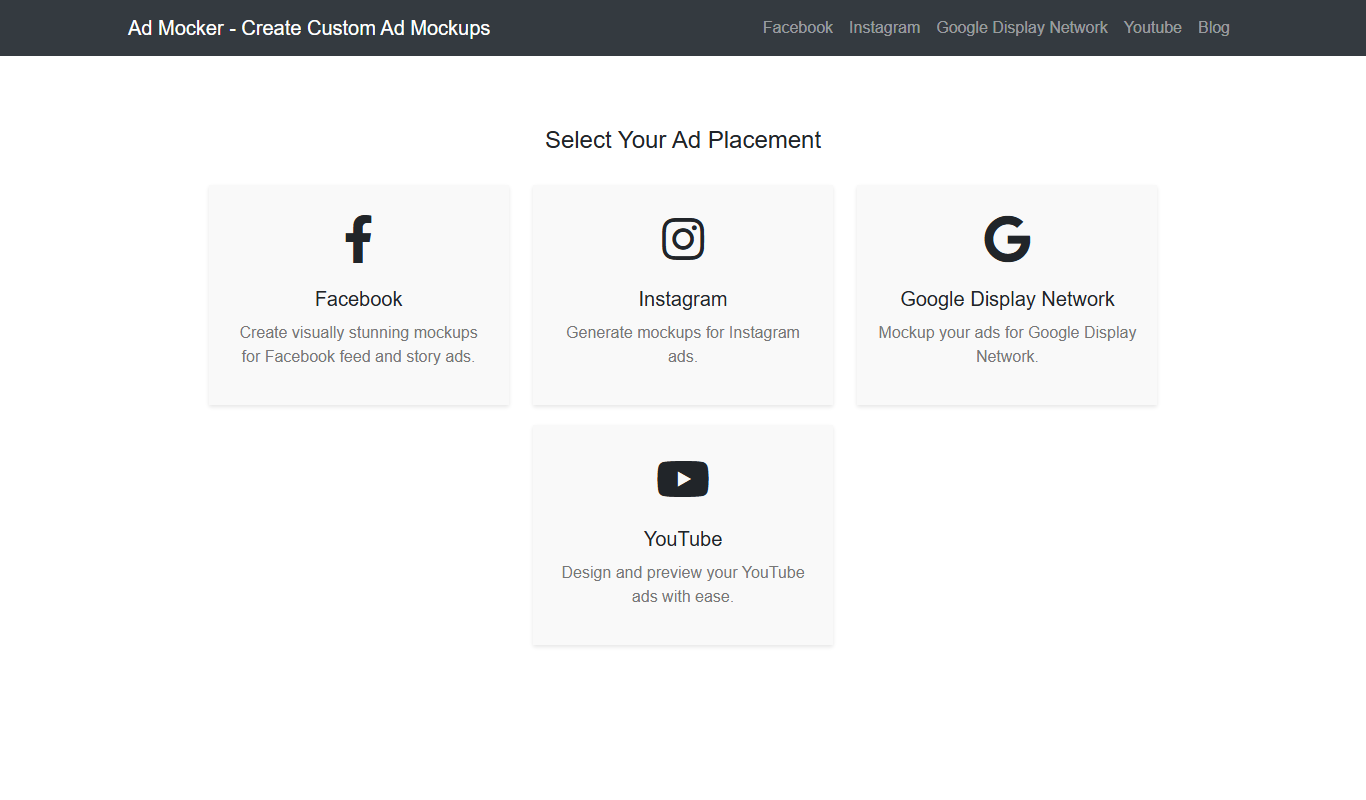
Ad Mocker
Ad Mocker is a free web-based tool that helps marketers and designers create realistic ad mockups quickly without needing advanced design software.

Free
Guess The Prompt!
Guess The Prompt! is a free online game where players guess AI-generated prompts based on images or clues, promoting creative thinking and fun.
Paid
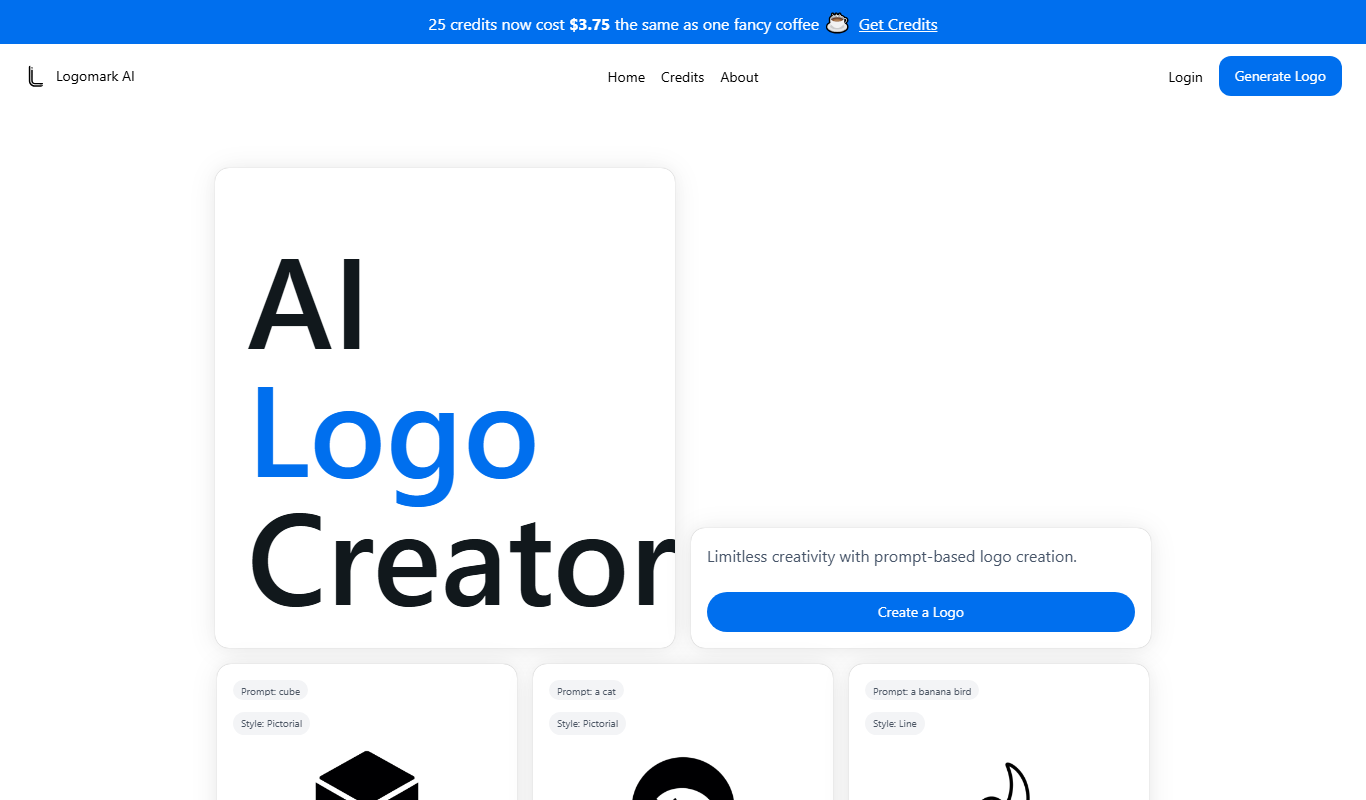
Logomark AI
Logomark AI is a prompt-based logo creator that turns a text description into a pictorial, abstract or line mark logo exportable as PNG or SVG.

Freemium
YouMusic.AI
YouMusic.AI turns text prompts or your own lyrics into complete songs, with free credits for new users and commercial rights on paid plans.

Free
svgtrace.com
SVGTrace.com is an online tool that converts raster images such as PNG or JPG into scalable SVG vector graphics using image tracing algorithms, accessible directly from your browser without installation.

Freemium
PuLID for FLUX
PuLID for FLUX is available free on 8PixLabs and generates images that keep facial features from a single photo.
Free
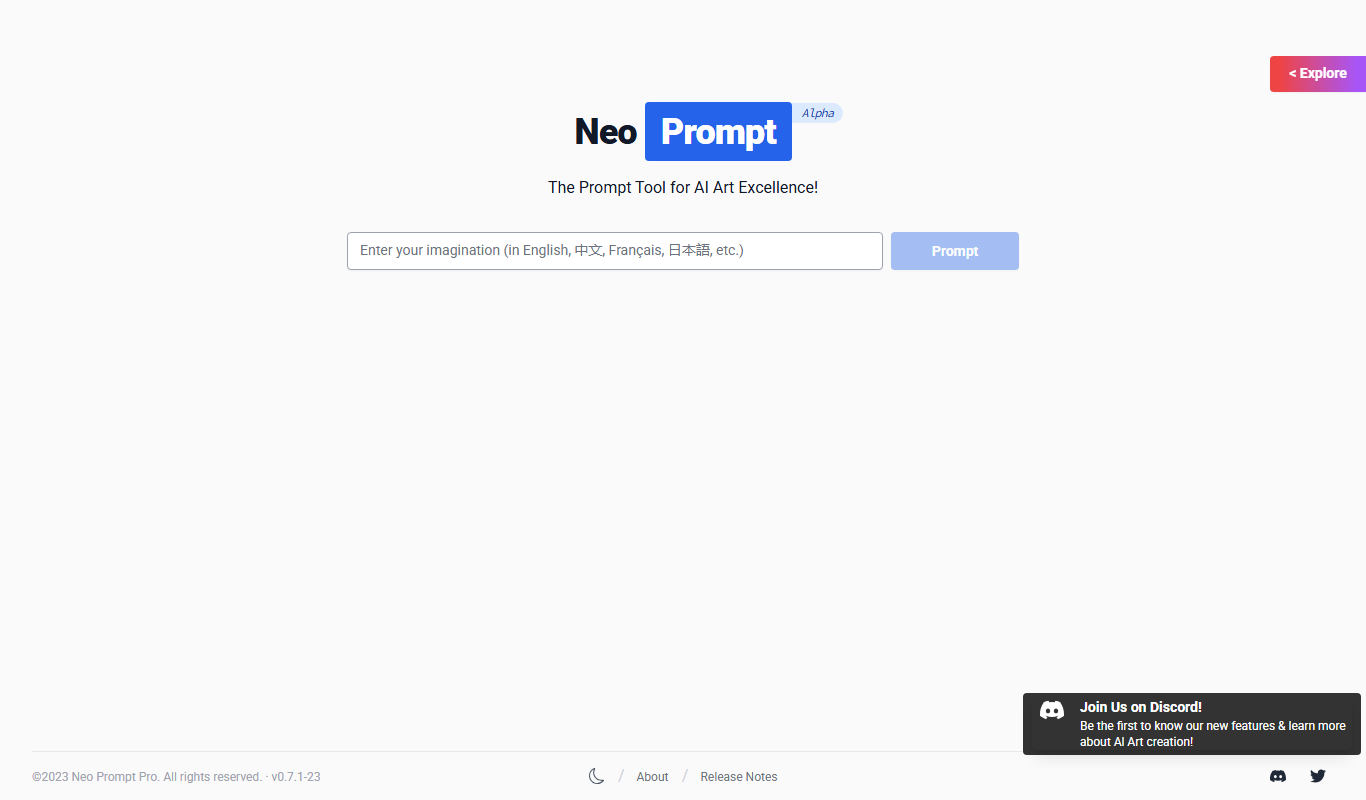
NeoPrompt Pro
NeoPrompt Pro is a prompt tool for AI art such as Midjourney, with a freemium model.