

Free AI FLUX Generator for Creative AI Image Generation and Design
AIFLUX is a Flux AI image generator for FLUX, GPT Image 1.5 and Nano Banana workflows, covering text-to-image, editing, inpainting and upscale, with credit-based paid plans.
- Best for
- Creative Image Generation
- Key capability
- Free AI Image Generation
Save AIFLUX Flux AI Image Generator, follow its updates and vote on it — everything stays in your account.
Sign in or create a free account
What is AIFLUX Flux AI Image Generator?
AIFLUX is a multi-model AI image studio that runs FLUX.2 Pro, FLUX.2 Klein, FLUX.1 Schnell, GPT Image 1.5, Nano Banana and Nano Banana Pro in one workspace for text-to-image, image-to-image, upscale and inpainting workflows. Generation uses credits, which come with the paid Plus and Pro subscriptions.
Key features of AIFLUX Flux AI Image Generator
AIFLUX offers FLUX, GPT Image 1.5 and Nano Banana models in one workspace, text-to-image and image-to-image generation, and finishing tools for upscale, background removal and inpainting, paid for with credits.
Free AI Image Generation
Generate with FLUX.2 Pro, FLUX.2 Klein, FLUX.1 Schnell, GPT Image 1.5, Nano Banana and Nano Banana Pro in one workspace.
Prompt-Based Creativity
Use text prompts to direct the AI in producing customized visuals.
User-Friendly Interface
Simple and intuitive web interface suitable for all skill levels.
Instant Image Output
Receive generated images quickly after submitting prompts.
Pros and cons of AIFLUX Flux AI Image Generator
Pros
- Completely free with no hidden costs
- FLUX, GPT Image 1.5 and Nano Banana models in one workspace
- Fast models such as FLUX.2 Klein and FLUX.1 Schnell for quick drafts
Cons
- Limited information on licensing and usage rights
- No advanced customization or editing features
- Lack of detailed documentation or support
Key use cases for AIFLUX Flux AI Image Generator
Creative Image Generation
Generate unique and artistic images using AI for personal or professional projects.
Graphic Design Assistance
Use AI-generated visuals to enhance graphic design workflows and concept development.
Content Creation
Produce AI-generated images to support blog posts, social media, and marketing materials.
Idea Exploration
Experiment with AI to explore new visual ideas and creative directions quickly.
How AIFLUX Flux AI Image Generator works
- 1
Access the Website
Navigate to the AI FLUX Generator website to start creating images.
- 2
Enter a Prompt
Type a descriptive text prompt that guides the AI in generating an image.
- 3
Generate Image
Click the generate button to let the AI process the prompt and create an image.
- 4
Download or Share
Save the generated image or share it directly from the platform.
Who is using AIFLUX Flux AI Image Generator
AIFLUX Flux AI Image Generator pricing
Plus
$99.99/yr (listed at $119.99, save 20%)
500 credits per month (6000 per year), 30 days storage, HD image generation, basic editing tools and watermark-free downloads.
Pro
$199.99/yr (listed at $239.99, save 20%)
1200 credits per month (14400 per year), 30 days storage, 4K image generation, advanced editing tools and priority processing.
Credit packs
From $9.99 for 1,000 credits
One-time credit packs, only available to subscribed users.
Plans and prices are as published by the vendor and can change. Check the official site before you buy. Open the pricing page (opens in a new tab)
Frequently asked questions about AIFLUX Flux AI Image Generator
No. Generation uses credits that come with the paid Plus and Pro plans, and the most advanced models are reserved for paid plans.
Yes. The site has a login, and generation uses credits tied to an account.
Commercial usage rights are granted with all paid plans and credit purchases; free tiers do not grant commercial rights.
Clear, descriptive text prompts that specify style, subject, and mood tend to produce better results.
Some tools offer a free plan or trial with limited features. Availability can vary, so confirm on the official website.
Some tools offer a free plan or trial with limited features. Availability can vary, so confirm on the official website.
Yes, it can help with that use case depending on how you configure it and what features are available. You’ll get the best results with clear inputs and a defined goal.
Yes, it can help with that use case depending on how you configure it and what features are available. You’ll get the best results with clear inputs and a defined goal.
Conclusion
Several image models share one workspace: FLUX.2 Pro for final renders, FLUX.2 Klein and FLUX.1 Schnell for fast drafts, GPT Image 1.5 for posters and text-heavy layouts, and Nano Banana Pro for character consistency. Work can start from a text prompt, from uploaded source images or from both. Finishing tools cover upscale, background removal and inpainting.
Graphic designers, artists and hobbyists experimenting with AI art are the intended audience. Generation runs on credits after logging in, and the most advanced models are reserved for users on paid plans. The Plus and Pro subscriptions come with a monthly credit allowance, and credit packs are only available to subscribed users. Commercial usage rights are granted with paid plans and credit purchases, while free tiers do not grant them.
Sources
Sign in to review this tool.
Sign In to ReviewNo reviews yet
Be the first to share how this tool worked for you.
Ask about pricing, limits, or how it compares — or answer someone else.
Sign In to AskNo questions yet
Have a question about using or paying for this tool? Be the first to ask.
Featured on TiorAI



More AI Design & Creative Tools tools
Other tools in the same category, for when this one is not quite the fit.
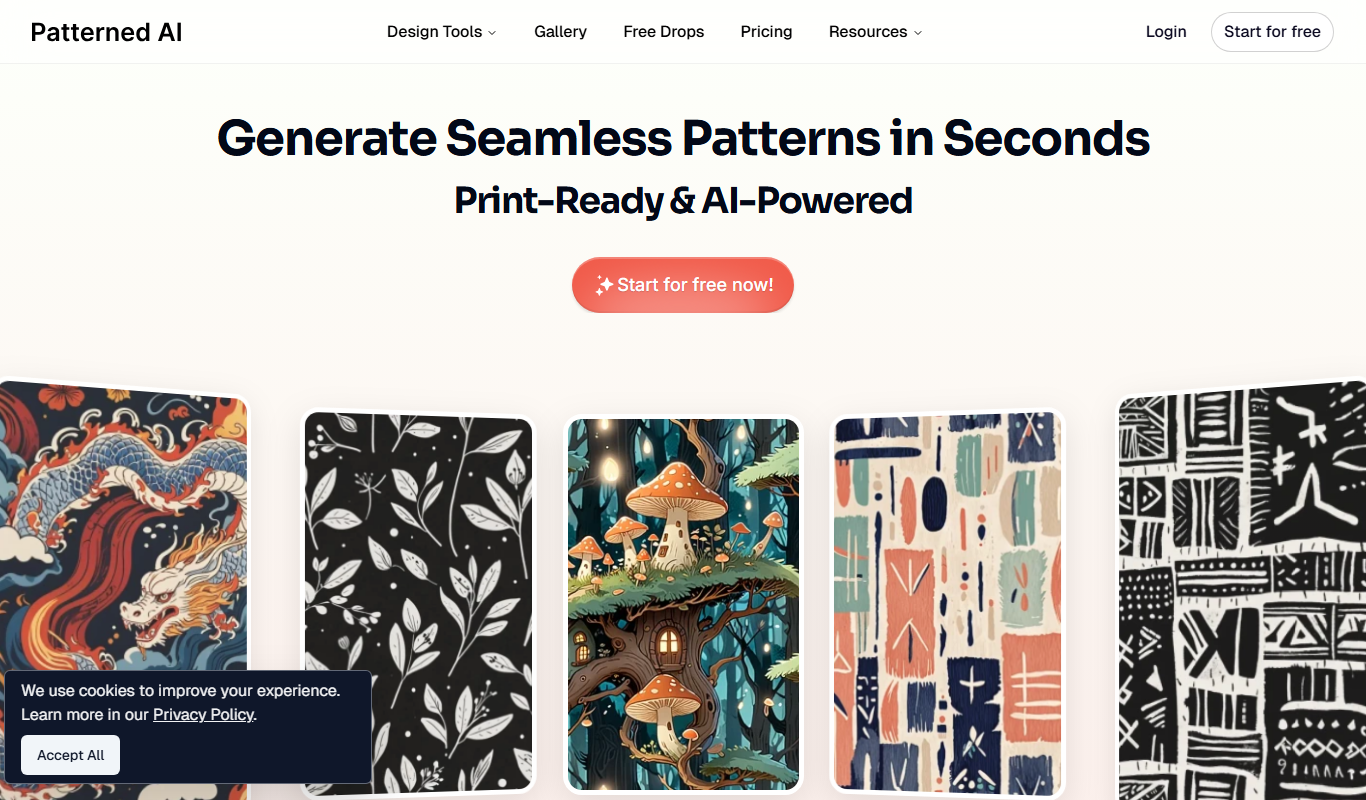
Patterned AI
Patterned AI is a web-based tool that uses AI to generate seamless, high-resolution patterns from simple text prompts, helping designers quickly create unique pattern designs.

QuickQR Art
QuickQR Art is a QR Code AI Art Generator for creating, customizing and tracking artistic QR codes, with dynamic QR codes, short links and an API.

TattooDesignPro
TattooDesignPro is an all-in-one AI tattoo generator and thermal stencil maker that creates custom tattoo concepts, precision line art and 300 DPI stencil flash for artists and enthusiasts.

Openart
OpenArt is an AI platform for creating art, images, videos and music online with 100+ models from Google, OpenAI, Seedance and more.

Pencil Sketch Generator: Make Creative Sketch Drawing
Pencil Sketch Generator (PenKetch) is an AI tool that creates pencil sketch drawings from text descriptions and converts photos into sketches.

GiFTEM
GiFTEM is recruiting intelligence software that understands jobs, runs semantic candidate search across 800M+ profiles, evaluates candidates and handles outreach.

AI Song Generator
AI Song Generator is a web tool that creates original songs and lyrics from your genre, mood and topic, with a limited free plan and paid subscriptions.

TwoShot
TwoShot is an AI creative suite for music, audio, video and images: generate music and sounds from text, split stems, make voiceovers and produce in an online studio.