

ZenGRC Governance Risk and Compliance Software for Enterprise Risk Management
ZenGRC is a cloud-based governance, risk, and compliance software platform designed to help organizations manage enterprise risks, automate compliance workflows, and streamline audits.
- Best for
- Risk Management
- Key capability
- Centralized Risk Register
Save ZenGRC, follow its updates and vote on it — everything stays in your account.
Sign in or create a free accountWhat is ZenGRC?
ZenGRC is a cloud-based governance, risk, and compliance (GRC) software platform designed to help organizations streamline risk management, compliance, and audit processes. It centralizes data and automates workflows to provide visibility and control over enterprise risks and regulatory requirements.
Key features of ZenGRC
ZenGRC offers features such as risk assessment, compliance tracking, audit management, policy distribution, and vendor risk evaluation, all accessible through an intuitive web interface to enhance organizational governance and reduce manual effort.
Centralized Risk Register
Maintain a single source of truth for all identified risks with status tracking and reporting.
Compliance Framework Mapping
Map controls to multiple compliance frameworks like SOC 2, HIPAA, ISO 27001 for streamlined audits.
Automated Evidence Collection
Reduce manual work by automating collection and storage of compliance evidence.
Policy Management and Distribution
Create policies, distribute to employees, and track acknowledgments to ensure compliance.
Vendor Risk Management Module
Manage and monitor third-party risks with questionnaires and risk scoring.
Pros and cons of ZenGRC
Pros
- Comprehensive GRC platform with centralized risk and compliance management
- User-friendly interface simplifies complex workflows
- Supports multiple compliance frameworks for diverse industries
- Automates evidence collection reducing manual effort
- Strong vendor risk management capabilities
Cons
- Pricing is not publicly disclosed and requires contacting sales
- Primarily designed for medium to large enterprises, may be complex for small businesses
- Limited language support, primarily English
Key use cases for ZenGRC
Risk Management
Identify, assess, and monitor enterprise risks to ensure proactive mitigation and compliance.
Compliance Management
Automate compliance workflows and maintain adherence to industry standards and regulations.
Audit Management
Streamline internal and external audit processes with centralized documentation and tracking.
Policy Management
Create, distribute, and track policy acknowledgments to ensure organizational compliance.
Vendor Risk Management
Evaluate and monitor third-party risks to safeguard supply chain and vendor relationships.
How ZenGRC works
- 1
Onboard Your Organization
Set up your company profile, define risk frameworks, and import existing policies and controls.
- 2
Assess and Monitor Risks
Use built-in tools to identify risks, assign owners, and track mitigation efforts in real time.
- 3
Automate Compliance Workflows
Configure compliance requirements and automate evidence collection and reporting.
- 4
Manage Audits Efficiently
Schedule audits, assign tasks, and centralize documentation to streamline audit cycles.
- 5
Evaluate Vendor Risks
Assess third-party vendors through questionnaires and continuous monitoring.
Who is using ZenGRC
ZenGRC pricing
Standard
Contact Sales
Core GRC features suitable for small to medium businesses.
Enterprise
Contact Sales
Advanced features and integrations for large organizations.
Plans and prices are as published by the vendor and can change. Check the official site before you buy. Open the pricing page (opens in a new tab)
Frequently asked questions about ZenGRC
ZenGRC supports multiple frameworks including SOC 2, HIPAA, ISO 27001, GDPR, and more.
ZenGRC is a cloud-based platform accessible via web browsers.
Yes, ZenGRC offers integrations with various security and IT management tools.
ZenGRC typically offers demos and may provide trial options upon request.
This tool is designed to help users accomplish its core tasks more efficiently. It is typically used by individuals or teams looking to improve productivity and workflow.
Yes, it can help with that use case depending on how you configure it and what features are available. You’ll get the best results with clear inputs and a defined goal.
It depends on your specific needs and how you plan to use the tool. The official website and documentation are the best sources for the latest details.
Yes, it can help with that use case depending on how you configure it and what features are available. You’ll get the best results with clear inputs and a defined goal.
Conclusion
ZenGRC maps controls to multiple compliance frameworks, including SOC 2, HIPAA, ISO 27001 and GDPR, to streamline audits. Collection and storage of compliance evidence are automated, which is intended to reduce manual work. Risks are kept in a centralized risk register, where owners are assigned and status and mitigation efforts are tracked in real time. The onboarding step involves setting up a company profile, defining risk frameworks and importing existing policies and controls.
Audits are scheduled with assigned tasks and centralized documentation, and policies are distributed to employees with acknowledgments tracked. A vendor risk management module assesses third-party vendors through questionnaires, risk scoring and continuous monitoring. The software is intended for risk and compliance officers, IT security teams and audit professionals. It is a cloud-based platform accessible via web browsers, and it offers integrations with various security and IT management tools. The Standard plan covers core GRC features, while the Enterprise plan adds advanced features and integrations for large organizations. Pricing is not publicly disclosed, and both plans require contacting sales. Demos are typically offered, and trial options may be provided upon request.
Sources
Sign in to review this tool.
Sign In to ReviewNo reviews yet
Be the first to share how this tool worked for you.
Ask about pricing, limits, or how it compares — or answer someone else.
Sign In to AskNo questions yet
Have a question about using or paying for this tool? Be the first to ask.
Featured on TiorAI



Alternative Tools
Explore similar AI tools that might fit your needs

LogicManager
LogicManager is a cloud-based governance, risk, and compliance software platform designed to help organizations identify, assess, and mitigate risks while ensuring regulatory compliance through audit, policy, and incident management tools.

MetricStream
MetricStream is an enterprise-grade Governance, Risk, and Compliance platform that helps organizations manage risks, ensure regulatory compliance, and streamline audits with real-time analytics and automated workflows.
More AI Workflow tools
Other tools in the same category, for when this one is not quite the fit.

YouCanBook.me
YouCanBook.me is an online scheduling platform that helps individuals and businesses automate appointment bookings by syncing calendars, sending reminders, and providing customizable booking pages.

Octopus Deploy
Octopus Deploy is a DevOps automation tool that simplifies continuous delivery by automating application deployments, managing releases, and integrating with CI/CD pipelines.
MazeMap
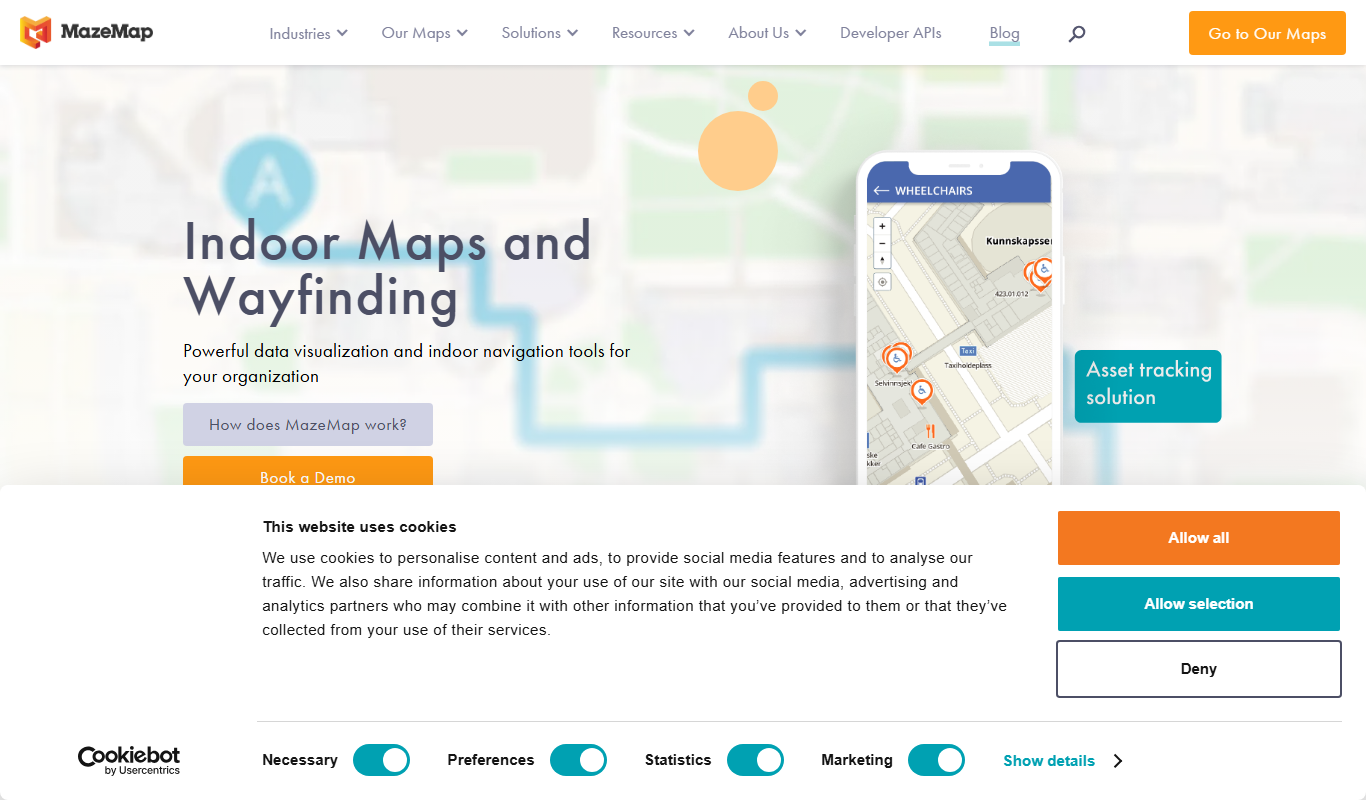
MazeMap is an indoor mapping and wayfinding platform that helps users navigate complex indoor spaces like hospitals and universities with detailed digital maps and turn-by-turn directions.

Packsize
Packsize provides on-demand custom packaging solutions combining software and automated machinery to produce right-sized boxes that reduce waste and shipping costs.

OpenPilot
OpenPilot is an open source advanced driver-assistance system that enables semi-autonomous driving features like adaptive cruise control and lane keeping on compatible vehicles, requiring driver supervision.

D-Sight
D-Sight is a decision-making software platform that uses multi-criteria decision analysis to help organizations evaluate options, collaborate, and make informed business decisions.
Rippling
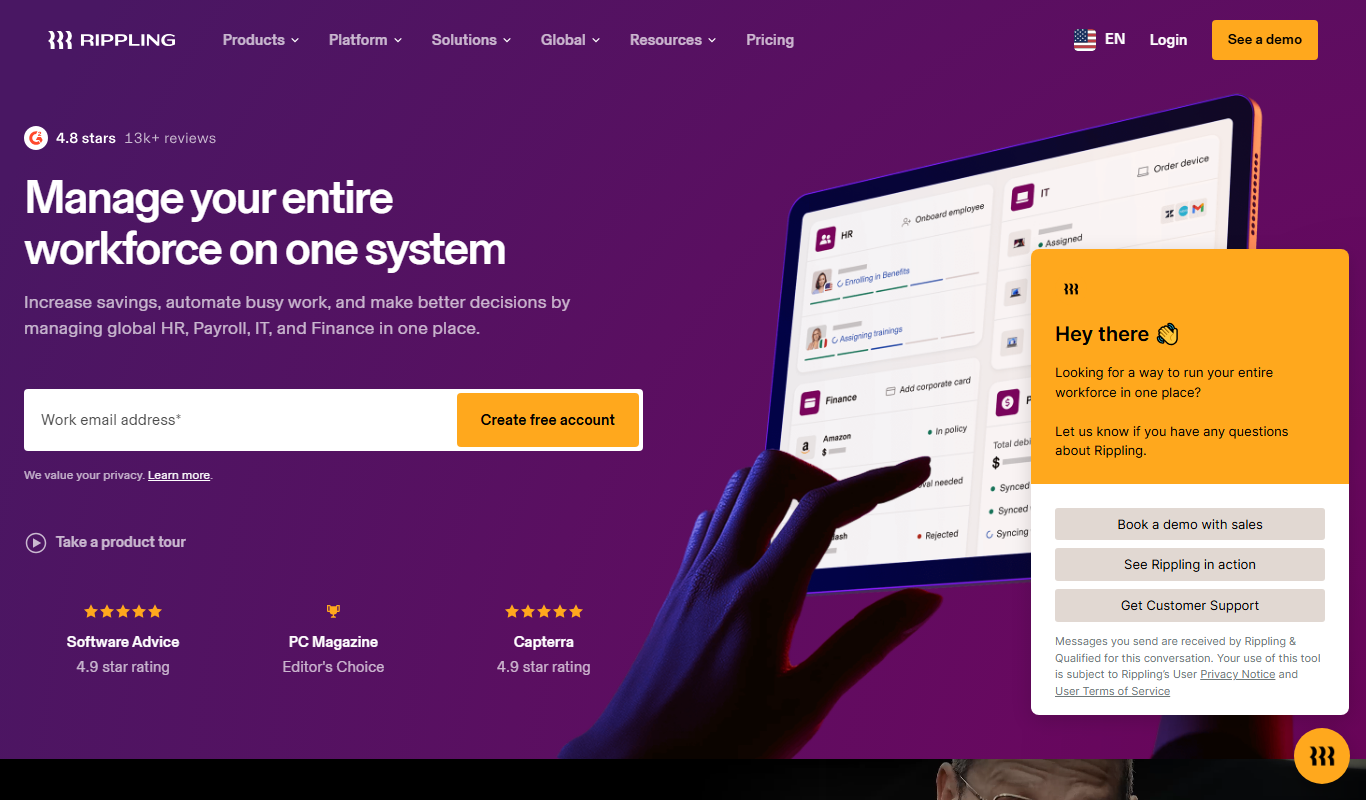
Rippling is a unified workforce platform that automates HR, payroll, benefits, and IT management to streamline employee operations for businesses.
Recurly
Recurly is a subscription billing platform that automates recurring payments, manages customer subscriptions, and helps optimize revenue for SaaS and e-commerce businesses.