

From my experience with Yomu AI, it excels at quickly distilling lengthy documents into clear, concise summaries, which is a huge time saver for anyone dealing with large volumes of text. The platform’s straightforward interface makes uploading and processing documents hassle-free, ideal for researchers, students, and professionals alike. However, the tool currently supports only English and lacks a mobile app, which might limit accessibility for some users. Overall, if you need an efficient way to extract key insights from PDFs and reports, Yomu AI offers a solid, user-friendly solution.
Yomu AI Document Reader and Summarizer for Efficient Knowledge Extraction
Yomu AI is an AI-powered tool that reads and summarizes documents like PDFs, extracting key insights to help users quickly understand large volumes of text.
- Best for
- Document Summarization
- Key capability
- Automatic Document Summarization
Your actions
Save Yomu AI, follow its updates and vote on it — everything stays in your account.
Sign in or create a free account

What is Yomu AI?
Yomu AI is an AI-powered document reader and summarizer designed to help users quickly understand and extract key information from lengthy documents such as PDFs, reports, and academic papers. By leveraging advanced natural language processing, Yomu AI transforms dense text into concise summaries and actionable insights, streamlining workflows and enhancing productivity.
Key features of Yomu AI
Yomu AI offers features like automatic document summarization, key point extraction, intuitive user interface for uploading and managing documents, and integration capabilities to support various workflows. It is optimized for professionals, researchers, and learners who need to process large volumes of text efficiently.
Automatic Document Summarization
Generates clear and concise summaries from lengthy documents.
Key Insight Extraction
Identifies and highlights important points and data within documents.
User-Friendly Interface
Simple drag-and-drop upload and easy navigation for managing documents.
Multi-Format Support
Supports PDFs and other common document formats for versatile use.
Export Options
Allows exporting summaries in various formats for sharing or further use.
Pros and cons of Yomu AI
Pros
- Saves significant time reading long documents
- Easy to use with intuitive interface
- Accurate summarization and key point extraction
- Supports multiple document formats
- Flexible pricing plans including a free tier
Cons
- Limited language support (English only)
- No mobile app currently available
- Free plan has upload and feature restrictions
Key use cases for Yomu AI
Document Summarization
Automatically generate concise summaries of long documents to save reading time.
Knowledge Extraction
Extract key insights and important information from PDFs and other document formats.
Research Assistance
Assist researchers by quickly digesting and highlighting relevant content from academic papers.
Content Review
Help professionals review contracts, reports, and manuals efficiently.
Learning and Training
Support learners by breaking down complex documents into understandable summaries.
How Yomu AI works
- 1
Upload Document
Users upload PDFs or other supported document formats to the Yomu AI platform.
- 2
AI Processing
The AI analyzes the document to identify key points, themes, and important information.
- 3
Generate Summary
Yomu AI produces a concise summary highlighting the essential content.
- 4
Review and Export
Users review the summary and can export or share the results as needed.
Who is using Yomu AI
Researchers and academics
Business professionals
Content creators
Students and learners
Legal and compliance teams
Yomu AI pricing
Free
$0/month
Basic access with limited document uploads and summary generation.
Pro
$15/month
Increased upload limits, faster processing, and priority support.
Enterprise
Custom pricing
Tailored solutions with advanced features and dedicated account management.
Plans and prices are as published by the vendor and can change. Check the official site before you buy. Open the pricing page (opens in a new tab)
Frequently asked questions about Yomu AI
Yomu AI primarily supports PDFs but can handle other common document formats as well.
The free plan has upload limits, while paid plans offer higher or unlimited uploads.
Yes, summaries can be exported in various formats for easy sharing and use.
Currently, Yomu AI supports English documents only.
It depends on your specific needs and how you plan to use the tool. The official website and documentation are the best sources for the latest details.
Yes, it can help with that use case depending on how you configure it and what features are available. You’ll get the best results with clear inputs and a defined goal.
Some tools offer a free plan or trial with limited features. Availability can vary, so confirm on the official website.
Yes, it can help with that use case depending on how you configure it and what features are available. You’ll get the best results with clear inputs and a defined goal.
Sign in to review this tool.
Sign In to ReviewNo reviews yet
Be the first to share how this tool worked for you.
Ask about pricing, limits, or how it compares — or answer someone else.
Sign In to AskNo questions yet
Have a question about using or paying for this tool? Be the first to ask.
Featured on TiorAI



More AI Knowledge Base Tools tools
Other tools in the same category, for when this one is not quite the fit.

Custom Pricing
Glean
Glean is an AI-powered enterprise knowledge management platform that integrates multiple data sources to provide unified search, expert identification, and collaboration tools for organizations.

Free
RAGFlow
RAGFlow is an open-source RAG engine and agent platform that ingests multi-format data, runs hybrid search and builds AI agents in visual workflows, self-hosted or in the cloud.
Free
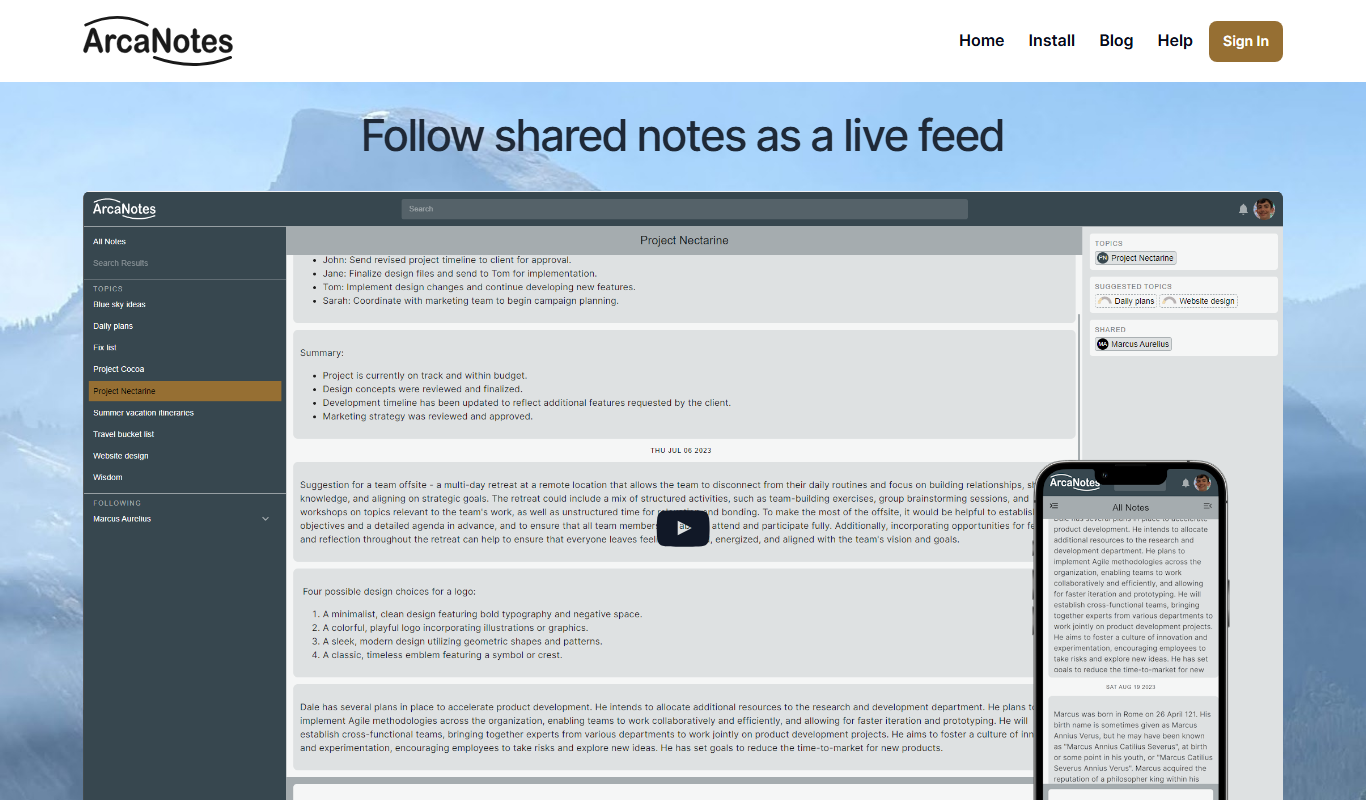
ArcaNotes
ArcaNotes is an AI-driven note-taking app that helps users organize, link, and summarize notes efficiently across devices with collaboration features.

Custom Pricing
enterprisebot.ai
EnterpriseBot.ai is an AI chatbot platform designed for enterprises to automate customer support and internal workflows through customizable conversational AI deployed across multiple channels.

Free Trial
CloudTruth Config & Secrets AI Copilot
CloudTruth Config & Secrets AI Copilot is a cloud-native platform that centralizes and secures application configuration and secrets management, enhanced with AI to automate and optimize workflows.
Custom Pricing
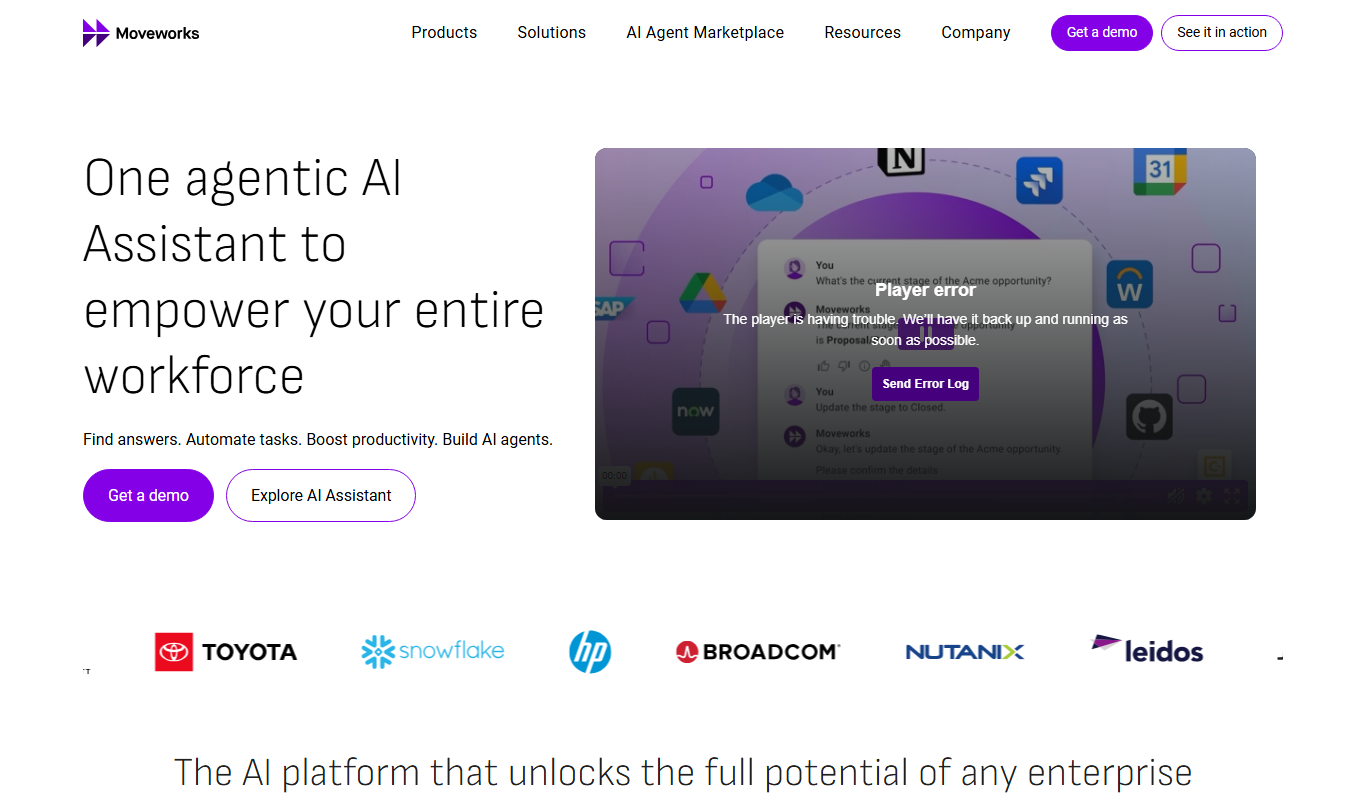
Moveworks
Moveworks is an AI-driven platform that automates IT support by understanding employee requests via chat and resolving issues instantly, reducing helpdesk tickets and improving efficiency.

Custom Pricing
squirro.com
Squirro is an Enterprise GenAI platform for search and knowledge, with custom pricing.

Free
openknowledgemaps.org
Open Knowledge Maps is a free web tool that helps researchers and students discover academic literature through interactive visual maps, clustering related papers and highlighting key concepts for easier exploration.