

X-Me AI Avatar Video Creator
X-Me AI creates personalized AI avatars and videos in just 10 seconds, transforming text into lifelike avatar videos for social media, presentations and more.
- Best for
- Social media videos
- Key capability
- Text to avatar video
Save X-Me, follow its updates and vote on it — everything stays in your account.
Sign in or create a free account
What is X-Me?
X-Me AI is an AI avatar video generator that turns text into lifelike talking avatar videos in about 10 seconds. Users type a script, choose or customize an avatar’s appearance, clothing and background, and download or share the video, with lip-synced speech in many languages. It is offered on monthly plans with a 7-day free trial.
Key features of X-Me
X-Me AI generates realistic avatar videos from text in about 10 seconds, supports many languages, lets users customize avatar styles, clothing and backgrounds, and exports video for download or direct sharing to social media.
Text to avatar video
Input your text and the AI creates a professional avatar video in about 10 seconds.
Realistic avatars
Hyper-realistic AI avatars with natural expressions, lip-syncing and movements.
Over 20 languages
Natural pronunciation and lip-syncing in over 20 languages.
Customizable appearance
Choose avatar styles, clothing options and backgrounds to match a brand.
Pros and cons of X-Me
Pros
- Videos generated in about 10 seconds
- Over 20 languages with lip-syncing
- Commercial use allowed with full rights to the content
- 7-day free trial
Cons
- Starter is limited to 10 videos a month in 720p
- Watermark removal starts on the Professional plan
- Video length is capped by plan, from 2 minutes on Starter
Key use cases for X-Me
Social media videos
Turn text into avatar videos for social media.
Presentations
Create avatar videos for presentations in HD quality.
Online education
Use avatar videos for education and teaching content.
Marketing campaigns
Produce avatar videos for marketing campaigns.
How X-Me works
- 1
Enter your text
Type or paste the script the avatar should say.
- 2
Choose your avatar
Pick a professional avatar from the library or customize appearance, clothing and background.
- 3
Generate the video
Click generate and wait about 10 seconds for the video.
- 4
Download or share
Download the HD video or share it directly to social media.
Who is using X-Me
X-Me pricing
Starter
$19 /month
10 AI videos per month, 720p, 5 avatar options, basic customization, email support.
Professional
$49 /month
50 AI videos per month, 1080p HD, 20 avatar options, advanced customization, watermark removed.
Enterprise
$99 /month
Unlimited AI videos, 4K quality, all avatars, full customization, API access and custom branding.
Plans and prices are as published by the vendor and can change. Check the official site before you buy. Open the pricing page (opens in a new tab)
Frequently asked questions about X-Me
They are designed to be highly realistic, with natural facial expressions, lip-syncing and body movements.
Yes. You can change appearance, clothing, hairstyle and background, with more options on the Professional and Enterprise plans.
Over 20 languages, including English, Spanish, French, German, Chinese, Japanese, Korean and Arabic.
Up to 2 minutes on Starter, 5 minutes on Professional and 15 minutes on Enterprise.
Yes. All videos can be used for commercial purposes and you retain full rights.
Yes. A 7-day free trial includes basic features and up to 3 videos.
Conclusion
Typed text becomes a talking avatar video here, usually in about 10 seconds, with lip-synced speech in over 20 languages. After pasting a script, the user picks an avatar from the library or changes its appearance, clothing and background, then downloads the HD file or shares it straight to social media.
Social media, presentations, education and marketing are the suggested uses, and all videos can be used for commercial purposes with full rights retained. A 7-day free trial allows up to 3 videos. Monthly plans then cap the number of videos, resolution and length, so Starter stays at 720p and 2-minute videos while watermark removal begins on Professional.
Sources
Sign in to review this tool.
Sign In to ReviewNo reviews yet
Be the first to share how this tool worked for you.
Ask about pricing, limits, or how it compares — or answer someone else.
Sign In to AskNo questions yet
Have a question about using or paying for this tool? Be the first to ask.
Featured on TiorAI



Alternative Tools
Explore similar AI tools that might fit your needs

Optimizely
Optimizely is a digital experience platform that enables businesses to run A/B tests, personalization campaigns, and feature flag rollouts to optimize websites and apps for better user engagement and conversions.

Monetate
Monetate is an AI-powered personalization platform that enables marketers to deliver tailored digital experiences through behavioral targeting, A/B testing, and product recommendations to improve customer engagement and conversions.
More AI Animated Video tools
Other tools in the same category, for when this one is not quite the fit.
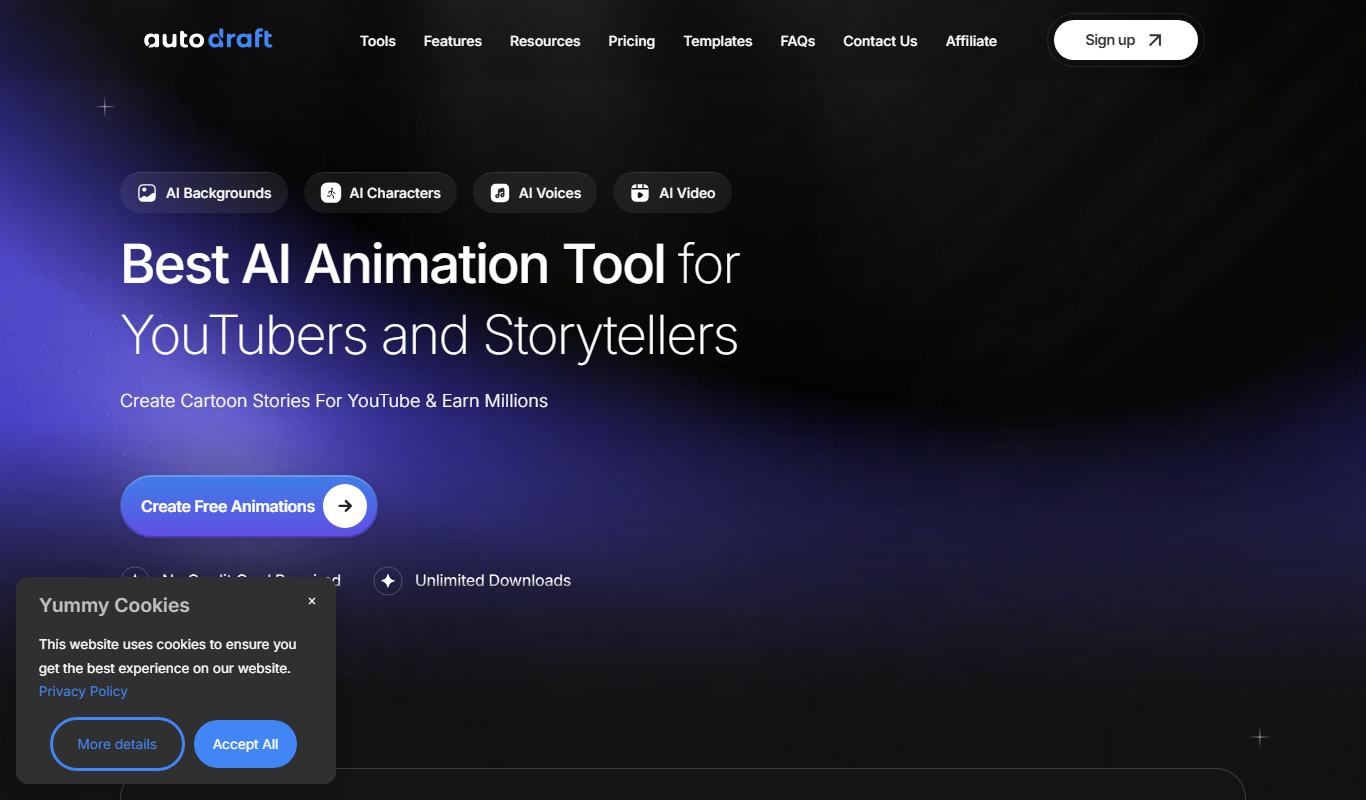
AutoDraft
AutoDraft is an AI animation tool for YouTubers that generates cartoon characters, backgrounds and voices for animated stories.

Gooey.AI
Gooey.AI is a low-code AI orchestration platform that is collaborative, model-agnostic, multi-lingual and measurable, used to build and deploy AI agents and workflows.

Melies
Melies is the all-in-one AI studio to go from idea to final cut: write stories, generate images, create videos, voices, music and sound effects.
Snowpixel App
Snowpixel App is an AI studio that turns a prompt or source image into video, music, sound effects, images and 3D objects, paid with credit packs.
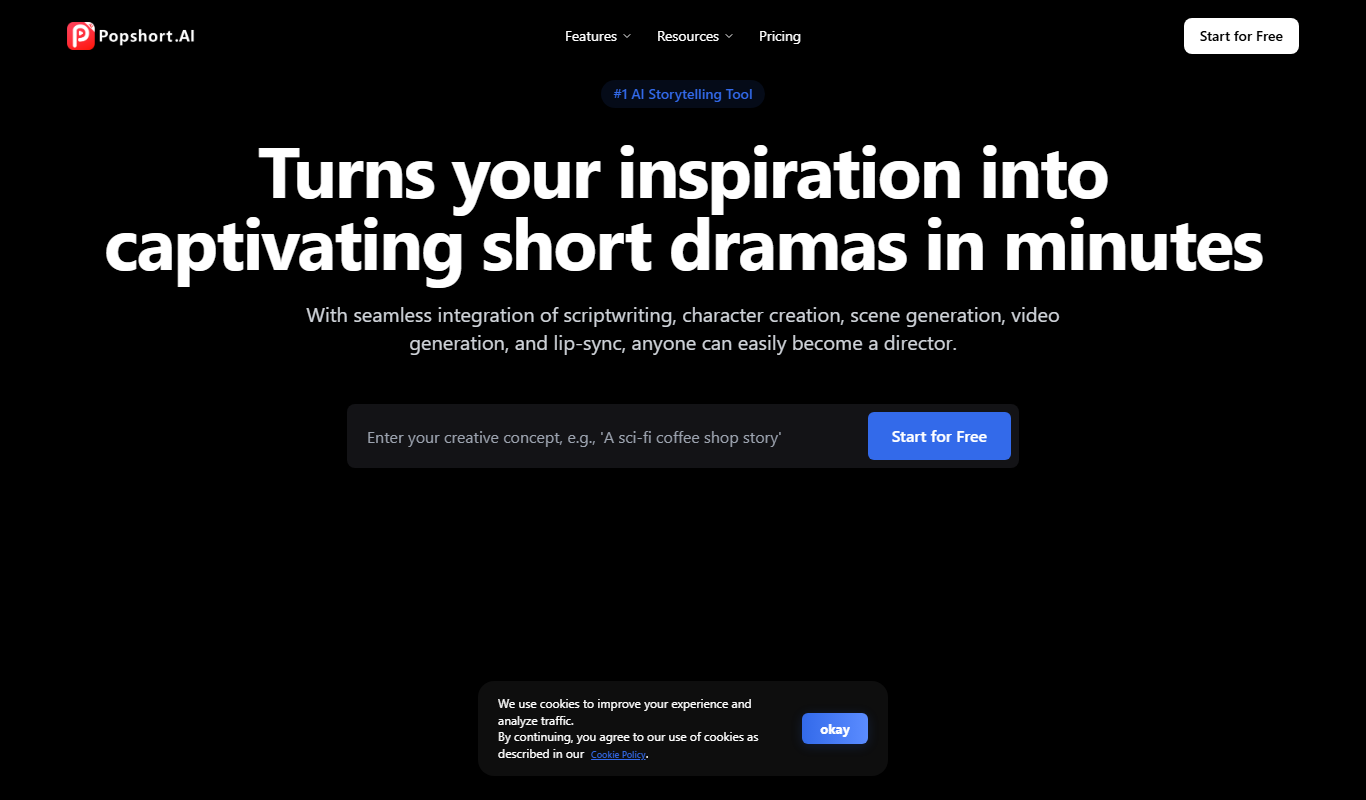
PopShort.AI
PopShort.AI turns an idea, script or novel into a complete short drama with AI-powered scripts, characters, storyboards, video, music and lip sync.
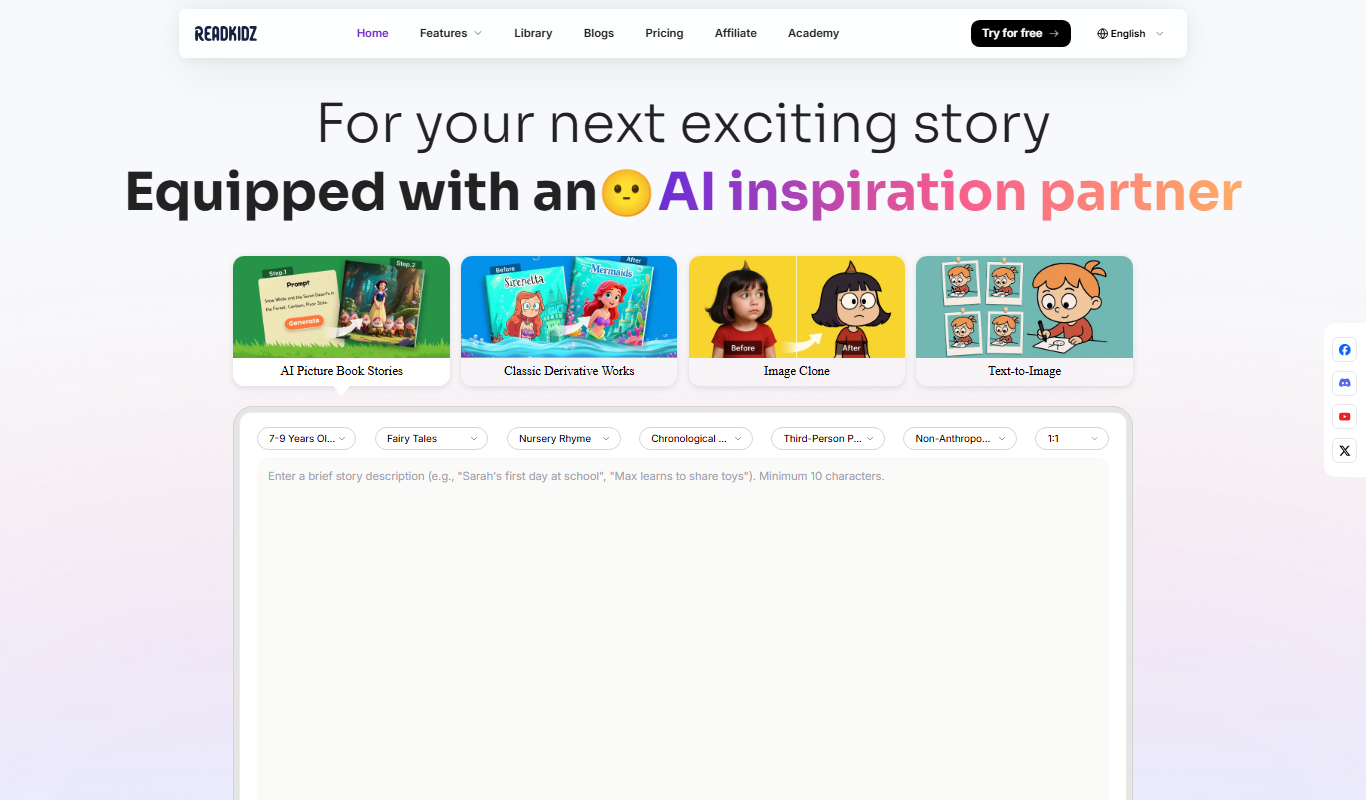
Readkidz
ReadKidz turns one sentence into a complete illustrated children's book: pick an age and story type and read your picture book in minutes, or paste a story you wrote.

Hashmeta AI
Hashmeta AI is an AI visibility and AI search optimisation agency in Singapore that helps brands get cited in AI answers, with its own AI Visibility, AI CMS and AI CRM platform.
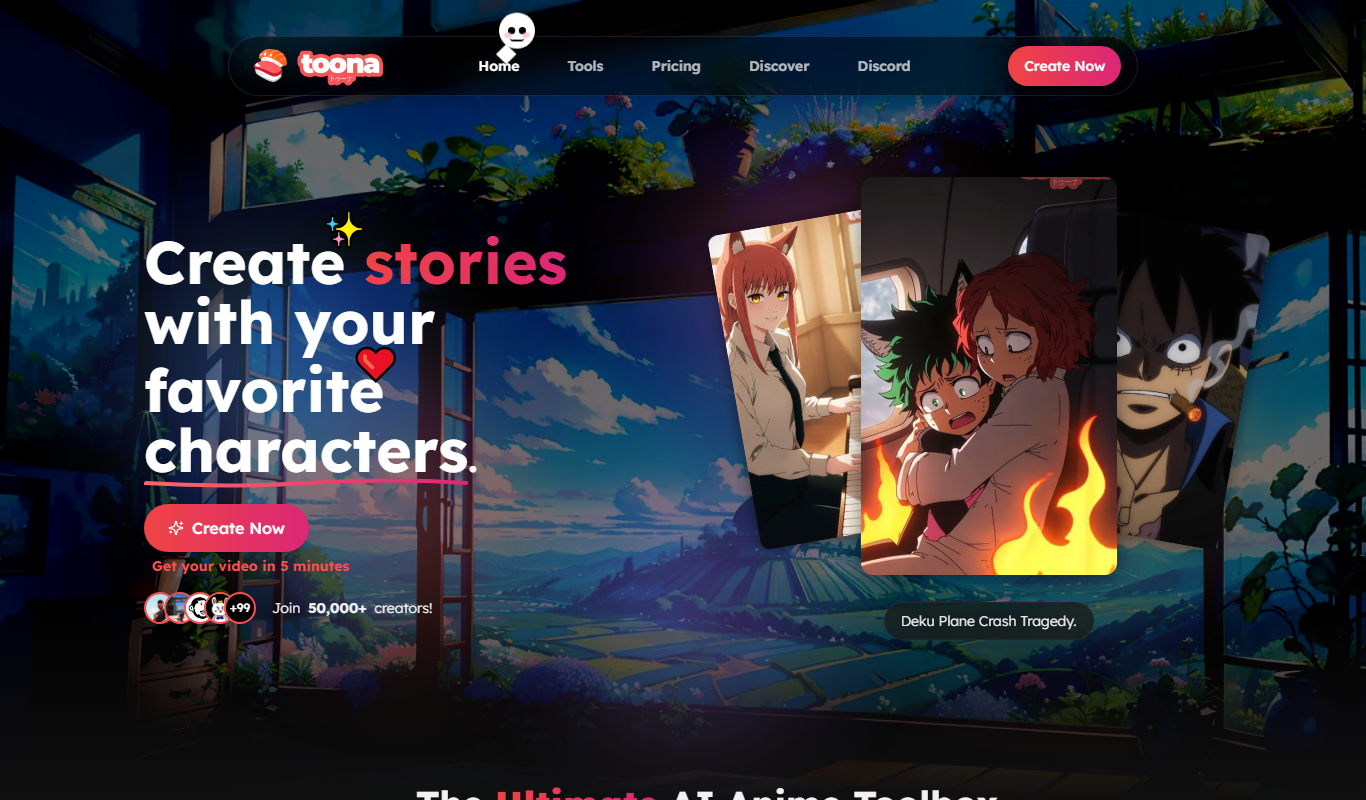
toona
toona is an AI anime toolbox to create and share animated manga and motion comics, with tools to colorize, upscale and animate manga and anime.