

From my experience with Within VR, I found it excels at delivering immersive and emotionally engaging virtual reality storytelling. The platform’s cross-device compatibility makes it accessible to a wide audience, from VR headset users to mobile viewers. It’s particularly well-suited for creators and educators looking to craft interactive 360-degree experiences without needing complex VR development skills. However, the editing tools are somewhat basic compared to specialized VR content creation software, and pricing details for premium features could be clearer. Overall, if you want to explore or create immersive VR stories with ease, Within VR offers a solid and user-friendly solution.
Within VR Virtual Reality Platform for Immersive Storytelling and Experiences
Within VR is a virtual reality platform that enables immersive 360-degree video experiences and interactive storytelling accessible on VR headsets, mobile devices, and web browsers.
- Best for
- Immersive Storytelling
- Key capability
- 360-Degree Video Playback
Do you recommend this tool?
What is Within VR?
Within VR is a virtual reality platform that enables users to create, share, and experience immersive 360-degree videos and interactive VR content. It focuses on storytelling through virtual reality, allowing creators to engage audiences in a deeply interactive and emotional way. The platform supports multiple devices including VR headsets, mobile phones, and web browsers.
Key features of Within VR
Within VR offers tools for immersive video playback, interactive storytelling, and content distribution across VR headsets and mobile devices. It supports 360-degree video formats and interactive elements to enhance user engagement.
360-Degree Video Playback
Supports high-quality immersive 360-degree video content for VR and mobile devices.
Interactive Storytelling Tools
Enables creators to add interactive elements to VR experiences enhancing user engagement.
Cross-Platform Compatibility
Accessible on VR headsets, iOS, Android, and web browsers.
Content Library
Offers a curated collection of immersive VR stories and documentaries.
Pros and cons of Within VR
Pros
- High-quality immersive VR content
- Cross-platform accessibility
- User-friendly interface for creators
- Strong focus on storytelling and engagement
Cons
- Limited advanced editing tools compared to specialized VR software
- Subscription pricing details are not fully transparent
Key use cases for Within VR
Immersive Storytelling
Create and experience stories in fully immersive 360-degree virtual reality environments.
Educational Experiences
Use VR content to provide engaging educational and training experiences.
Documentary and Journalism
Deliver powerful documentary narratives through immersive VR videos.
Entertainment and Gaming
Explore interactive VR games and entertainment content.
Virtual Tours and Exploration
Experience virtual tours of real-world locations and environments.
How Within VR works
- 1
Browse or Upload Content
Users can explore a library of VR experiences or upload their own 360-degree videos and interactive stories.
- 2
Experience in VR
Content can be experienced on compatible VR headsets, mobile devices, or web browsers for immersive viewing.
- 3
Share and Distribute
Creators can share their VR experiences with a global audience through the Within platform.
Who is using Within VR
VR content creators
Educators and trainers
Documentary filmmakers
Entertainment developers
Virtual tour providers
Within VR pricing
Free
$0/month
Access to a selection of VR experiences and basic content creation tools.
Subscription
Varies
Premium features including advanced creation tools and expanded content distribution.
Plans and prices are as published by the vendor and can change. Check the official site before you buy. Open the pricing page (opens in a new tab)
Frequently asked questions about Within VR
Within VR supports major VR headsets, as well as iOS and Android devices and web browsers.
Yes, Within provides tools for creators to upload and share their own immersive 360-degree videos and interactive stories.
Within VR offers a free tier with access to selected content and basic tools, with subscription options for advanced features.
This tool is designed to help users accomplish its core tasks more efficiently. It is typically used by individuals or teams looking to improve productivity and workflow.
It depends on your specific needs and how you plan to use the tool. The official website and documentation are the best sources for the latest details.
Yes, it can help with that use case depending on how you configure it and what features are available. You’ll get the best results with clear inputs and a defined goal.
Sign in to review this tool.
Sign In to ReviewNo reviews yet
Be the first to share how this tool worked for you.
Ask about pricing, limits, or how it compares — or answer someone else.
Sign In to AskNo questions yet
Have a question about using or paying for this tool? Be the first to ask.
Featured on TiorAI



Alternative Tools
Explore similar AI tools that might fit your needs

Freemium
Matterport
Matterport is a spatial data platform that creates immersive 3D virtual tours and digital twins of physical spaces, widely used in real estate and architecture for remote visualization and measurement.

Freemium
Oculus Medium
Oculus Medium is a free VR sculpting and 3D modeling application by Meta that enables artists to create detailed digital sculptures in an immersive virtual environment using Oculus VR headsets.
More AI Animation Generator tools
Other tools in the same category, for when this one is not quite the fit.
Free
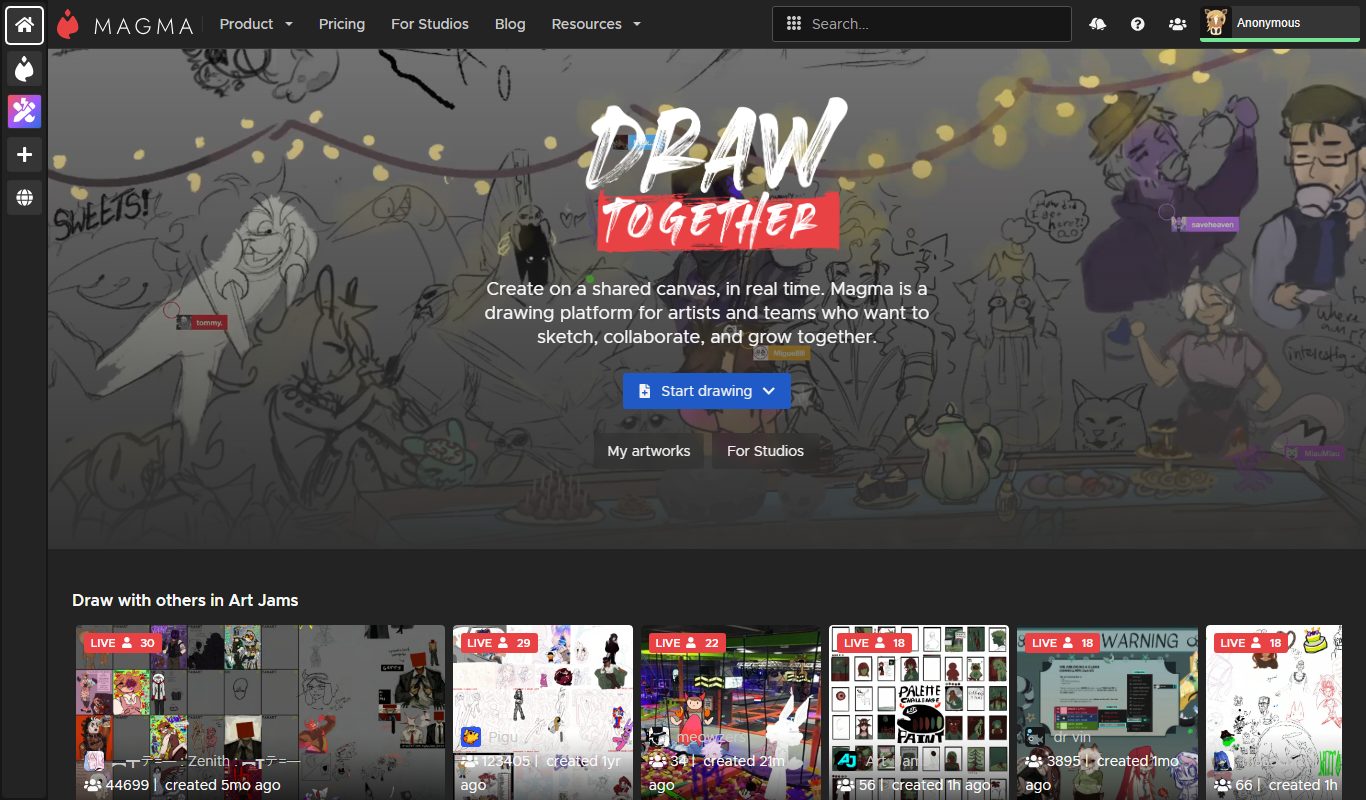
Aggie.io
Aggie.io is a free online collaborative drawing tool that allows multiple users to paint together in real time on a shared canvas without requiring installation or accounts.
Free Trial
PlantFactory
PlantFactory is a desktop 3D software tool that enables users to create, customize, and animate realistic plants using procedural modeling techniques, suitable for visual effects, games, and architectural projects.

Free
GIF Brewery
GIF Brewery is a Mac application that allows users to create, edit, and optimize animated GIFs from videos or screen recordings with advanced editing features and easy export options.

Freemium
DeepAR SDK
DeepAR SDK is a cross-platform augmented reality development kit that enables real-time face tracking, AI avatar creation, and 3D AR effects for mobile apps, games, and live streaming.

Custom Pricing
Banuba SDK
Banuba SDK is an AI-powered augmented reality software development kit that enables developers to integrate real-time face tracking, 3D masks, beauty filters, and avatar effects into mobile and desktop applications.

Contact for pricing
8i
8i is a platform that creates photorealistic 3D holograms and avatars using volumetric video technology for VR and AR experiences.

Freemium
Didimo
Didimo is an AI-powered platform that creates realistic 3D digital human avatars from a single photo, supporting gaming, VR, animation, and social media use cases.
Free
ImgPlay
ImgPlay is a mobile and web app that converts videos and photos into animated GIFs with editing tools like text, stickers, and filters for social media sharing.