

From my experience with Windward.ai, I found it excels at simplifying complex document generation by leveraging AI and familiar Microsoft Office tools for template design. The platform is particularly well-suited for enterprises and teams needing to automate reports, contracts, and other business documents at scale. While the initial setup requires some effort and pricing details are custom, the flexibility and integration capabilities make it a strong choice for organizations aiming to optimize document workflows. Overall, Windward.ai delivers reliable automation with a focus on accuracy and scalability.
Windward.ai AI-Powered Document Automation and Data Extraction Platform
Windward.ai is an AI-powered platform that automates document creation by designing templates and extracting data from multiple sources to generate reports, contracts, and business documents efficiently.
- Best for
- Automated Report Generation
- Key capability
- AI-Powered Data Extraction
Your actions
Save windward.ai, follow its updates and vote on it — everything stays in your account.
Sign in or create a free account

What is windward.ai?
Windward.ai is an AI-powered document automation platform designed to help businesses generate complex documents and reports automatically. It enables users to design templates that dynamically pull data from various sources, automating the creation of business-critical documents such as reports, contracts, and invoices. The platform integrates AI and data extraction capabilities to streamline workflows and reduce manual document processing.
Key features of windward.ai
Windward.ai offers advanced template design tools, AI-driven data extraction, multi-source data integration, and automated document generation. Its platform supports customizable templates that can be populated with data in real-time, enabling efficient and accurate document creation at scale.
AI-Powered Data Extraction
Leverages AI to extract and interpret data from diverse sources for accurate document population.
Flexible Template Design
Supports designing templates in Microsoft Office tools with dynamic fields and logic.
Multi-Format Output
Generates documents in PDF, Word, Excel, and other common formats.
API Access
Provides APIs for seamless integration with existing business applications and workflows.
Scalable Automation
Handles high-volume document generation with scheduling and batch processing capabilities.
Pros and cons of windward.ai
Pros
- Intuitive template design using Microsoft Office
- Robust AI data extraction capabilities
- Flexible integration options via API
- Supports multiple document formats
- Scalable for enterprise needs
Cons
- Pricing is custom and may not be transparent upfront
- Primarily English language support
- Requires initial setup and template design effort
Key use cases for windward.ai
Automated Report Generation
Create complex, data-driven reports automatically from multiple data sources using customizable templates.
Data Extraction and Integration
Extract data from various formats and integrate it into documents for streamlined workflows.
Template Design and Management
Design and manage document templates that dynamically populate with data for consistent output.
Business Document Automation
Automate creation of contracts, invoices, proposals, and other business documents to reduce manual effort.
Workflow Optimization
Improve operational efficiency by automating repetitive document creation and data processing tasks.
How windward.ai works
- 1
Template Creation
Users design document templates using familiar tools like Microsoft Word or Excel with Windward’s add-ins.
- 2
Data Integration
Connect multiple data sources such as databases, APIs, or spreadsheets to feed data into templates.
- 3
Automation Setup
Configure automation workflows to generate documents on demand or on a schedule.
- 4
Document Generation
The platform automatically populates templates with data and produces final documents in various formats.
- 5
Delivery and Management
Generated documents can be delivered via email, saved to storage, or integrated into other business systems.
Who is using windward.ai
Enterprises needing automated report generation
Businesses with complex document workflows
IT teams integrating document automation
Financial services and insurance companies
Legal and contract management departments
windward.ai pricing
Custom Enterprise
Contact for pricing
Tailored solutions with advanced features and dedicated support for large organizations.
Plans and prices are as published by the vendor and can change. Check the official site before you buy. Open the pricing page (opens in a new tab)
Frequently asked questions about windward.ai
Windward.ai can automate reports, contracts, invoices, proposals, and virtually any document that can be templated.
Yes, it offers APIs and connectors to integrate with databases, CRMs, ERPs, and other business systems.
Templates are designed using familiar Microsoft Office tools, minimizing the need for specialized technical skills.
Yes, the platform is built to scale and supports batch processing and scheduled automation.
It depends on your specific needs and how you plan to use the tool. The official website and documentation are the best sources for the latest details.
Integration support depends on the tool and its available connectors or API. Check the official documentation or integrations page to confirm what is supported.
It depends on your specific needs and how you plan to use the tool. The official website and documentation are the best sources for the latest details.
Sign in to review this tool.
Sign In to ReviewNo reviews yet
Be the first to share how this tool worked for you.
Ask about pricing, limits, or how it compares — or answer someone else.
Sign In to AskNo questions yet
Have a question about using or paying for this tool? Be the first to ask.
Featured on TiorAI



Alternative Tools
Explore similar AI tools that might fit your needs
Free
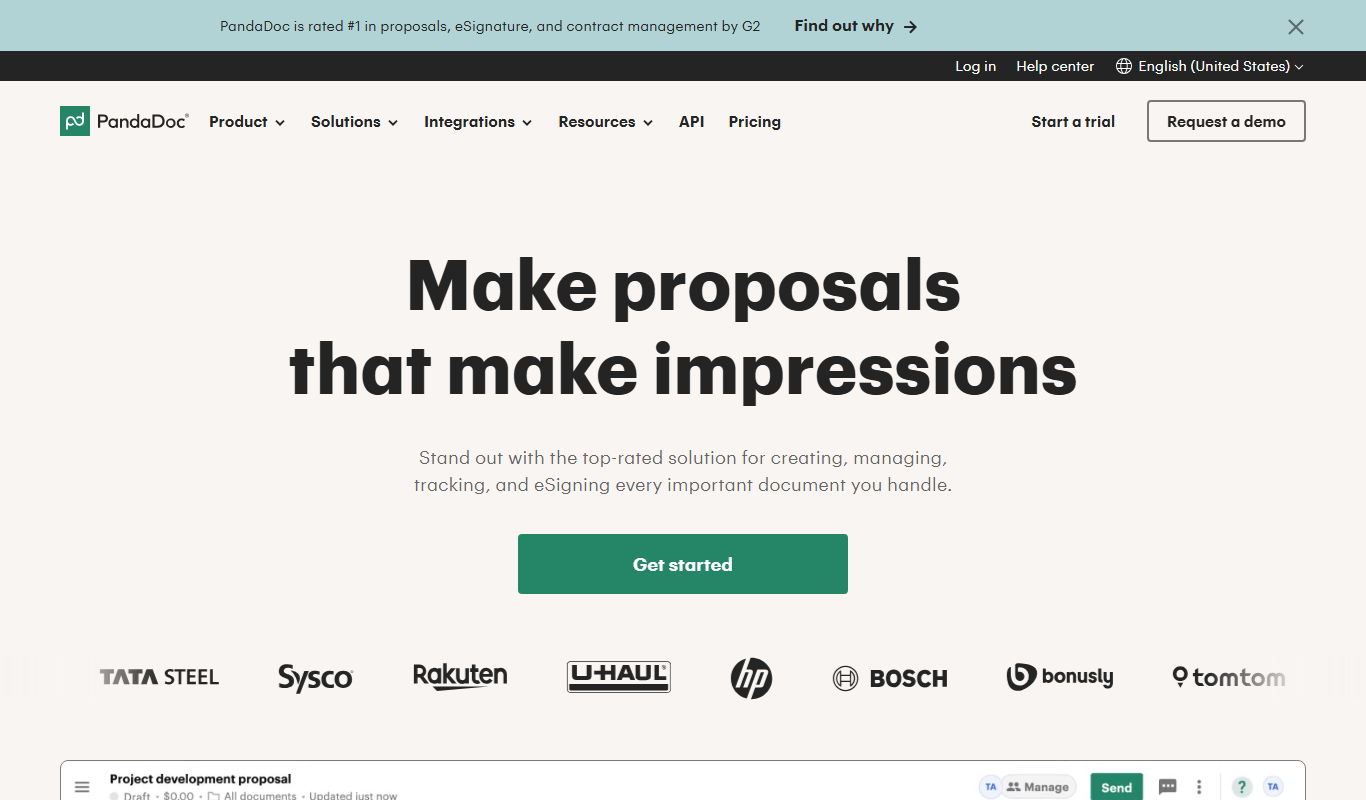
PandaDoc
PandaDoc is a cloud-based platform that automates document creation, approval workflows, and electronic signatures to help businesses streamline proposals, contracts, and payments.
Free Trial
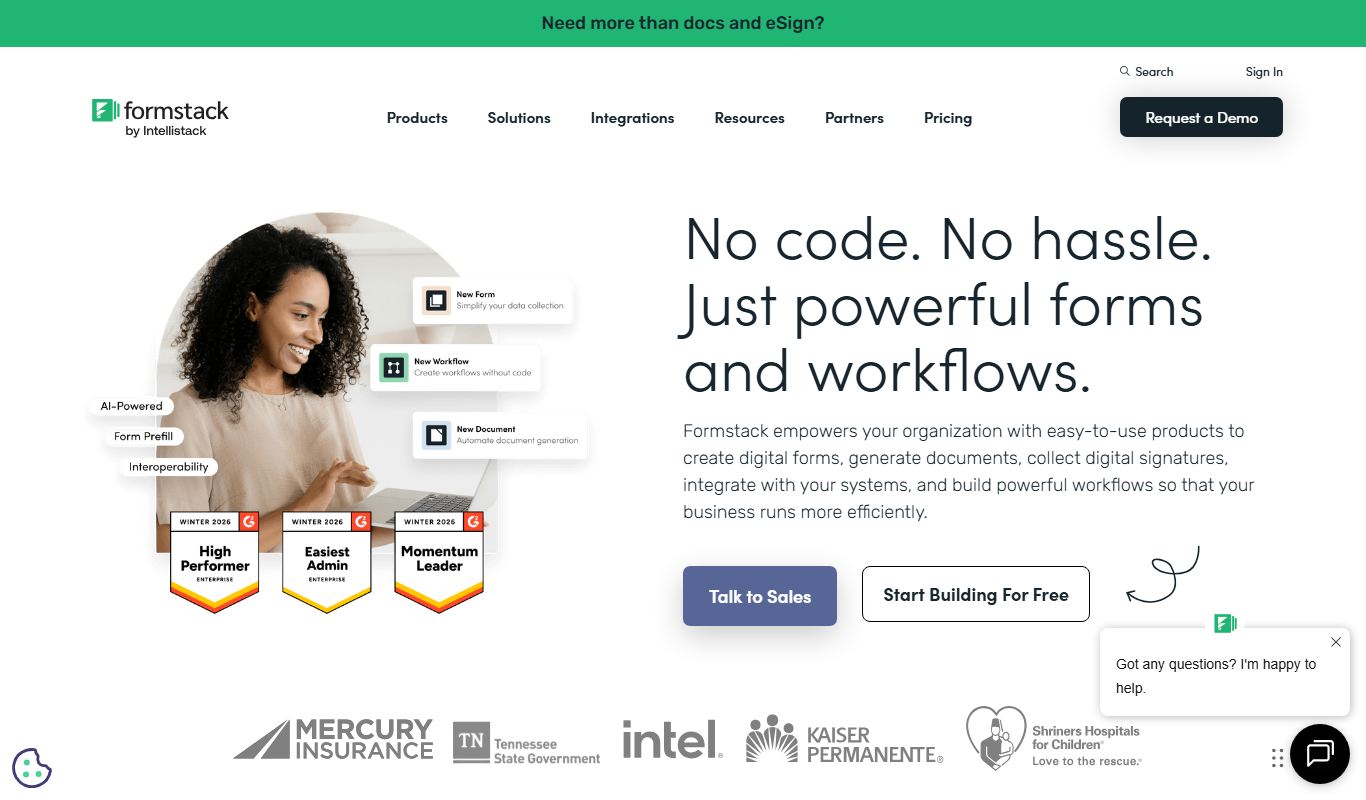
Formstack Documents
Formstack Documents is a no-code document automation platform that integrates with various apps to generate, customize, and distribute documents automatically, improving workflow efficiency.
More AI Ai Tools tools
Other tools in the same category, for when this one is not quite the fit.

Free
AI. Image Enlarger
AI Image Enlarger is an online tool that uses artificial intelligence to enlarge and enhance images up to 8 times their original size while preserving quality and reducing noise.

Free
AIMath
AIMath is an AI-powered online calculator that solves a wide range of math problems and provides detailed step-by-step solutions to help users learn and understand mathematics.

Free
Quiz Solver AI
Quiz Solver AI is an online tool that uses artificial intelligence to provide instant answers and explanations for quiz questions, helping students with homework and exam preparation.

Free
FormBuilderGPT
FormBuilderGPT is an AI-driven tool that creates customizable forms based on your natural language descriptions, enabling quick and easy data collection without coding.

Freemium
FlowCraft – AI DIagrams & Whiteboard
FlowCraft is an AI diagram generator that creates flowcharts, mind maps and sequence diagrams from a text description.

Free
Passport Maker
Passport Maker AI is an online tool that uses artificial intelligence to create official passport and visa photos by automatically removing backgrounds and formatting images to meet government standards.

Free
Lorem Faces
Lorem Faces is a free web tool that generates realistic AI-created human faces for use as placeholder images in design, development, and marketing projects without using real photos.

Free
Gesichtsform bestimmen mit KI
Gesichtsform bestimmen mit KI is a free website in German that identifies your face shape from a photo.