

From my experience with Whimsical, I found it excels at providing a clean, intuitive interface that makes creating diagrams, wireframes, and mind maps straightforward even for beginners. Its real-time collaboration features are robust, allowing teams to work together seamlessly without confusion. However, since it is purely web-based, it lacks offline access and dedicated mobile or desktop apps, which can be limiting for some users. Overall, if your team needs a versatile visual collaboration tool to quickly map out ideas and workflows, Whimsical delivers an efficient and user-friendly solution.
Whimsical Diagramming and Collaboration Tool for Visual Workflows
Whimsical is a web-based visual collaboration platform that enables teams to create flowcharts, wireframes, mind maps, and sticky notes with real-time collaboration and easy sharing.
- Best for
- Team Collaboration
- Key capability
- Flowcharts and Diagrams
Your actions
Save Whimsical, follow its updates and vote on it — everything stays in your account.
Sign in or create a free account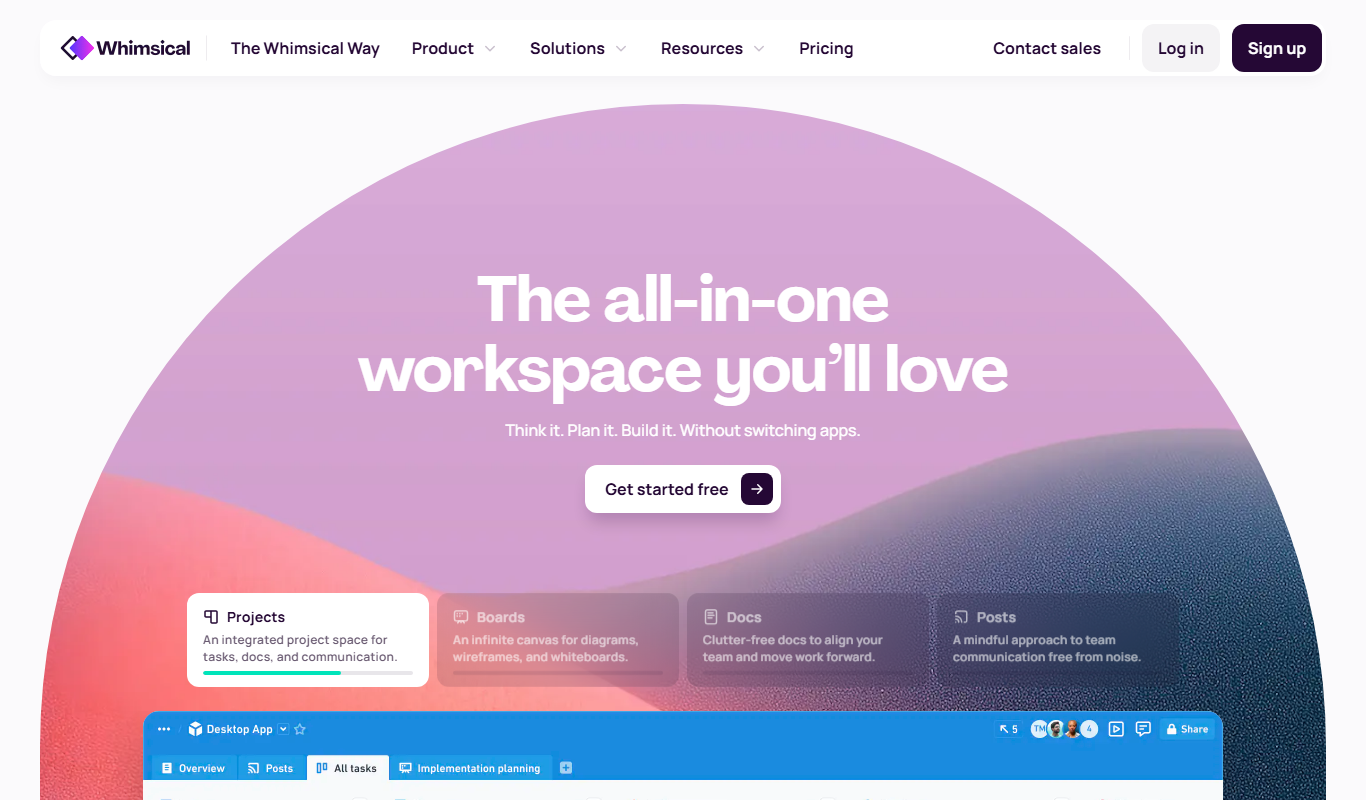

What is Whimsical?
Whimsical is a web-based visual collaboration platform designed to simplify the creation of diagrams, flowcharts, wireframes, mind maps, and sticky notes. It provides an intuitive interface that enables teams to brainstorm, plan, and design together in real time, improving communication and speeding up workflows.
Key features of Whimsical
Whimsical offers a suite of visual tools including flowcharts, wireframes, mind maps, and sticky notes, all integrated into a single platform. It supports real-time collaboration, drag-and-drop editing, and easy sharing, making it ideal for teams looking to visualize ideas and processes efficiently.
Flowcharts and Diagrams
Create detailed flowcharts with drag-and-drop shapes and connectors.
Wireframing
Design user interfaces quickly with pre-built components and templates.
Mind Mapping
Visualize ideas and organize thoughts with flexible mind maps.
Sticky Notes
Add virtual sticky notes for brainstorming and organizing information.
Real-Time Collaboration
Multiple users can edit and comment simultaneously with live updates.
Easy Sharing and Export
Share projects via links or export as PNG, SVG, or PDF files.
Pros and cons of Whimsical
Pros
- Intuitive and user-friendly interface
- All-in-one platform for diagrams, wireframes, and mind maps
- Real-time collaboration with team members
- Flexible sharing and export options
- Good free tier for basic use
Cons
- No offline access available
- Limited integrations with other tools
- Primarily web-based with no desktop or mobile apps
Key use cases for Whimsical
Team Collaboration
Facilitates real-time collaboration on diagrams, wireframes, and mind maps for teams working remotely or in-office.
Product Design
Enables product teams to quickly create wireframes and prototypes to visualize app and website designs.
Project Planning
Helps project managers map out workflows, processes, and timelines using flowcharts and diagrams.
Brainstorming and Ideation
Supports creative sessions through mind maps and sticky notes to organize ideas visually.
Documentation
Allows teams to document systems and processes with clear visual diagrams for easier understanding.
How Whimsical works
- 1
Create an Account
Sign up on the Whimsical website to start using the platform.
- 2
Choose a Visual Tool
Select from flowcharts, wireframes, mind maps, or sticky notes to begin your project.
- 3
Collaborate in Real Time
Invite team members to edit and comment on your visuals simultaneously.
- 4
Organize and Share
Arrange your diagrams and share them via links or export options.
Who is using Whimsical
Product managers
UX/UI designers
Project teams
Marketing agencies
Startups and small businesses
Whimsical pricing
Free
$0/month
Access to basic features with limited boards and collaborators.
Pro
$12/month
Unlimited boards, advanced features, and priority support.
Enterprise
Custom pricing
Tailored solutions with enhanced security and dedicated support.
Plans and prices are as published by the vendor and can change. Check the official site before you buy. Open the pricing page (opens in a new tab)
Frequently asked questions about Whimsical
Yes, Whimsical offers a free plan with limited features and boards.
Yes, multiple users can collaborate on the same board simultaneously.
You can export your work as PNG, SVG, or PDF files.
No, Whimsical is a web-based tool and requires an internet connection.
This tool is designed to help users accomplish its core tasks more efficiently. It is typically used by individuals or teams looking to improve productivity and workflow.
Some tools offer a free plan or trial with limited features. Availability can vary, so confirm on the official website.
Yes, it can help with that use case depending on how you configure it and what features are available. You’ll get the best results with clear inputs and a defined goal.
It depends on your specific needs and how you plan to use the tool. The official website and documentation are the best sources for the latest details.
Sign in to review this tool.
Sign In to ReviewNo reviews yet
Be the first to share how this tool worked for you.
Ask about pricing, limits, or how it compares — or answer someone else.
Sign In to AskNo questions yet
Have a question about using or paying for this tool? Be the first to ask.
Featured on TiorAI



Alternative Tools
Explore similar AI tools that might fit your needs

Free
Lucidchart
Lucidchart is a cloud-based diagramming and visual collaboration platform that enables users to create flowcharts, organizational charts, UML diagrams, and collaborate in real time across devices.
Free
Figma
Figma is a cloud-based design tool for creating user interfaces and prototypes collaboratively in real time, accessible via web and desktop apps.
More Coding & Development tools
Other tools in the same category, for when this one is not quite the fit.

Free
ShareX
ShareX is a free, open-source Windows application that enables advanced screen capturing, screen recording, image editing, and automated file sharing.

Free
Twingate
Twingate is a zero trust network access solution that provides secure, direct remote access to private resources without traditional VPNs, improving security and user experience.

Free
VGG Image Annotator
VGG Image Annotator is a free, browser-based tool for manual image and video annotation supporting multiple shapes and export formats, developed by the University of Oxford.
Freemium
Supervisely
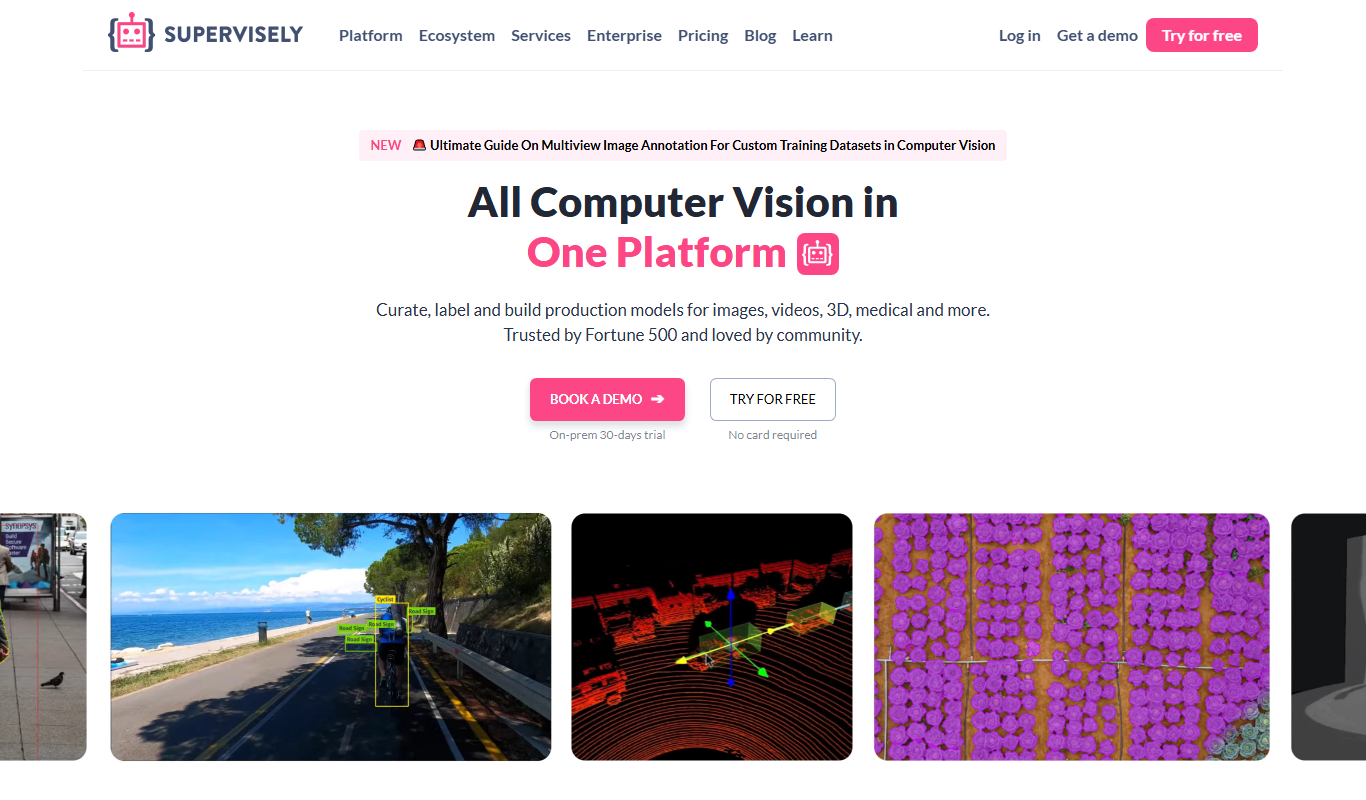
Supervisely is an AI platform specializing in image and video annotation, dataset management, and deep learning model training for computer vision applications.

Free Trial
Tuple
Tuple is a remote pair programming tool for macOS and Windows that lets developers collaborate in real time with low-latency screen sharing, integrated audio and video and multi-user sessions.

Enterprise License
AnyLogic
AnyLogic is a professional simulation software platform that supports multiple modeling methods including system dynamics, agent-based, and discrete event simulation, used for analyzing and optimizing complex systems across industries.

Free Trial
Imgix
Imgix is a real-time image processing and optimization platform that enables developers to deliver fast, high-quality images by dynamically resizing, compressing, and transforming images via URL parameters, served through a global CDN.

Free
Cloudinary
Cloudinary is a cloud media management platform that enables developers and marketers to upload, optimize, transform, and deliver images and videos efficiently using APIs and CDN.