

Wattpad Online Platform for Writing, Reading, and Story Sharing Community
Wattpad is a social storytelling platform that allows users to read, write, and share original stories with a global community. It offers tools for publishing, community engagement, and monetization.
- Best for
- Reading User-Generated Stories
- Key capability
- Extensive Story Library
Save Wattpad, follow its updates and vote on it — everything stays in your account.
Sign in or create a free account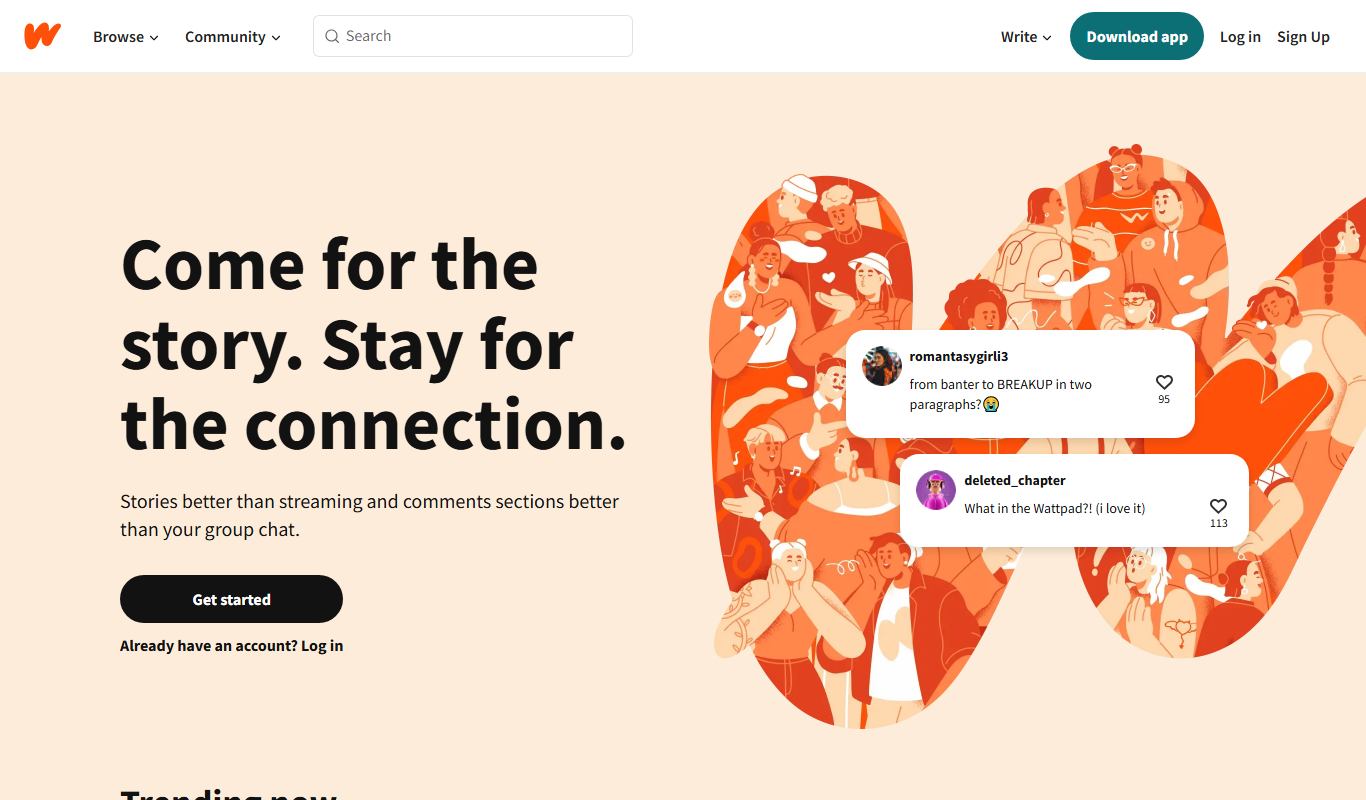
What is Wattpad?
Wattpad is an online storytelling platform and community where users can read, write, and share original stories. It connects writers and readers worldwide, offering a space to publish creative writing across genres such as romance, fantasy, science fiction, and more. Wattpad combines social networking features with a vast library of user-generated content, enabling discovery and engagement.
Key features of Wattpad
Wattpad offers a user-friendly writing interface, a large community for feedback and interaction, personalized story recommendations, offline reading, and monetization options for writers. It supports multiple languages and is accessible via web and mobile apps.
Extensive Story Library
Access millions of stories across diverse genres and languages.
Interactive Community
Engage with writers and readers through comments, votes, and messaging.
Writing and Publishing Tools
Intuitive editor and publishing platform for authors of all levels.
Personalized Recommendations
AI-driven suggestions based on reading habits and preferences.
Monetization Options
Earn money through Wattpad Paid Stories and other creator programs.
Pros and cons of Wattpad
Pros
- Large and active global community
- Easy-to-use writing and reading platform
- Supports multiple languages and genres
- Opportunities for writers to monetize content
- Available on web and mobile apps
Cons
- Free version includes ads
- Quality of stories varies widely
- Limited advanced editing tools
Key use cases for Wattpad
Reading User-Generated Stories
Access millions of stories across genres written by a global community of writers.
Writing and Publishing Stories
Create, write, and publish original stories directly on the platform to reach readers.
Community Engagement
Interact with readers and writers through comments, votes, and messaging to build a fanbase.
Discovering New Authors
Explore emerging writers and trending stories to find fresh content and inspiration.
Monetization for Writers
Use Wattpad Paid Stories and other monetization features to earn revenue from your writing.
How Wattpad works
- 1
Create an Account
Sign up on Wattpad via email or social media to start reading or writing.
- 2
Explore Stories
Browse or search for stories by genre, popularity, or recommendations.
- 3
Write and Publish
Use Wattpad’s writing tools to compose and publish your stories chapter by chapter.
- 4
Engage with Community
Comment on stories, vote for favorites, and connect with other users.
- 5
Upgrade for Premium Features
Subscribe to Wattpad Premium for an ad-free experience and additional perks.
Who is using Wattpad
Wattpad pricing
Free
$0/month
Access to reading and writing features with ads.
Premium
$5.99/month
Ad-free reading, offline access, and bonus coins for story unlocking.
Plans and prices are as published by the vendor and can change. Check the official site before you buy. Open the pricing page (opens in a new tab)
Frequently asked questions about Wattpad
Yes, Wattpad offers free access to reading and writing with ads. Premium subscription removes ads and adds features.
Absolutely. Wattpad allows users to write and publish original stories to share with the community.
Wattpad hosts stories in genres like romance, fantasy, science fiction, mystery, horror, and many more.
Wattpad offers Paid Stories and creator programs that enable writers to monetize their work.
This tool is designed to help users accomplish its core tasks more efficiently. It is typically used by individuals or teams looking to improve productivity and workflow.
It depends on your specific needs and how you plan to use the tool. The official website and documentation are the best sources for the latest details.
Some tools offer a free plan or trial with limited features. Availability can vary, so confirm on the official website.
Yes, it can help with that use case depending on how you configure it and what features are available. You’ll get the best results with clear inputs and a defined goal.
Conclusion
Writers use the Wattpad writing tools to compose and publish stories chapter by chapter, while readers comment on stories and vote for favorites. The user-generated library spans genres like romance, fantasy, science fiction, mystery and horror. Readers browse or search by genre, popularity or recommendations. Writers who want income can use Paid Stories and creator programs to monetize their work.
The platform is aimed at aspiring and established writers and self-publishing authors, with young adult and teen audiences among its readers. Reading and writing are free with ads, and a premium subscription removes ads and adds features. Story quality varies widely, and the editing tools are limited for advanced needs.
Sources
Sign in to review this tool.
Sign In to ReviewNo reviews yet
Be the first to share how this tool worked for you.
Ask about pricing, limits, or how it compares — or answer someone else.
Sign In to AskNo questions yet
Have a question about using or paying for this tool? Be the first to ask.
Featured on TiorAI



More AI Creative Writing tools
Other tools in the same category, for when this one is not quite the fit.

TinkerTell
TinkerTell is safe AI for K-6 students that transforms AI into a learning tool through storytelling.

ToastwithAI
ToastwithAI writes a full wedding speech with AI from your answers to a few questions about the occasion, for a one-time payment.
Viking Language Toolkit
Viking Language is a website and textbook series for learning Old Norse, with free resources, the Viking Language Old Norse Icelandic textbooks and audio pronunciation albums.

Novmuser AI
Novmuser AI is an AI writing companion for novels: a virtual writing team of AI agents, chapter topic management and AI content chunk generation, with a 14-day free trial.

StoryStream
StoryStream is an AI shoppable content platform that turns UGC, imagery and video into shoppable experiences for eCommerce brands and retailers.

My Storybook
My Storybook is an online picture book making tool where writers of all ages create and share storybooks with writing, illustrations and characters, with optional printed copies.

Journey
Journey is a free online journal and diary app for Android, iOS, Mac, Windows, Web and Chrome OS, with a paid membership for extra features.

写作猫AI
写作猫AI is a Chinese-language AI writing assistant that supports content generation, creative writing, and text refinement through a web platform.