

From my experience with Waitroom, I found it excels at creating highly interactive virtual events that go beyond simple video calls. The platform’s focus on engagement tools like live Q&A, chat, and breakout rooms makes it especially useful for educators, marketers, and event organizers who want to foster real-time collaboration. While it’s entirely browser-based and easy to use, the lack of dedicated mobile apps could be a limitation for some users. Overall, if you need a streamlined solution for hosting webinars or workshops with active audience participation, Waitroom delivers a solid and intuitive experience.
Waitroom Virtual Meeting Platform for Interactive Online Events and Webinars
Waitroom is a browser-based virtual meeting platform designed for interactive webinars, workshops, and conferences, offering live video, chat, Q&A, and breakout rooms to enhance audience engagement.
- Best for
- Interactive Webinars
- Key capability
- Live Video and Audio
Your actions
Save Waitroom and vote on it — everything stays in your account.
Sign in or create a free account
What is Waitroom?
Waitroom is a web-based virtual meeting platform designed to facilitate interactive online events such as webinars, workshops, and conferences. It emphasizes real-time engagement by combining video conferencing with audience participation tools, enabling hosts to create dynamic and collaborative virtual experiences.
Key features of Waitroom
Waitroom offers features like live video streaming, audience chat, Q&A sessions, breakout rooms, and easy event scheduling. Its intuitive interface supports seamless interaction between hosts and participants, making virtual events more engaging and productive.
Live Video and Audio
High-quality streaming for hosts and participants to communicate seamlessly.
Interactive Chat and Q&A
Real-time messaging and question management to keep the audience engaged.
Breakout Rooms
Create smaller groups within events for focused discussions or activities.
Event Scheduling and Management
Tools to easily plan, promote, and manage virtual events.
Screen Sharing
Share presentations, demos, or other content directly with attendees.
Pros and cons of Waitroom
Pros
- User-friendly interface with minimal setup
- Strong focus on audience interaction features
- No software installation needed, browser-based
- Flexible event management tools
Cons
- Limited mobile app support
- Pricing may be high for small teams
Key use cases for Waitroom
Interactive Webinars
Host engaging webinars with real-time audience participation and Q&A features.
Virtual Conferences
Organize multi-session virtual conferences with seamless attendee management.
Online Workshops
Conduct interactive workshops that encourage collaboration and networking.
Team Meetings
Facilitate remote team meetings with video, chat, and screen sharing capabilities.
Product Demos
Showcase products live to potential customers with interactive features.
How Waitroom works
- 1
Create an Account
Sign up on the Waitroom website to access the platform.
- 2
Schedule Your Event
Set up your webinar, meeting, or workshop with date, time, and participant settings.
- 3
Invite Participants
Share the event link with your audience via email or social media.
- 4
Host the Event
Use Waitroom’s tools to present, interact, and manage attendees in real time.
- 5
Engage Your Audience
Leverage chat, Q&A, and breakout rooms to foster participation and collaboration.
Who is using Waitroom
Event organizers
Marketing teams
Educators and trainers
Remote teams
Product managers
Waitroom pricing
Free Trial
$0 for 14 days
Access all features with participant limits for a limited trial period.
Pro
$49/month
Full feature access with higher participant capacity and priority support.
Plans and prices are as published by the vendor and can change. Check the official site before you buy. Open the pricing page (opens in a new tab)
Frequently asked questions about Waitroom
Yes, depending on your subscription plan, you can host unlimited events.
Participant limits vary by plan; the Pro plan supports larger audiences.
No installation is required; Waitroom runs entirely in modern web browsers.
Yes, recording is available to save and share your events after they conclude.
It depends on your specific needs and how you plan to use the tool. The official website and documentation are the best sources for the latest details.
Some tools offer a free plan or trial with limited features. Availability can vary, so confirm on the official website.
It depends on your specific needs and how you plan to use the tool. The official website and documentation are the best sources for the latest details.
Sign in to review this tool.
Sign In to ReviewNo reviews yet
Be the first to share how this tool worked for you.
Ask about pricing, limits, or how it compares — or answer someone else.
Sign In to AskNo questions yet
Have a question about using or paying for this tool? Be the first to ask.
Featured on TiorAI



Alternative Tools
Explore similar AI tools that might fit your needs
Free
Zoom
Zoom is a cloud-based video conferencing platform that enables virtual meetings, webinars, and online collaboration with features like HD video, screen sharing, breakout rooms, and recording.

Custom Pricing
Hopin
Hopin is a virtual event platform that allows users to create and manage online conferences, webinars, and hybrid events with interactive sessions, networking, and expo areas.
Free
Webex
Webex is a Cisco-developed video conferencing and collaboration platform that enables secure online meetings, webinars, screen sharing, and team messaging across multiple devices.
More AI Brochure Maker tools
Other tools in the same category, for when this one is not quite the fit.

Freemium
Blogbutler Ai
Blogbutler AI is an AI-driven writing assistant designed to help bloggers and content creators generate SEO-optimized articles and social media content efficiently through a user-friendly web platform.

Free
BixGPT ReleaseNotes
BixGPT ReleaseNotes is an AI-driven tool that automatically generates software release notes by analyzing commit messages and pull requests, primarily integrating with GitHub to streamline release documentation.

Freemium
Logomaster
Logomaster is an AI-driven online logo maker that generates and customizes professional logos for businesses and individuals without design experience.

Freemium
CelebrateAlly AI
CelebrateAlly AI is a web platform that provides organizations with an inclusive holiday calendar and AI-driven event planning tools to celebrate diverse cultural and identity-based observances.

Freemium
Inksprout Video
Inksprout Video is an AI-driven platform that automates video creation by converting text content into customizable marketing videos optimized for social media.

Freemium
Producks AI
Producks AI is an AI-driven tool that generates unique and SEO-optimized product descriptions for e-commerce stores, helping businesses save time and improve product page performance.

Free
The New GitBook
GitBook is a web-based documentation platform that helps teams and developers create, manage, and share collaborative knowledge bases, internal wikis, and technical documentation with real-time editing and version control.
Freemium
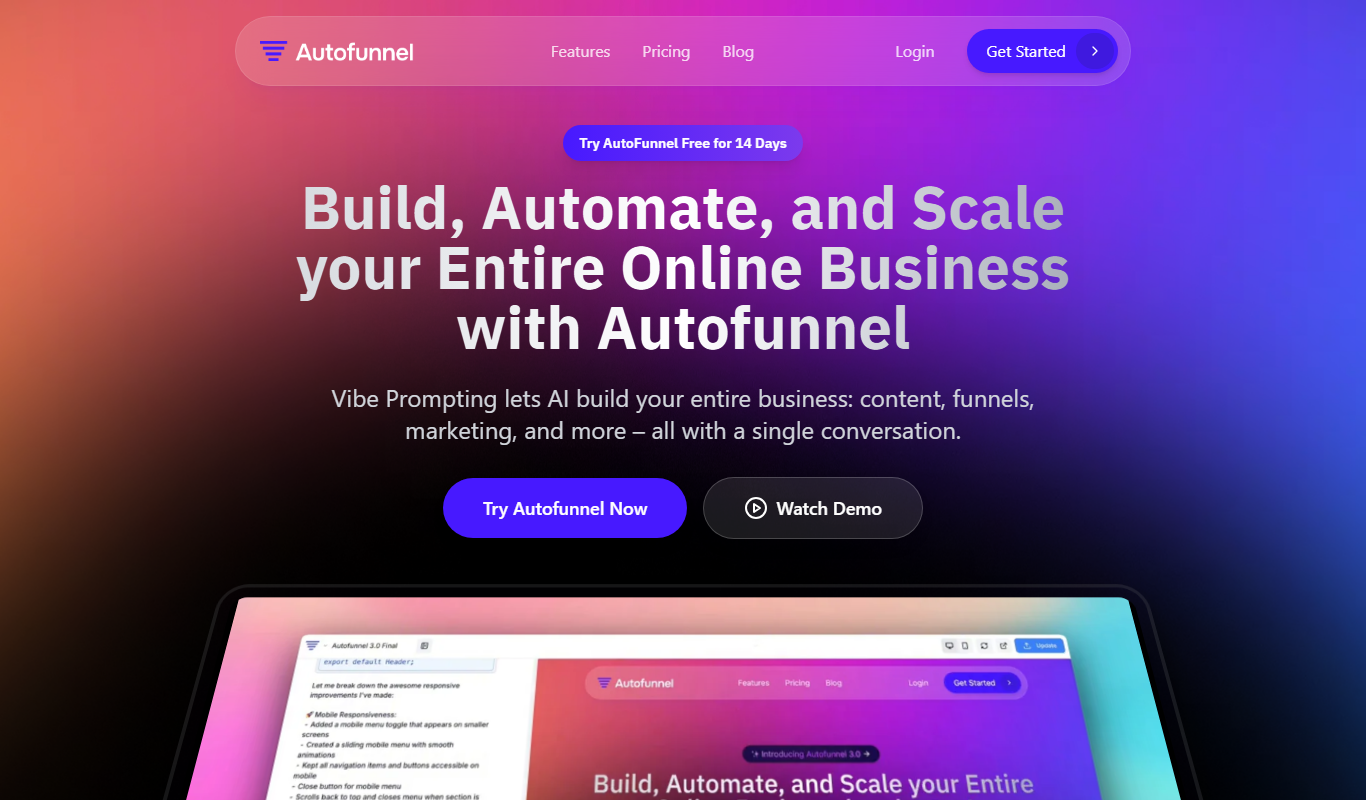
AutoFunnel
AutoFunnel is an AI-driven marketing funnel builder that helps businesses automate lead capture, sales funnel creation, and email follow-ups to boost conversions.