

From my experience with Blogbutler AI, I found it excels at simplifying the content creation process for bloggers by generating coherent, SEO-friendly articles quickly. The platform’s intuitive design makes it accessible even for beginners, while its SEO tools help improve content visibility. However, the tool currently supports only English and lacks a mobile app, which may limit flexibility for some users. Overall, if you are a blogger or content creator looking to save time on writing and boost your SEO, Blogbutler AI offers a practical and affordable solution.
Blogbutler AI Review: AI-Powered Content Writing Assistant for Bloggers
Blogbutler AI is an AI-driven writing assistant designed to help bloggers and content creators generate SEO-optimized articles and social media content efficiently through a user-friendly web platform.
- Best for
- Blog Content Creation
- Key capability
- AI-Powered Article Generation
Your actions
Save Blogbutler Ai, follow its updates and vote on it — everything stays in your account.
Sign in or create a free account
What is Blogbutler Ai?
Blogbutler AI is an AI-powered writing assistant designed specifically for bloggers and content creators. It helps users generate high-quality blog posts, SEO-optimized articles, and social media content efficiently. By leveraging advanced natural language processing, Blogbutler AI automates content creation workflows, enabling bloggers to focus on strategy and creativity rather than manual writing tasks.
Key features of Blogbutler Ai
Blogbutler AI offers features such as AI-driven article generation, SEO optimization tools, content idea suggestions, and editing assistance. Its user-friendly web platform allows bloggers to create, refine, and publish content faster while maintaining quality and relevance.
AI-Powered Article Generation
Automatically create well-structured and coherent blog posts from simple prompts.
SEO Optimization
Integrate keywords naturally and optimize content for better search engine visibility.
Content Idea Suggestions
Receive topic ideas and outlines to help plan your content strategy.
Editing and Grammar Tools
Enhance readability and correct grammar mistakes with AI-powered editing features.
User-Friendly Web Interface
Access all features through an intuitive browser-based platform without software installation.
Pros and cons of Blogbutler Ai
Pros
- Easy-to-use interface tailored for bloggers
- Effective SEO optimization features
- Generates coherent and structured articles
- Affordable pricing with a free tier
- Helpful content idea generation
Cons
- Limited language support (English only)
- No mobile app available
- Some outputs may require manual editing
Key use cases for Blogbutler Ai
Blog Content Creation
Generate well-structured blog posts quickly using AI to save time and maintain quality.
SEO Optimization
Create SEO-friendly articles that help improve search engine rankings and drive organic traffic.
Content Idea Generation
Get AI-generated topic suggestions and outlines to overcome writer’s block and plan content calendars.
Social Media Content
Produce engaging social media posts and captions aligned with your blog content.
Editing and Refinement
Use AI to polish drafts, improve readability, and ensure grammatical accuracy.
How Blogbutler Ai works
- 1
Sign Up
Create an account on the Blogbutler AI website to access the platform.
- 2
Select Content Type
Choose the type of content you want to generate, such as blog posts or social media captions.
- 3
Input Keywords or Topics
Provide keywords or topics to guide the AI in generating relevant content.
- 4
Generate Content
Let the AI create a draft based on your inputs, which you can then review and edit.
- 5
Refine and Export
Use built-in editing tools to polish the content before exporting or publishing.
Who is using Blogbutler Ai
Bloggers and content creators
Small business owners managing blogs
Digital marketers focusing on SEO
Freelance writers seeking efficiency
Social media managers
Blogbutler Ai pricing
Free
$0/month
Limited access with a fixed number of AI-generated words per month.
Pro
€29/month
Unlimited content generation, priority support, and access to all features.
Plans and prices are as published by the vendor and can change. Check the official site before you buy. Open the pricing page (opens in a new tab)
Frequently asked questions about Blogbutler Ai
Yes, its intuitive interface and guided workflows make it easy for beginners to create content.
Currently, Blogbutler AI primarily supports English content generation.
While the AI generates original content, users should always verify uniqueness with plagiarism checkers.
Yes, subscriptions can be canceled at any time without penalties.
This tool is designed to help users accomplish its core tasks more efficiently. It is typically used by individuals or teams looking to improve productivity and workflow.
Pricing depends on the plan and included features. For the most accurate and up-to-date details, check the official pricing page.
It depends on your specific needs and how you plan to use the tool. The official website and documentation are the best sources for the latest details.
Yes, it can help with that use case depending on how you configure it and what features are available. You’ll get the best results with clear inputs and a defined goal.
Sign in to review this tool.
Sign In to ReviewNo reviews yet
Be the first to share how this tool worked for you.
Ask about pricing, limits, or how it compares — or answer someone else.
Sign In to AskNo questions yet
Have a question about using or paying for this tool? Be the first to ask.
Featured on TiorAI



More AI Brochure Maker tools
Other tools in the same category, for when this one is not quite the fit.
Custom Pricing
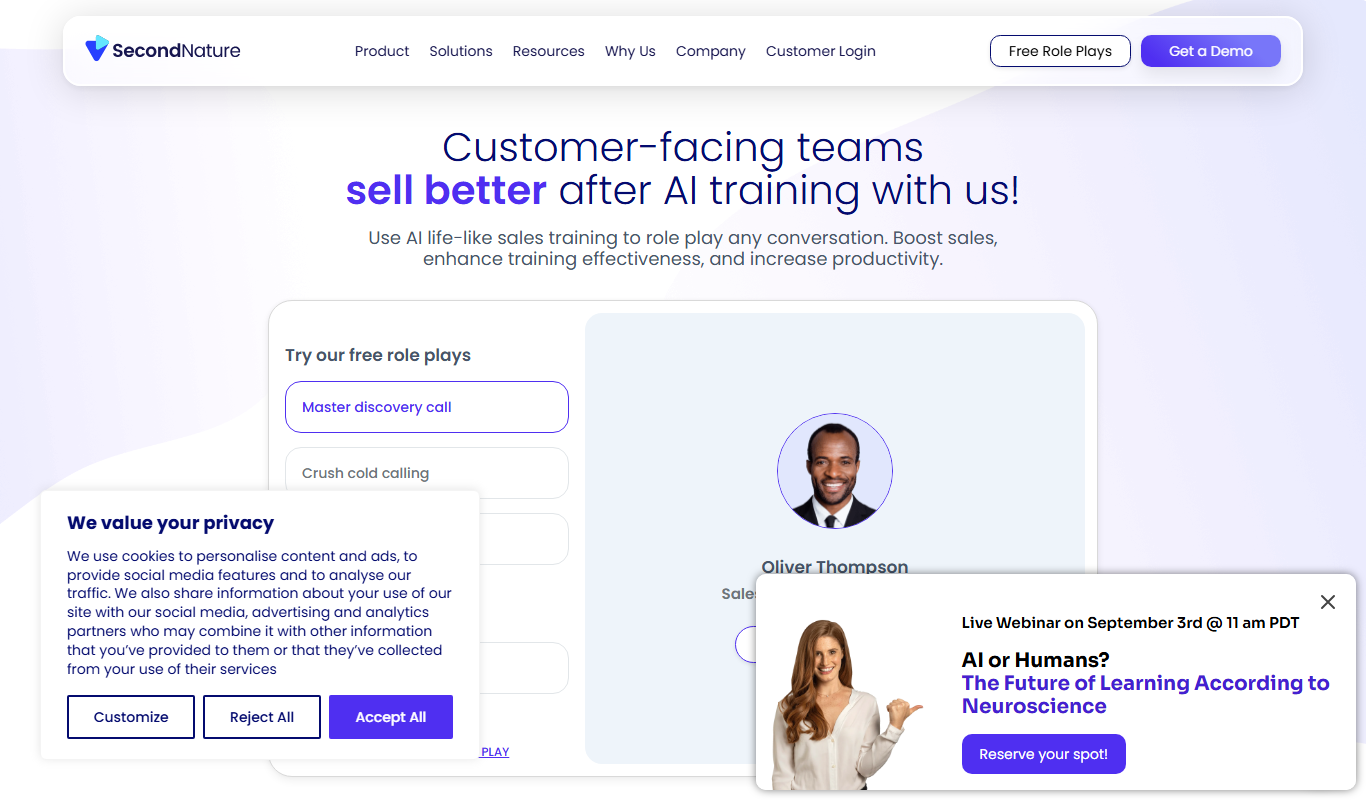
Second Nature AI
Second Nature AI is an AI-powered sales coaching platform that provides realistic conversation simulations and real-time feedback to help sales professionals improve their skills and close more deals.

Custom Pricing
salesken.ai
Salesken.ai is an AI-powered sales coaching platform that provides real-time guidance during calls, conversation analytics, and performance tracking to help sales teams improve effectiveness and close deals faster.

Custom Pricing
koncert.com
Koncert is a sales engagement platform that helps B2B sales teams automate outbound prospecting and multi-channel outreach to increase efficiency and pipeline growth.

Free
BixGPT ReleaseNotes
BixGPT ReleaseNotes is an AI-driven tool that automatically generates software release notes by analyzing commit messages and pull requests, primarily integrating with GitHub to streamline release documentation.

Freemium
Logomaster
Logomaster is an AI-driven online logo maker that generates and customizes professional logos for businesses and individuals without design experience.

Freemium
CelebrateAlly AI
CelebrateAlly AI is a web platform that provides organizations with an inclusive holiday calendar and AI-driven event planning tools to celebrate diverse cultural and identity-based observances.

Freemium
Inksprout Video
Inksprout Video is an AI-driven platform that automates video creation by converting text content into customizable marketing videos optimized for social media.

Freemium
Producks AI
Producks AI is an AI-driven tool that generates unique and SEO-optimized product descriptions for e-commerce stores, helping businesses save time and improve product page performance.