

From my experience with Vuala 1.0, I found it excels at providing strong client-side encryption that ensures data privacy without sacrificing usability. The platform’s cross-device support and secure sharing options make it a practical choice for individuals and small teams handling sensitive files. However, the limited free storage and lack of third-party integrations may restrict some users. Overall, if you prioritize security and straightforward encrypted file sharing, Vuala 1.0 delivers reliable and user-friendly cloud storage.
Vuala 1.0 Secure Cloud Storage and File Sharing Platform Features
Vuala 1.0 is a secure cloud storage platform providing end-to-end encryption, cross-platform access, and encrypted file sharing for individuals and businesses.
- Best for
- Secure File Storage
- Key capability
- End-to-End Encryption
Your actions
Save Vuala 1.0, follow its updates and vote on it — everything stays in your account.
Sign in or create a free account

What is Vuala 1.0?
Vuala 1.0 is a secure cloud storage and file sharing platform designed to protect user data with strong encryption and privacy controls. It enables users to store, share, and collaborate on files securely across devices, ensuring data confidentiality and integrity.
Key features of Vuala 1.0
Vuala 1.0 offers end-to-end encryption, multi-device access, secure file sharing, and collaboration tools. It emphasizes privacy and security, making it suitable for individuals and businesses handling sensitive information.
End-to-End Encryption
All files are encrypted on the client side before uploading, ensuring only authorized users can access the data.
Cross-Platform Access
Available on web, desktop, and mobile platforms for seamless file management.
Secure File Sharing
Share files securely with customizable permissions and encrypted links.
Collaboration Tools
Manage shared folders and collaborate with team members securely.
Pros and cons of Vuala 1.0
Pros
- Strong client-side encryption for data privacy
- Cross-platform availability
- Flexible and secure file sharing options
Cons
- Limited free storage capacity
- No disclosed integration with third-party apps
Key use cases for Vuala 1.0
Secure File Storage
Store sensitive files in a secure, encrypted cloud environment accessible from multiple devices.
Encrypted File Sharing
Share files with colleagues or clients while maintaining end-to-end encryption to protect data privacy.
Collaboration
Collaborate on documents and projects securely with team members using shared folders and permissions.
Backup and Recovery
Use Vuala 1.0 to back up important data safely and restore it when needed.
How Vuala 1.0 works
- 1
Create an Account
Sign up on the Vuala platform to get started with secure cloud storage.
- 2
Upload Files
Upload your files to the cloud where they are encrypted and stored securely.
- 3
Share and Collaborate
Share files or folders with others using encrypted links or permissions.
- 4
Access Anywhere
Access your encrypted files from any supported device with your credentials.
Who is using Vuala 1.0
Privacy-conscious individuals
Small to medium businesses
Remote teams requiring secure collaboration
Freelancers handling sensitive client data
Vuala 1.0 pricing
Free
$0/month
Basic storage with limited space and features.
Pro
$9.99/month
Increased storage, advanced sharing options, and priority support.
Business
$29.99/month
Team collaboration features, enhanced security controls, and dedicated support.
Plans and prices are as published by the vendor and can change. Check the official site before you buy. Open the pricing page (opens in a new tab)
Frequently asked questions about Vuala 1.0
Yes, Vuala 1.0 uses end-to-end encryption to ensure your data is secure and private.
Yes, you can share encrypted links that allow access without requiring an account.
Vuala 1.0 supports web browsers, desktop applications, and mobile apps.
Data handling and security practices vary by provider. Review the official privacy policy to understand how your data is stored and used.
Data handling and security practices vary by provider. Review the official privacy policy to understand how your data is stored and used.
Yes, it can help with that use case depending on how you configure it and what features are available. You’ll get the best results with clear inputs and a defined goal.
Sign in to review this tool.
Sign In to ReviewNo reviews yet
Be the first to share how this tool worked for you.
Ask about pricing, limits, or how it compares — or answer someone else.
Sign In to AskNo questions yet
Have a question about using or paying for this tool? Be the first to ask.
Featured on TiorAI



Alternative Tools
Explore similar AI tools that might fit your needs

Free Trial
Tresorit
Tresorit is a secure cloud storage service that uses end-to-end encryption to protect files and enable safe sharing and collaboration for businesses and individuals.
Free
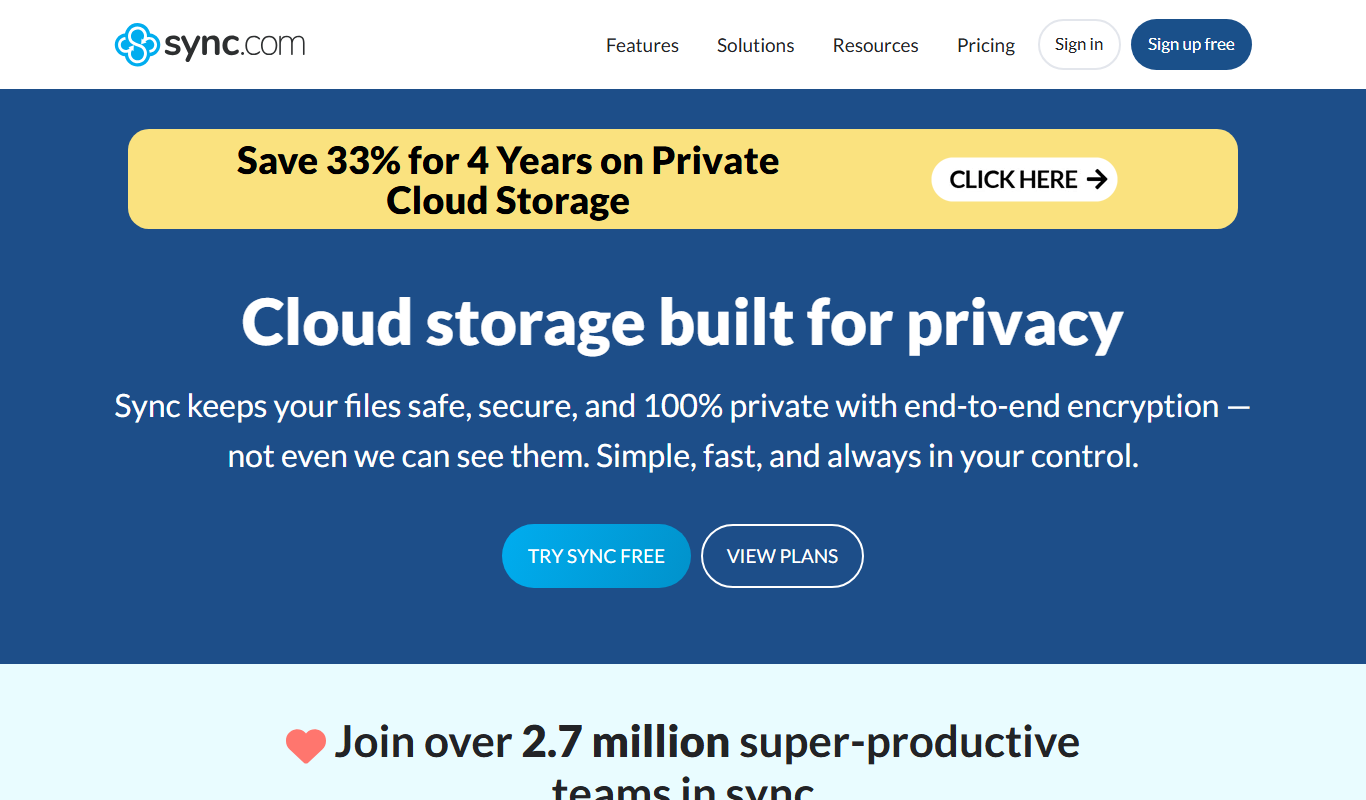
Sync.com
Sync.com is a secure cloud storage and file sharing platform that uses end-to-end encryption to protect user data, offering privacy-focused backup and collaboration features across multiple devices.

Free
pCloud
pCloud is a secure cloud storage and file sharing service that offers client-side encryption, cross-platform synchronization, and flexible pricing including lifetime plans.
More Cloud, Data & Infrastructure tools
Other tools in the same category, for when this one is not quite the fit.

Free
Tripetta
Tripetta is an online survey builder that enables users to create custom surveys with advanced conditional logic, multiple question types, and easy data export, suitable for market research, customer feedback, and academic studies.

Subscription
MimicPC
MimicPC is a cloud PC platform that provides remote Windows desktops with customizable hardware configurations, enabling users to game, develop, and work remotely from any device.

Free
Syncly
Syncly is a cloud-based file synchronization and backup tool that enables real-time syncing, secure cloud storage, and easy sharing across multiple devices and platforms.

Free
0ptikube
0ptikube is an open-source tool designed to simplify Kubernetes cluster creation, management, and automation for developers and DevOps professionals.
Custom Pricing
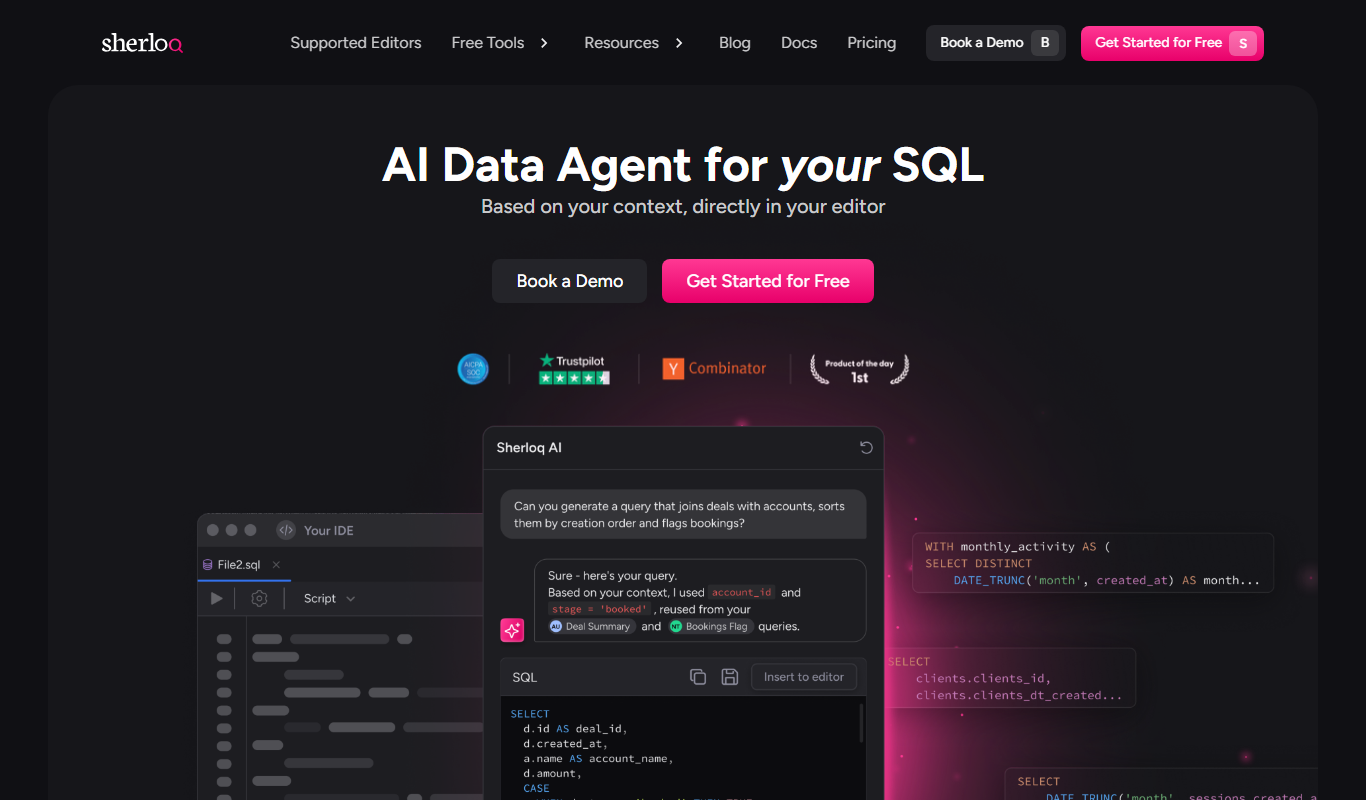
Sherloq
Sherloq is a data intelligence platform that integrates multiple data sources to provide customizable dashboards, real-time analytics, and business insights for companies seeking to improve decision-making.

Free
Salad – GPU Cloud
Salad is a Windows-based GPU cloud platform that allows users to monetize idle GPU resources by participating in distributed computing tasks like cryptocurrency mining, earning credits redeemable for gaming and tech rewards.

Free Trial
DataDepot
DataDepot is a cloud-based data warehouse platform that enables scalable storage, SQL querying, and real-time analytics for centralized data management.

Enterprise
Ceramic.ai
Ceramic.ai is a decentralized data network that enables developers to build Web3 applications with mutable, verifiable, and real-time data streams, supporting decentralized identity and content addressing.