

From my experience with Vozard, I found it excels at delivering natural-sounding AI-generated voices through a simple web interface. Its customization options for pitch and speed make it flexible for various audio projects, especially for content creators and educators. However, the limited language support and usage restrictions on the free plan are notable trade-offs. Overall, if you need a straightforward, no-installation-required text-to-speech tool with quality voice options, Vozard provides solid value.
Vozard AI Voice Generator for Realistic Text-to-Speech Conversion
Vozard is a web-based AI voice generator that converts text into realistic speech with multiple voice options and customization features.
- Best for
- Content Creation
- Key capability
- Multiple Voice Options
Your actions
Save Vozard, follow its updates and vote on it — everything stays in your account.
Sign in or create a free account

What is Vozard?
Vozard is an AI-powered voice generator that converts text into realistic speech. It offers a variety of natural-sounding voices and supports multiple languages, enabling users to create high-quality voiceovers quickly and easily without recording their own voice.
Key features of Vozard
Vozard provides customizable voice options, supports multiple languages, and allows users to adjust speech speed and pitch. It features a user-friendly web interface for instant text-to-speech conversion and offers both free and subscription-based plans.
Multiple Voice Options
Access a range of AI voices with different tones and accents.
Language Support
Supports English and Chinese languages for diverse applications.
Customization Controls
Modify speech speed and pitch to create personalized audio.
Web-Based Platform
No installation required; use directly from any modern browser.
Pros and cons of Vozard
Pros
- Easy-to-use web interface with no installation needed
- Variety of natural-sounding AI voices
- Customizable speech parameters like speed and pitch
Cons
- Limited language options currently
- Free plan has usage restrictions
- No mobile app available
Key use cases for Vozard
Content Creation
Generate natural-sounding voiceovers for videos, podcasts, and presentations.
E-learning
Create engaging audio narration for online courses and educational materials.
Marketing
Produce professional voice ads and promotional content with customizable voices.
Accessibility
Convert text content into speech to assist visually impaired users.
How Vozard works
- 1
Enter Text
Input the text you want to convert into speech in the web interface.
- 2
Select Voice
Choose from a variety of AI-generated voices and languages.
- 3
Customize Audio
Adjust parameters such as speed and pitch to suit your needs.
- 4
Generate and Download
Generate the audio file and download it for use in your projects.
Who is using Vozard
Content creators
E-learning developers
Marketing professionals
Accessibility advocates
Vozard pricing
Free
$0/month
Limited daily usage with access to basic voices and features.
Premium
$9.99/month
Unlimited usage with access to all voices, higher quality audio, and priority support.
Plans and prices are as published by the vendor and can change. Check the official site before you buy. Open the pricing page (opens in a new tab)
Frequently asked questions about Vozard
Yes, premium plan users are granted commercial usage rights for the generated audio.
Yes, Vozard is a web-based tool accessible through any modern browser.
Currently, Vozard supports English and Chinese languages.
It depends on your specific needs and how you plan to use the tool. The official website and documentation are the best sources for the latest details.
Some tools offer a free plan or trial with limited features. Availability can vary, so confirm on the official website.
Sign in to review this tool.
Sign In to ReviewNo reviews yet
Be the first to share how this tool worked for you.
Ask about pricing, limits, or how it compares — or answer someone else.
Sign In to AskNo questions yet
Have a question about using or paying for this tool? Be the first to ask.
Featured on TiorAI



More AI Text-to-Speech tools
Other tools in the same category, for when this one is not quite the fit.
Freemium
Honkist
Honkist is an AI voice cloning tool that generates realistic synthetic voices from minimal audio samples, supporting text-to-speech with emotion and style customization.

Free
Typecast AI
Typecast AI is a web-based platform that generates realistic AI voices using text-to-speech and voice cloning technologies, supporting multiple languages and emotional speech customization.

Free
free text Into Speech
Free Text Into Speech is a free web tool that converts typed text into natural-sounding speech with multiple voice options and downloadable MP3 audio.

Free
MS Text-to-Speech Downloader
MS Text-to-Speech Downloader is a free web tool that converts text into speech audio files using Microsoft’s neural voices, allowing easy download of MP3 files without installation.

Free
FREE Trump AI voice Generator
The FREE Trump AI Voice Generator is a web-based tool that converts text into speech using AI to mimic Donald Trump's voice, available for free without registration.
Free
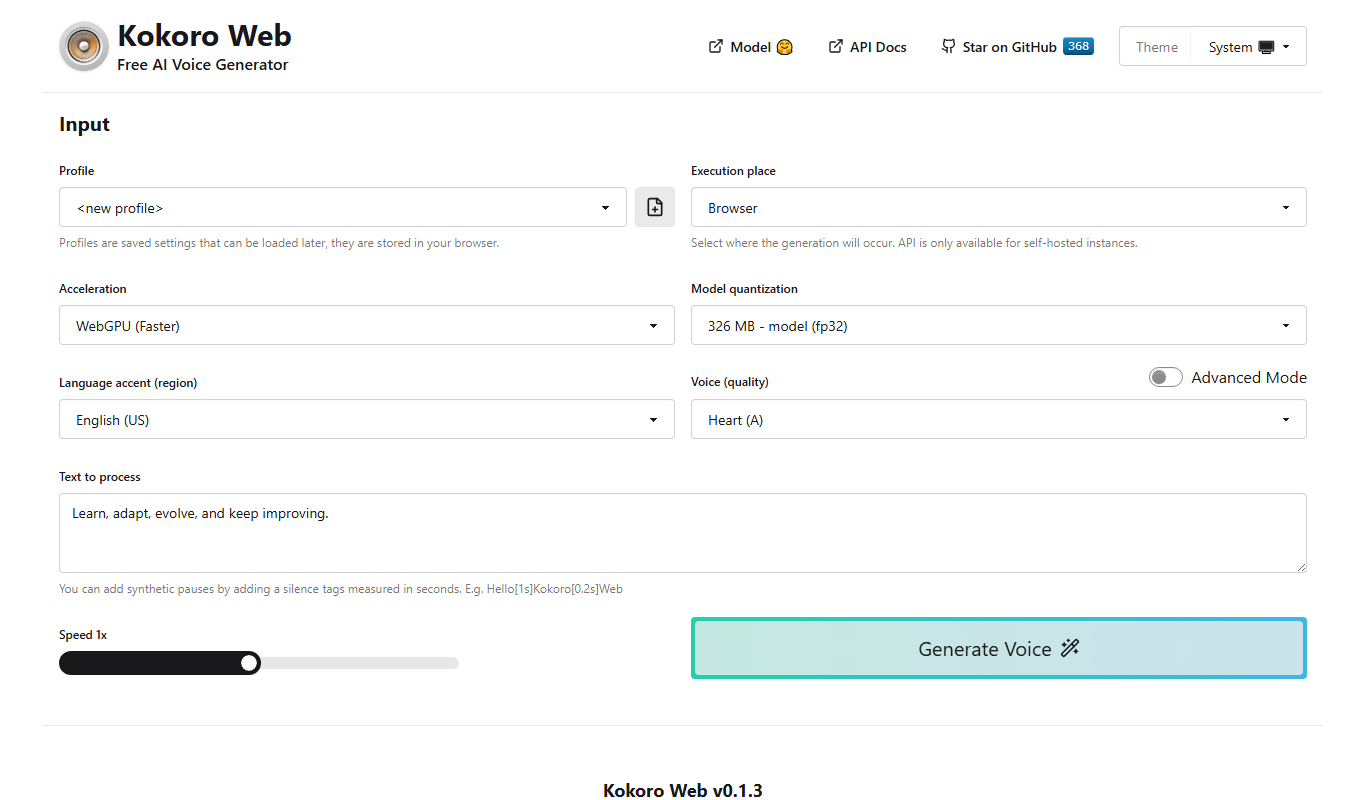
Kokoro Web
Kokoro Web is a free, browser-based AI text-to-speech tool that converts text into natural-sounding English and Japanese speech without requiring registration.

Freemium
TTSLabs
TTSLabs is an AI-powered text-to-speech platform that converts text into natural-sounding speech with custom voice cloning and multiple voice options.

Free
TexttoSpeech.im: Convert Text to Speech Free Online
TexttoSpeech.im is a free web-based tool that converts written text into natural-sounding speech in multiple languages, allowing users to download the audio as MP3 files without registration.