

From my experience with Voxer, I found it excels at providing instant, live voice communication combined with text and multimedia messaging, making it a versatile tool for both personal and professional use. The push-to-talk feature replicates walkie talkie convenience with modern smartphone flexibility. After spending time with the platform, I can say it’s particularly well-suited for remote teams, field workers, and anyone needing quick, reliable voice messaging. However, the free plan limits message history and includes ads, so power users may need to upgrade. Overall, if you need seamless voice and text communication on mobile or web, Voxer delivers solid, user-friendly results.
Voxer Walkie Talkie App for Instant Voice Messaging and Team Communication
Voxer is a walkie talkie app that enables instant live voice messaging combined with text and multimedia chat, designed for team communication and personal use across mobile and web platforms.
- Best for
- Instant Team Communication
- Key capability
- Live Push-to-Talk Voice Messaging

Do you recommend this tool?
What is Voxer?
Voxer is a walkie talkie app that combines live voice, text, photo, and location sharing into a single messaging platform. It enables instant communication for teams and individuals by allowing users to send real-time voice messages that can be listened to live or later. Voxer works over cellular and Wi-Fi networks, making it ideal for remote teams, field workers, and social groups seeking quick and efficient communication.
Key features of Voxer
Voxer offers push-to-talk live voice messaging, text chat, multimedia sharing, group chats, message playback, and end-to-end encryption. It supports both live and recorded voice messages, allowing users to listen at their convenience. The app is available on mobile and web platforms, facilitating seamless communication across devices.
Live Push-to-Talk Voice Messaging
Send and receive live voice messages instantly, just like a walkie talkie.
Text and Multimedia Chat
Complement voice messages with text, photos, videos, and location sharing.
Message Playback
Listen to voice messages live or play them back later at your convenience.
Group Chats and Broadcasts
Communicate with multiple users simultaneously through group conversations.
End-to-End Encryption
Secure your conversations with encryption to protect privacy.
Cross-Platform Support
Use Voxer on iOS, Android, and web browsers for seamless communication.
Pros and cons of Voxer
Pros
- Instant live voice messaging with push-to-talk convenience
- Supports multimedia and text messaging alongside voice
- Cross-platform availability on mobile and web
- End-to-end encryption for secure communication
- Useful for both personal and professional team communication
Cons
- Free plan has limited message history and includes ads
- Some advanced features require paid subscription
- Dependent on internet connectivity for voice messaging
Key use cases for Voxer
Instant Team Communication
Use Voxer to send real-time voice, text, and multimedia messages to individuals or groups, improving team collaboration.
Remote Workforce Coordination
Coordinate remote or mobile teams efficiently with push-to-talk voice messaging that works over cellular or Wi-Fi networks.
Customer Service and Support
Enable customer service teams to communicate quickly and resolve issues faster using instant voice messaging.
Field Operations Management
Manage field teams such as delivery drivers, technicians, or security personnel with reliable voice communication on the go.
Social and Personal Messaging
Stay connected with friends and family through instant voice and text messaging with multimedia support.
How Voxer works
- 1
Download and Install
Get the Voxer app from the App Store or Google Play, or access it via the web.
- 2
Create an Account
Sign up using your phone number or email to create your Voxer profile.
- 3
Add Contacts
Connect with friends, colleagues, or team members by adding their contacts or inviting them.
- 4
Start Messaging
Use push-to-talk to send live voice messages or record voice notes, plus send text, photos, and location.
- 5
Organize Groups
Create group chats for teams or social circles to communicate collectively.
Who is using Voxer
Remote teams and field workers
Customer service and support teams
Small to medium businesses
Social groups and families
Delivery and logistics personnel
Voxer pricing
Free
$0/month
Basic messaging features with limited message history and ads.
Pro
$5/month
Extended message history, priority support, and additional features.
Business
Custom pricing
Advanced team management, admin controls, and enterprise-grade security.
Plans and prices are as published by the vendor and can change. Check the official site before you buy. Open the pricing page (opens in a new tab)
Frequently asked questions about Voxer
Yes, Voxer offers a free plan with basic messaging features and limited message history.
Yes, Voxer supports iOS, Android, and web platforms, allowing access from multiple devices.
Yes, you can create group chats to communicate with multiple users at once.
Voxer uses end-to-end encryption to protect your messages and voice communications.
This tool is designed to help users accomplish its core tasks more efficiently. It is typically used by individuals or teams looking to improve productivity and workflow.
Some tools offer a free plan or trial with limited features. Availability can vary, so confirm on the official website.
It depends on your specific needs and how you plan to use the tool. The official website and documentation are the best sources for the latest details.
Yes, it can help with that use case depending on how you configure it and what features are available. You’ll get the best results with clear inputs and a defined goal.
Sign in to review this tool.
Sign In to ReviewNo reviews yet
Be the first to share how this tool worked for you.
Ask about pricing, limits, or how it compares — or answer someone else.
Sign In to AskNo questions yet
Have a question about using or paying for this tool? Be the first to ask.
Featured on TiorAI



Alternative Tools
Explore similar AI tools that might fit your needs
Free
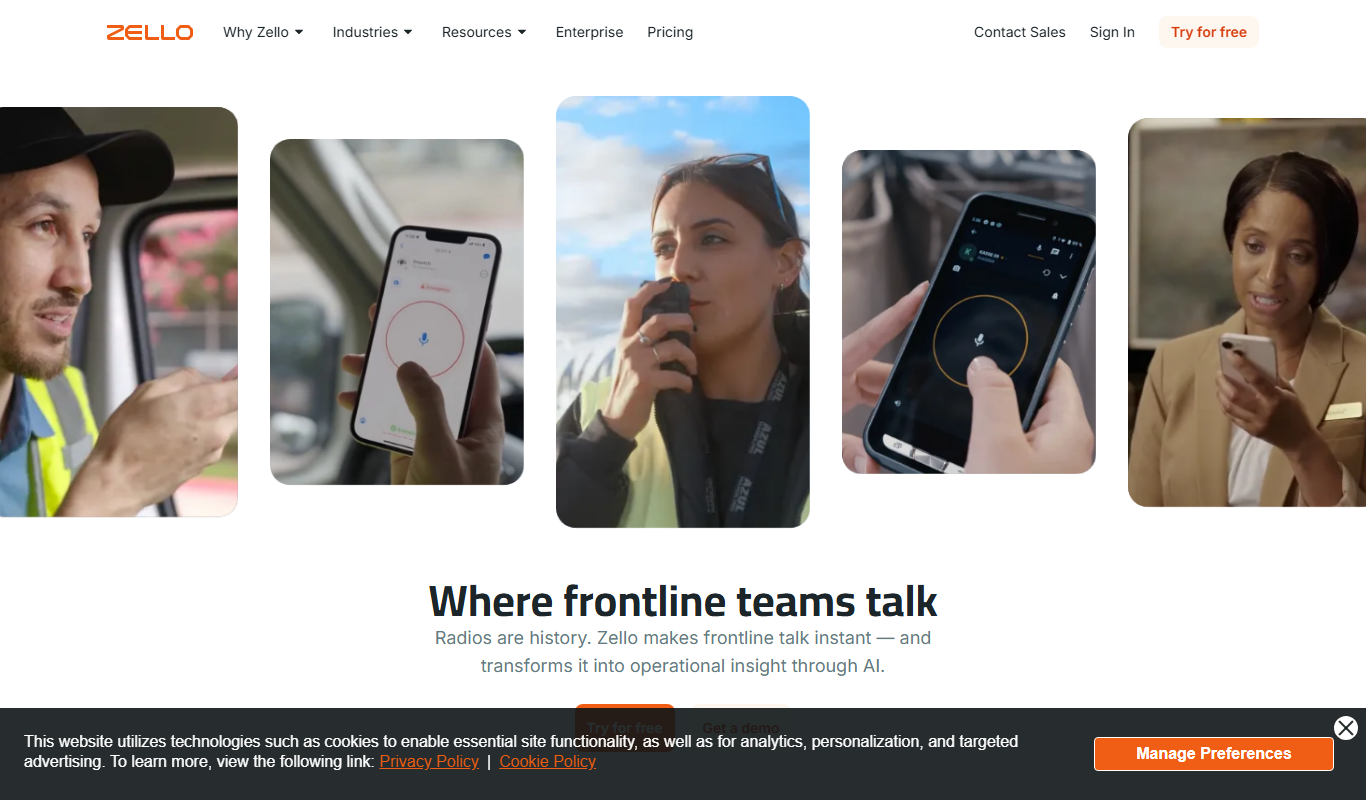
Zello
Zello is a push-to-talk app that turns your device into a walkie talkie for instant voice communication over the internet.
More AI Speech-to-Text tools
Other tools in the same category, for when this one is not quite the fit.

Free
Speechify
Speechify is an AI-powered text-to-speech tool that converts written text into natural audio, supporting multiple languages and platforms to enhance accessibility and productivity.
Free Trial
Deepgram
Deepgram is an AI-driven speech-to-text platform providing accurate, customizable, and scalable audio transcription services with real-time streaming and multi-language support.

Free
The TWIML AI Podcast
The TWIML AI Podcast is a free podcast platform offering expert interviews and discussions on artificial intelligence and machine learning topics.

Free
EnglishCentral
EnglishCentral is an online English learning platform that uses video lessons and AI-powered speech recognition to help users improve their English speaking and listening skills through interactive practice and instant feedback.

Free
Castbox Notes
Castbox Notes is a mobile app that uses AI to transcribe audio recordings into searchable text notes, ideal for podcasts, meetings, and lectures.

Custom Pricing
Veritone
Veritone is an AI-powered media intelligence platform that automates transcription, content analysis, and advertising verification for audio and video media.

Free
Musixmatch
Musixmatch is a music platform that identifies songs playing nearby and provides synchronized lyrics with multi-language translations, available on web and mobile.
Freemium
Verbling
Verbling is an online platform that connects language learners with native-speaking tutors for live video lessons, offering personalized and flexible language education.