

Voicemod Voice Changer Software for Real-Time Voice Modulation
Voicemod is a real-time voice changer software that allows users to apply various voice effects during live streaming, gaming, or voice chats, compatible mainly with Windows and mobile platforms.
- Best for
- Live Streaming
- Key capability
- Real-Time Voice Modulation
Save Voicemod, follow its updates and vote on it — everything stays in your account.
Sign in or create a free account

What is Voicemod?
Voicemod is a real-time voice changer and modulation software designed for Windows and mobile platforms. It allows users to transform their voice using a wide range of effects and filters, making it popular among gamers, streamers, and content creators. The software integrates seamlessly with communication apps and streaming software to provide live voice modulation.
Key features of Voicemod
Voicemod offers a variety of voice effects, soundboard integration, custom voice creation, and compatibility with popular streaming and communication platforms. Its intuitive interface and low-latency processing make it suitable for live use.
Real-Time Voice Modulation
Apply voice effects instantly with minimal latency for live streaming and communication.
Extensive Voice Effects Library
Access a wide range of pre-built voice filters including robotic, deep, chipmunk, and more.
Custom Voice Creation
Design and save your own unique voice effects using the Voicemod voice lab.
Soundboard Integration
Trigger sound effects and audio clips during live sessions to enhance entertainment.
App Compatibility
Works seamlessly with popular platforms such as Discord, Twitch, OBS Studio, Skype, and Zoom.
Pros and cons of Voicemod
Pros
- Low latency real-time voice modulation
- Wide variety of voice effects and customization
- Easy integration with popular apps
- User-friendly interface
- Regular updates and new effects
Cons
- Full feature set requires paid subscription
- Limited native support for MacOS desktop
- Mobile app features are more basic
Key use cases for Voicemod
Live Streaming
Enhance live streams with real-time voice effects to engage audiences on platforms like Twitch and YouTube.
Online Gaming
Modify your voice during multiplayer games to add fun or anonymity while communicating with teammates.
Content Creation
Create unique audio content for videos, podcasts, or social media with a variety of voice filters and effects.
Voice Chat
Use Voicemod in voice chat applications like Discord or Zoom to add personality or disguise your voice.
Pranks and Entertainment
Apply humorous or spooky voice effects for pranks or entertainment in casual conversations.
How Voicemod works
- 1
Download and Install
Download Voicemod from the official website and install it on your Windows or mobile device.
- 2
Set Up Microphone
Configure your microphone input within Voicemod to capture your voice.
- 3
Choose Voice Effect
Select from a library of voice effects or create custom ones to apply in real-time.
- 4
Integrate with Apps
Set Voicemod as your input device in streaming or communication apps like OBS, Discord, or Zoom.
- 5
Start Using
Speak into your microphone and enjoy your modulated voice live during streams, calls, or recordings.
Who is using Voicemod
Voicemod pricing
Free
$0/month
Access to a limited selection of voice effects and basic features.
Pro
$6.99/month
Full access to all voice effects, soundboard, custom voice creation, and premium features.
Pro Annual
$39.99/year
Annual subscription with full features at a discounted rate.
Plans and prices are as published by the vendor and can change. Check the official site before you buy. Open the pricing page (opens in a new tab)
Frequently asked questions about Voicemod
Voicemod primarily supports Windows, but a mobile app is available for iOS and Android. MacOS support is limited.
Yes, Voicemod integrates easily with Discord by setting it as your microphone input device.
Yes, it works with OBS Studio, Streamlabs, and other popular streaming platforms.
Yes, Voicemod offers a free plan with limited voice effects and features.
It depends on your specific needs and how you plan to use the tool. The official website and documentation are the best sources for the latest details.
Some tools offer a free plan or trial with limited features. Availability can vary, so confirm on the official website.
Yes, it can help with that use case depending on how you configure it and what features are available. You’ll get the best results with clear inputs and a defined goal.
Yes, it can help with that use case depending on how you configure it and what features are available. You’ll get the best results with clear inputs and a defined goal.
Conclusion
After installation, the software captures microphone input and applies voice effects in real time, picked from a library of pre-built filters such as robotic, deep or chipmunk or created as custom ones. It is then set as the input device in apps like OBS, Discord or Zoom. A soundboard triggers sound effects and audio clips during live sessions.
The software is aimed at streamers, online gamers and podcasters, whether they enhance live streams on Twitch or disguise a voice in voice chat on Discord or Zoom. It also serves content creation, producing unique audio for videos, podcasts or social media. A free plan offers a limited selection of voice effects and features, while the full feature set requires a paid subscription. Mobile app features are described as more basic.
Sources
Sign in to review this tool.
Sign In to ReviewNo reviews yet
Be the first to share how this tool worked for you.
Ask about pricing, limits, or how it compares — or answer someone else.
Sign In to AskNo questions yet
Have a question about using or paying for this tool? Be the first to ask.
Featured on TiorAI



Alternative Tools
Explore similar AI tools that might fit your needs

Clownfish Voice Changer
Clownfish Voice Changer is a free Windows application that enables real-time voice modulation with various effects, working system-wide across communication and gaming apps.

MorphVOX
MorphVOX is a voice changer software that allows real-time voice modification with various effects, ideal for gaming, streaming, and audio production.

AV Voice Changer Software
AV Voice Changer Software is a Windows application that allows users to modify their voice in real-time or through recorded audio using various voice effects, suitable for gaming, streaming, voice-over, and privacy protection.
More AI Music & Audio Tools tools
Other tools in the same category, for when this one is not quite the fit.
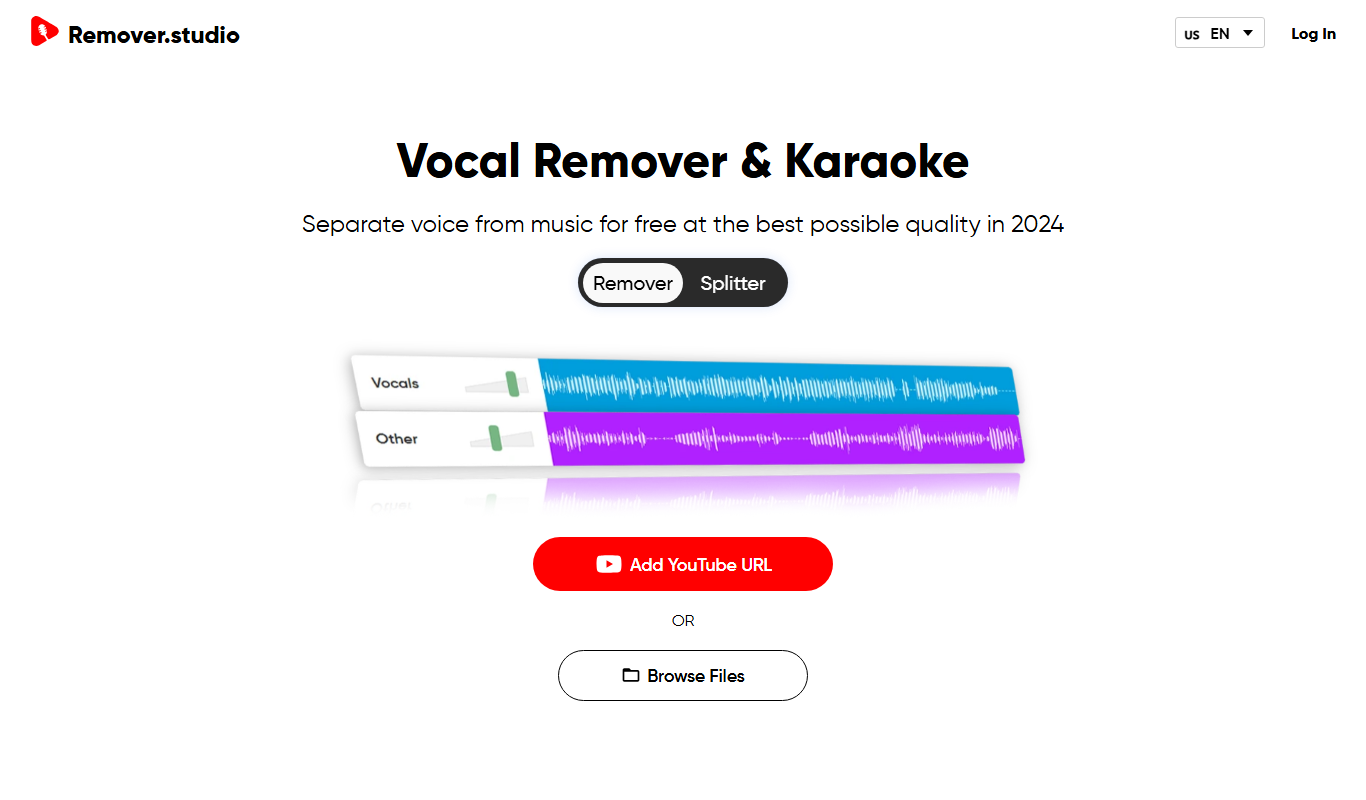
VocalRemover.co
VocalRemover.co is an online AI-powered tool that removes vocals from audio tracks to create karaoke versions or isolated stems for remixing and editing.
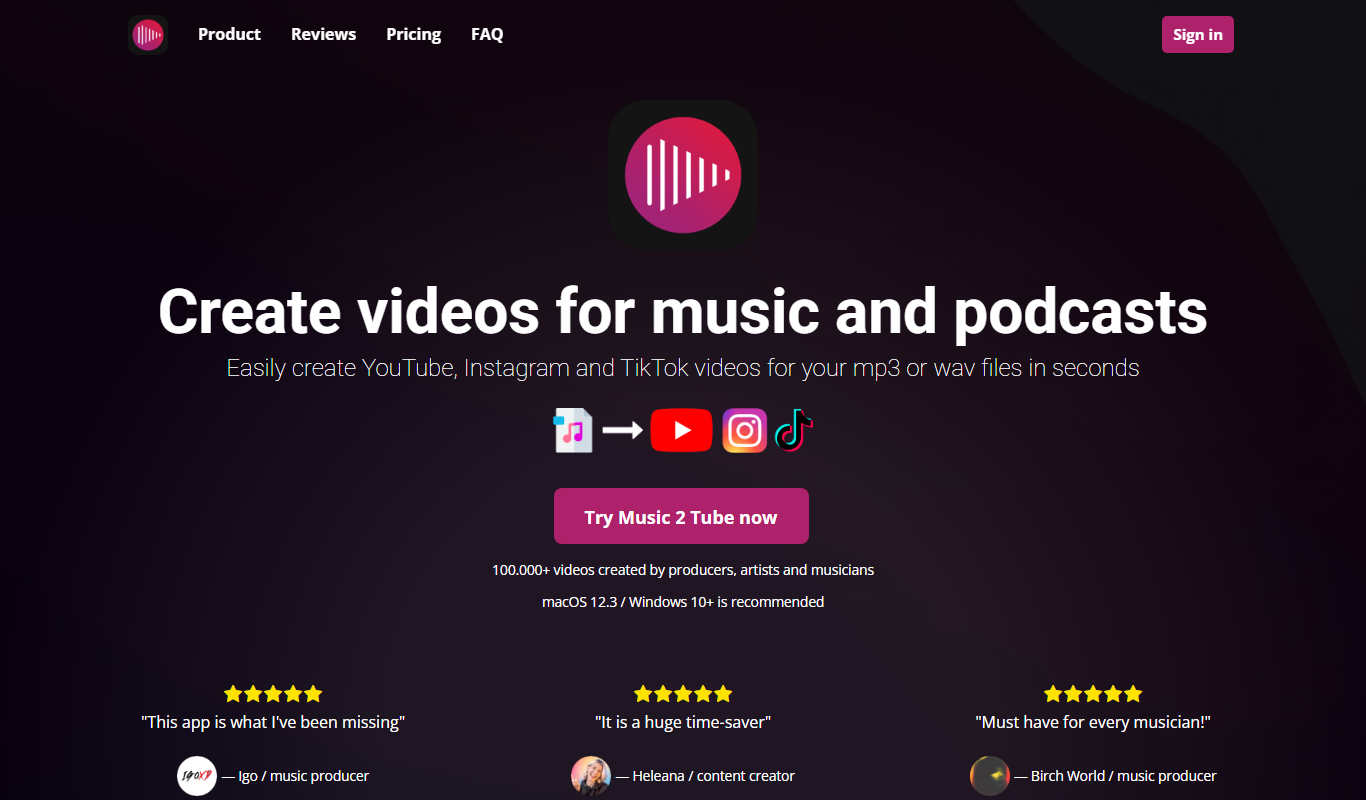
Music 2 Tube
Music 2 Tube is a desktop app that creates videos for music and podcasts and uploads your mp3 to YouTube.

aimusic.one
aimusic.one is an AI-driven online platform that generates original, royalty-free music tracks customized by style, mood, and tempo, suitable for content creators and hobbyists.

DiffRhythm
DiffRhythm is an AI music generation platform that creates custom soundtracks and beats tailored to your project’s style and mood.

Song GPT
Song GPT is an AI music generation platform that creates original song lyrics and melodies based on user input, helping musicians and creators produce custom songs easily.
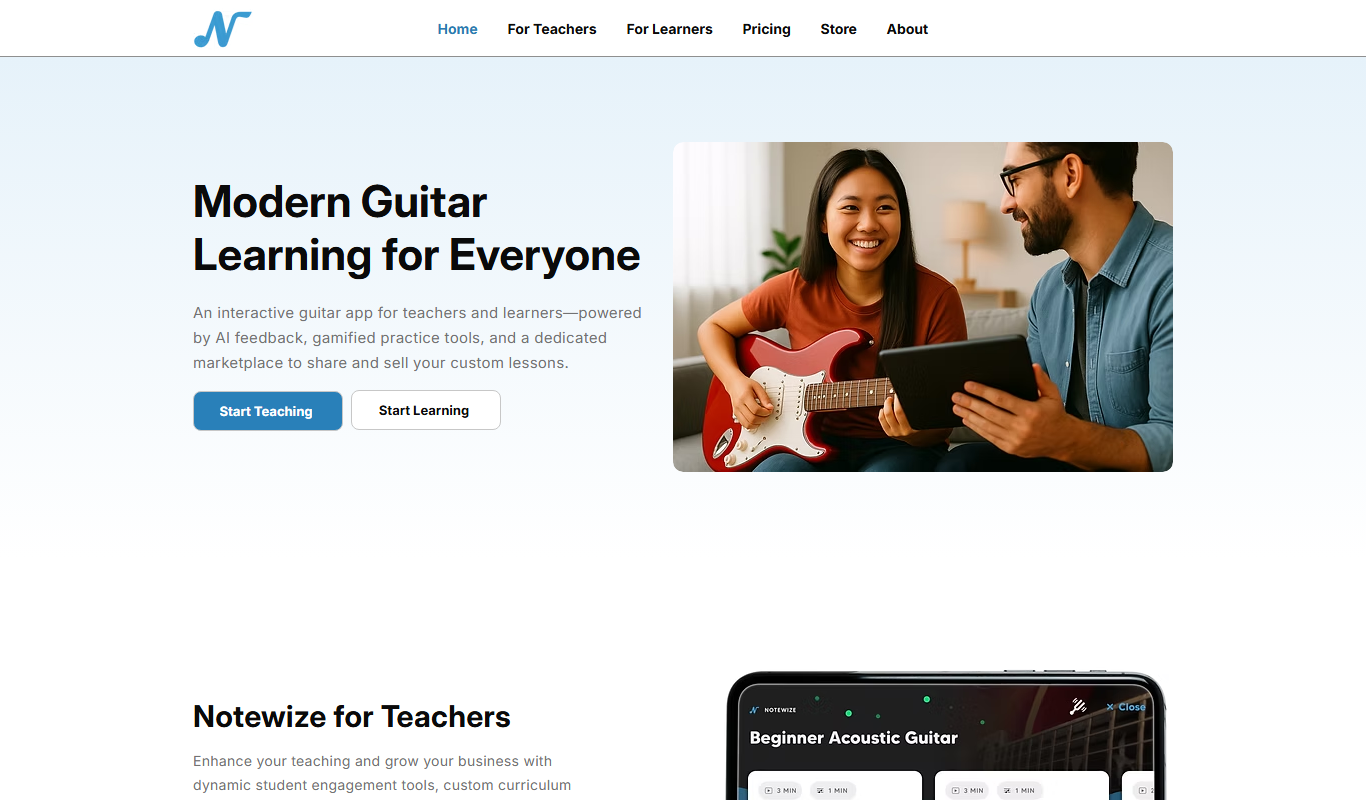
Notewize: Guitar Lessons
Notewize is an interactive guitar lessons app that combines music theory, real-time playing feedback, and a song library to help beginners and intermediate players learn guitar effectively on web and mobile platforms.

audio2text
Audio2Text is an online speech-to-text converter that automatically transcribes audio files into text in multiple languages, accessible via a web browser with free and pay-as-you-go pricing.

Castmagic
Castmagic is an AI-driven platform that transcribes podcast audio, extracts highlights, and generates summaries to streamline podcast editing and content repurposing.